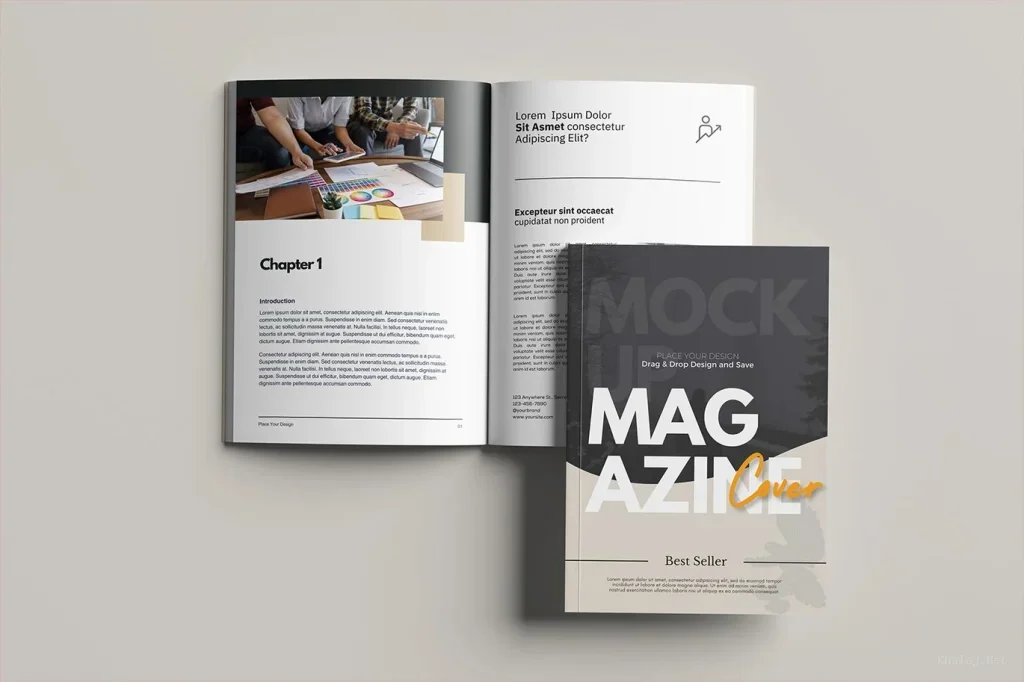
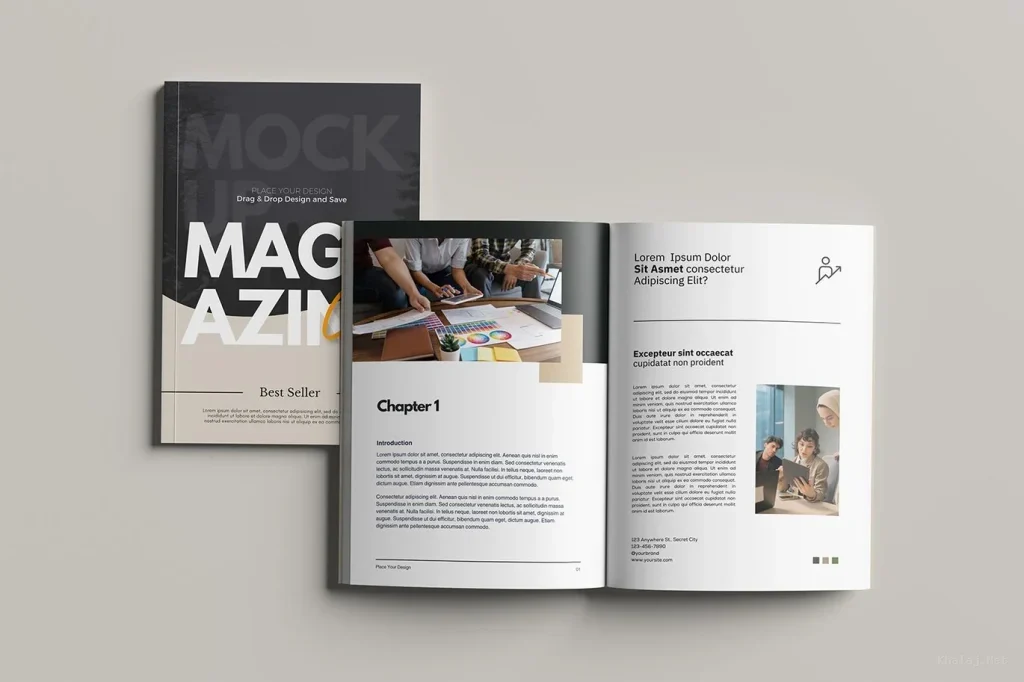
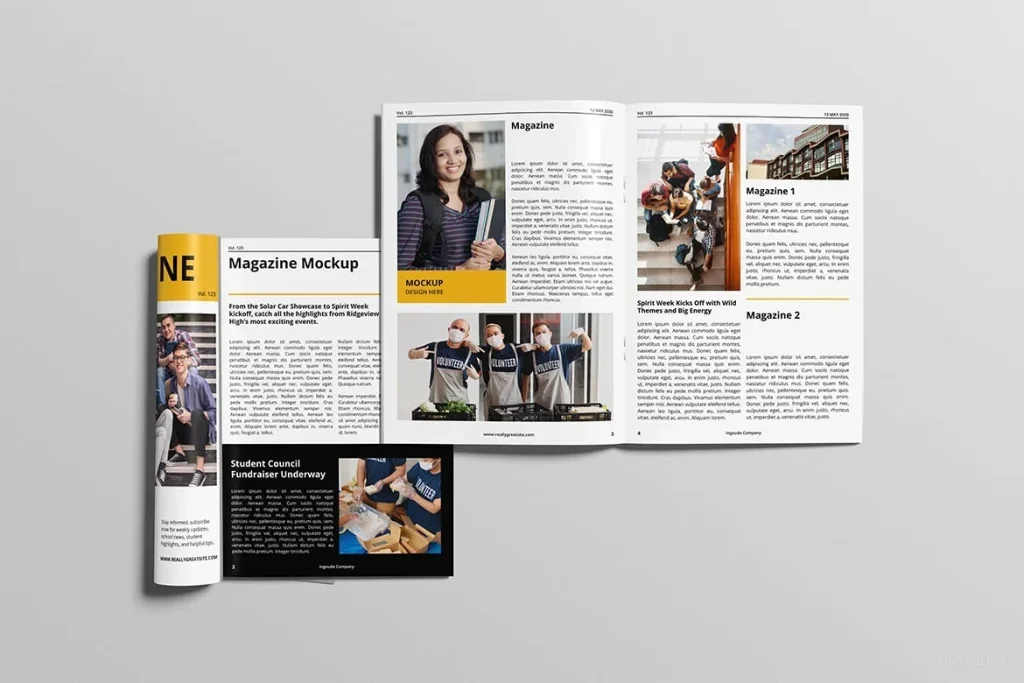
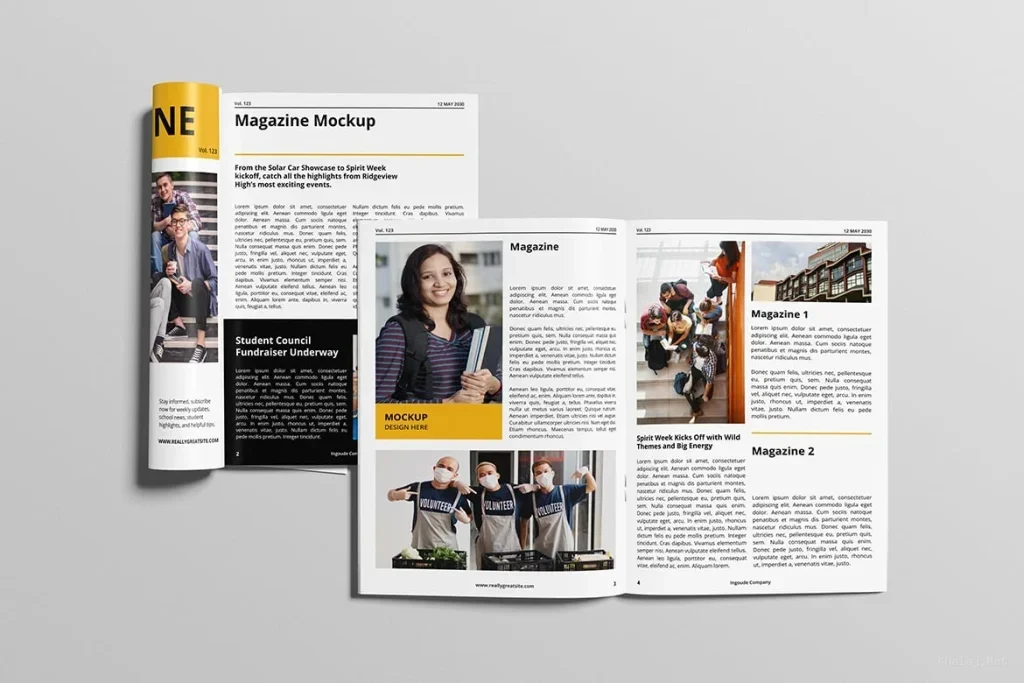
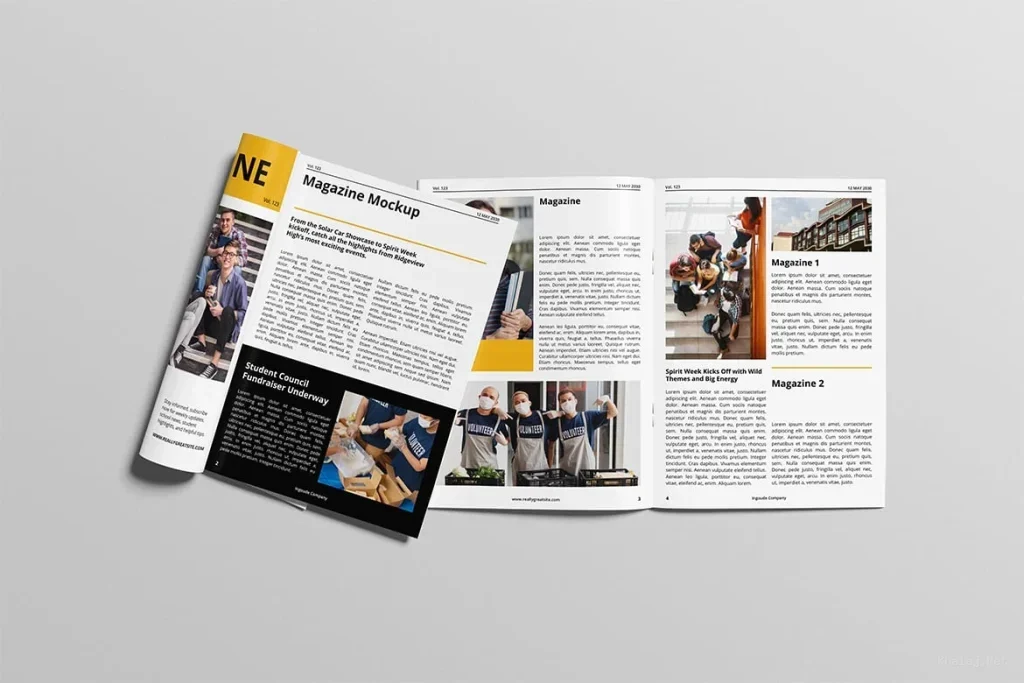
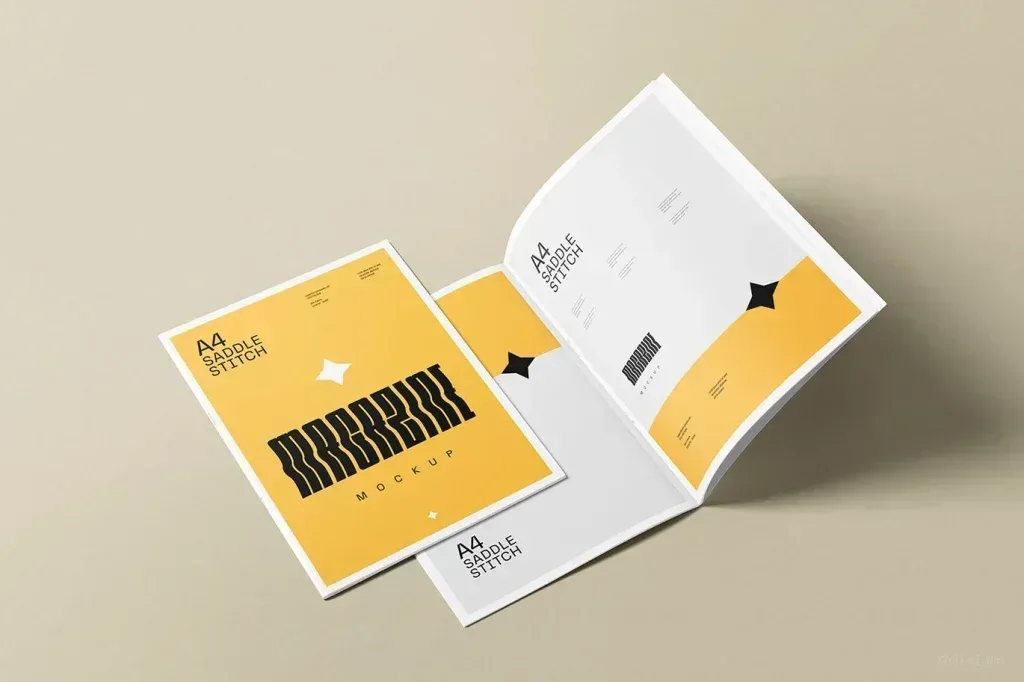
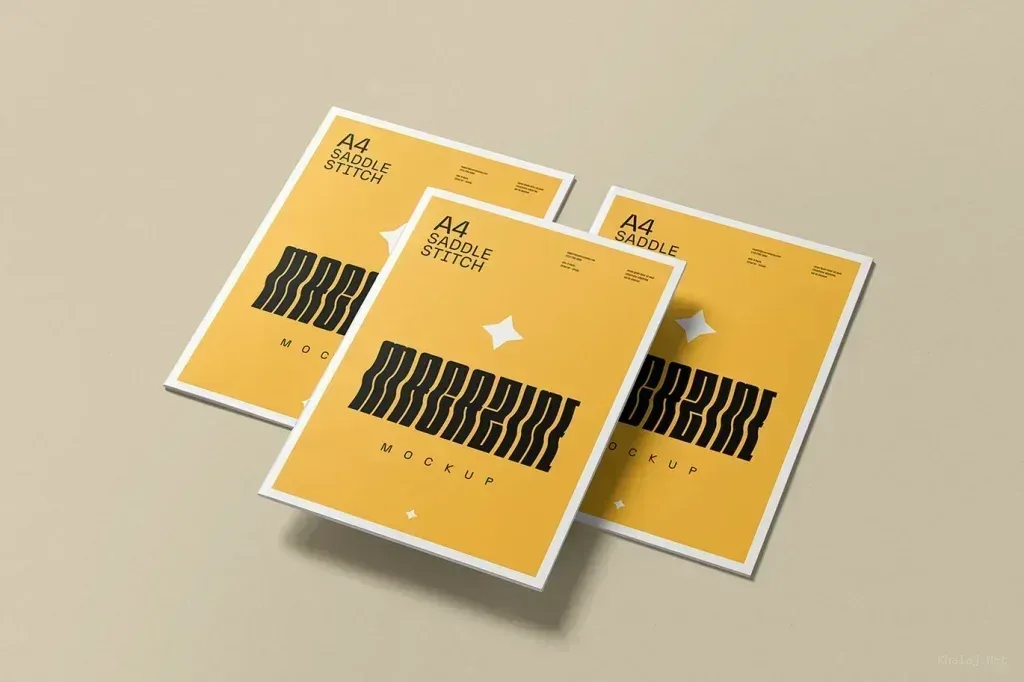
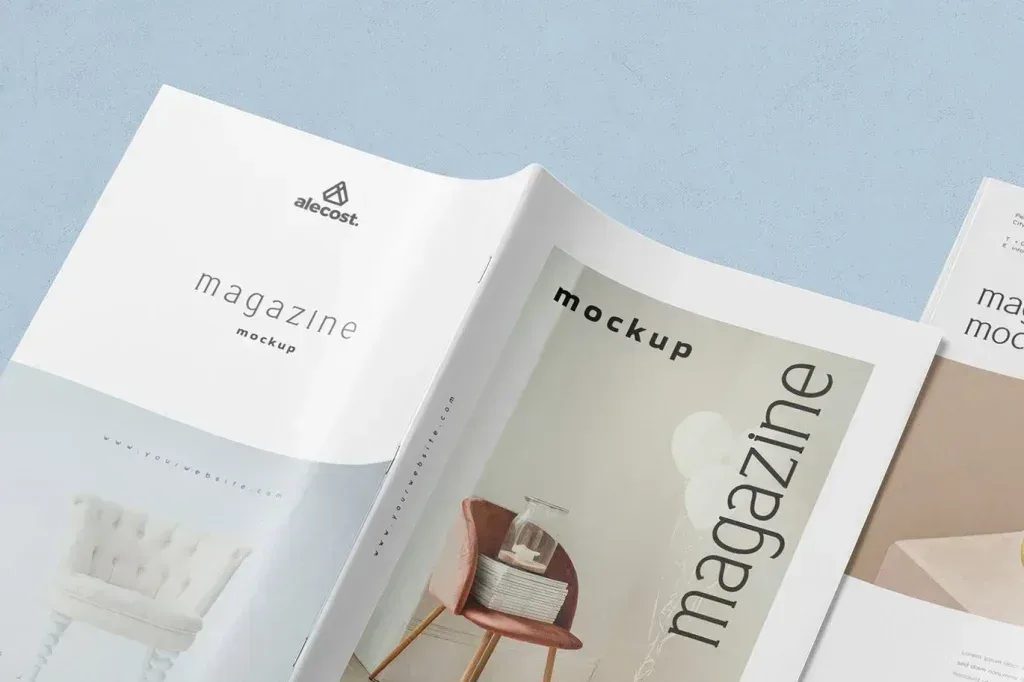
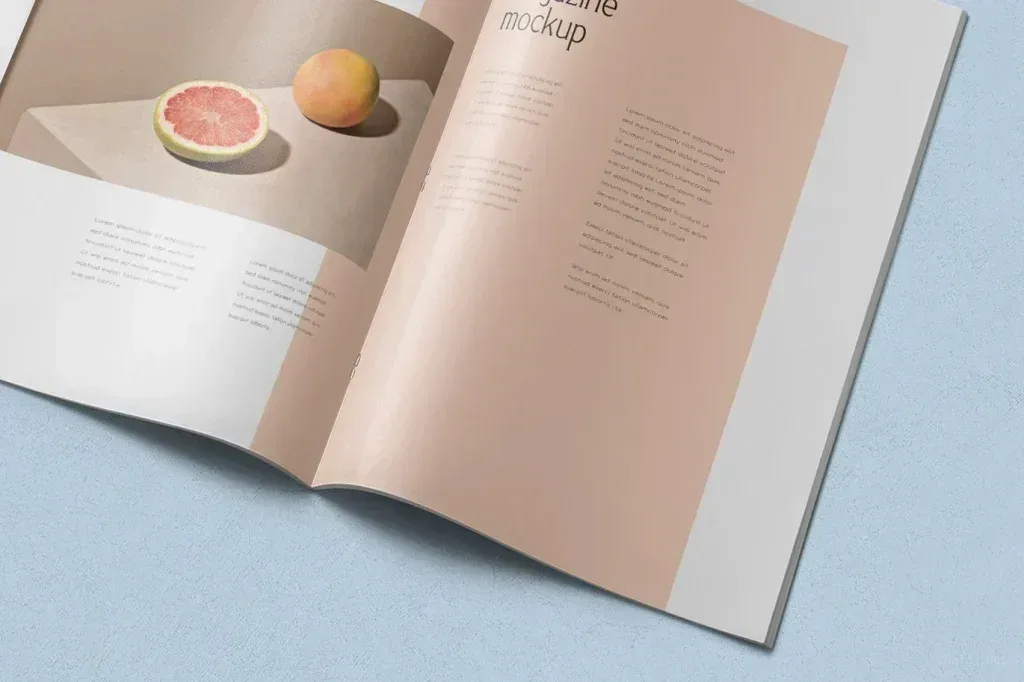
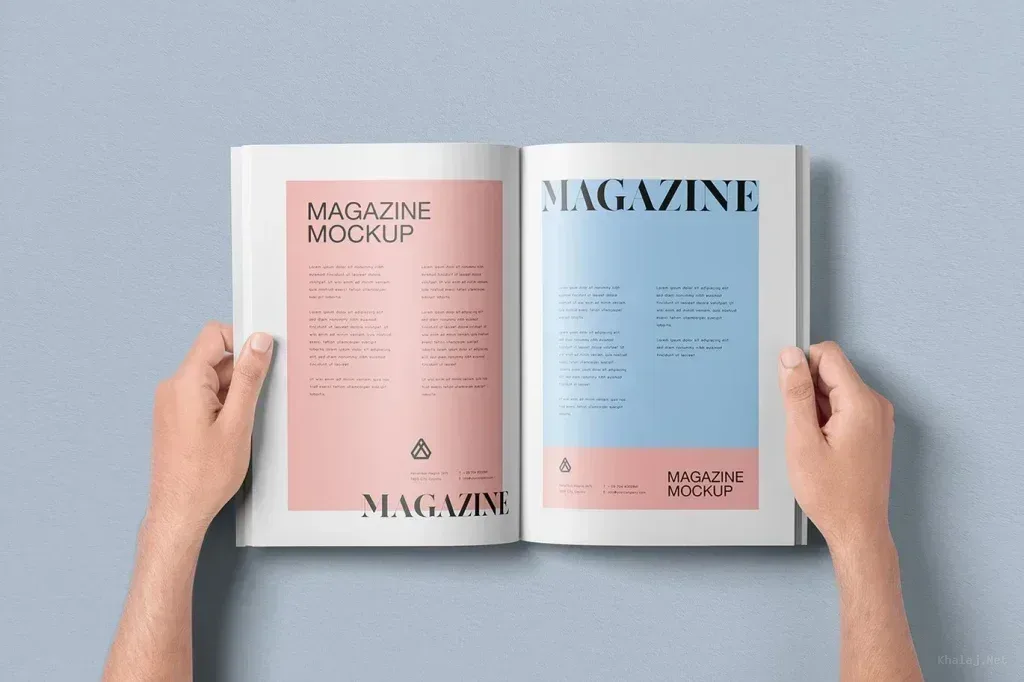
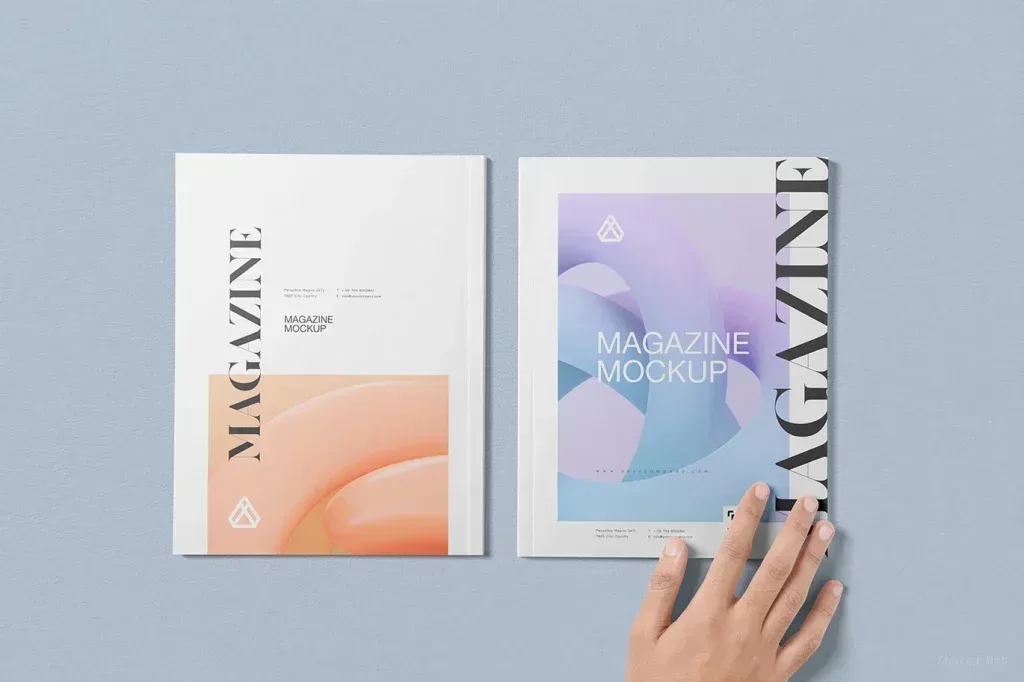
Marketing Mockup PSD Templates on this page cover printed and physical campaign materials such as brochures, packaging, brand-guideline layouts, roll-up banners and product containers. The most useful mockup is the one that shows your design in the context where the audience will actually encounter it.
Choose the scene around the campaign asset
A brochure layout should make folds and page hierarchy easy to judge, while packaging mockups need enough visible surface area for labels and brand marks. Large-format banners benefit from scenes that show scale and viewing distance rather than only close-up detail.
Check composition before placing the artwork
Compare the orientation, proportions and empty space in the mockup with your final design. If important text sits near an edge or fold, a different scene may present it more clearly. Use the preview to evaluate perspective and lighting, not only decoration.
Review the PSD editing structure
Photoshop Smart Objects can support nondestructive replacement of artwork, but PSD files are organized differently. Open the product details and confirm the intended editing method, document size and included views before assuming a specific Smart Object setup.


 This product has 3 previews