Seamless patterns for repeatable graphic surfaces
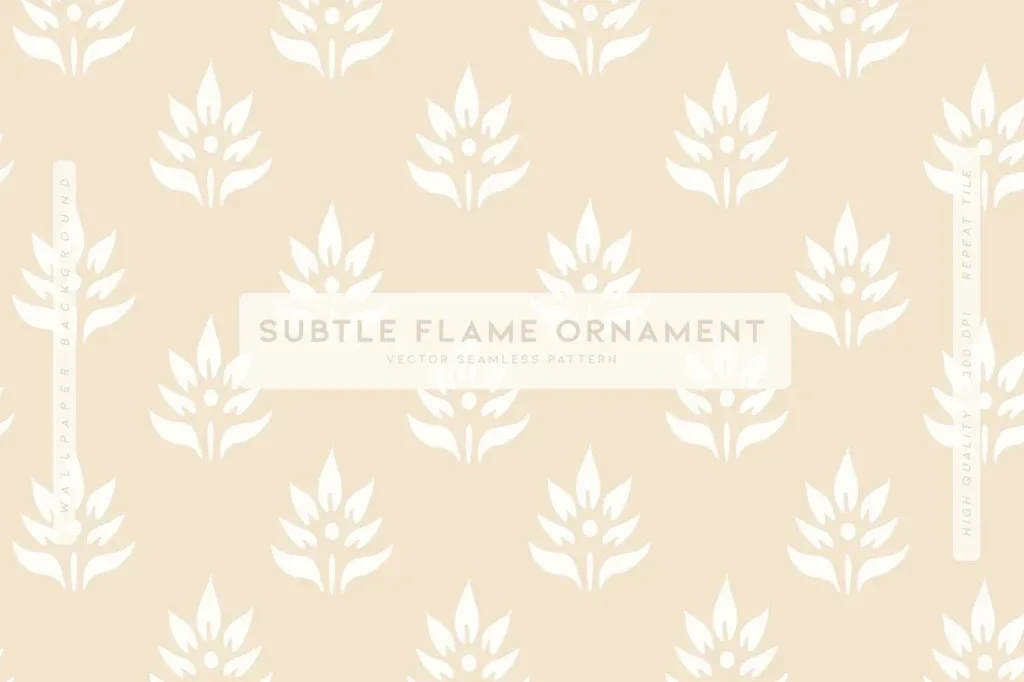
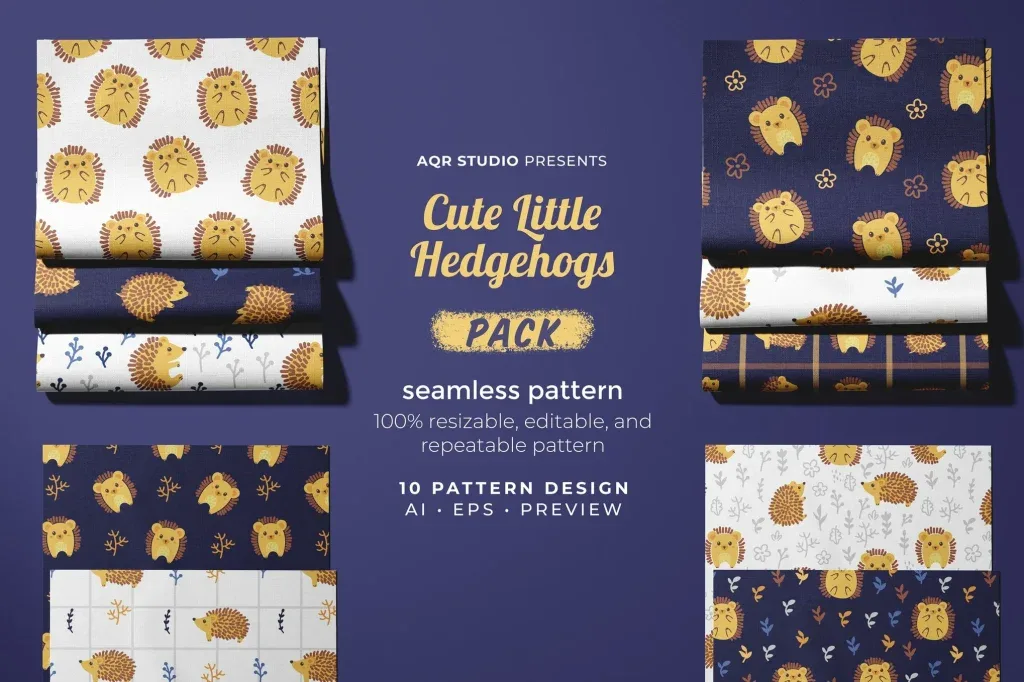
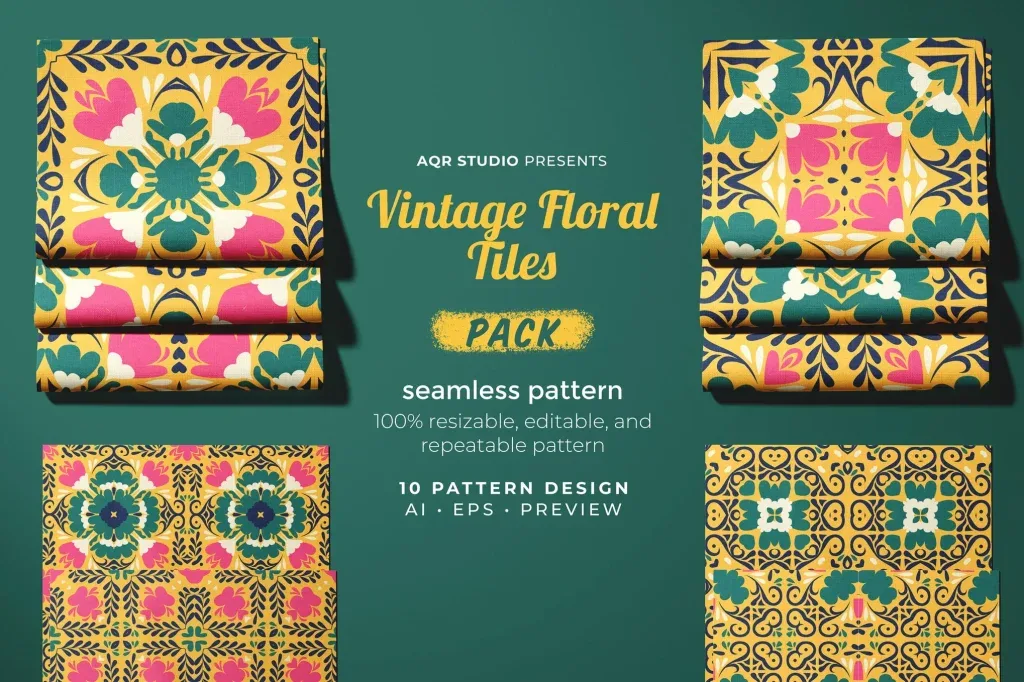
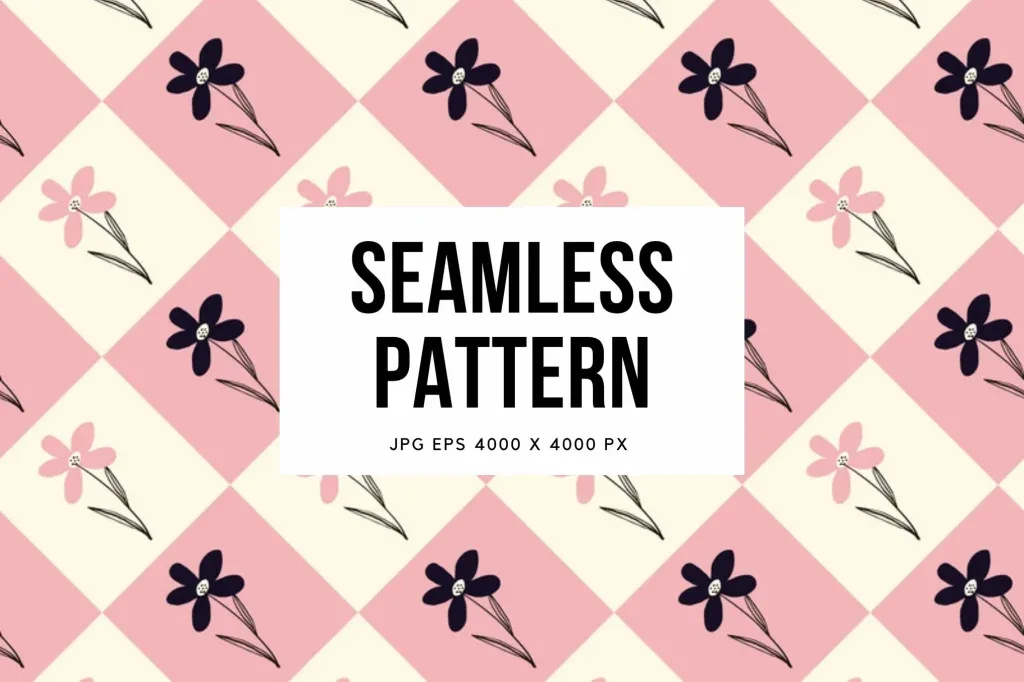
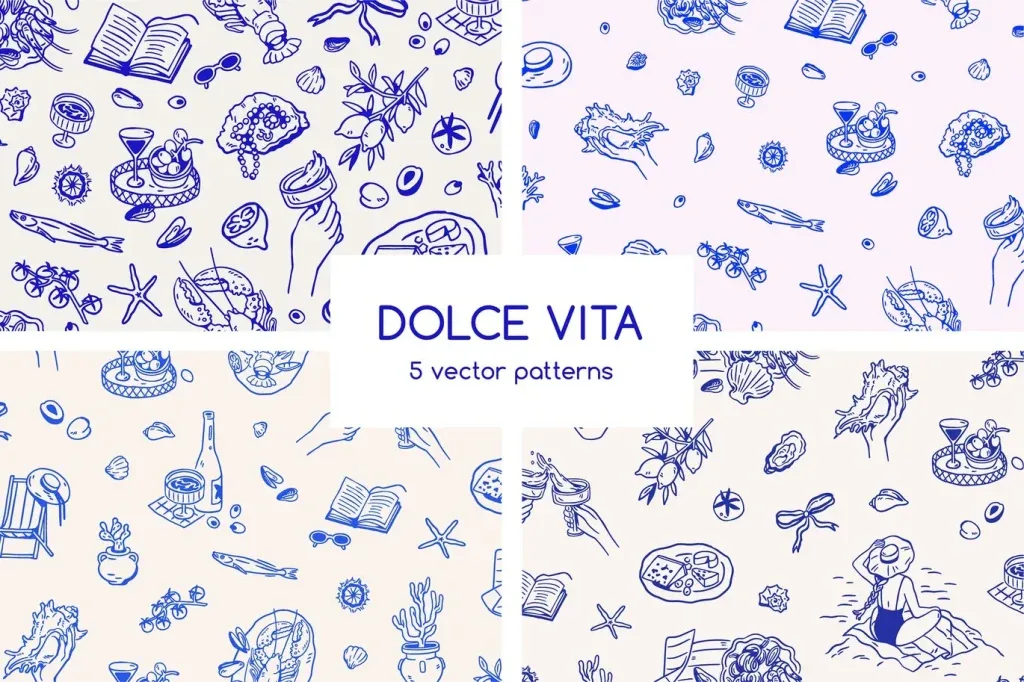
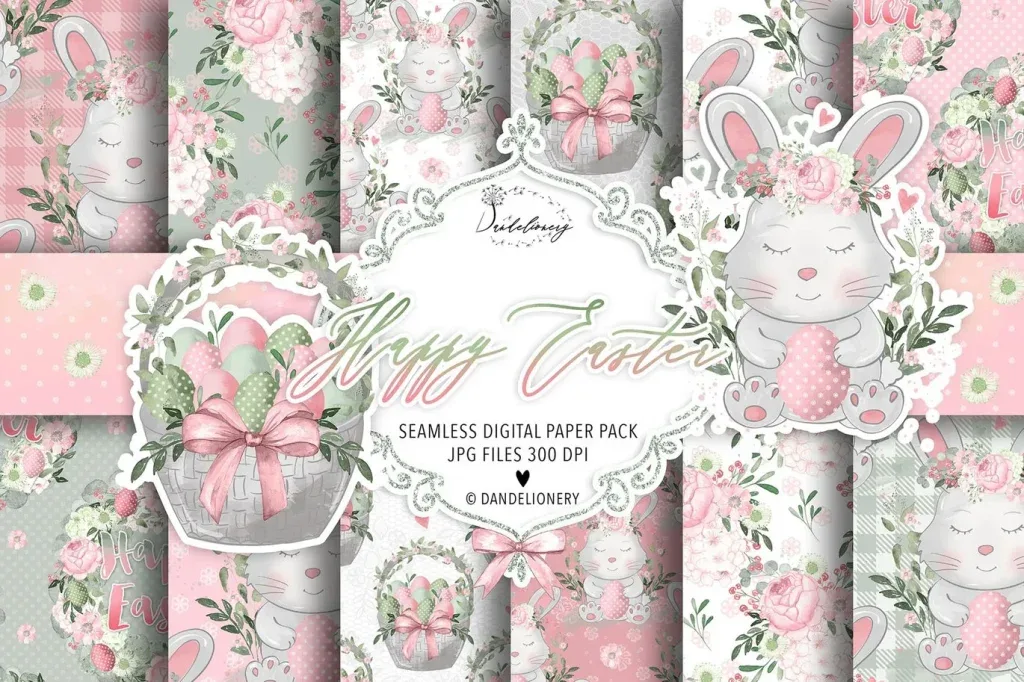
Seamless patterns are designed so a tile can repeat horizontally and vertically without a visible edge. This makes them useful for packaging, fabric, stationery, digital backgrounds, wrapping, social graphics and many other surfaces that may need to expand beyond a fixed canvas. The category includes floral, doodle, seasonal, illustrated and decorative repeats, so choosing the right pattern starts with scale, density and the role of the surface.
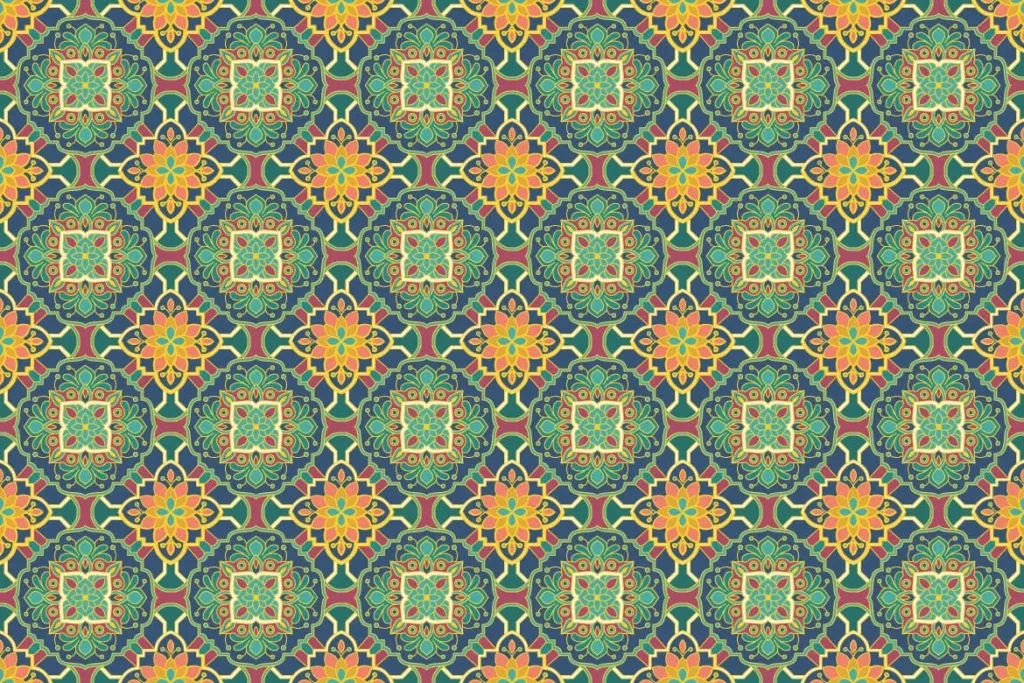
A seamless pattern should continue naturally when tiled. The repeat itself is part of the design: a beautiful individual motif can still create an awkward surface if gaps, clusters or obvious seams appear across a larger area.
Inspect the repeat, not only the single tile
Preview the pattern across a large surface. Look for vertical or horizontal lines caused by repeated spacing, clusters that appear every tile and empty areas that become obvious only after several repetitions. A good repeat distributes visual weight so the viewer notices the overall rhythm rather than the tile boundary.
Adobe Illustrator provides repeat workflows that help designers inspect and adjust repeated artwork, but the supplied structure varies by asset. Always check how the individual file is built before editing it.
Choose motif scale for the final product
A large floral repeat can work on wrapping paper or a poster but may overwhelm a small label. Tiny motifs can create a rich textile effect yet lose identity when viewed from a distance. Test several scale options with the actual layout, not just the isolated pattern preview.
For packaging, consider folds, edges and panels. Important motifs should not be cut in distracting places, and the pattern should not compete with product names or required information.
Control density and negative space
Dense patterns create energy and texture; open patterns feel calmer and leave more space for text or products. Decide whether the pattern is a background or the primary visual statement. If typography sits on top, a quieter repeat or a dedicated clear area may improve readability.
When the design already contains photography or illustration, reduce pattern contrast so the layers do not compete. A repeat can remain recognizable without using maximum saturation or detail.
Recolor patterns as a system
If the file is editable, build a small palette rather than changing every motif independently. Define background, primary motif, secondary motif and accent roles. Test contrast between neighboring shapes and make sure the pattern still reads when converted to the required production mode.
For product families, use the same repeat with controlled color variations. This can distinguish variants while preserving brand recognition.
Check vector and raster behavior before export
Some patterns are vector-based and can be resized flexibly; others are raster images with a fixed resolution. Review the actual product format before planning the output. For raster patterns, inspect sharpness at final size and avoid excessive enlargement.
For print, verify the document scale and repeat size. For digital use, optimize the final exported tile or background for the display dimensions instead of carrying unnecessary file weight.
Final pattern quality checks
Tile the pattern across an area larger than the final repeat and zoom out to spot unwanted stripes, gaps or clusters. Check the edges at high zoom, then review text contrast and motif scale at the final viewing size. If several colorways are needed, compare them together so the family feels intentional.
A successful seamless pattern should be able to repeat without revealing its construction. The motif may be decorative, but repeat quality, scale and hierarchy determine whether it functions well in a real design.