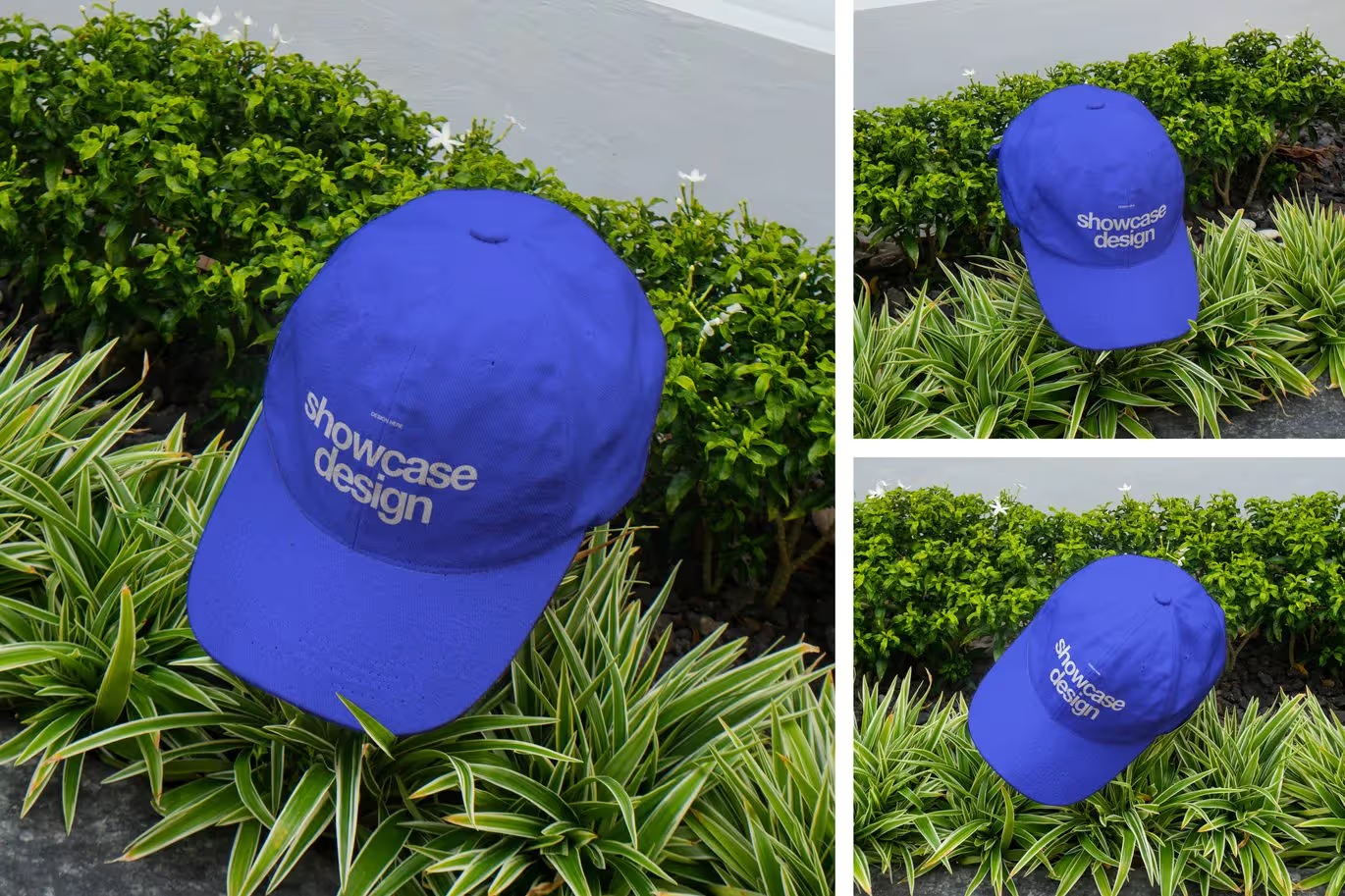
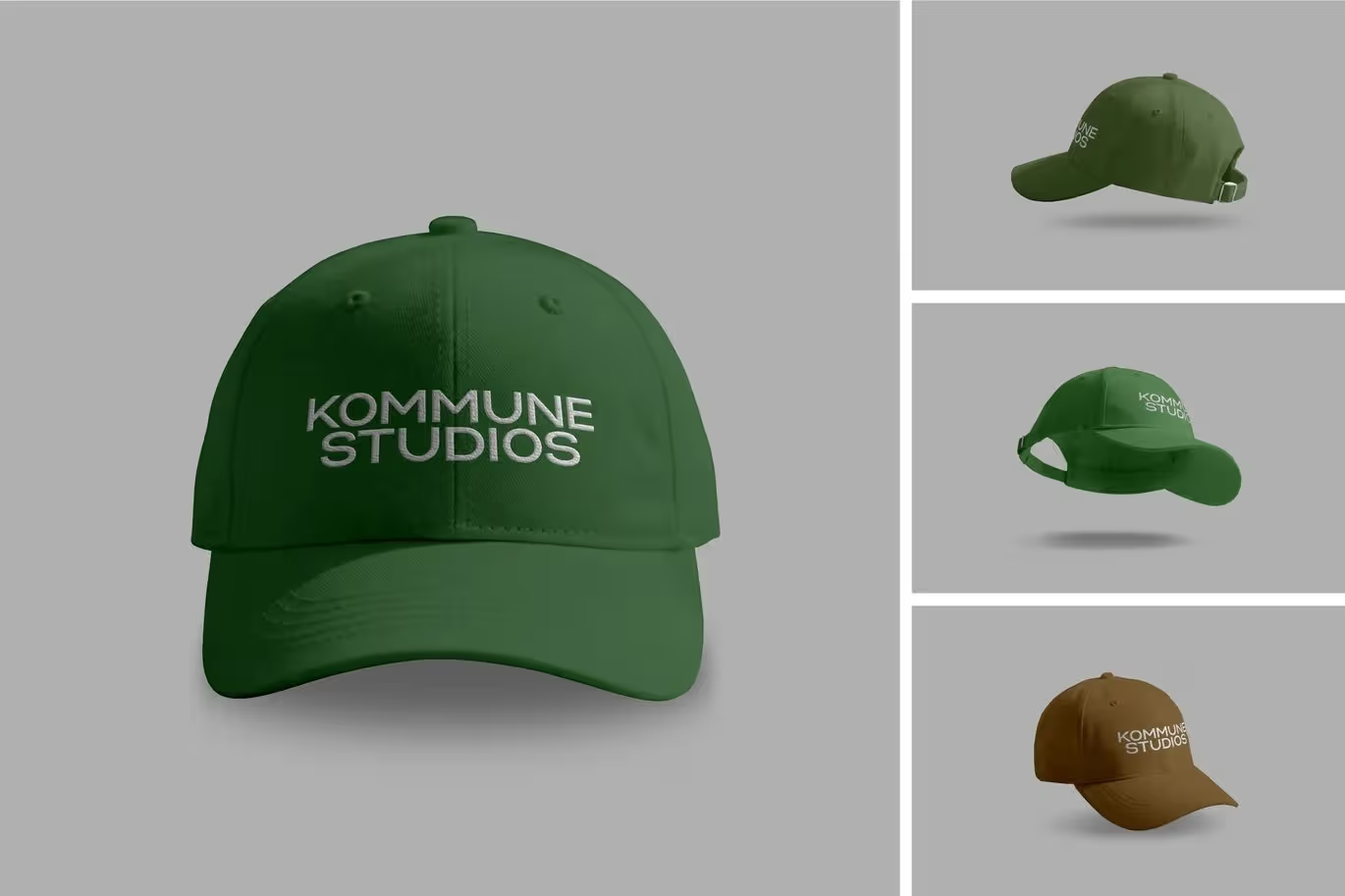
fashion apparel mockups in this PSD category are built for presenting graphics, branding and garment concepts in realistic product scenes. The current catalog includes hoodies, T-shirts, jumpers, baseball jerseys, polo shirts, clothing labels, tote bags and even related textile items such as oven mitts, giving designers several presentation contexts.
Choose the garment before the visual style
Start with the product you are actually designing. A T-shirt graphic needs a different placement and fabric context from a jersey, polo shirt or woven label. Selecting the closest garment shape reduces the amount of perspective and proportion correction needed when you insert the artwork.
Use editable PSD structure efficiently
Apparel mockups commonly rely on reusable layer structures and smart-object workflows for placing artwork while keeping the scene intact. Preserve the original file, replace the designated design area, then review folds, shadows and edges at full size. Avoid flattening the document before you are satisfied with placement.
Evaluate the mockup as a presentation tool
The goal is to show how a design may look in context, not to replace production proofs or manufacturing specifications. Choose camera angle, background and garment color that make the artwork easy to judge. For a portfolio or store listing, keep multiple mockups visually consistent so the collection feels deliberate.