Preview branding on real packaging forms
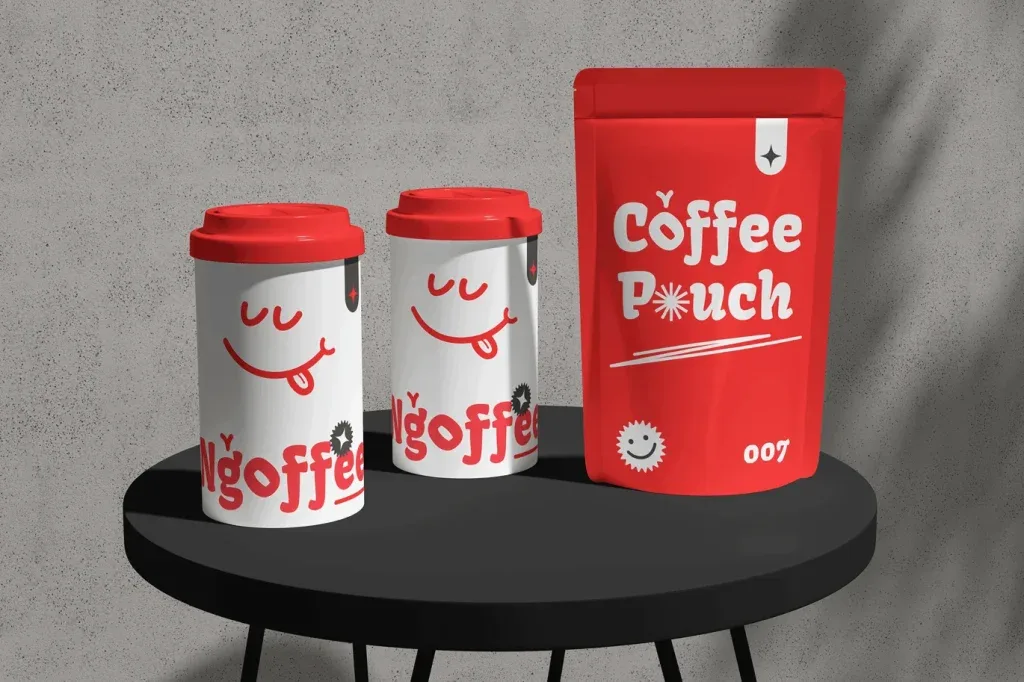
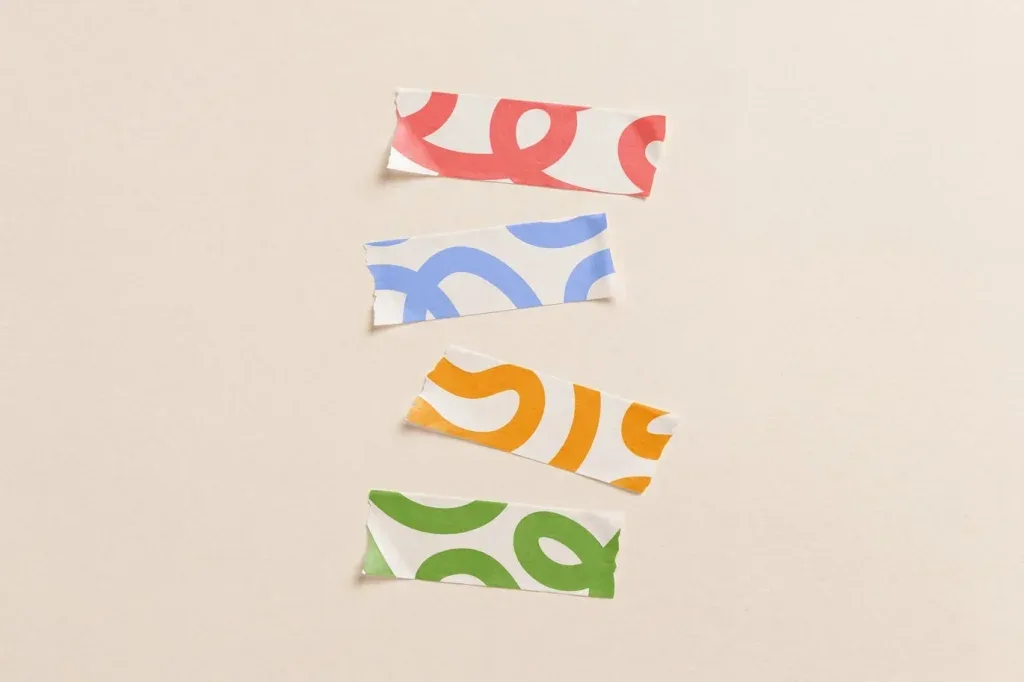
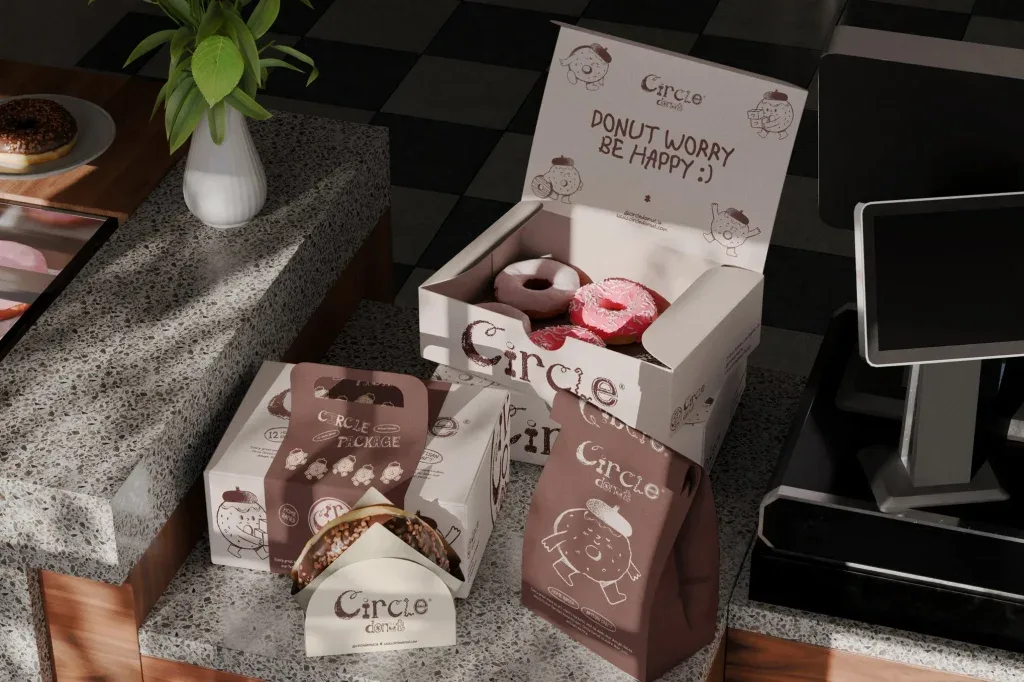
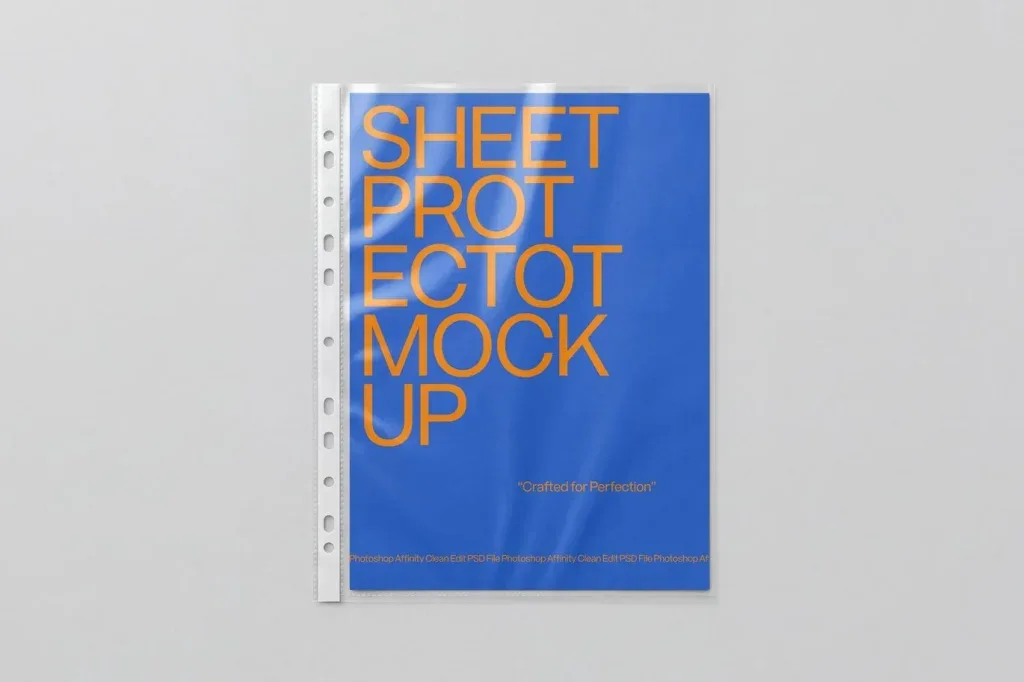
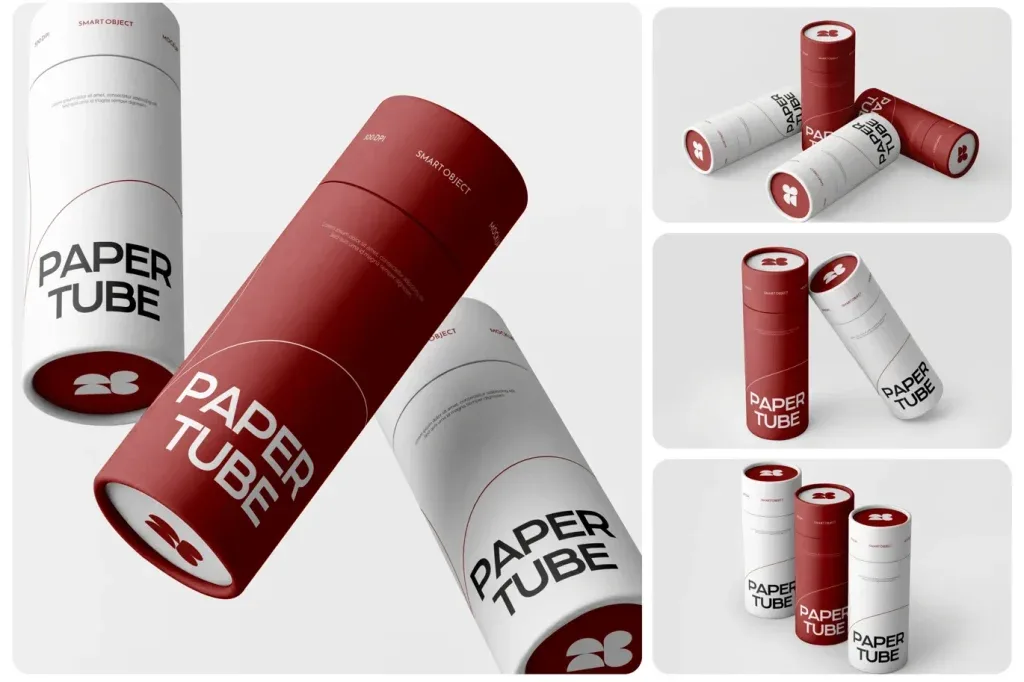
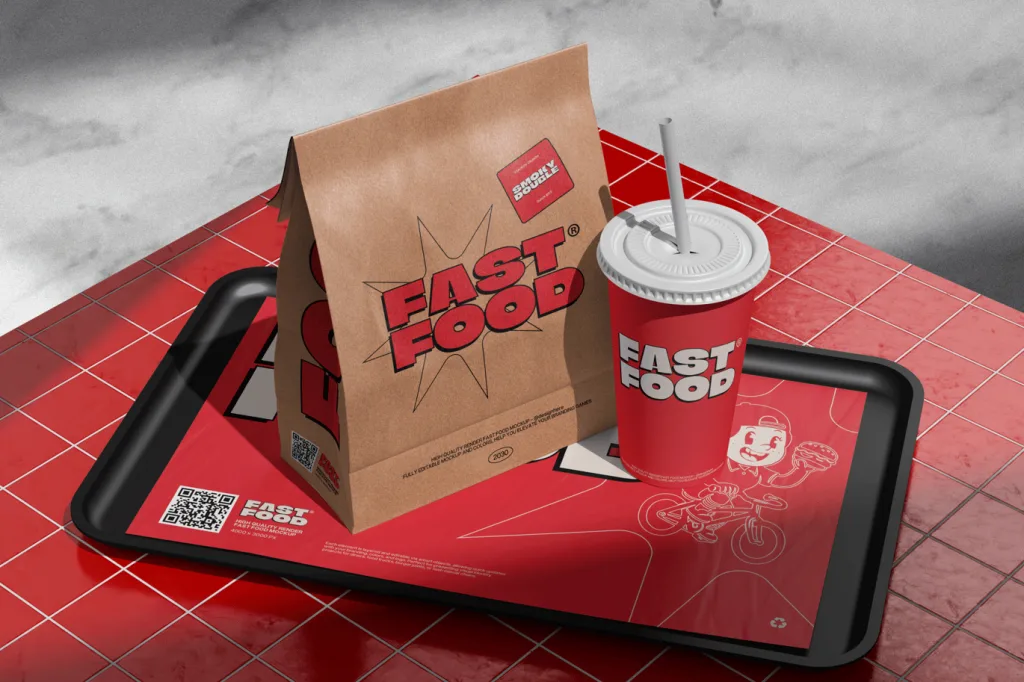
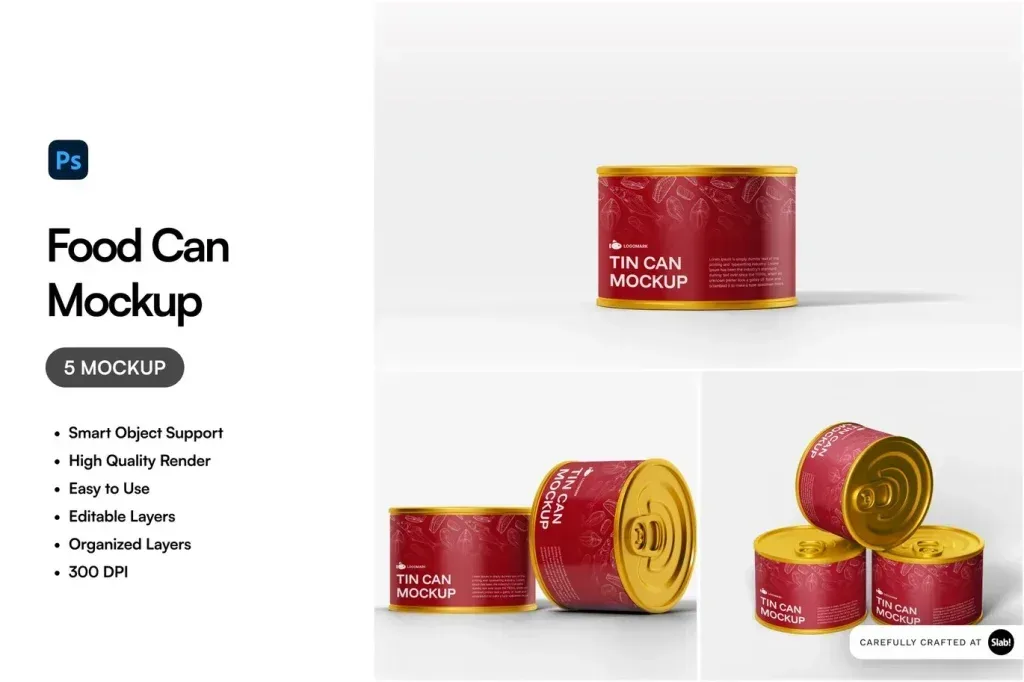
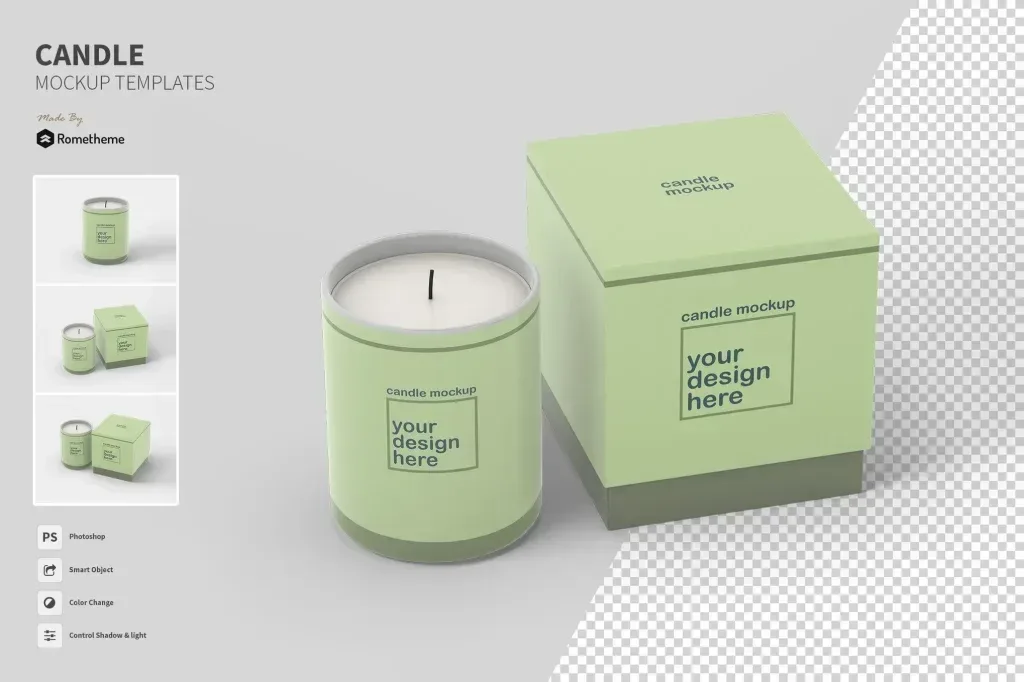
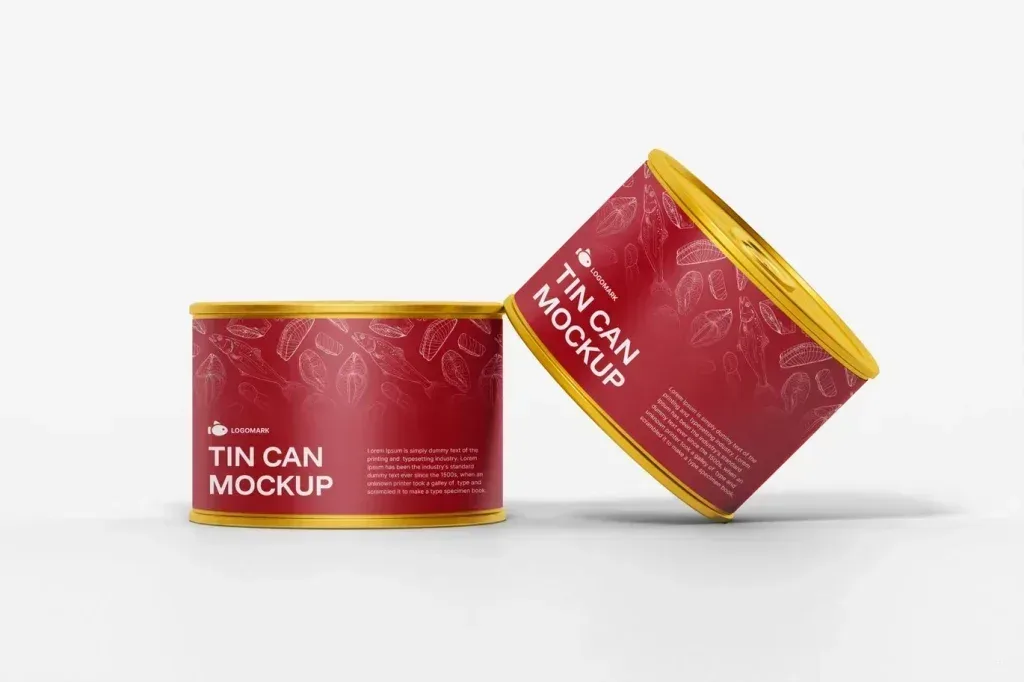
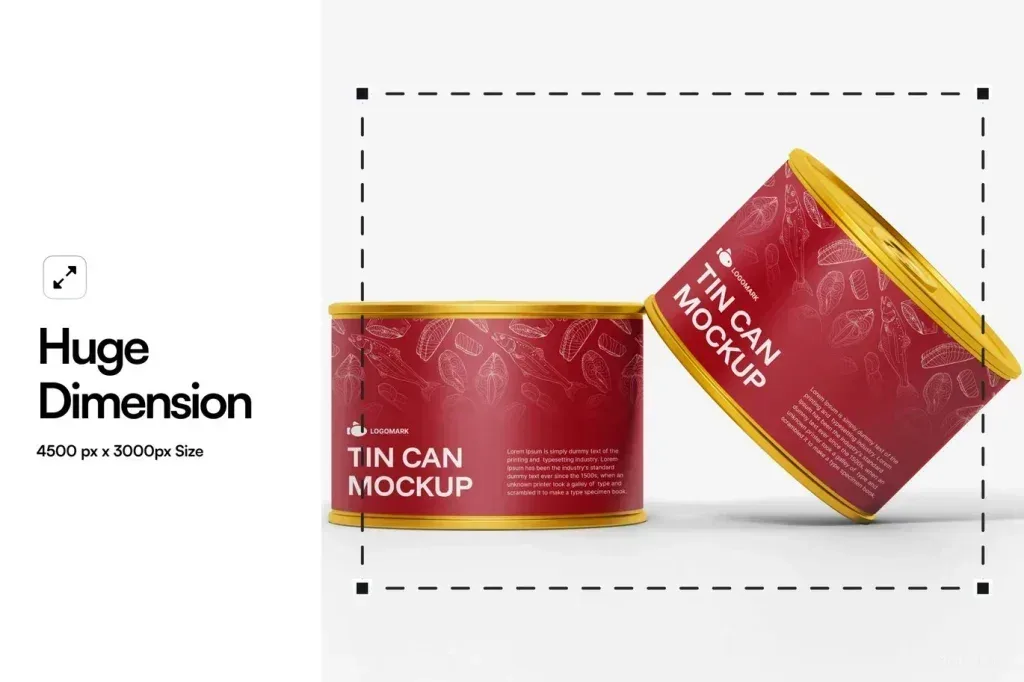
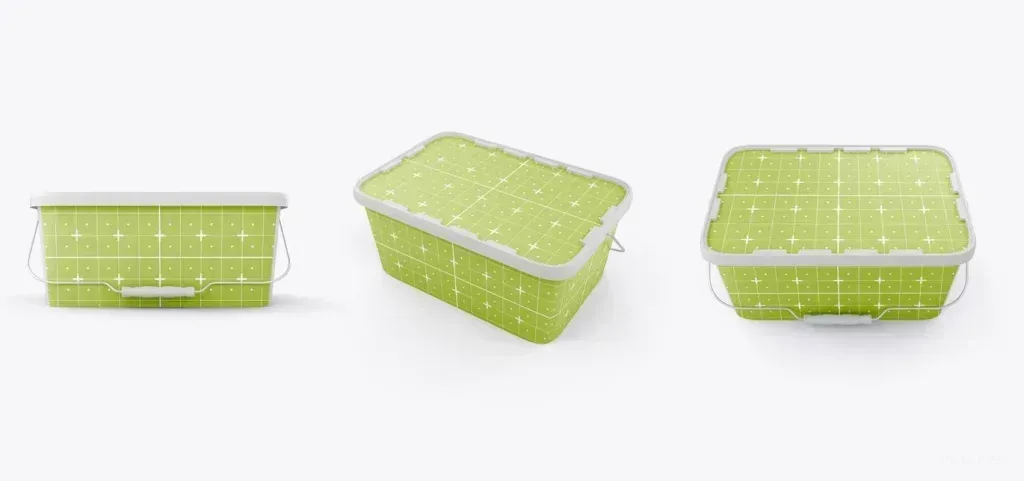
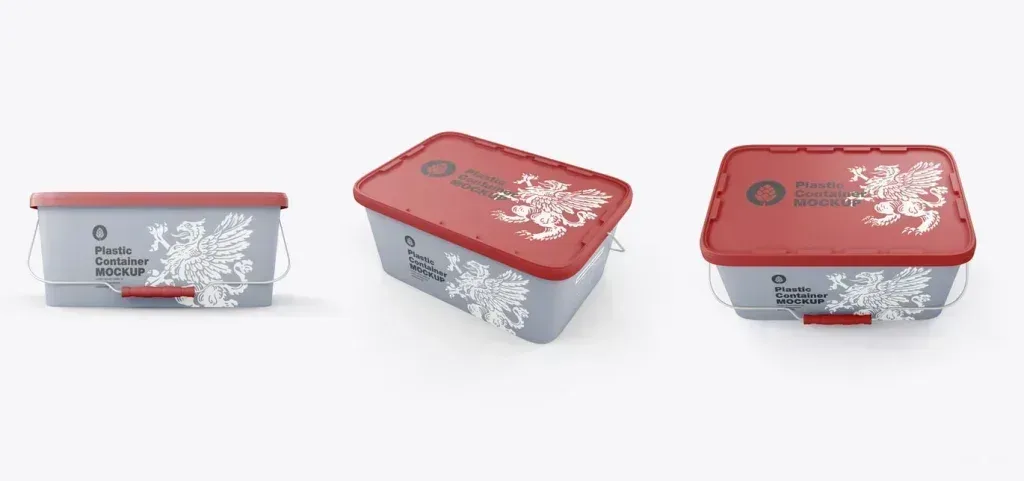
Packaging mockup PSD files in this category help designers present labels, graphics and brand systems on package shapes before final production. The current collection includes medicine packaging, fast-food packs, tin cans, plastic containers, flexible mylar packaging, bakery paper packs and vintage-style oil tins. That range makes the category useful for comparing how artwork behaves across rigid and flexible surfaces.
Choose the mockup by container type
A pouch or flexible bag presents artwork differently from a can, box or plastic container. Curved surfaces may affect logo placement, while folded paper or flexible packs need attention around seams and edges. Start with a mockup whose shape is close to the product you are designing so the presentation communicates scale and layout more clearly.
Check the editable areas before presenting a design
Review the product preview and listing to understand which faces of the package are visible and how the design is applied. Do not assume every PSD uses the same layer structure, perspective controls or editable regions. Use the individual product details to confirm the workflow, then prepare artwork with enough margin for folds, curves and label boundaries shown by that specific mockup.