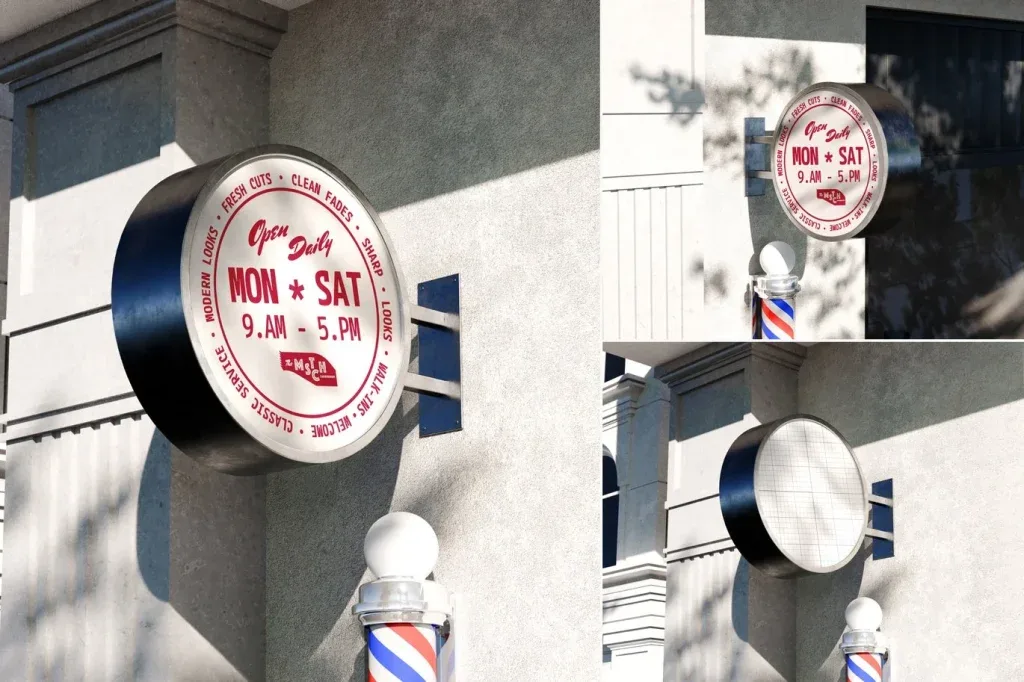
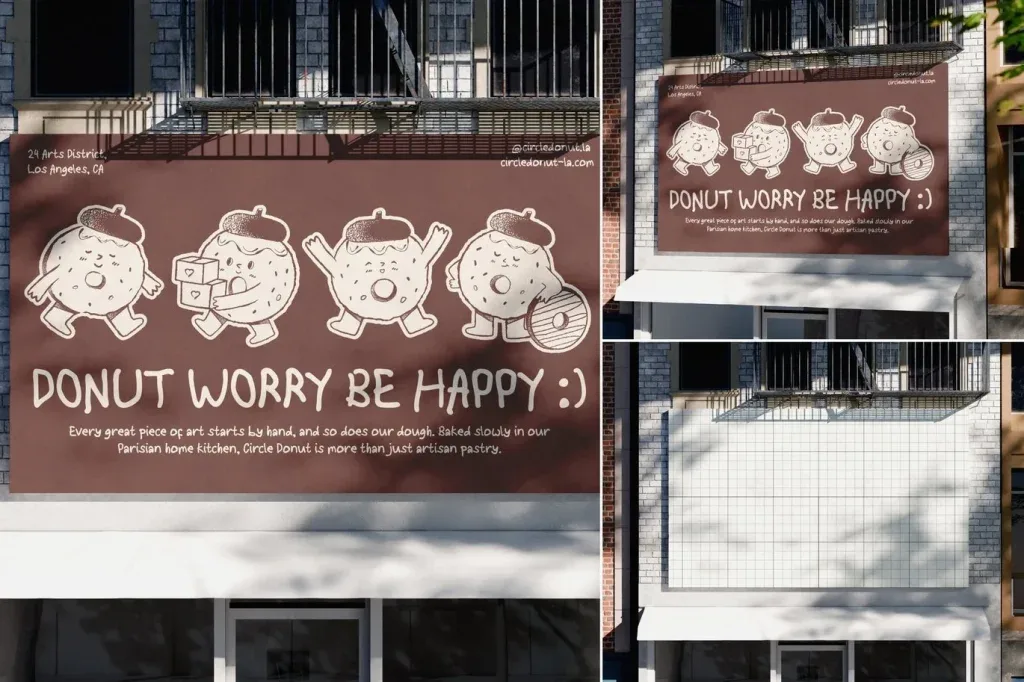
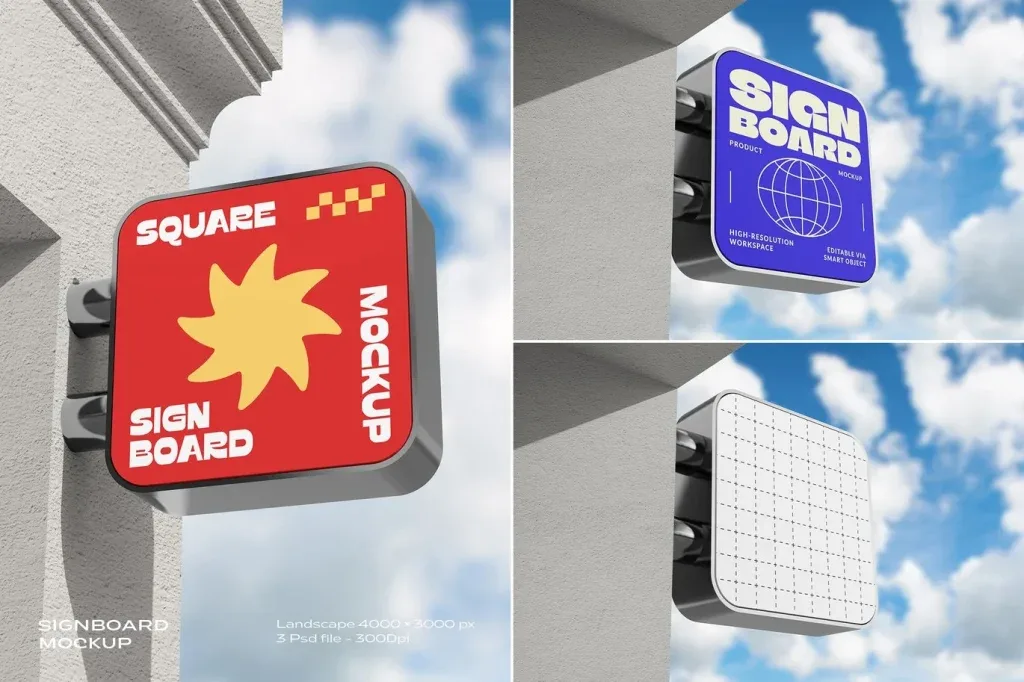
Signage Mockups PSD bring together editable presentation scenes for outdoor and environmental branding. The current category includes storefront displays, street and sidewalk signs, billboard-style advertising, digital signage and sign stands. It is designed for comparing how logos, campaigns and visual identities may look in real-world sign placements.
Choose the sign format before the scene style
A storefront sign serves a different purpose from a roadside billboard, sidewalk A-frame or digital display. Start by matching the physical format to the design you need to present. This helps you evaluate scale, viewing distance and composition before choosing details such as lighting, perspective or surrounding architecture.
Use mockups to compare presentation contexts
Outdoor scenes can show how a campaign behaves in a busy environment, while cleaner sign stands are useful when the artwork itself should stay dominant. Storefront mockups suit retail identity work, and digital signage scenes can support screen-based advertising concepts. The variety in this category makes side-by-side visual comparison more useful than relying on a single generic sign mockup.
Check editability on the product page
Each PSD has its own structure and requirements. Open the individual product to confirm dimensions, Photoshop compatibility, smart-object or layer details and any other specifications explicitly listed there. This category organizes the use case; the asset page is the place to verify the exact file setup.