PSD device mockups for presenting digital interfaces
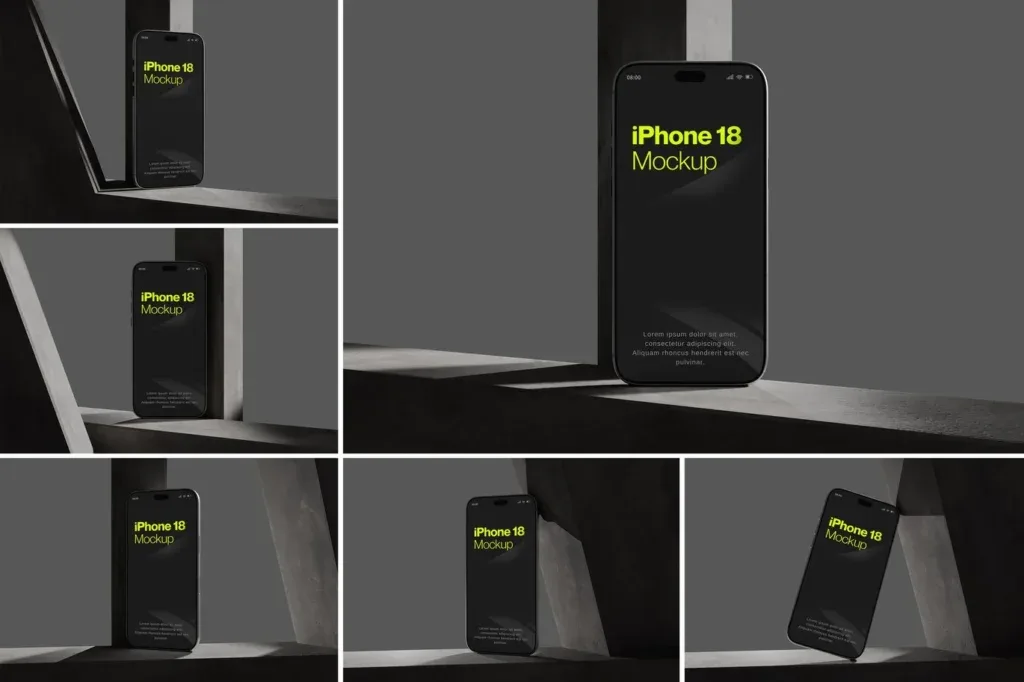
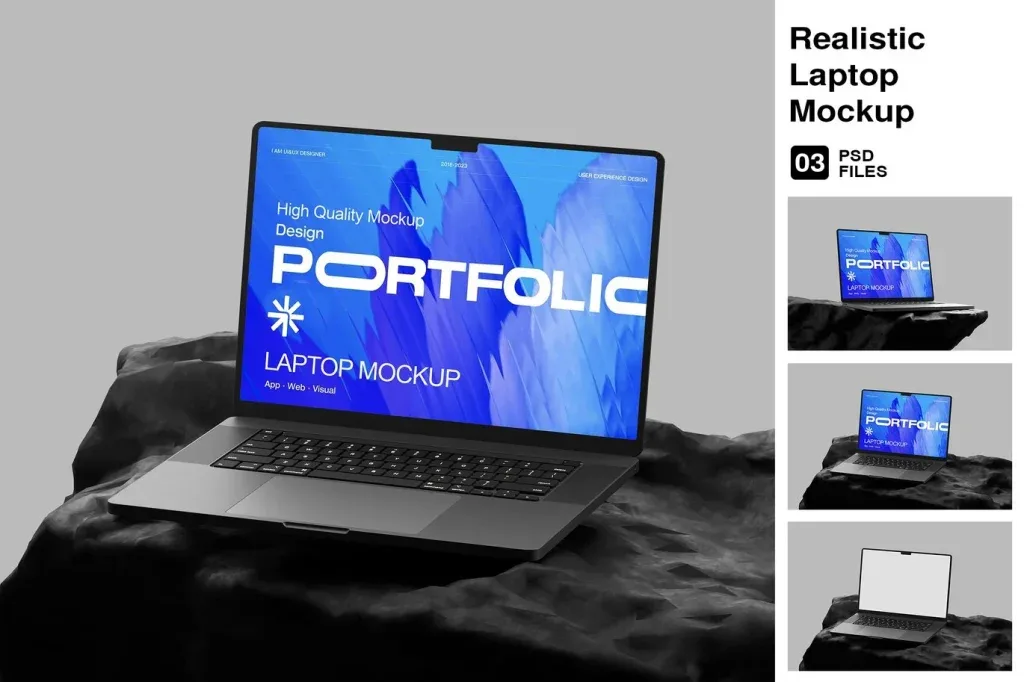
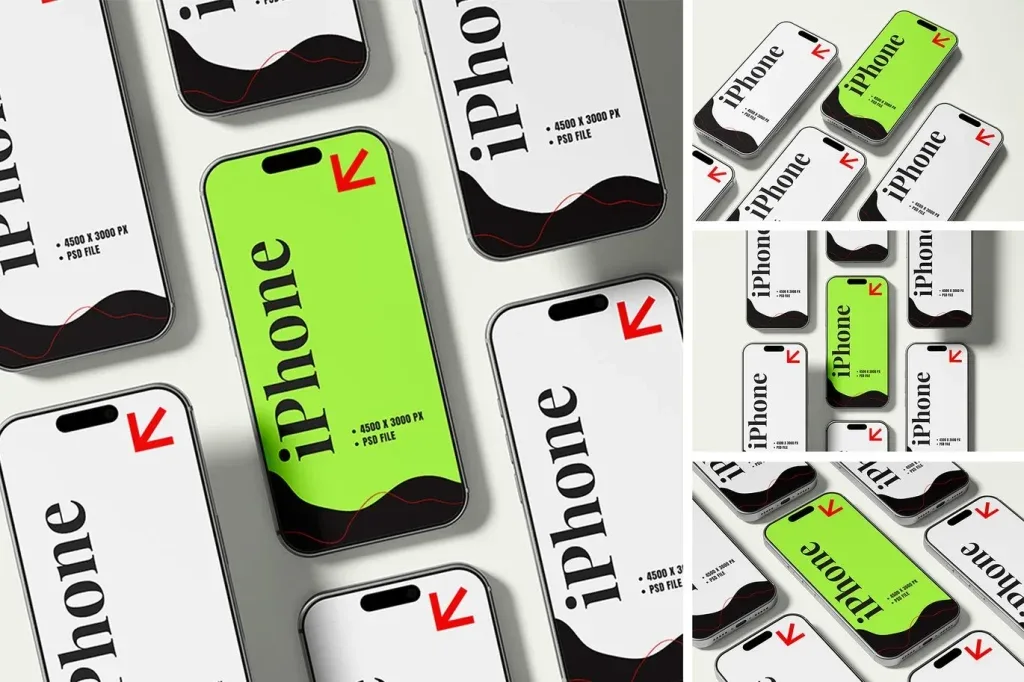
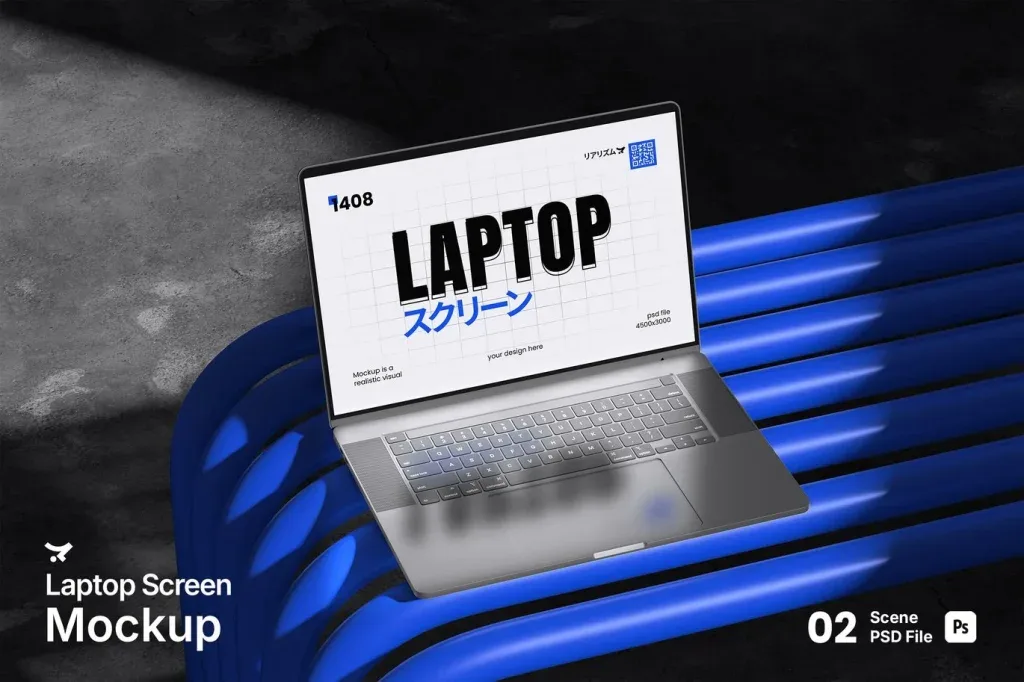
PSD device mockups help place an app, website or interface design into a realistic presentation without rebuilding a phone or screen scene from scratch. The current category includes phone mockups, desktop displays and multi-device compositions, making it useful for portfolio images, client presentations and responsive design previews.
Choose the device scene around the design you are showing
A mobile app usually benefits from a phone-focused composition with enough screen area to read the interface, while a website may need desktop or multi-device views to show responsive behavior. Multi-device mockups are useful when the same design must be presented across several screen sizes. Select the scene that supports the interface instead of letting the hardware dominate the layout.
Check the PSD editing method before you start
Many device mockups use Photoshop Smart Objects for screen replacement, but the exact layer structure varies by product. Review the product details for file requirements, editable areas, image dimensions and instructions before downloading. After inserting the real design, inspect perspective, crop, contrast and screen brightness so the presentation remains readable and believable.