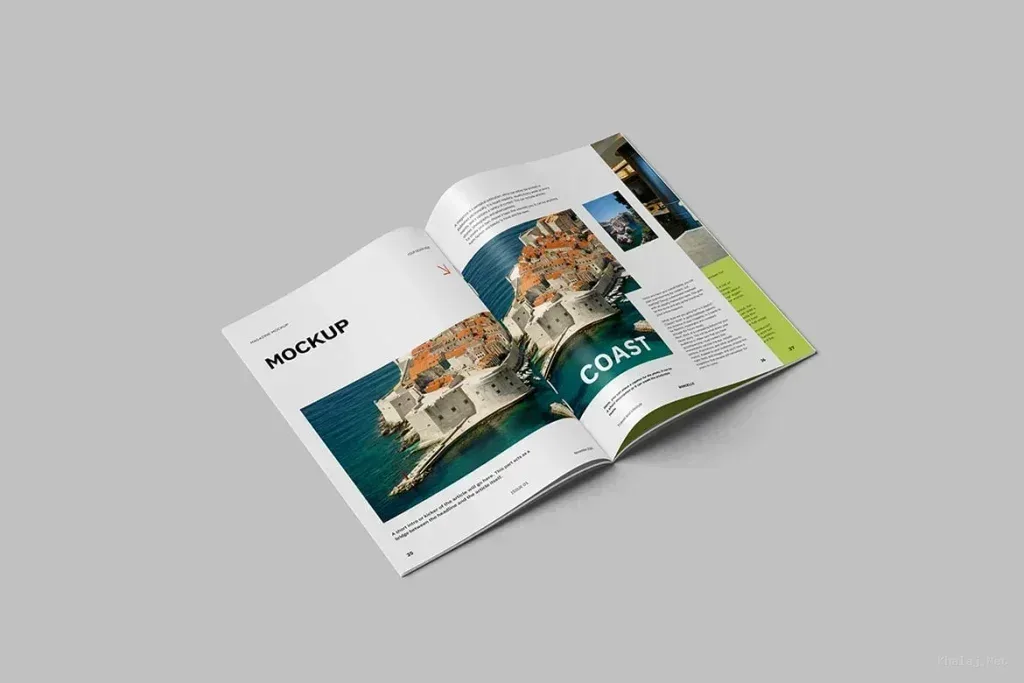
Print mockup PSD files for evaluating printed design
Print mockup PSD files help show how a flat layout may look once it becomes a brochure, newspaper, magazine, poster, photograph or framed print. The current category contains several of these formats, so selection should start with the physical output rather than the most dramatic scene.
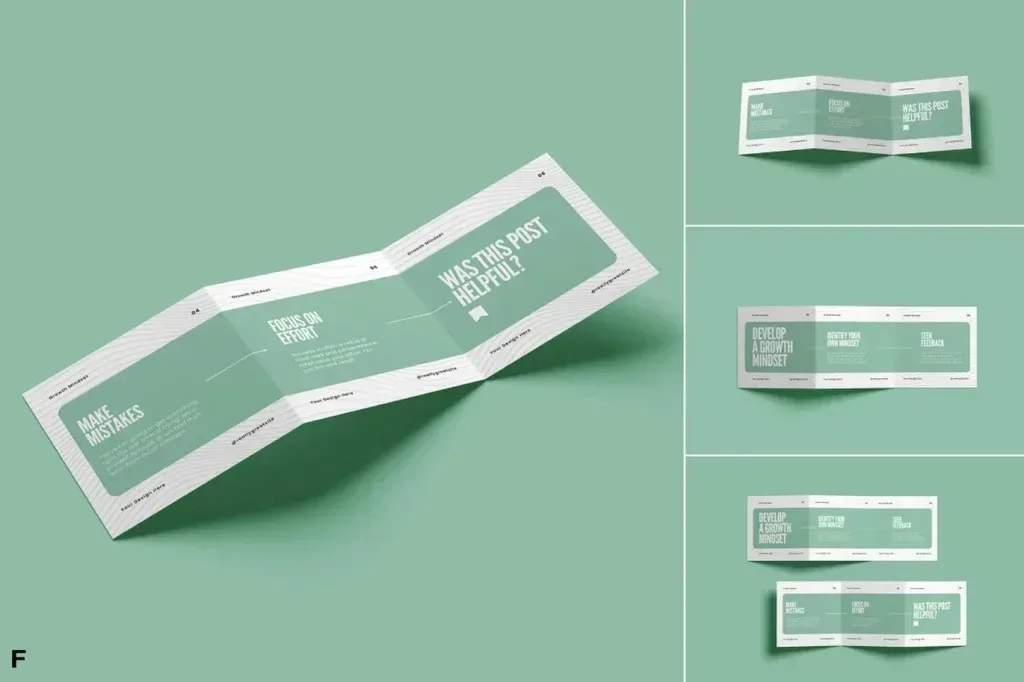
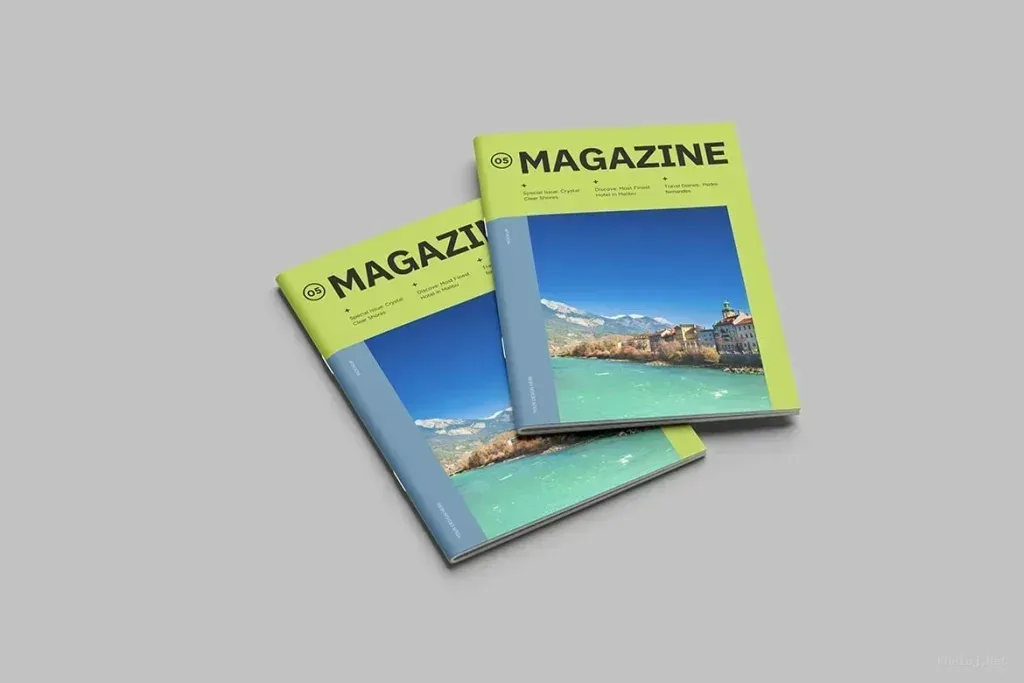
A trifold brochure needs different panel proportions from a magazine cover, and a street poster introduces perspective and environmental texture that a clean paper presentation does not. Choose a mockup whose geometry resembles the final printed piece.
Check paper surface, folds and viewing angle
Look at how much of the artwork is visible, whether folds or page curves cover important elements and how shadows affect contrast. Text close to an edge may look acceptable in a flat file but feel cramped once perspective is applied.
Review the PSD editing workflow
Inspect the layer structure and any Smart Object or replacement layers provided by the individual product. Insert the real artwork early and confirm margins, scale and readability before using the scene for a final presentation.