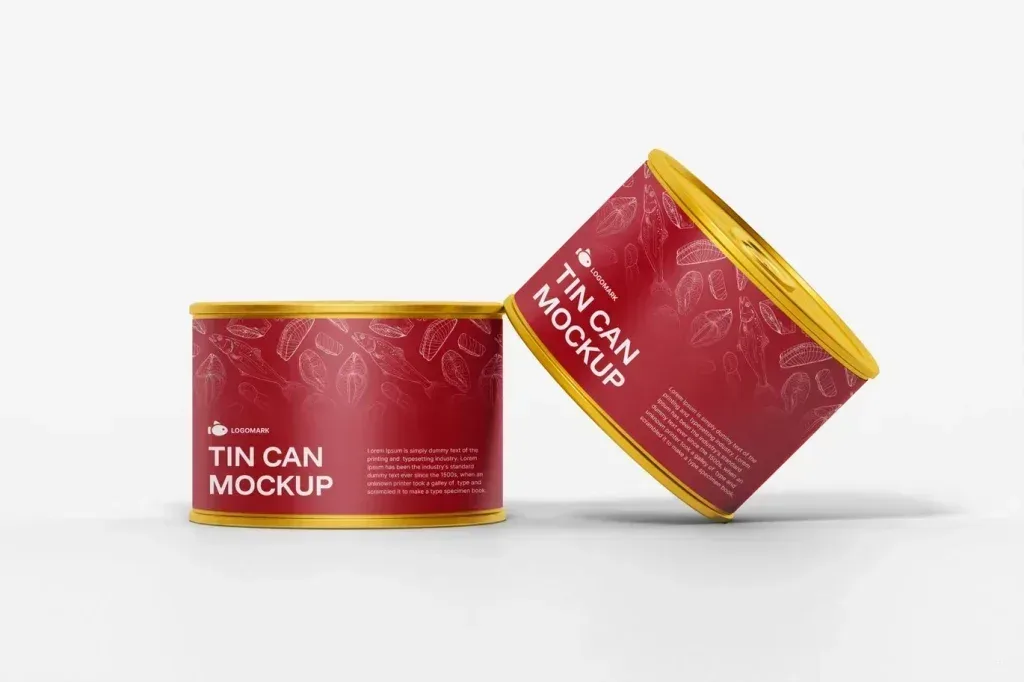
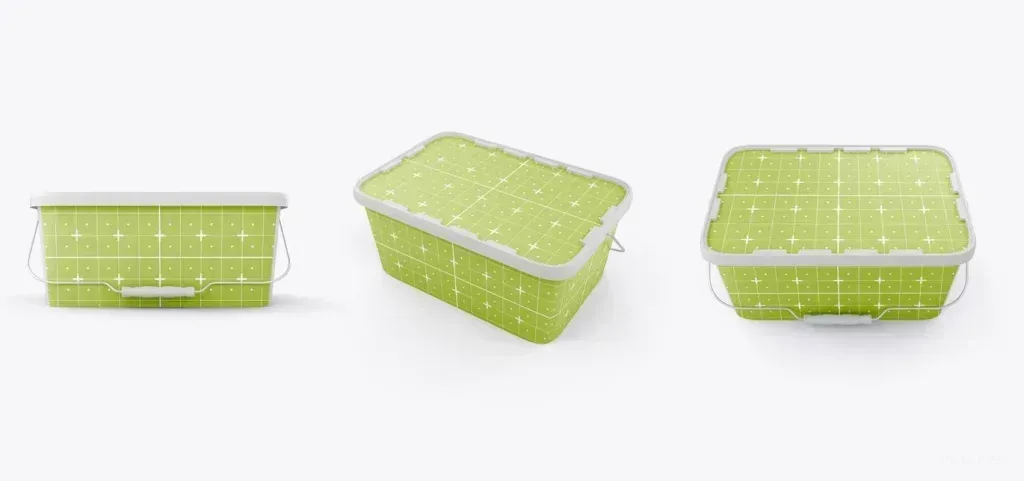
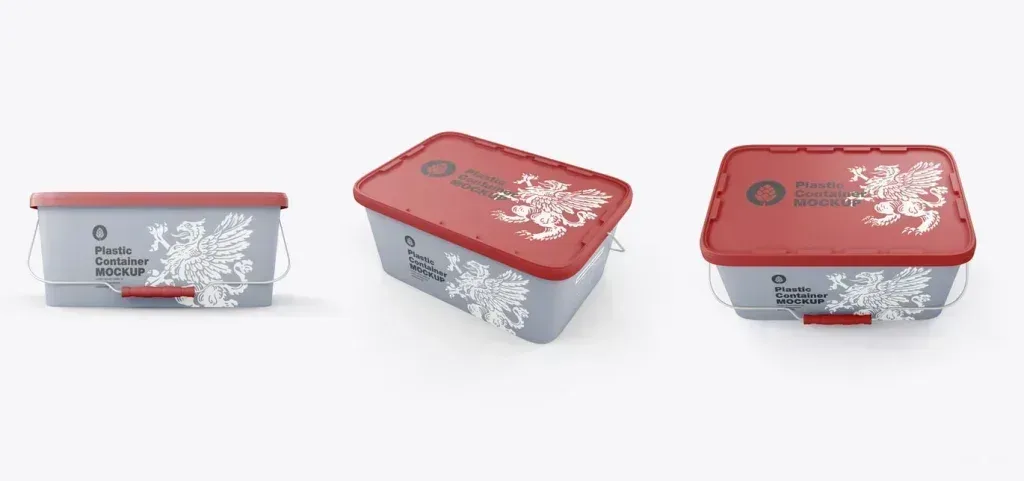
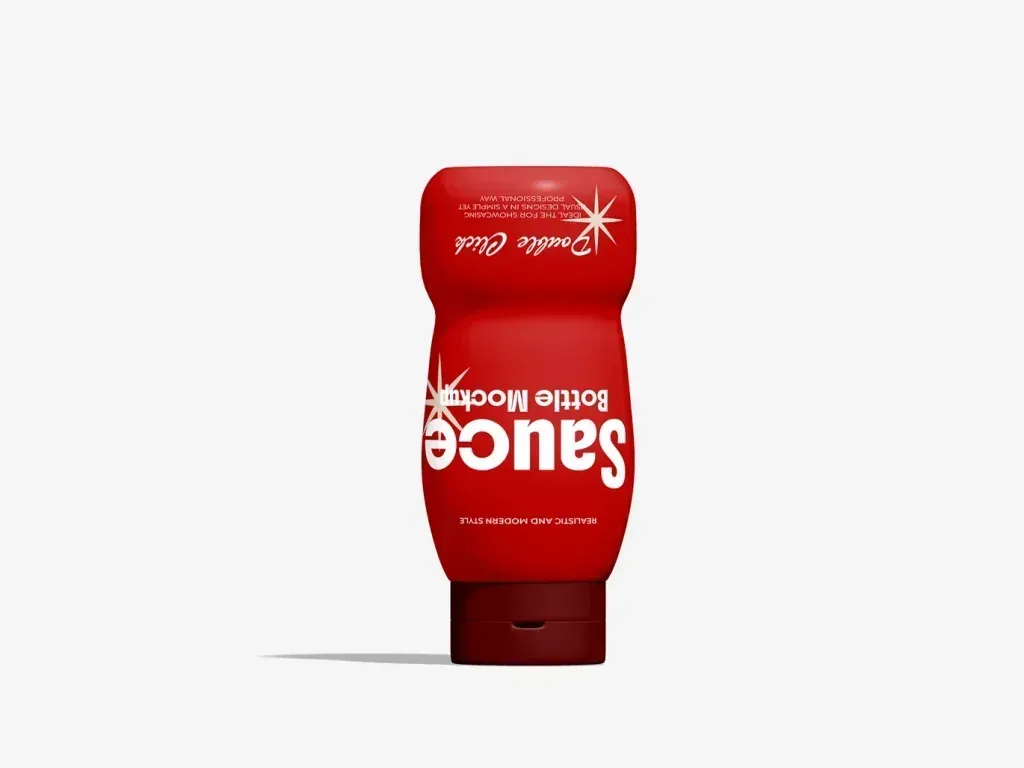
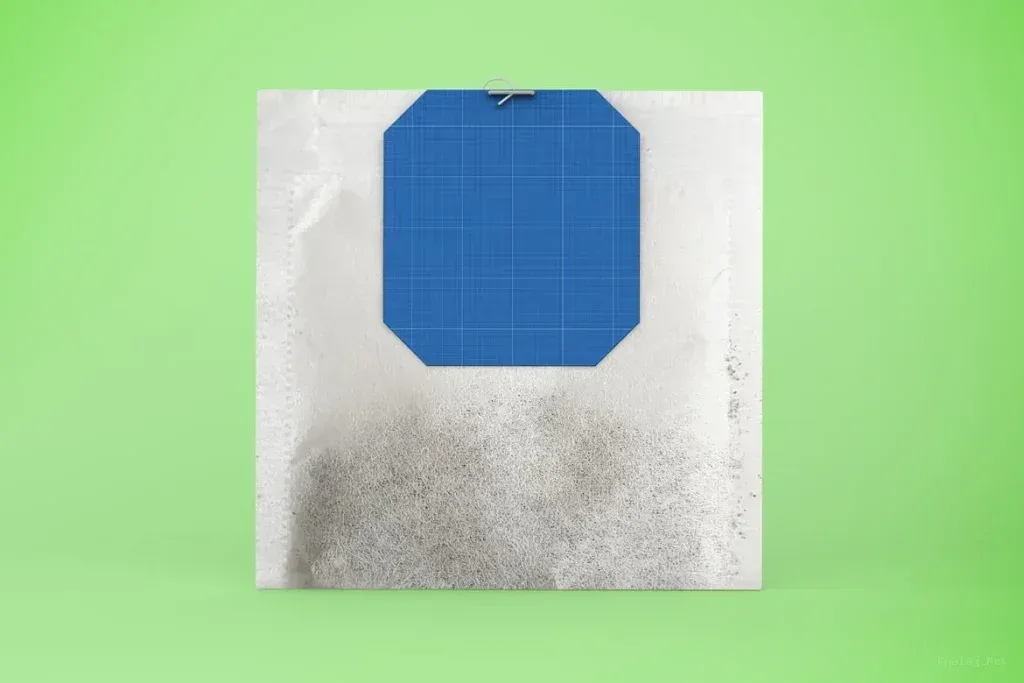
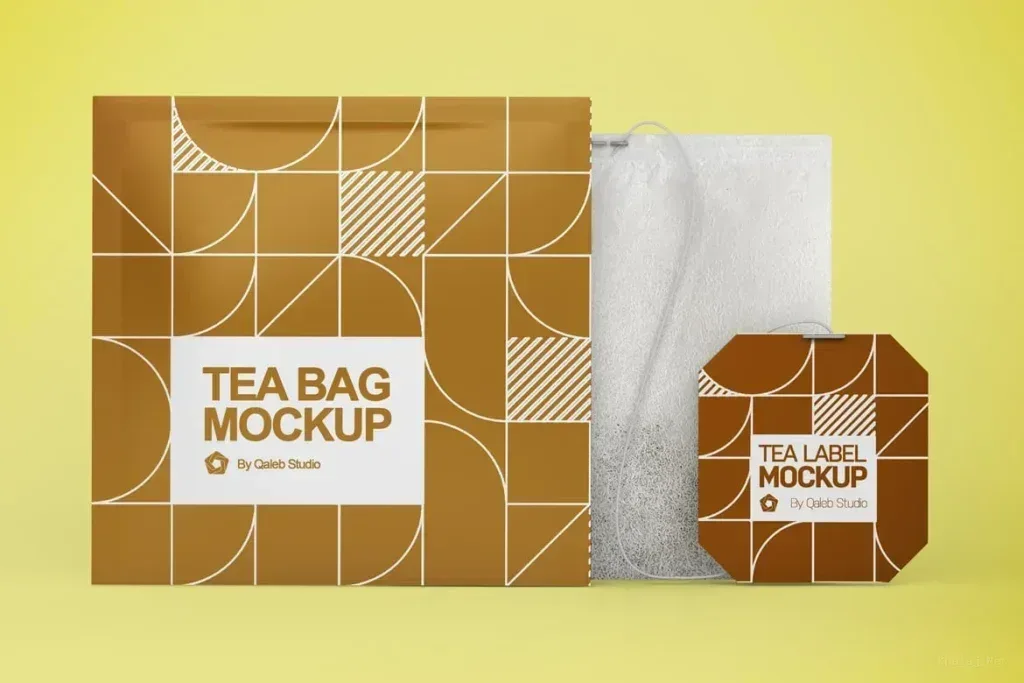
Food packaging mockup PSD files in this tag cover fast-food boxes, pouches, bags, cups, jars, cans, bottles and menu-related presentations. Because these packages use very different surfaces, begin with the real container type instead of choosing only by scene style.
Match the packaging family
A pouch, tin can, takeaway box and bottle each place artwork differently. Compare folds, seams, lids, handles and visible panels so your design is tested on a structure close to the final package.
Check label and print boundaries
Place the actual logo, product name and required information into the editable area. Watch for text that approaches folds, curved edges or hidden sides, and make sure the main hierarchy remains readable from the primary viewing angle.
Choose a scene that supports the brand
Clean isolated scenes help review packaging graphics, while grouped products or table settings can better communicate a food range. Use the presentation context that matches whether you are reviewing design details or showing a finished brand system.
Compare related pack sizes consistently
If a product line has several flavors or formats, look for mockups that can present variants with comparable lighting and angles. Consistent views make color and hierarchy differences easier to judge.