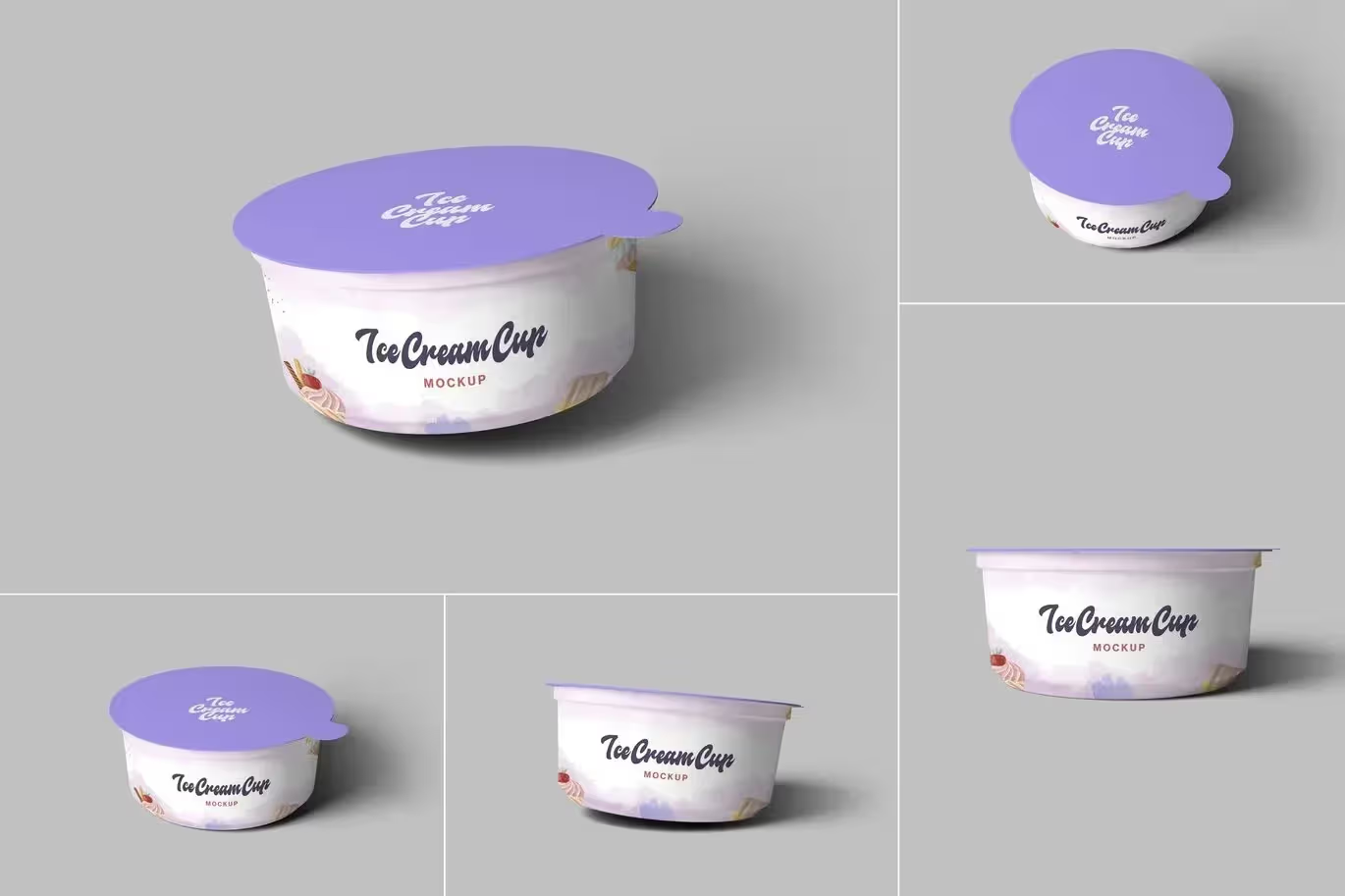
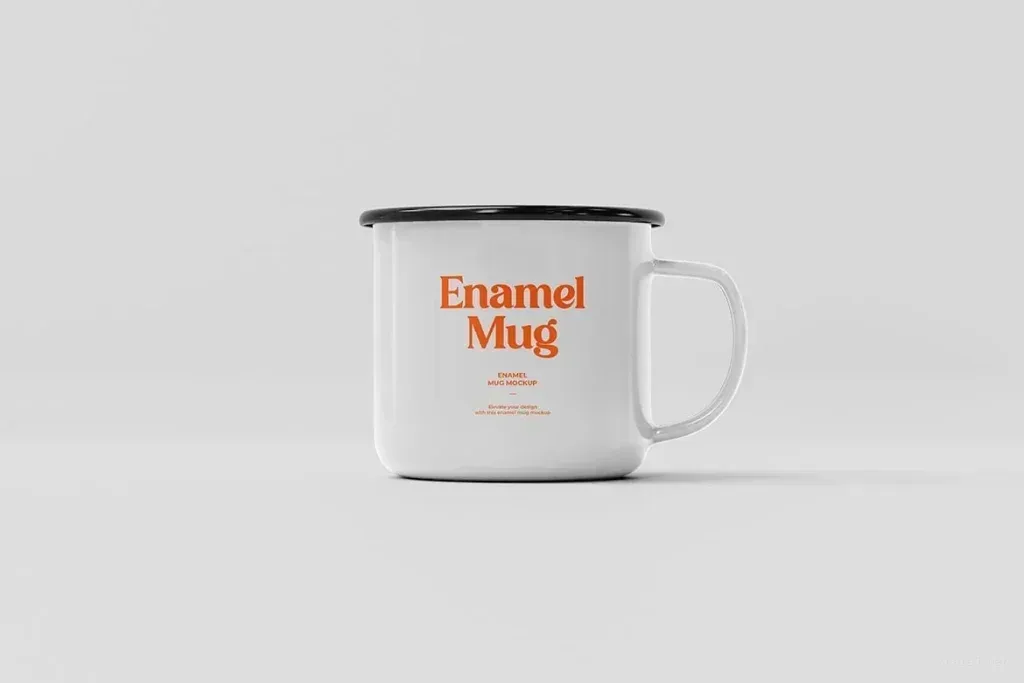
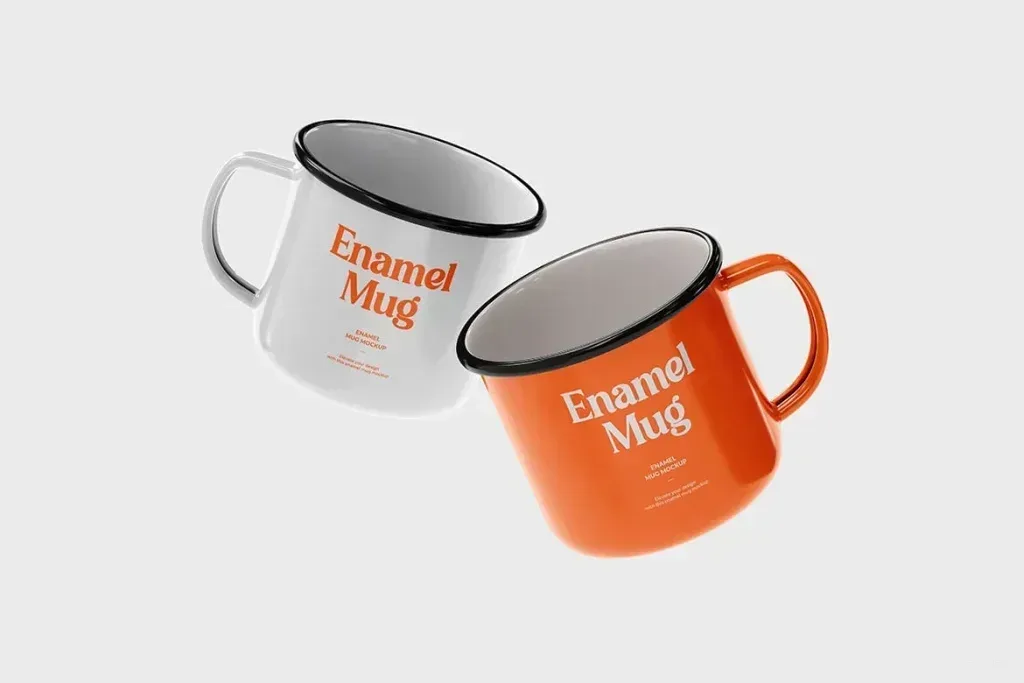
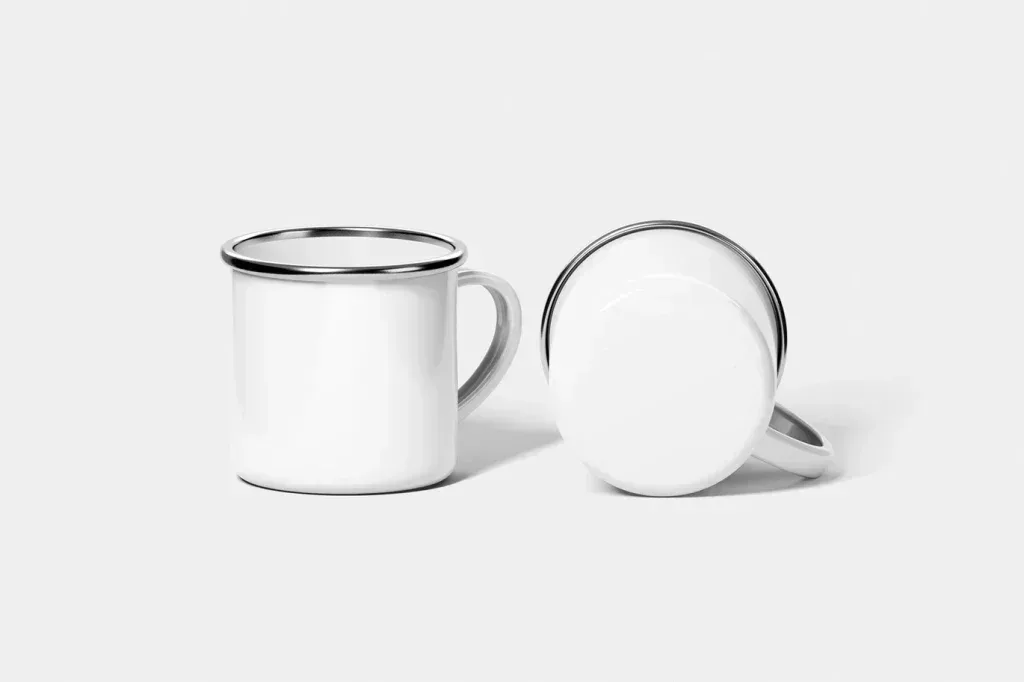
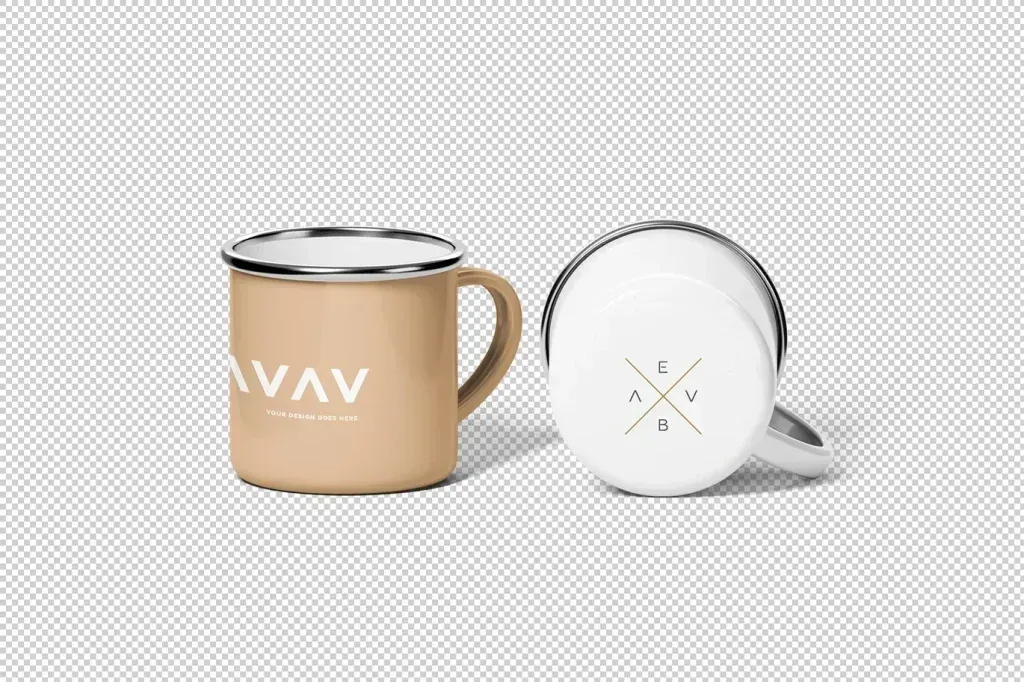
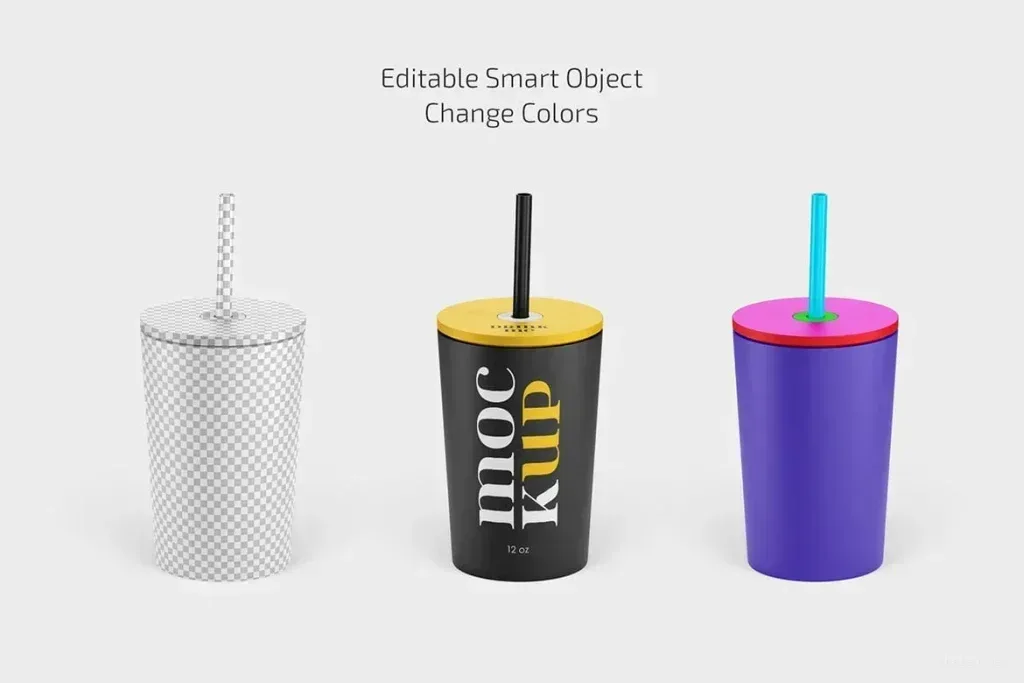
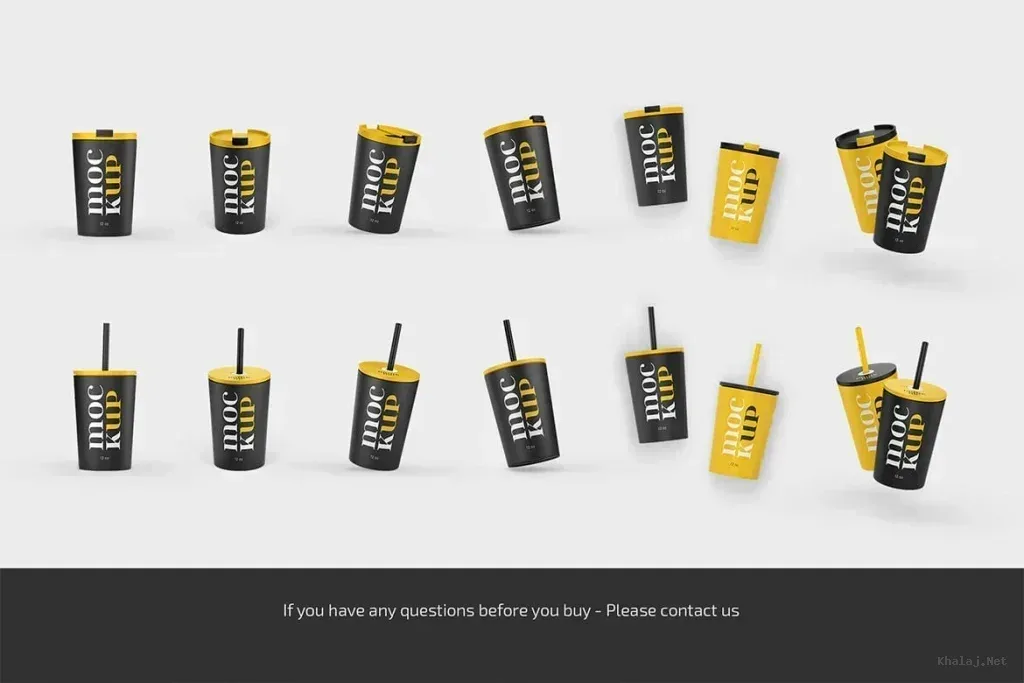
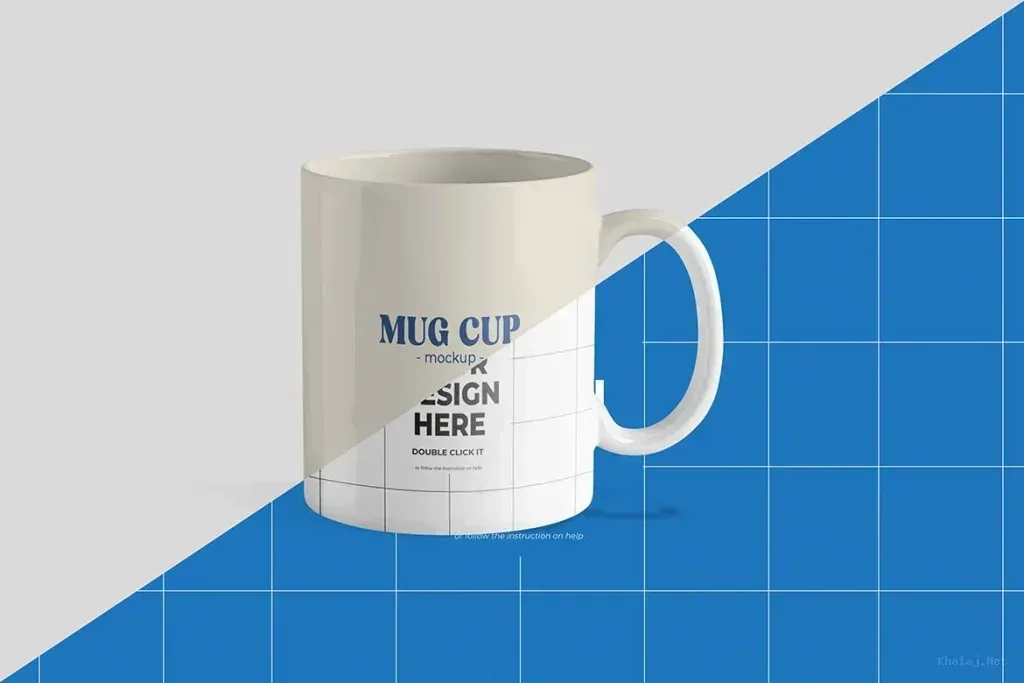
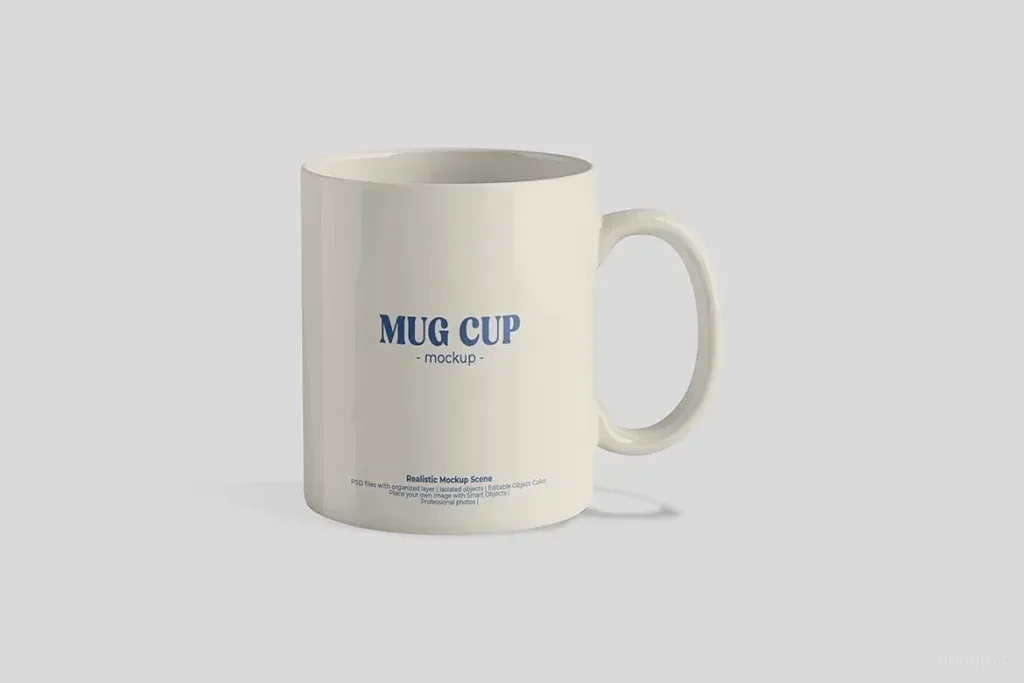
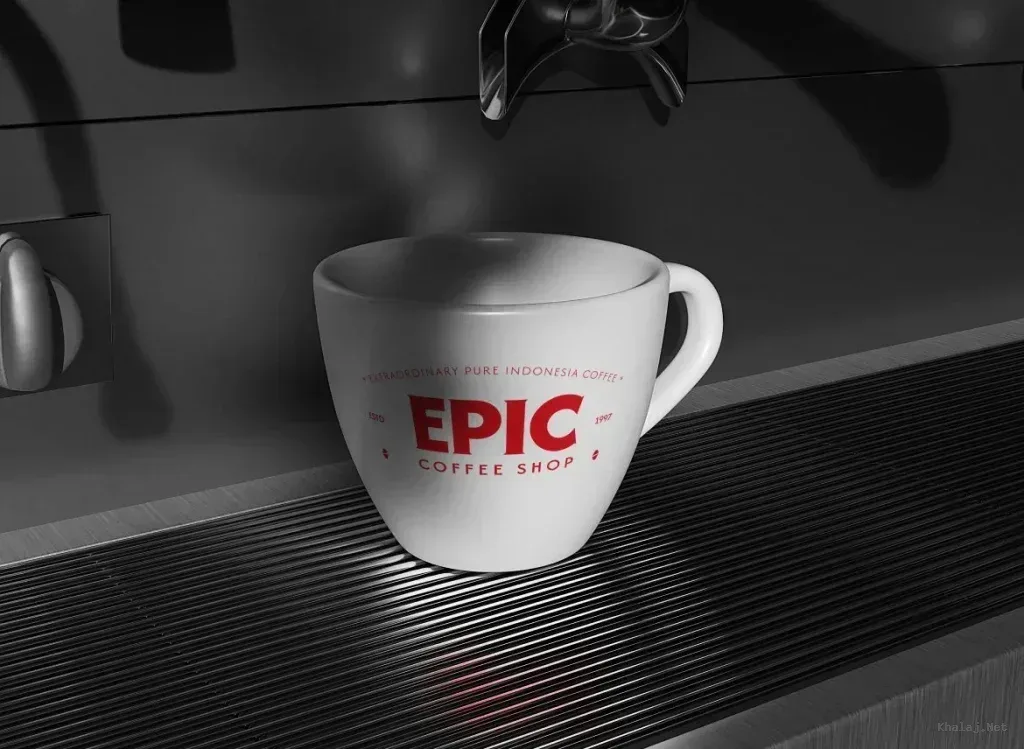
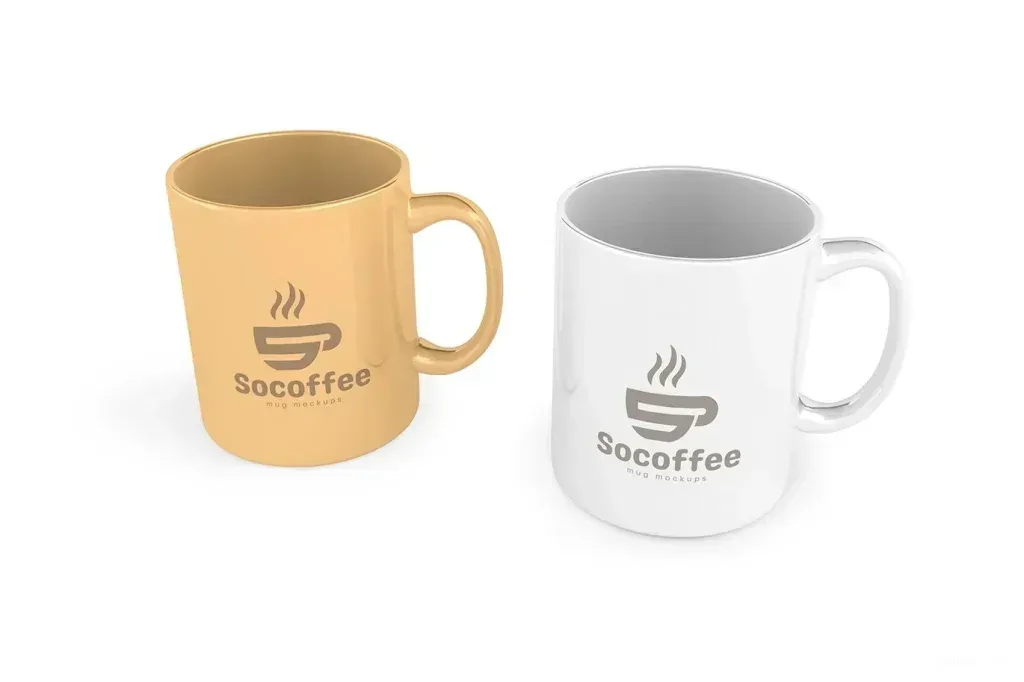
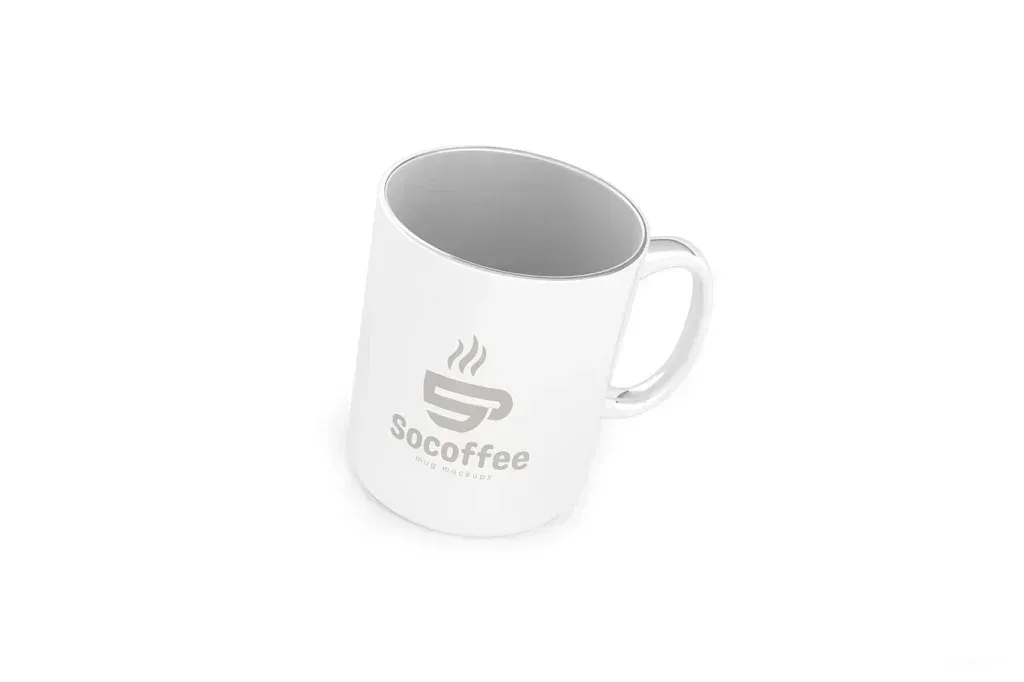
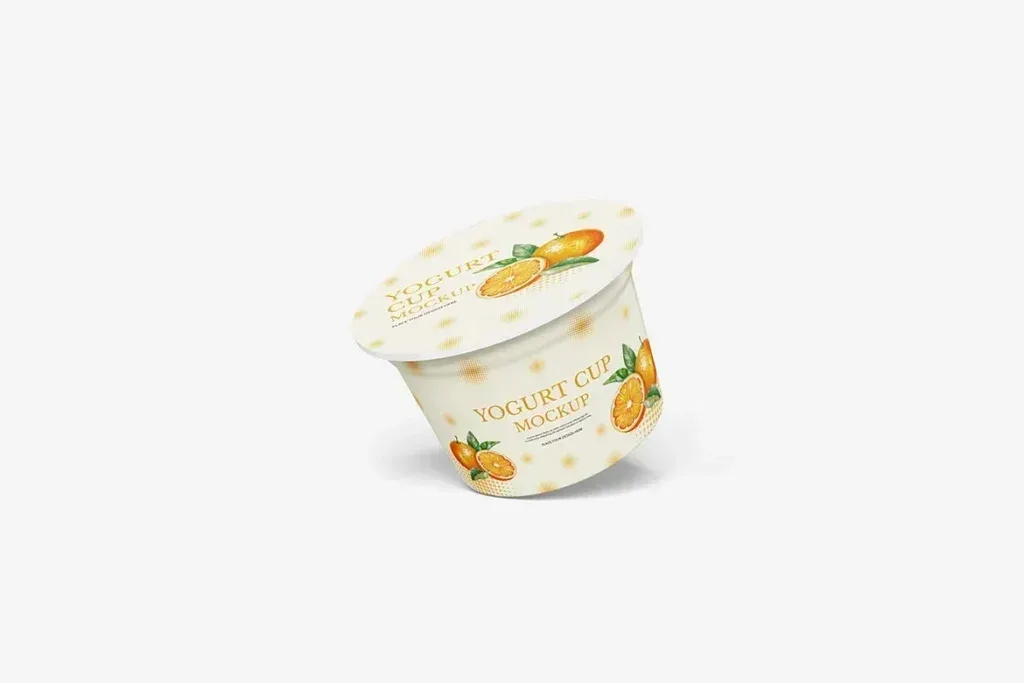
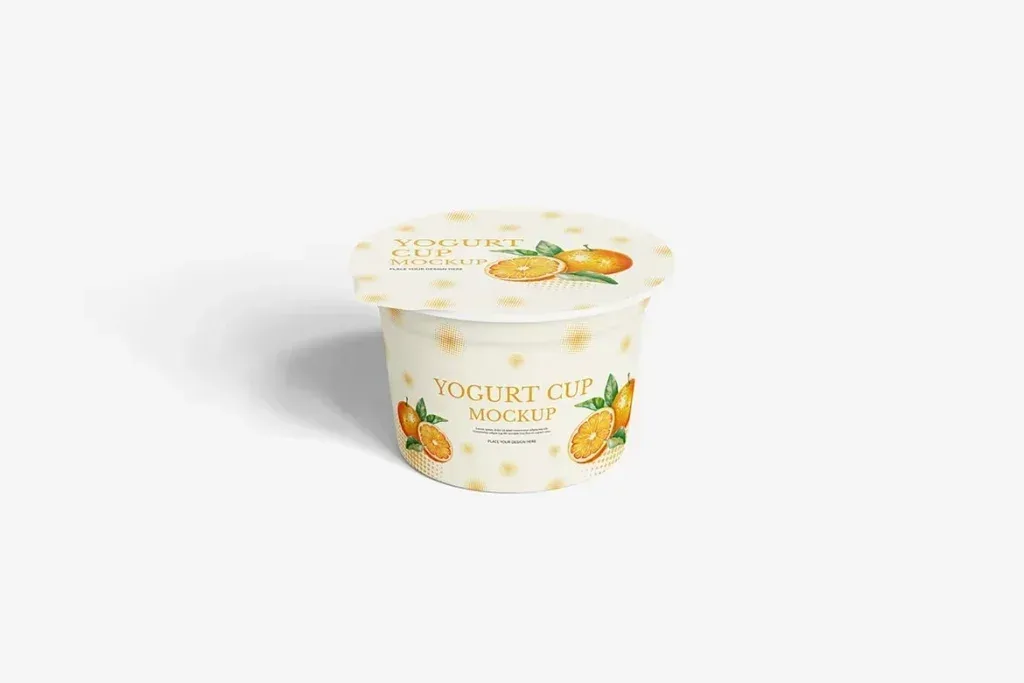
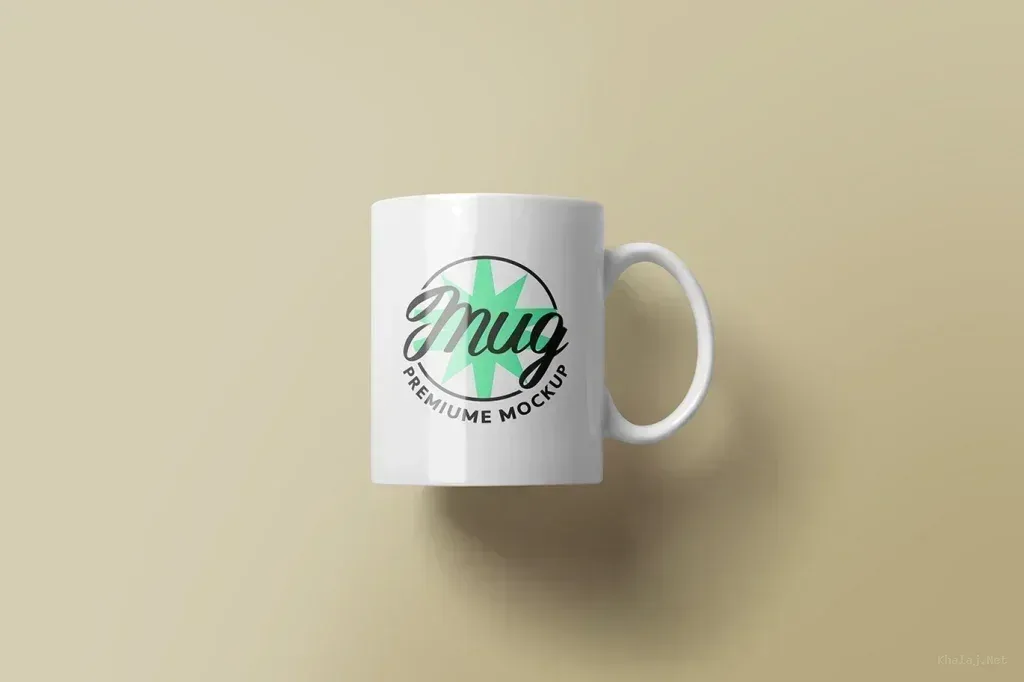
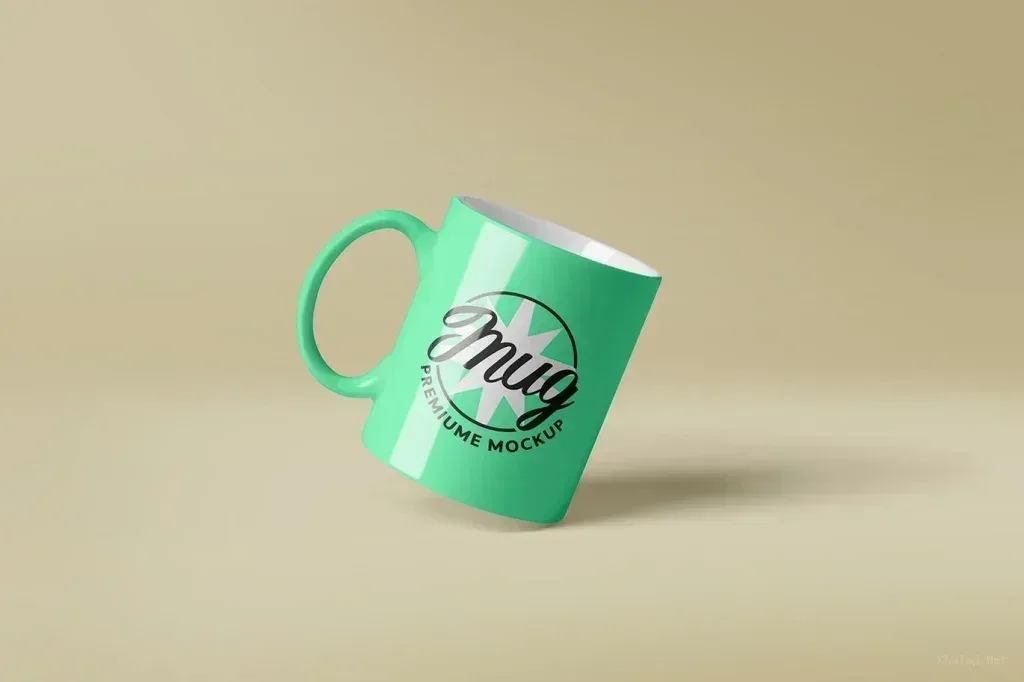
Cup mockup PSD files in this tag include paper coffee cups, mugs, enamel cups, tumblers, juice cups and food containers. Start with the exact container type because artwork placement and visible print area change with the cup shape.
Match the cup and lid style
Compare height, diameter, taper, handle, lid and straw details with the package you are designing. A takeaway paper cup needs a different presentation from a ceramic mug or clear drink cup.
Check the usable print area
Curved surfaces can distort logos and long text near the edges. Place real artwork through the editable area early and inspect how the design wraps around the cup, especially where only part of the circumference is visible.
Choose the right presentation scene
Clean studio views are useful for reviewing branding, while lifestyle or multi-item scenes help present a finished campaign. Compare background control, shadows and object arrangement according to the purpose of the final presentation.
Test small brand details
Use the actual logo, label text and key colors before finishing the mockup. This makes it easier to catch weak contrast, oversized marks or important elements that disappear around the curved surface.