Choose the coffee touchpoint you need to present
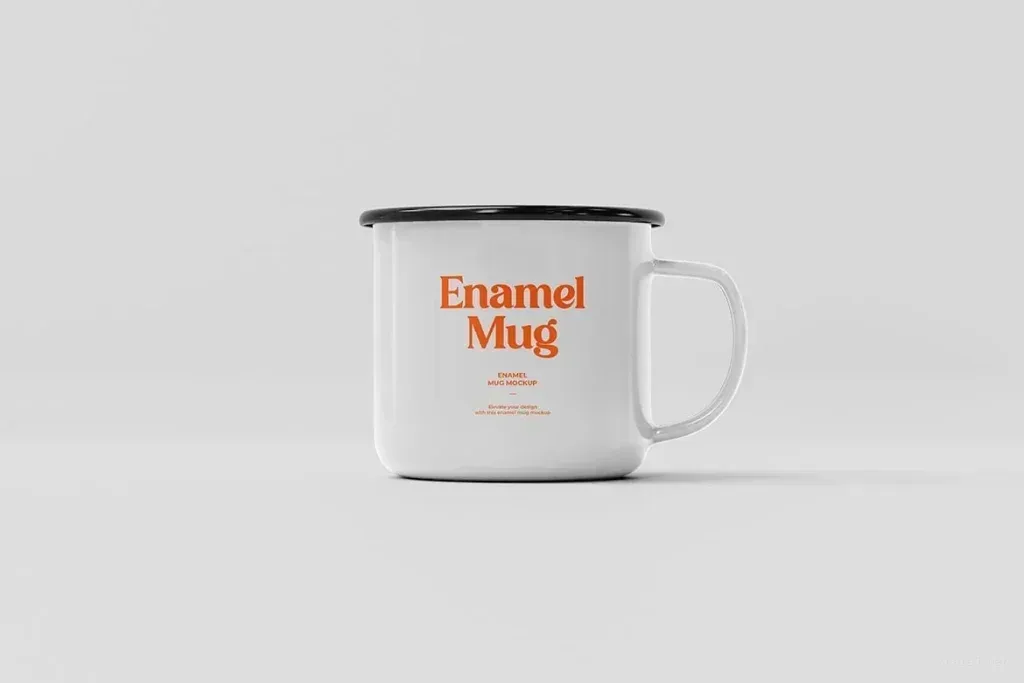
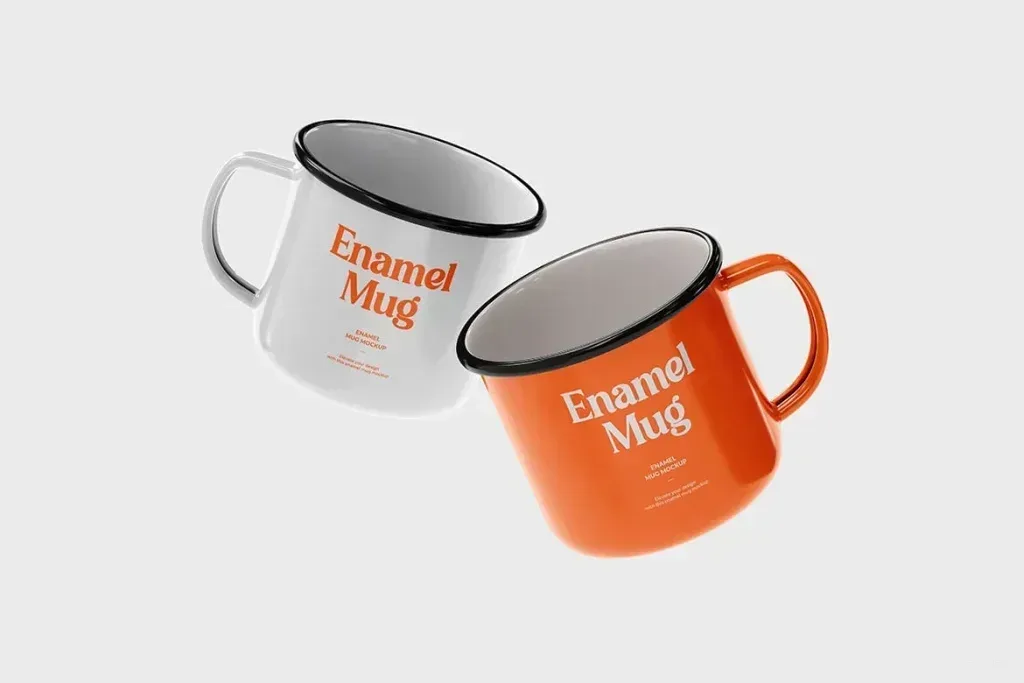
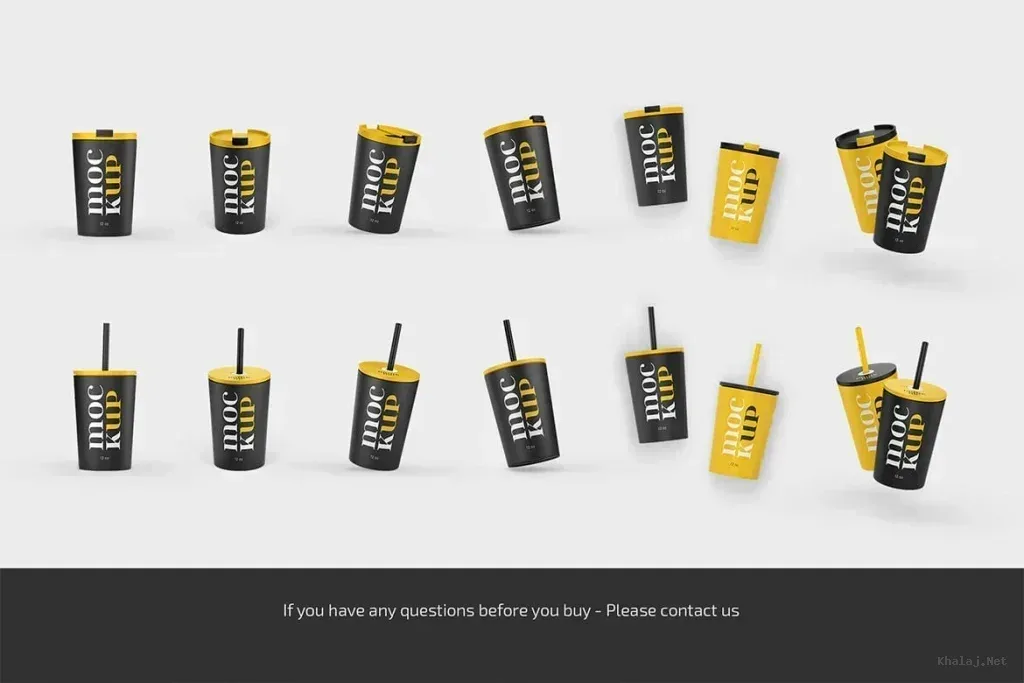
Coffee mockup PSD files in this tag include cup holders, mugs, café posters, paper cups, zip pouches, enamel mugs and package-and-cup scenes. A logo on a mug answers a different presentation need from retail packaging or a shop poster, so start with where the customer will actually see the design.
Keep branding consistent across different surfaces
If a project uses several items, compare logo scale, typography and color across the cup, pouch and printed material instead of treating each mockup separately. Curved drinkware and folded packaging can distort artwork, so leave comfortable margins around important text and marks.
Inspect the PSD before preparing artwork
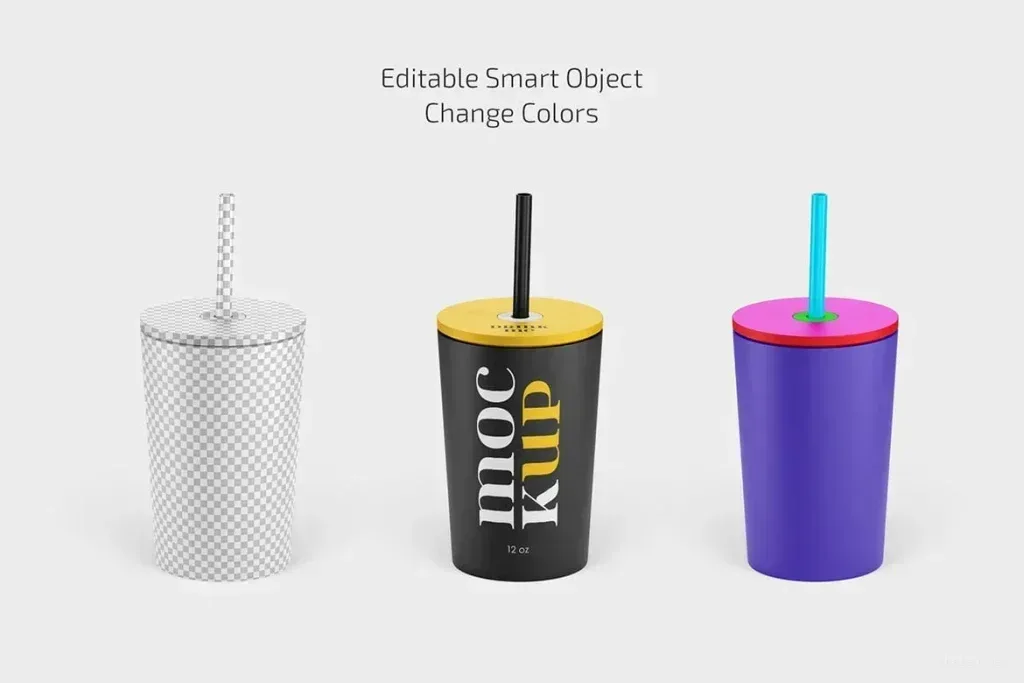
Smart Objects are common in Photoshop mockups, but editable areas and layer controls vary. Check whether the file supports the surface you need before finalizing artwork dimensions. Large, clean source graphics are easier to place without visible softness after scaling.