Choose a magazine mockup by presentation view
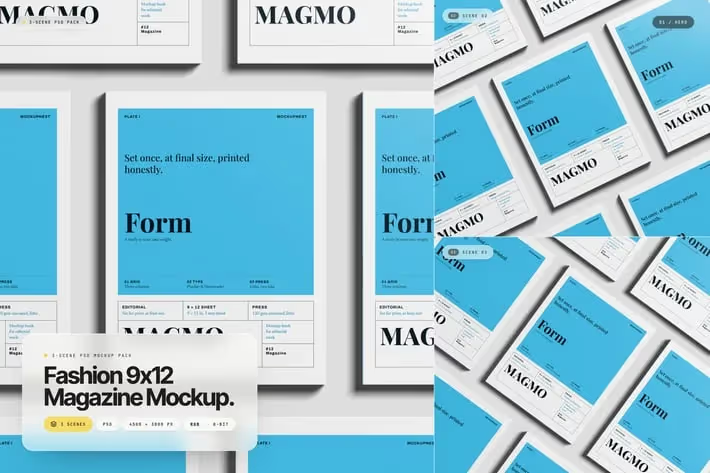
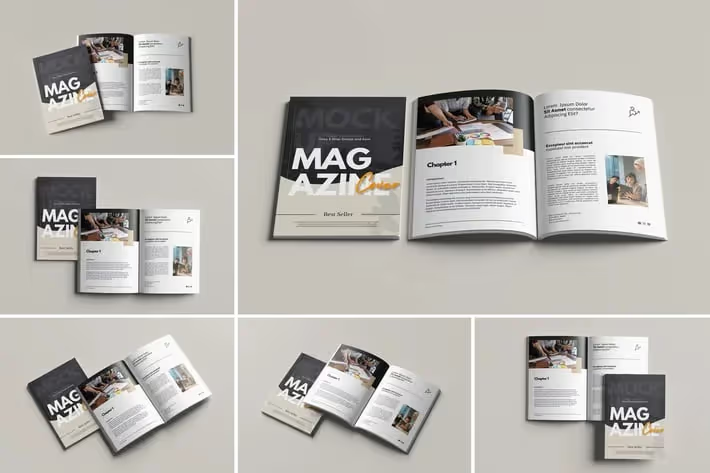
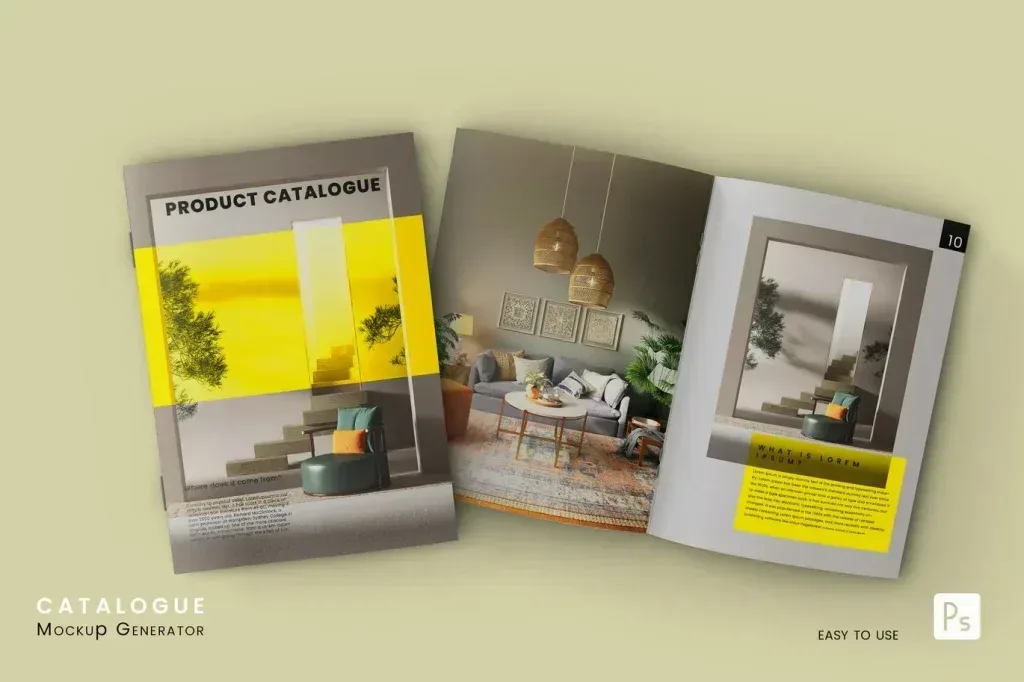
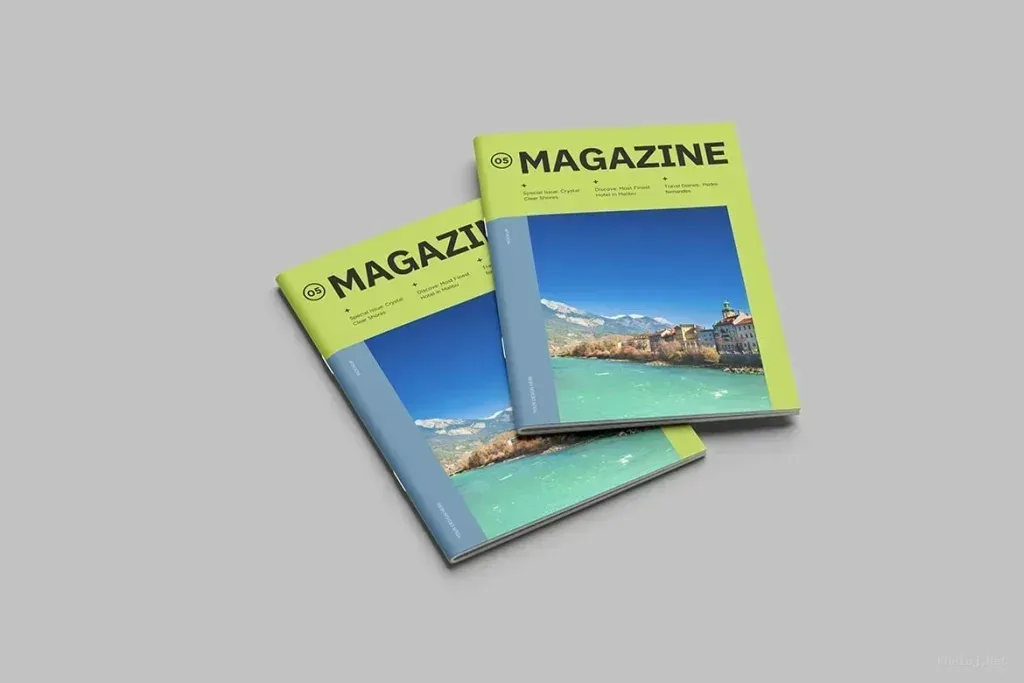
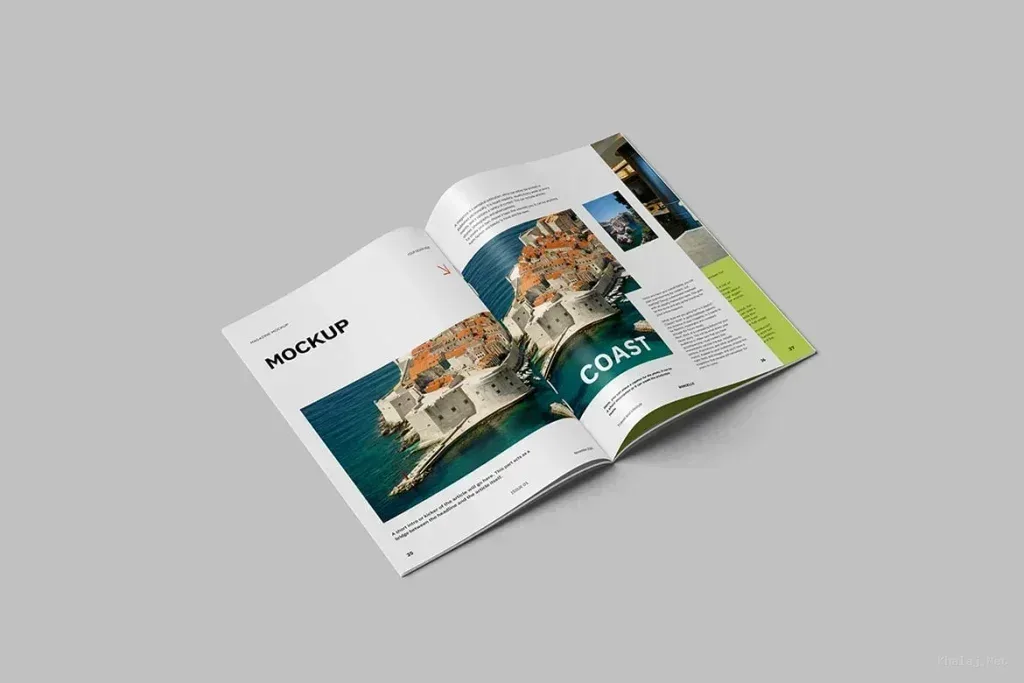
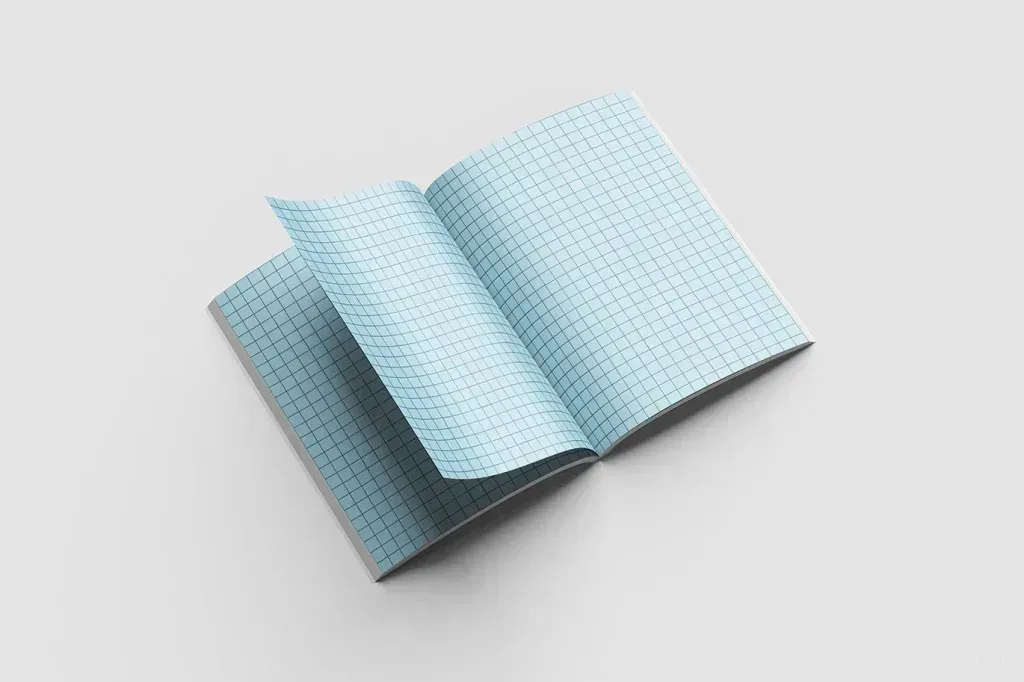
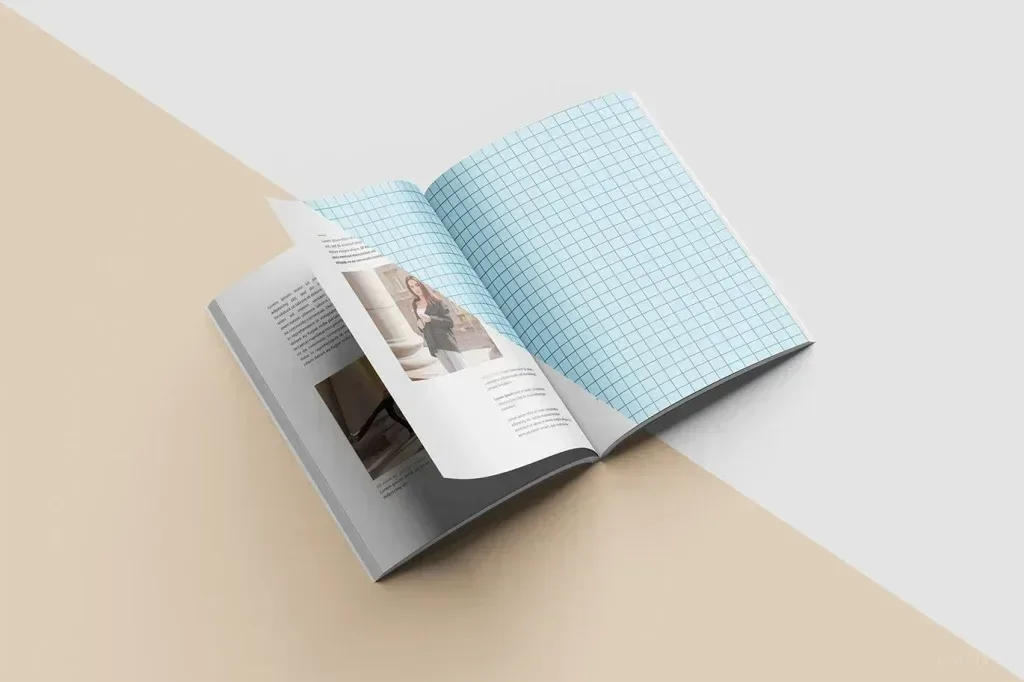
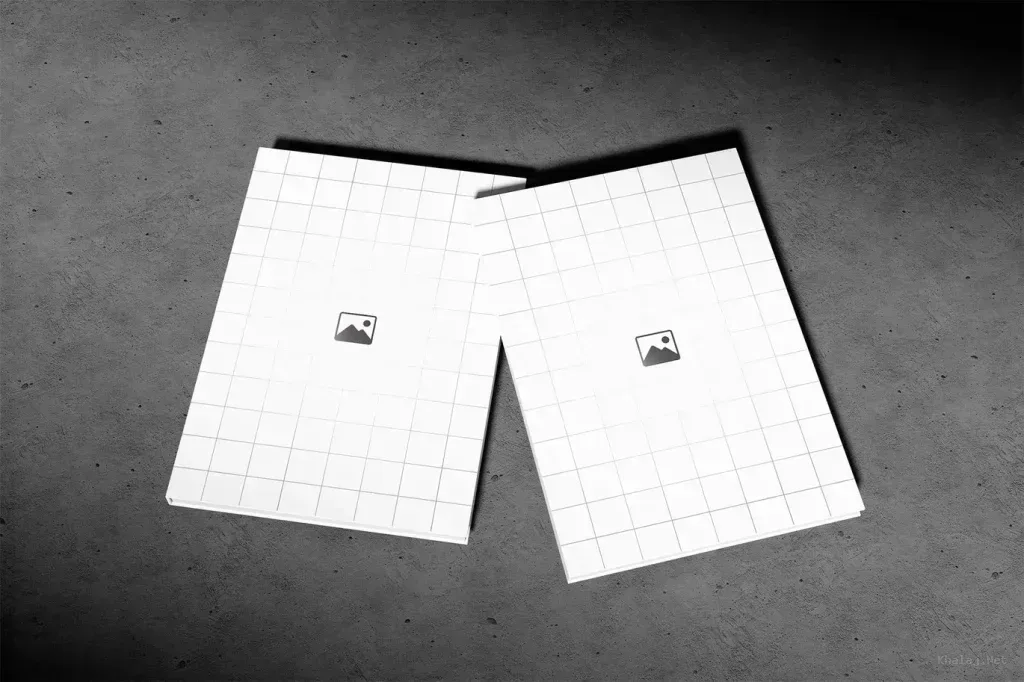
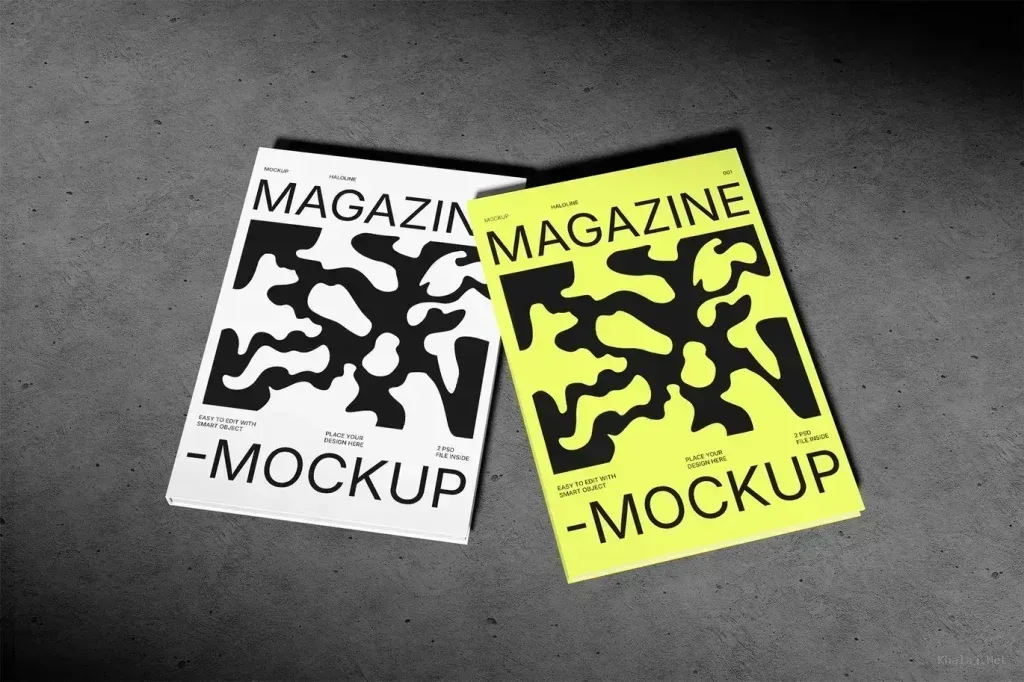
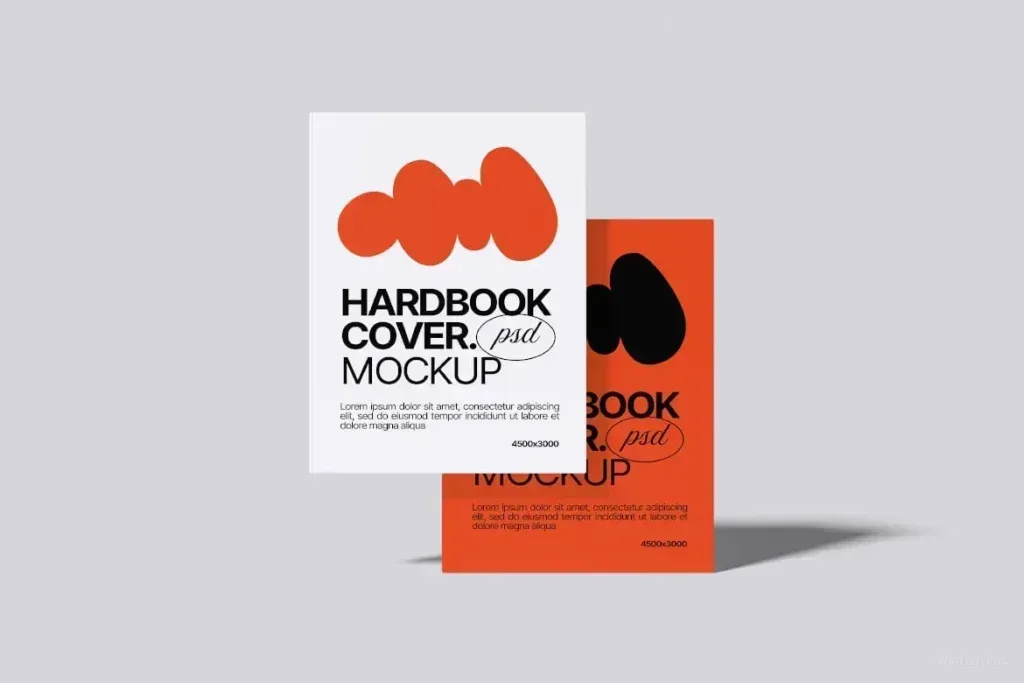
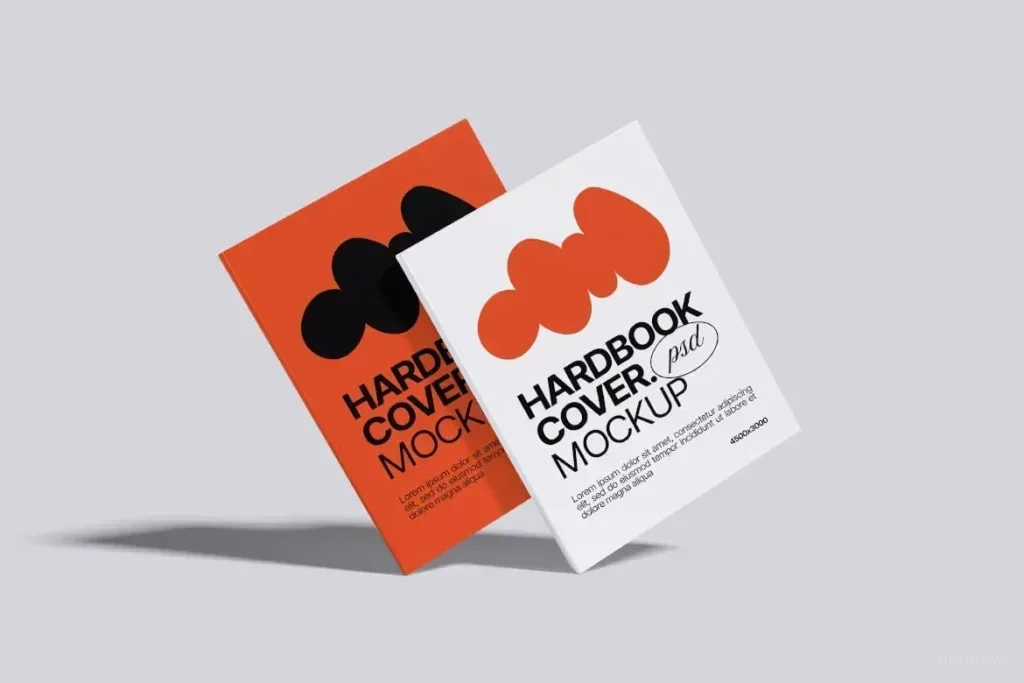
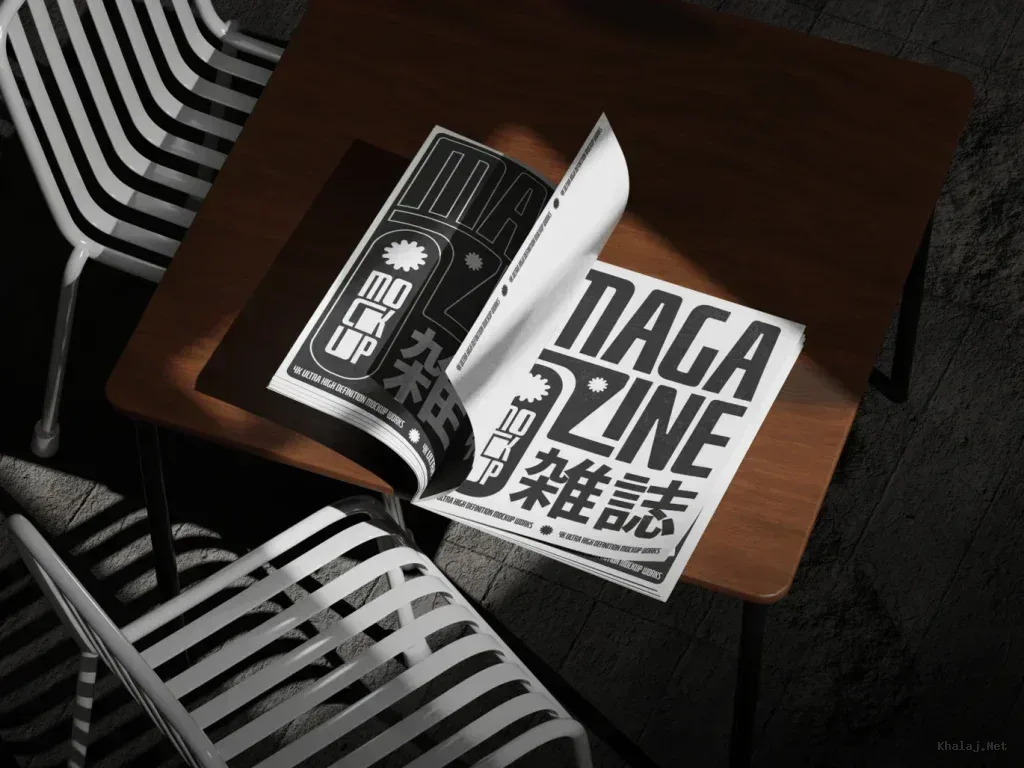
Magazine mockup PSD files in this tag include cover-focused scenes, open spreads, catalogue-style layouts and hardcover presentations. Start with the page or binding view you need to show, because a closed cover and an interior spread answer different presentation goals. The most useful scene is the one that exposes the part of the design your viewer needs to judge.
Check perspective and visible design area
Look at how much of the front cover, spine and inner pages are visible. A dramatic angled scene can be useful for a hero image, while a flatter view may communicate typography and page layout more clearly. Small text and detailed grids are easier to evaluate when perspective distortion is limited.
Review editable layers before placing artwork
Use the product page to confirm the PSD structure and listed editable areas. Keep a copy of the original file, place your design into the intended smart-object or replacement layer when available, and check edge alignment at the final display size.
Test both a cover and one interior page if the mockup supports them. This reveals whether the lighting, shadows and page curvature still keep important headlines and margins readable once your own artwork replaces the sample design.