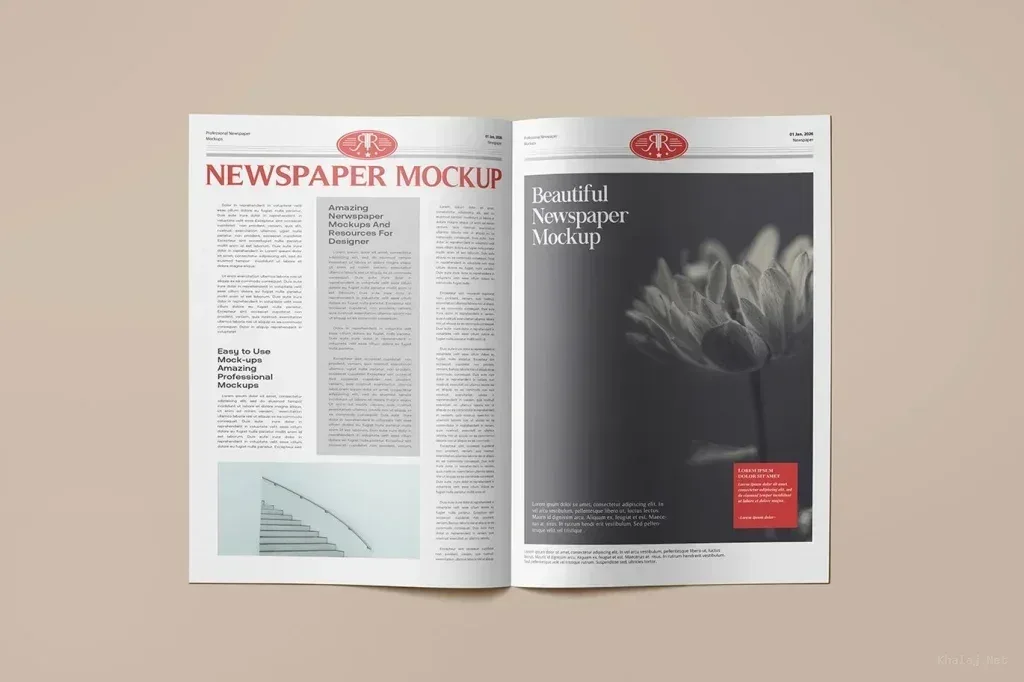
Match the mockup to the publication format
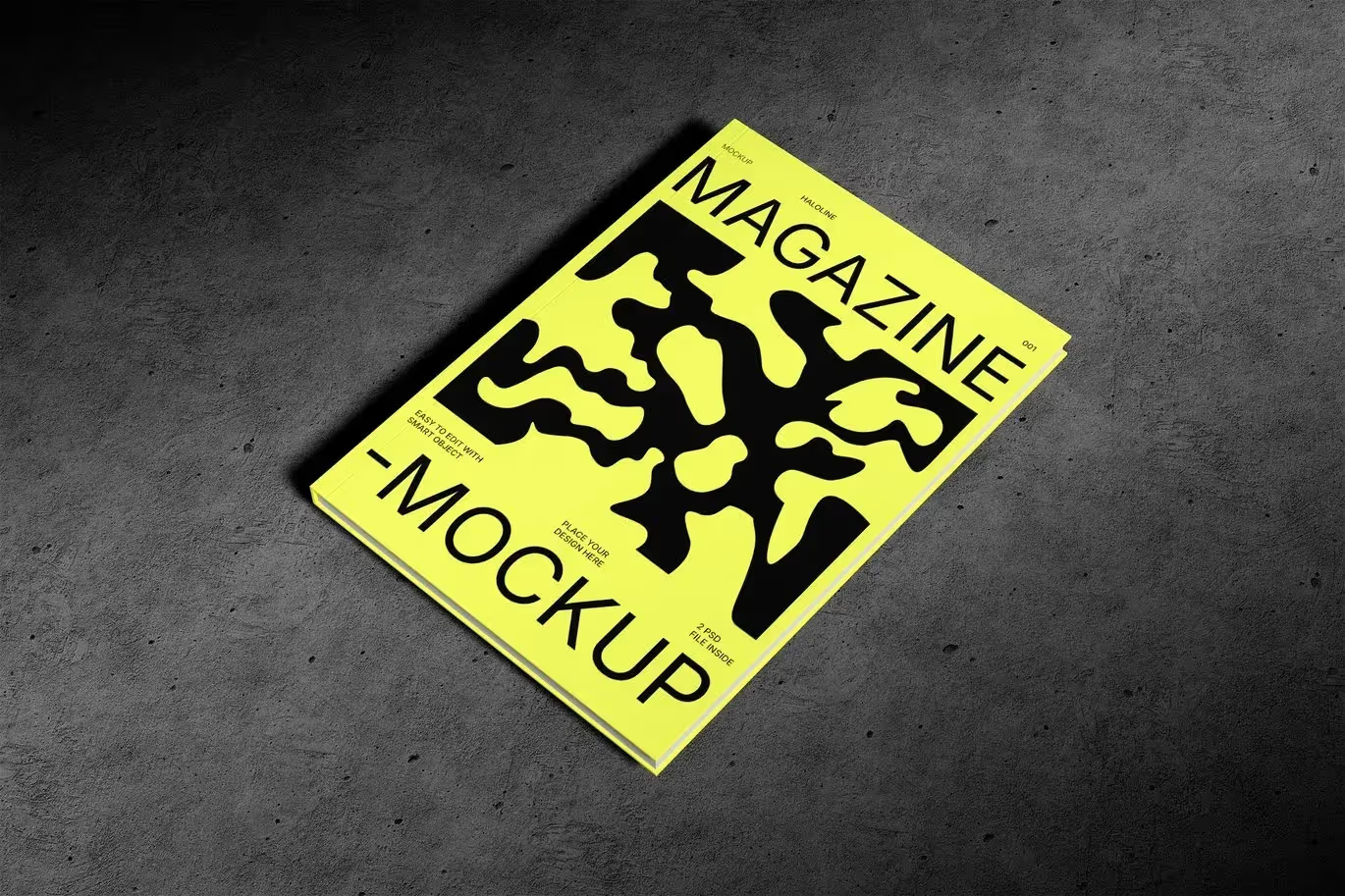
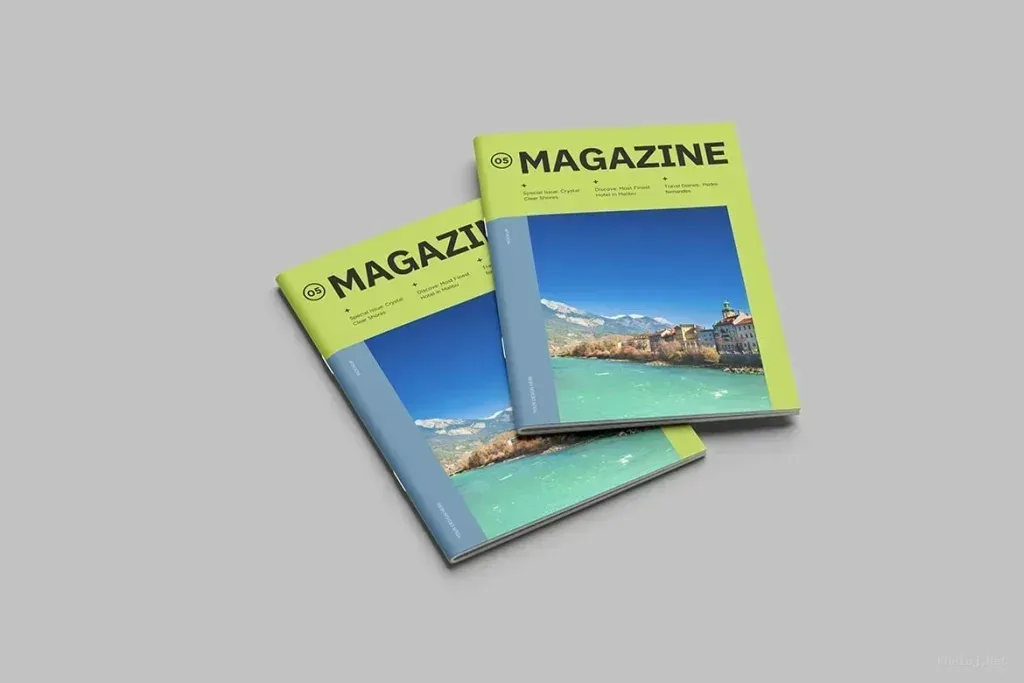
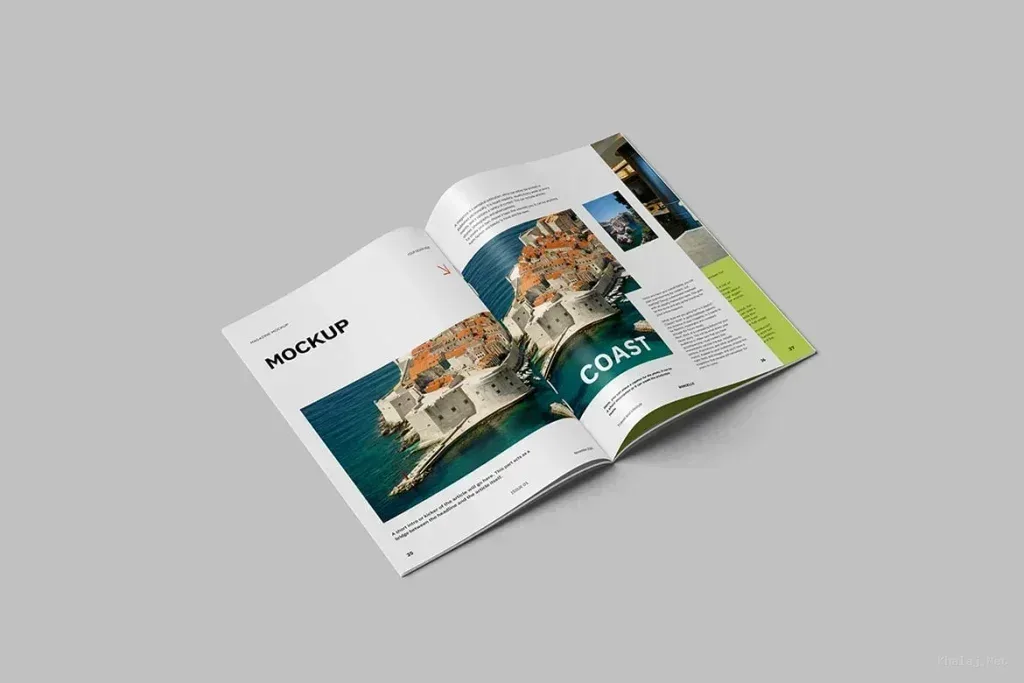
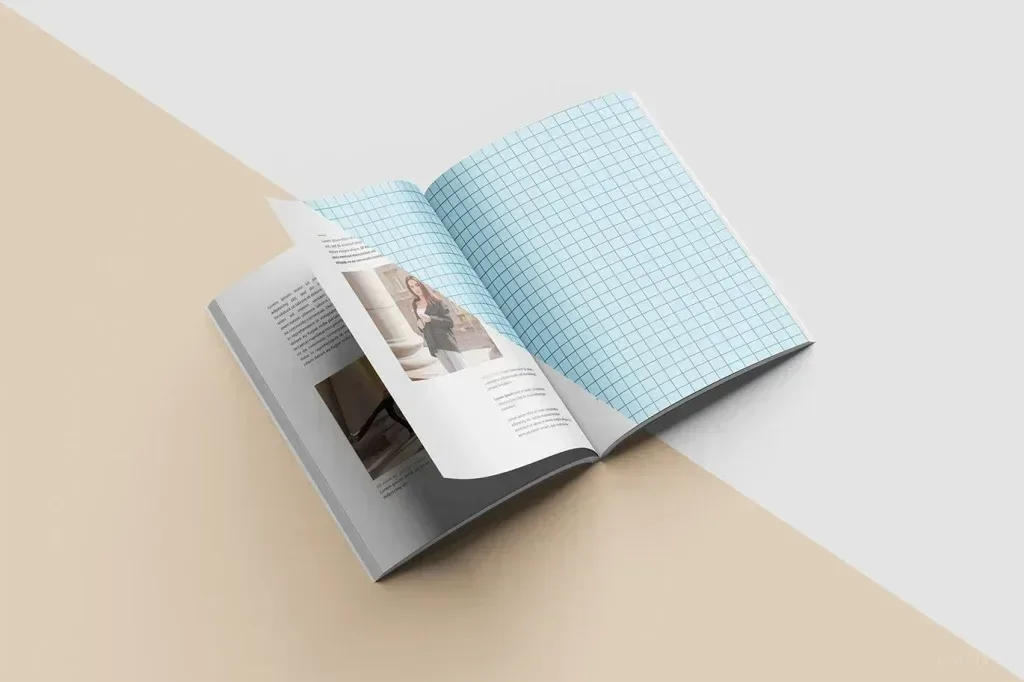
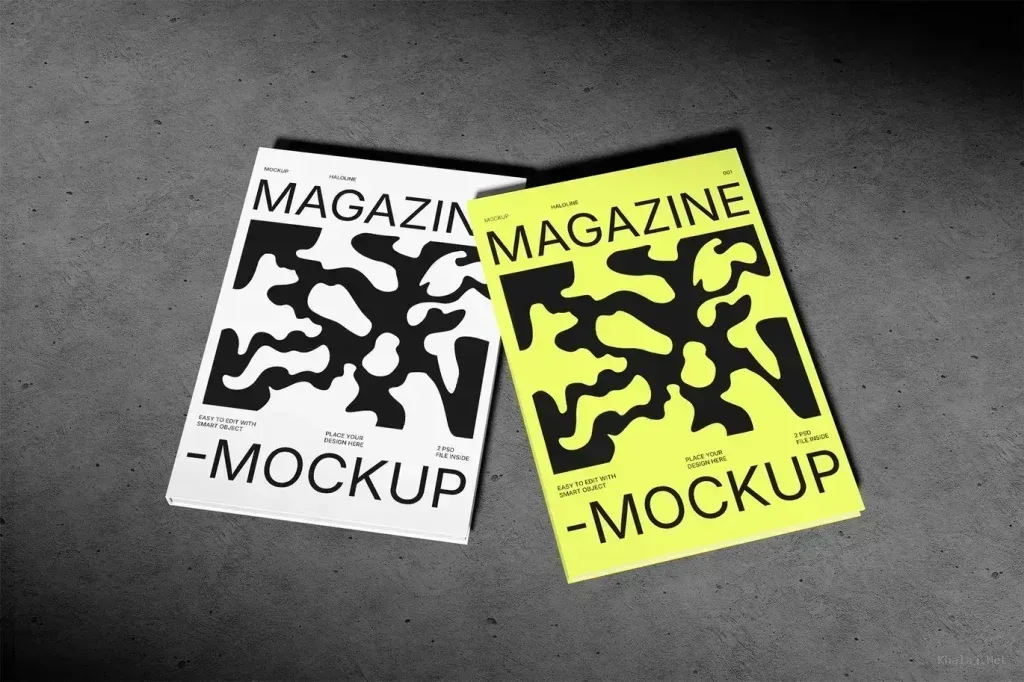
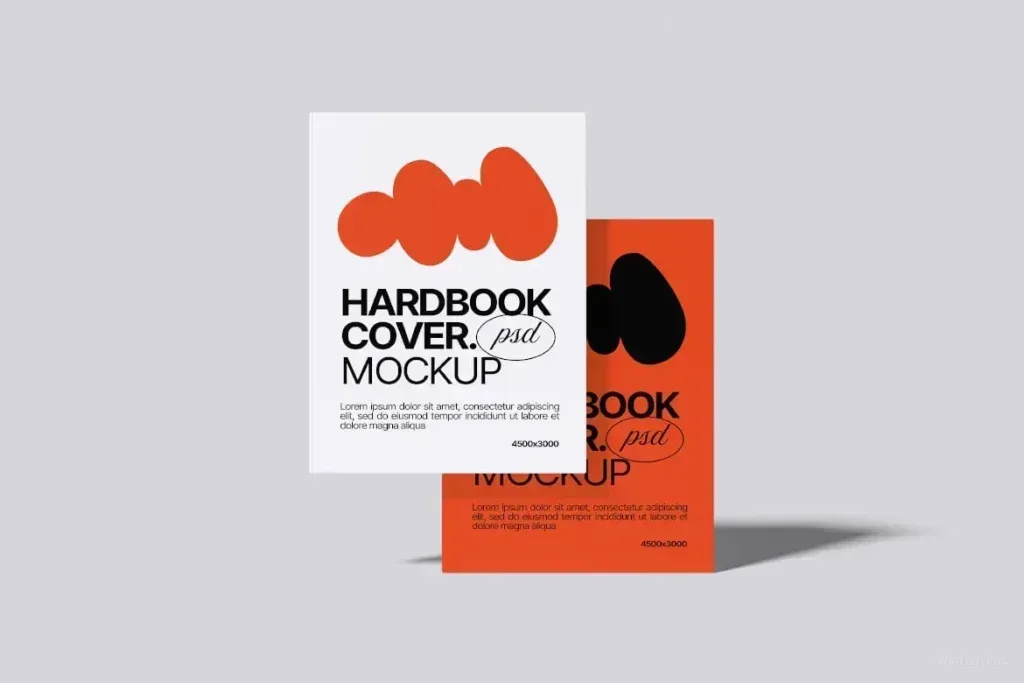
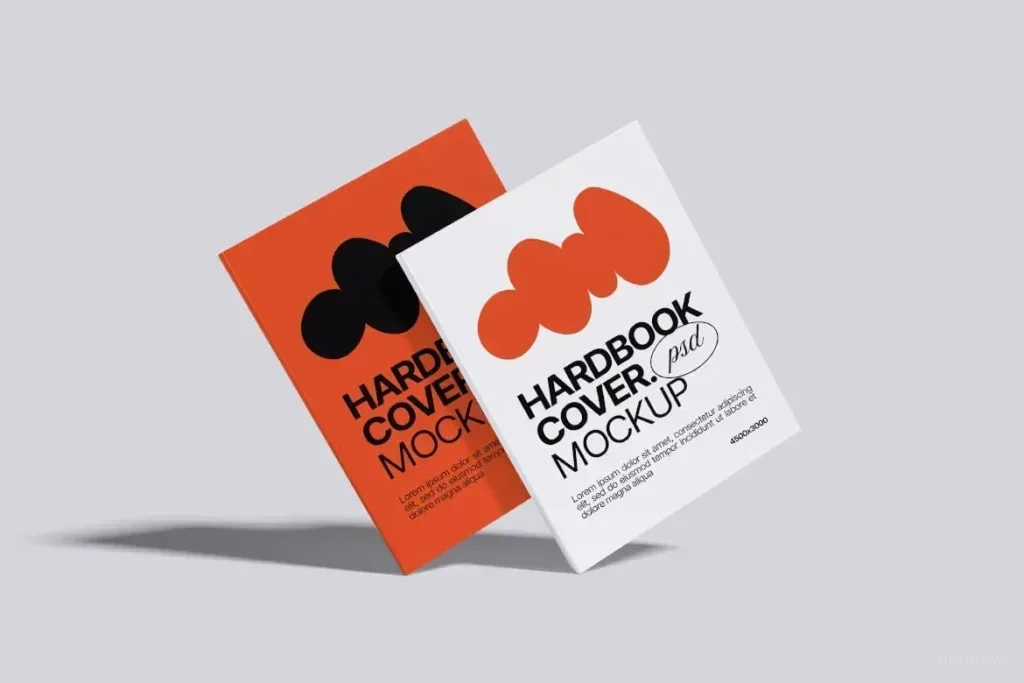
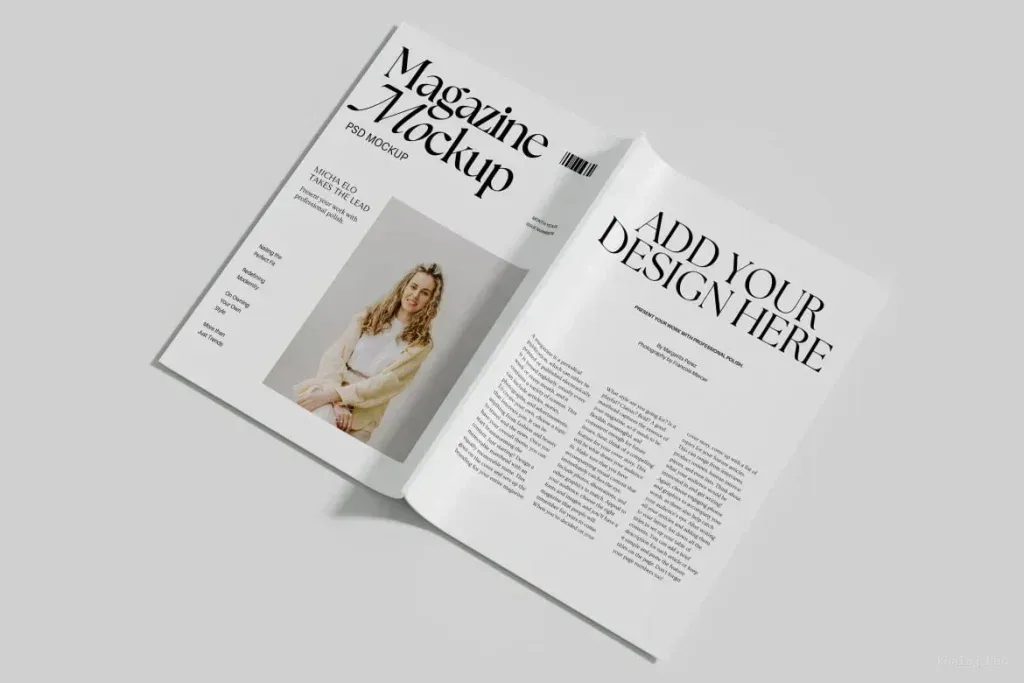
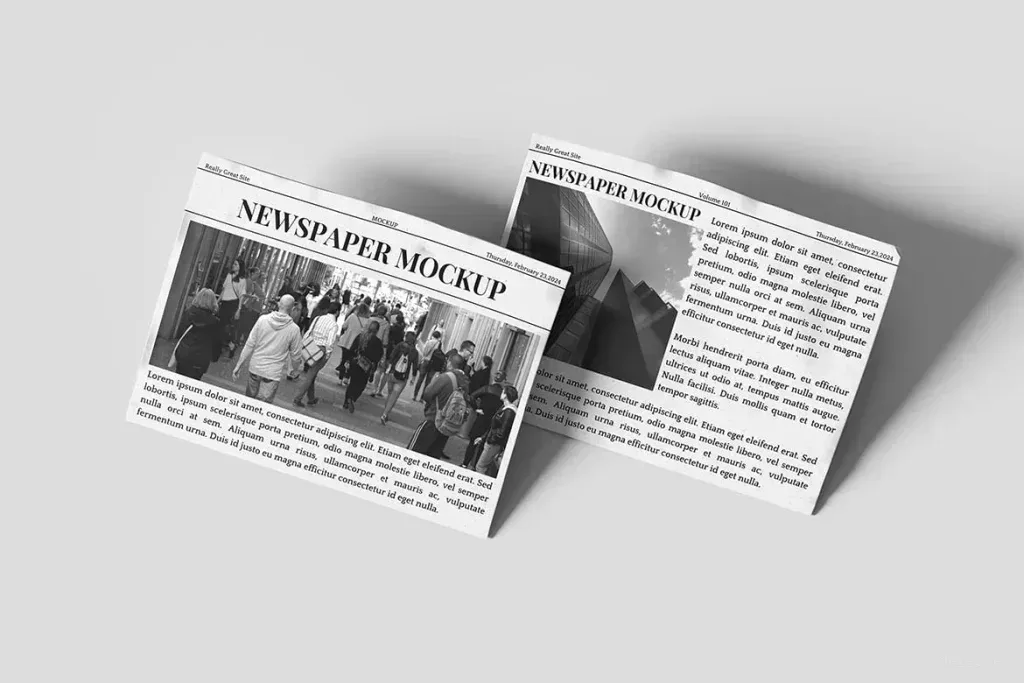
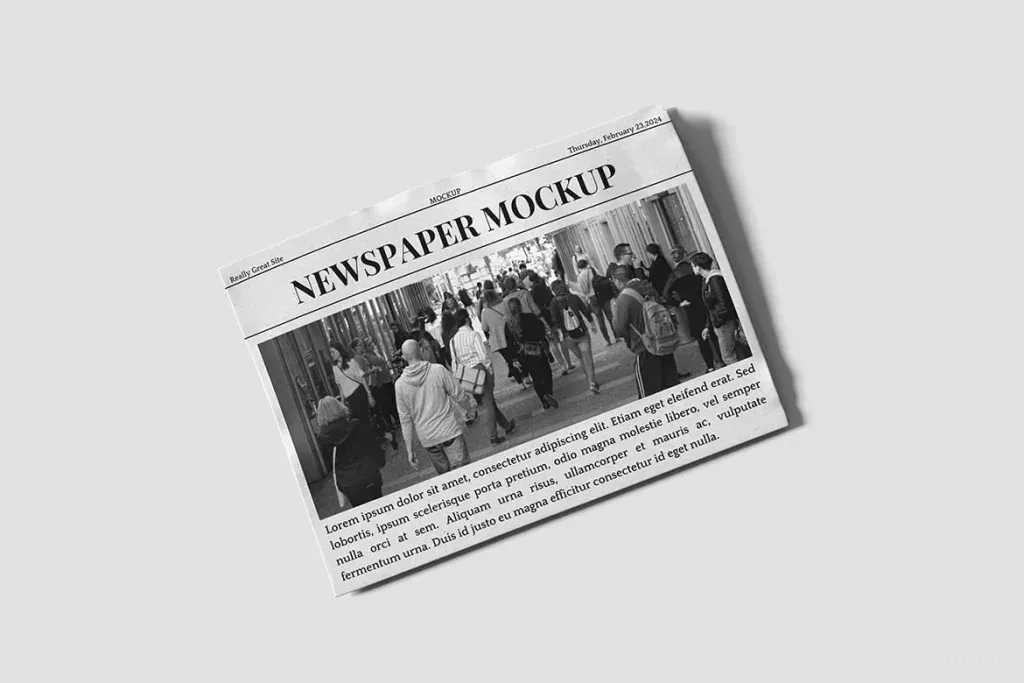
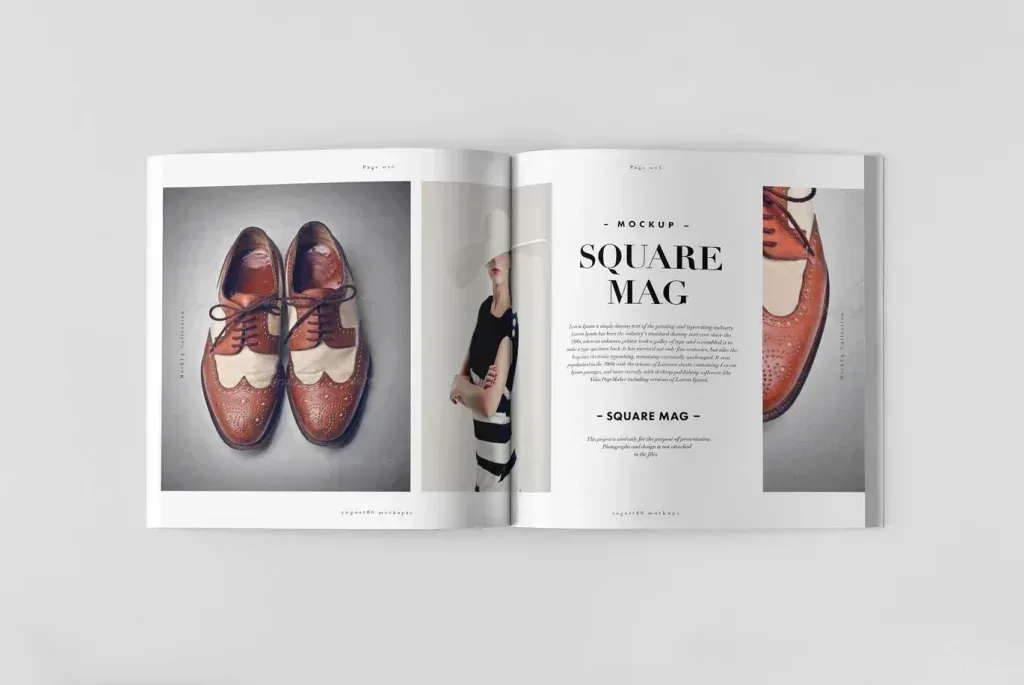
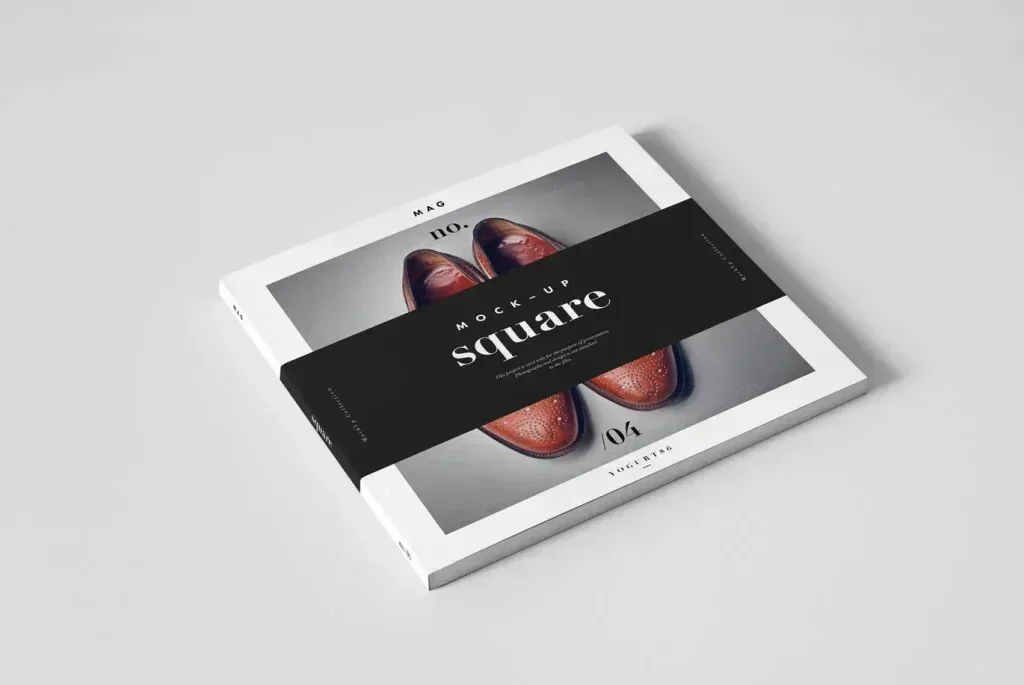
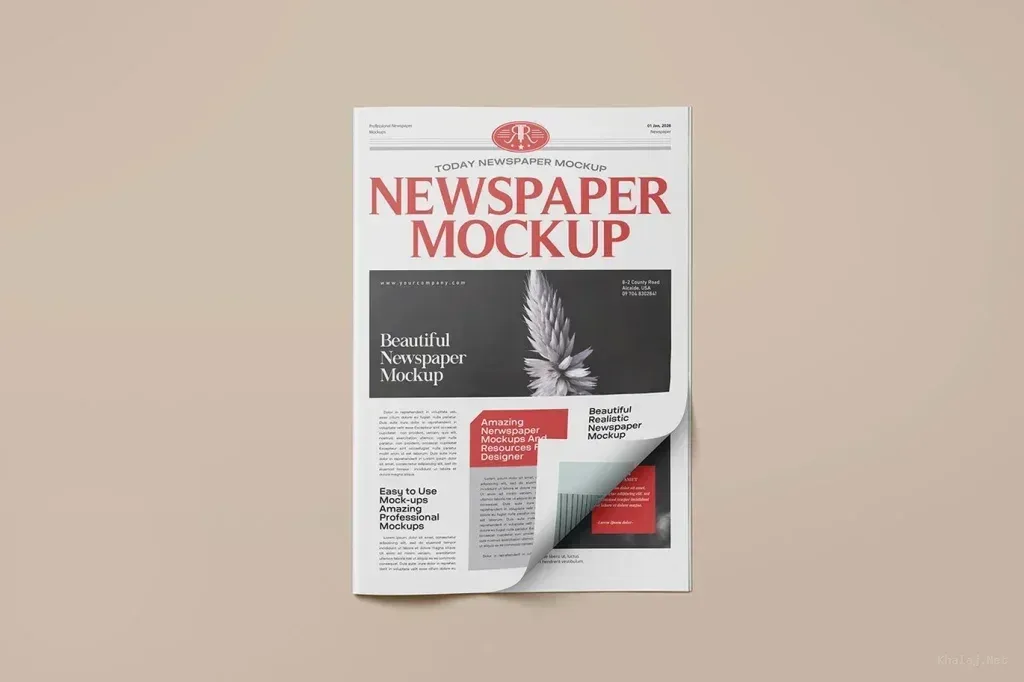
Cover mockup PSD files in this tag include book covers, realistic hardcovers, magazines, brochure perspectives and multi-cover sets. A front-cover scene is not interchangeable with a hardcover or magazine presentation, so choose a file that represents the physical format and binding you plan to show.
Decide which cover surfaces matter
Some presentations focus on the front, while others expose a spine, back cover or multiple publications. If the design relies on spine typography or a wraparound image, select a scene that actually shows those areas. Perspective should support the hierarchy rather than hide important copy.
Prepare artwork for the PSD structure
Photoshop Smart Objects can preserve placed artwork while transformations are applied, but every mockup has its own layer organization. Review the editable surfaces before exporting final cover files and keep source artwork large enough to remain crisp at presentation scale.