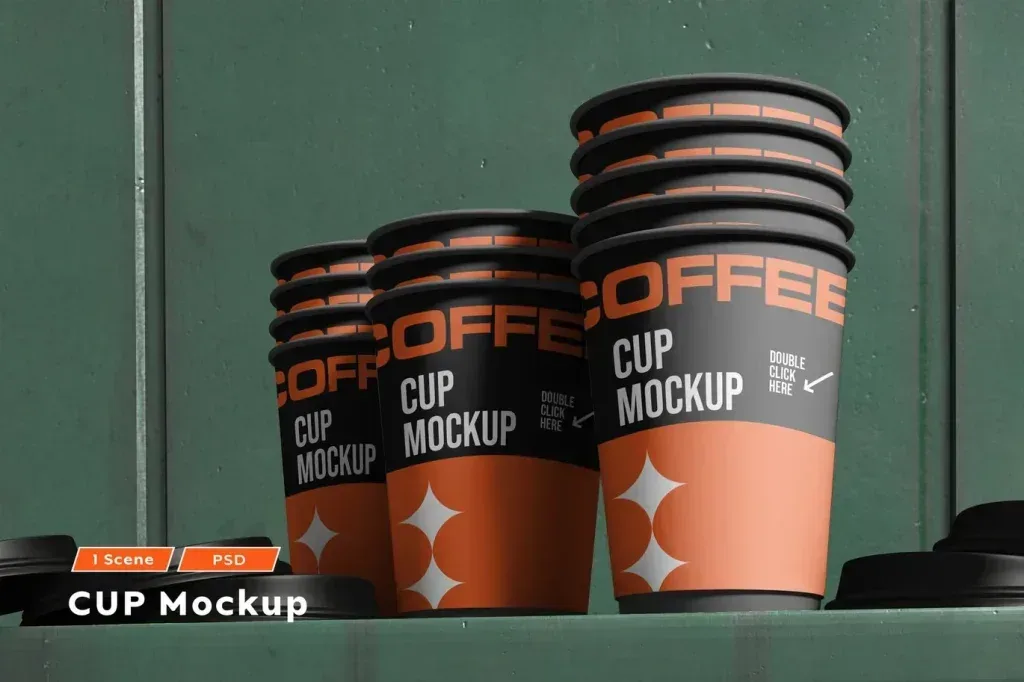
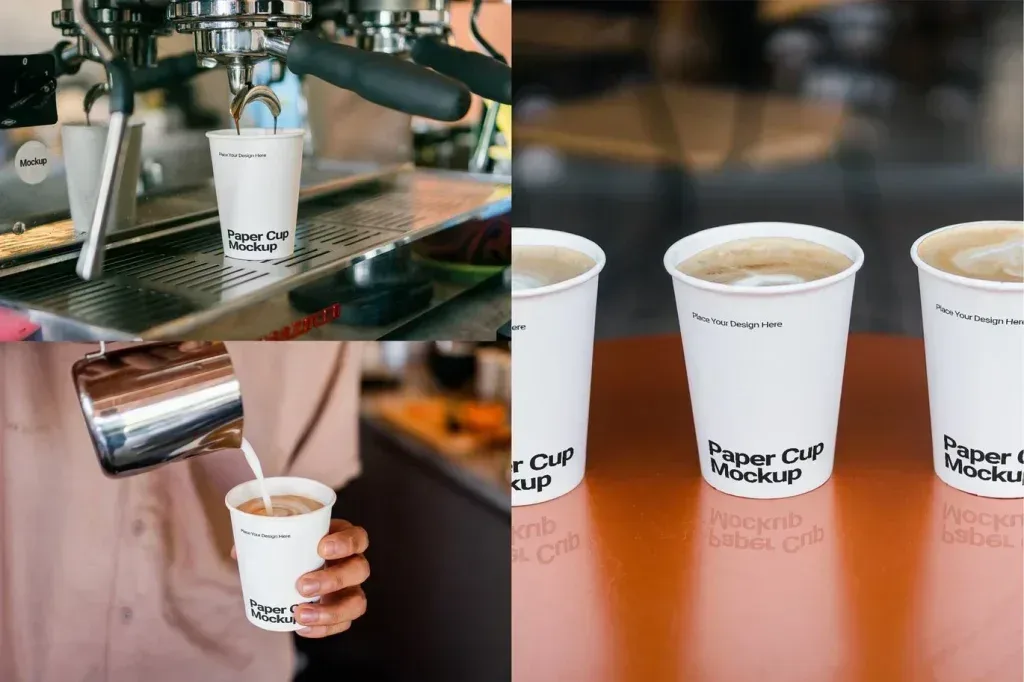
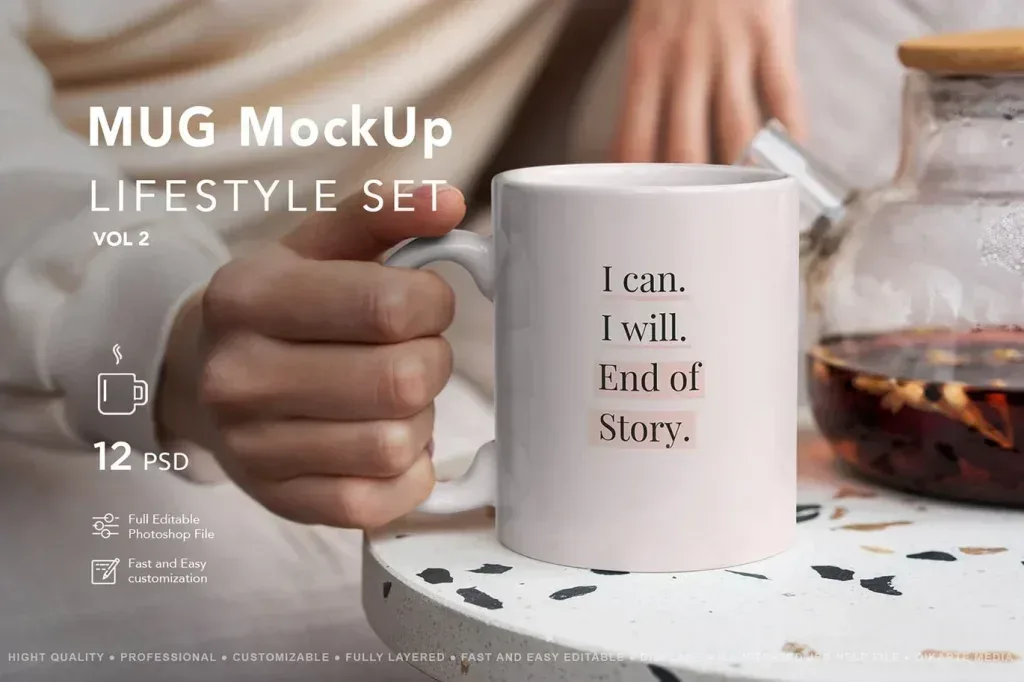
PSD Mockup Cafe Branding for real presentation
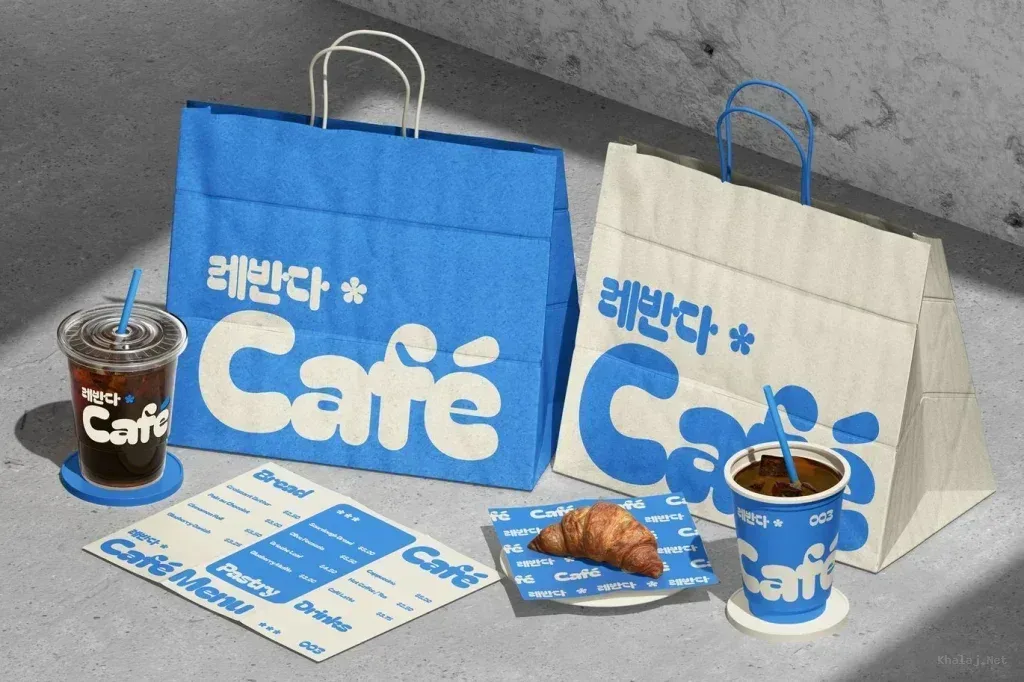
PSD Mockup Cafe Branding is built to show a cafe identity in a clean and believable way. It helps you present logo work, stationery layouts, and printed brand pieces before they are finalized. The scene is arranged as a branding mockup, so the viewer can focus on how the design looks in a cafe context rather than on a flat artwork file.
The package includes PSD files, organized layers, RGB color space, landscape orientation, and 300 dpi output. The mockup is designed for editing through Smart Object placement, which lets you replace the sample artwork with your own design and then check the result inside the scene. That workflow is useful when you want to review a cafe logo, brand identity board, or other visual material that belongs to a coffee shop presentation. The PSD Mockup Cafe Branding keeps the product’s main visual purpose clear across the described uses.
Where this mockup fits
This PSD Mockup Cafe Branding asset works well for coffee shop identity concepts, client presentations, portfolio previews, and social media visuals. It is also practical for designers who need to show how a brand system appears in a realistic environment before sending it to print or sharing it with a client. Because the file is organized and easy to edit, the process stays simple even when the layout needs quick adjustments.
If your project centers on a cafe logo, a coordinated identity set, or branded print materials, this mockup gives you a clear way to present the final look. It keeps the focus on the design itself and helps the cafe branding feel grounded in a real-world setting.