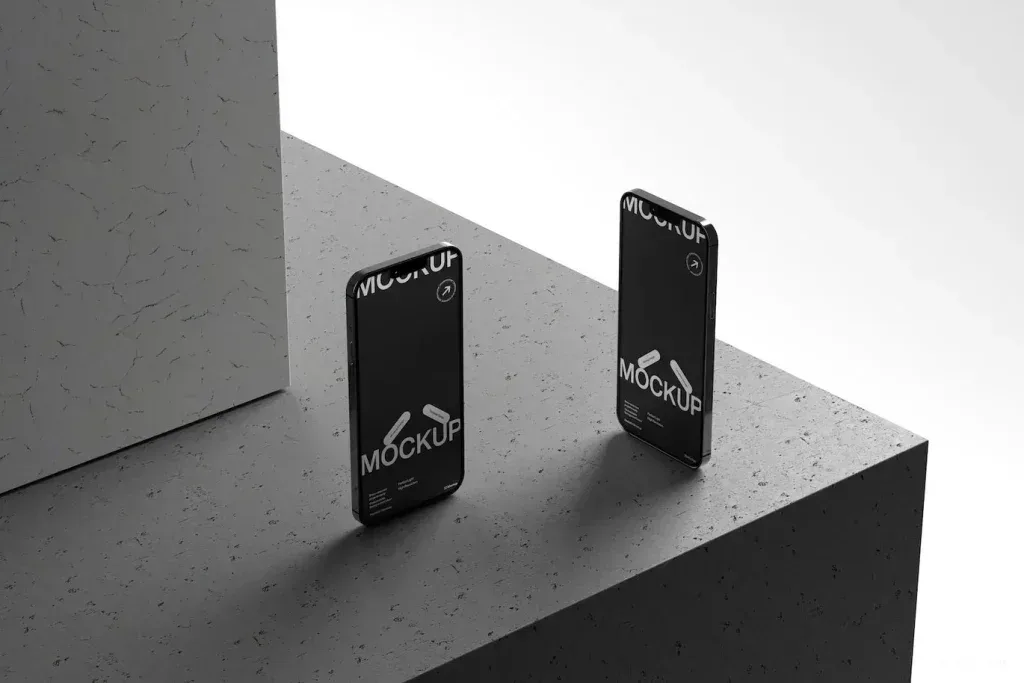
PSD Mockup for a Smartphone Display
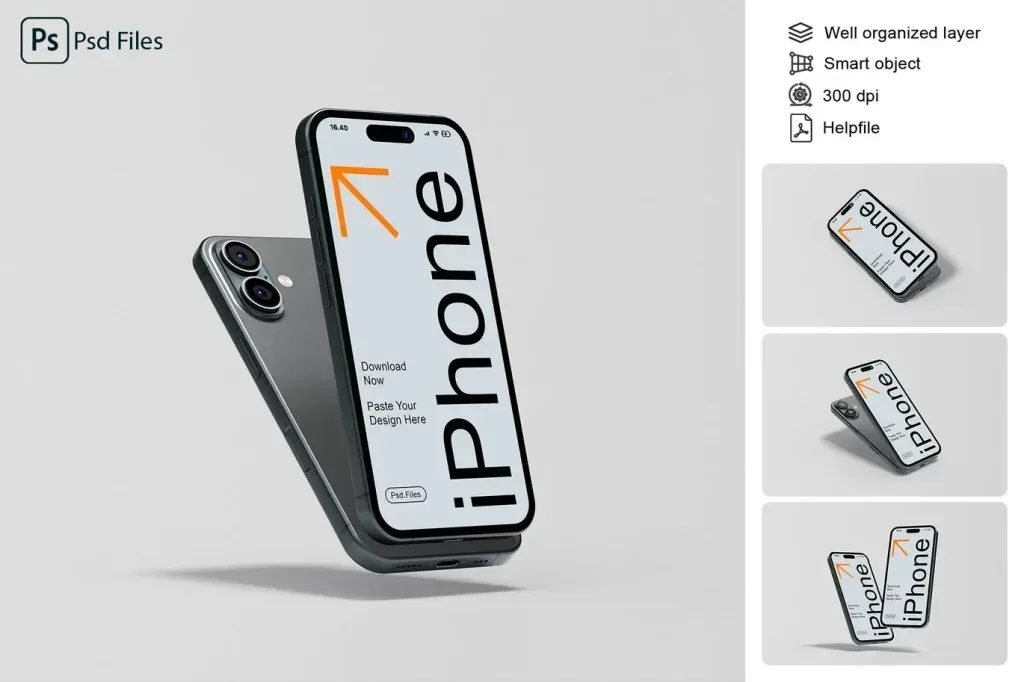
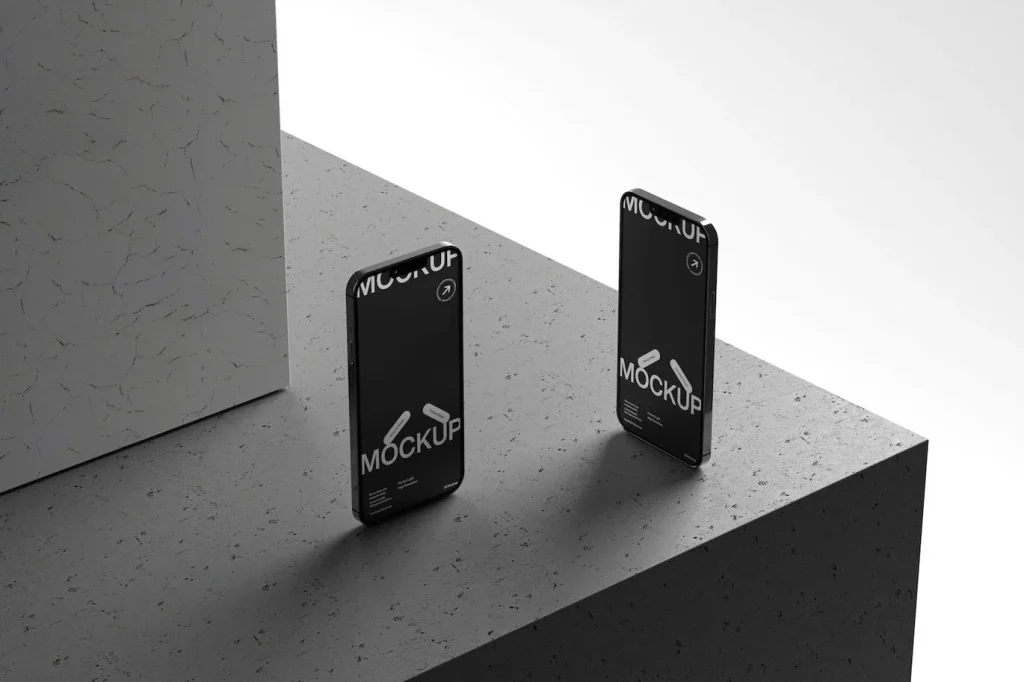
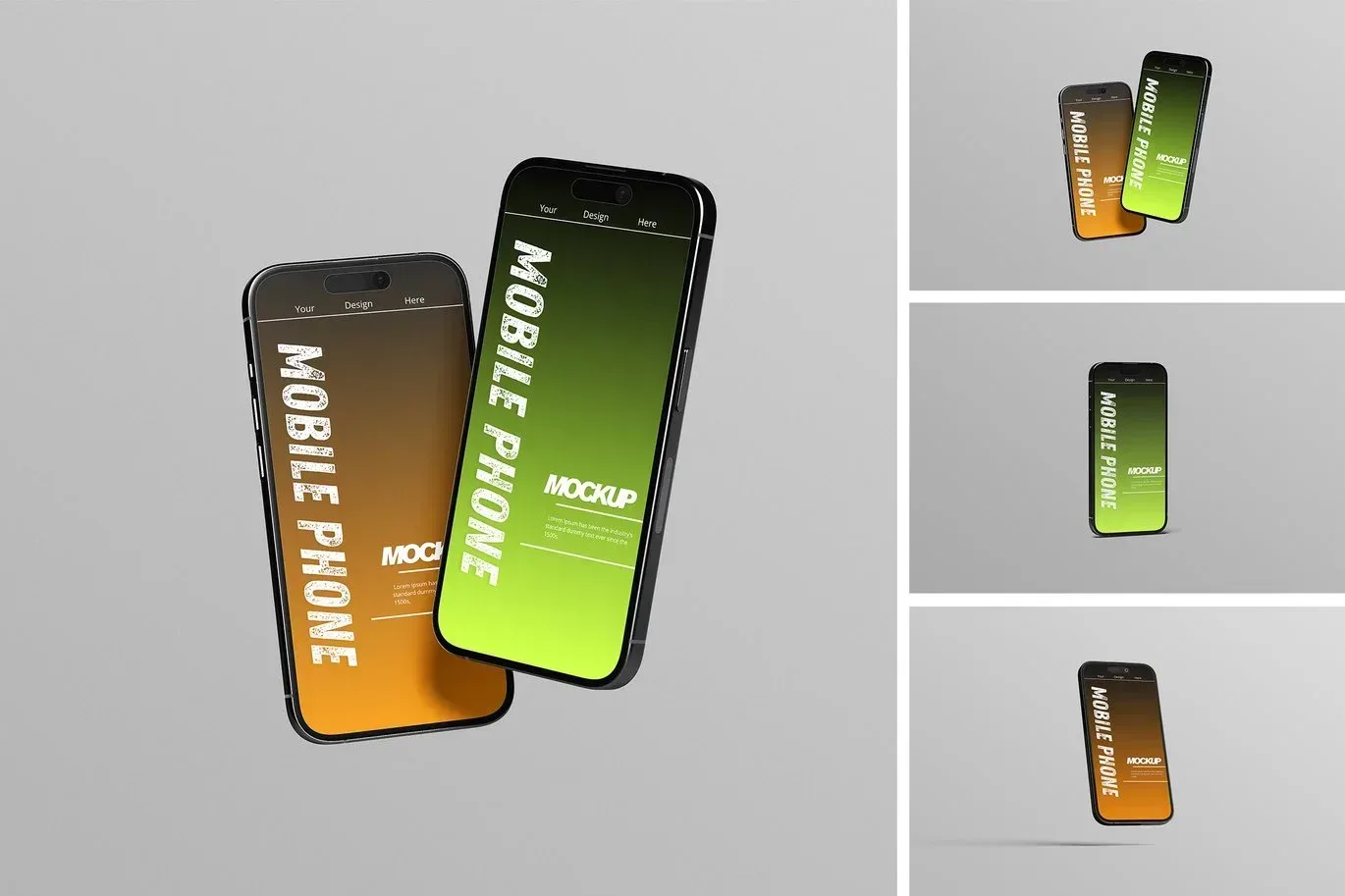
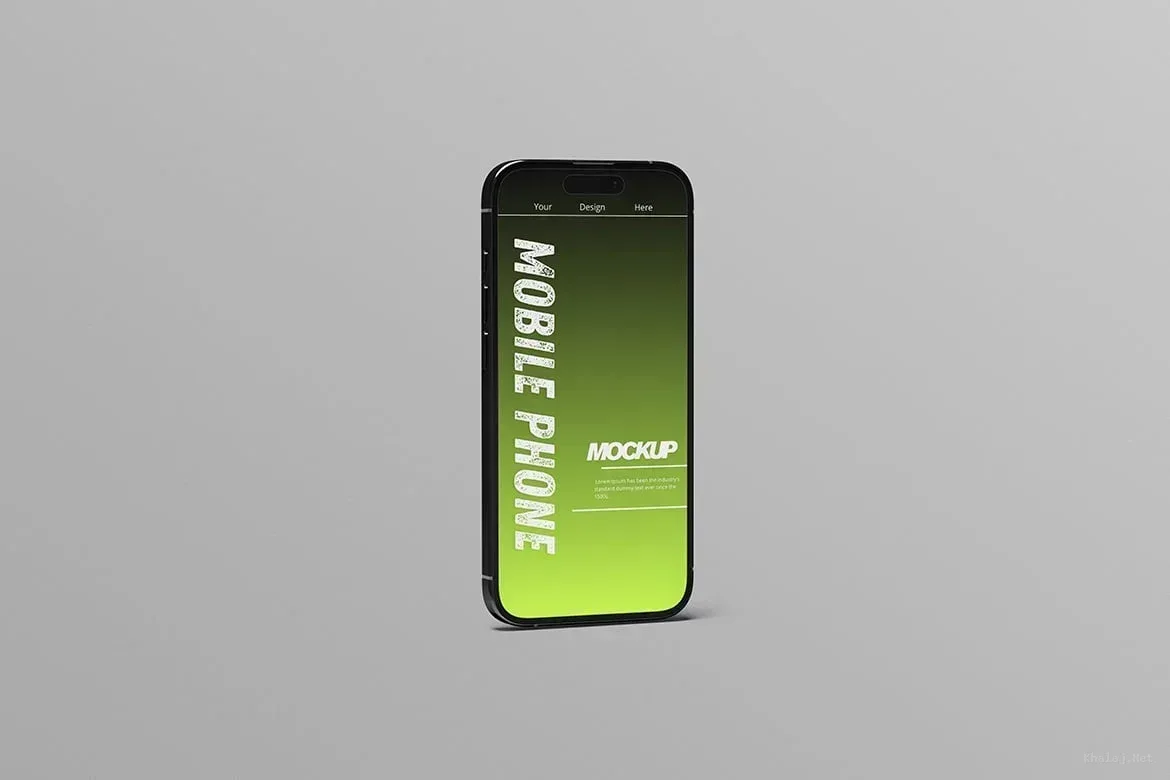
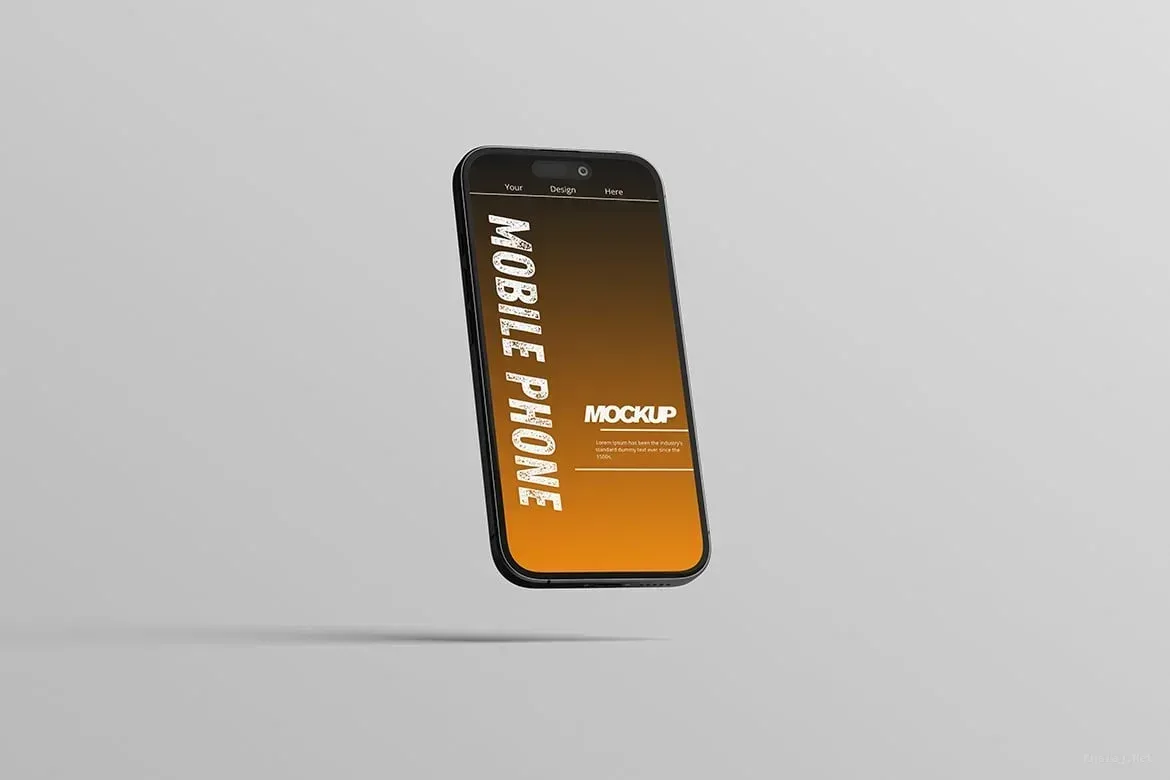
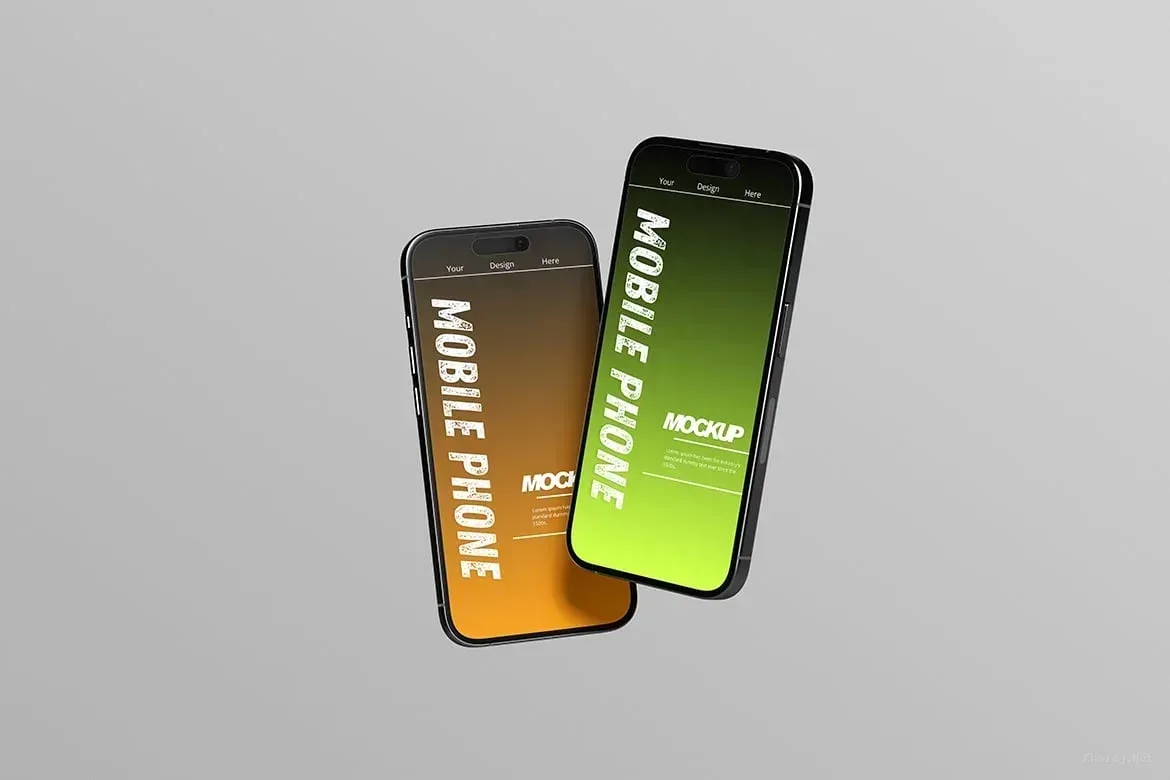
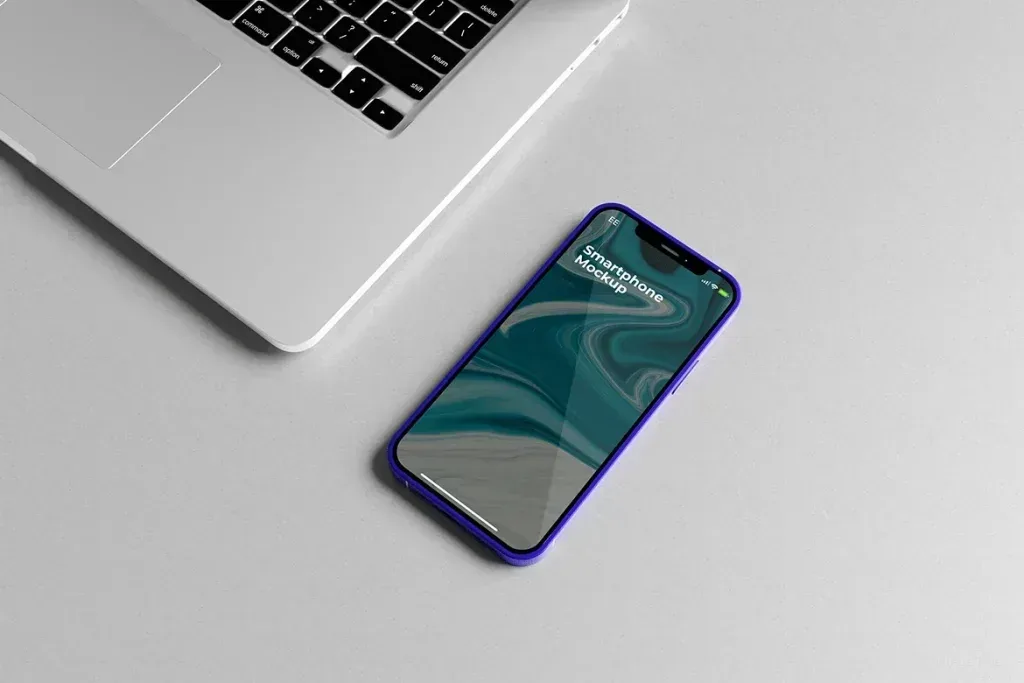
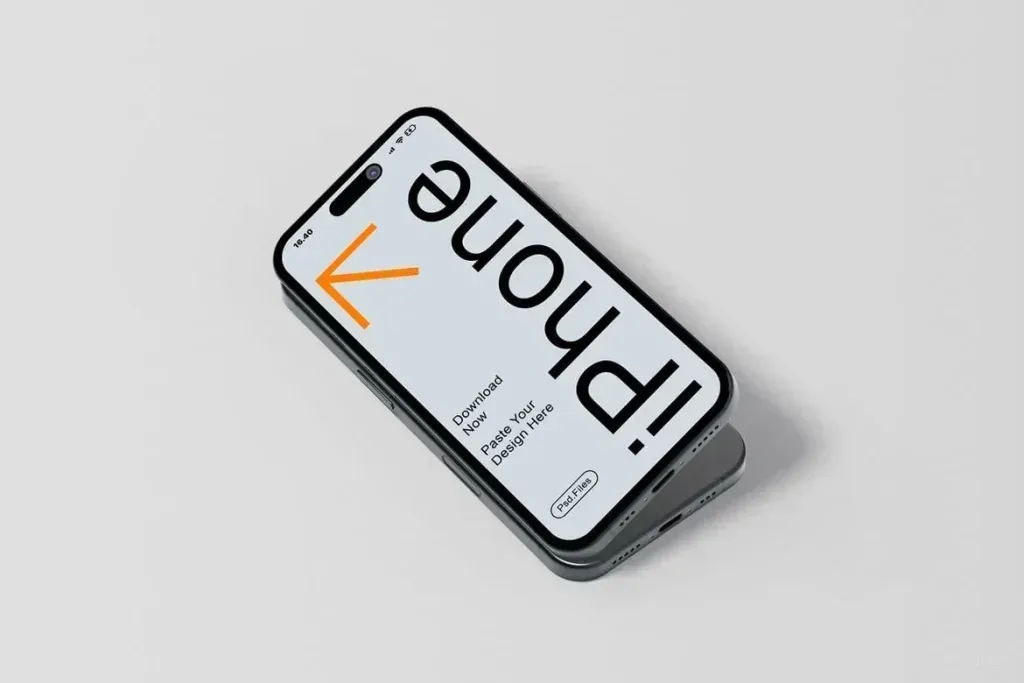
PSD Mockup Realistic Smartphone Set. PSD Mockup presents a realistic smartphone phone display set built for clean presentation work. The scene includes 3 items, so you can show one design in different views or prepare several related screens inside the same layout. It is made for people who need a simple and believable way to present app screens, phone graphics, interface concepts, or promotional visuals for a mobile device.
PSD Mockup Realistic Smartphone Set comes as layered PSD material with organized folders, which makes the editing flow straightforward. Smart object editing lets you place your own artwork quickly, and the background color can be adjusted to match the mood of the project. The layout also works well with both bright and dark designs, so you can adapt it without changing the core structure. Adjustment light is included to help the final look feel balanced and realistic.
Practical use for product and screen presentation
This PSD Mockup is especially useful when the goal is to showcase a phone interface in a polished environment. It fits mobile app previews, UI presentations, digital product pages, social media visuals, and concept displays where the device itself should remain the focus. The landscape composition and 4500 x 3000 px high resolution give you enough room for a wide, detailed presentation. The PSD Mockup Realistic Smartphone Set keeps the product’s main visual purpose clear across the described uses.
Inside the package you get 3 PSD files and a PDF guide. The preview images and designs are not included, so the mockup stays dedicated to your own content. If your project needs a realistic smartphone display with flexible editing, this file gives you a direct and efficient workflow without unnecessary complexity.