SupportFor support, choose one of the methods below.
Direct contact

Support ticket
Product Search
Select a category and enter your search term.
By installing Adobe Photoshop, you can edit this mockup as you wish and customize it in any language.
54.59Mb
ZIP
Ps/CC
300/Dpi
Khalaj.Net
€ 6
Works out of the box—no extra plugins required.
High-resolution PSD for professional presentations
Step-by-step guide for easy customization
Text, colors, objects, and layers with full control.
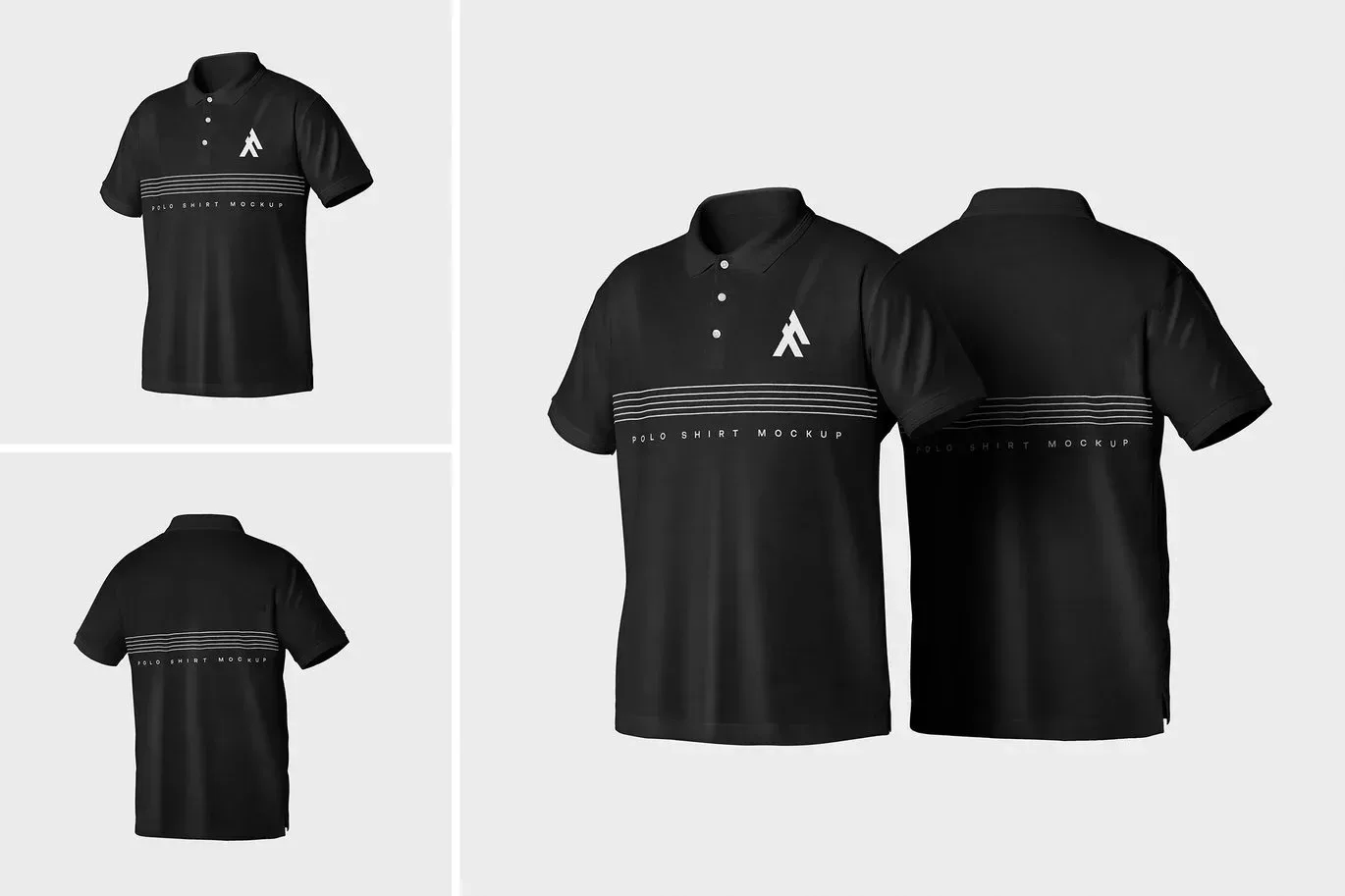
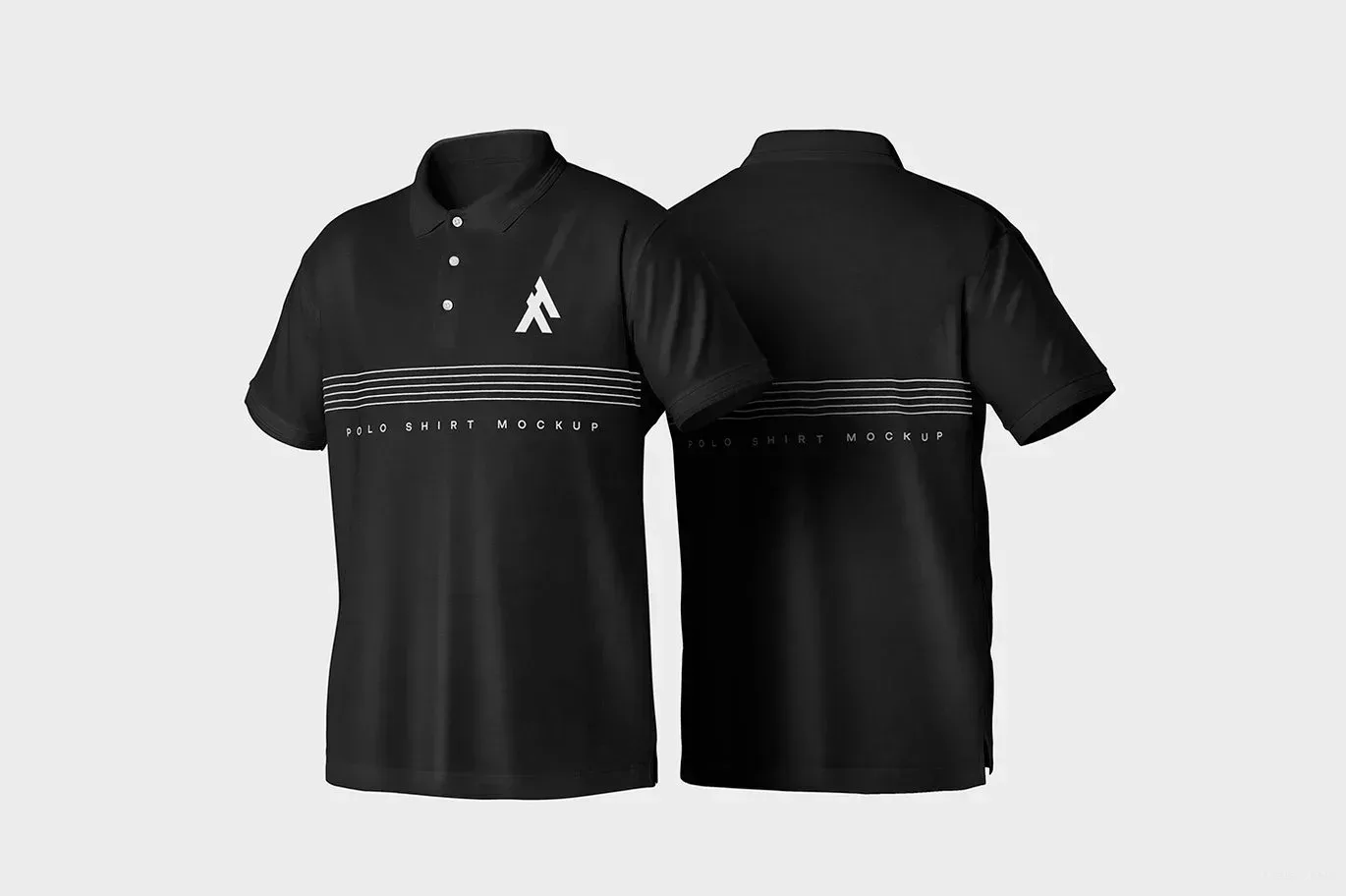
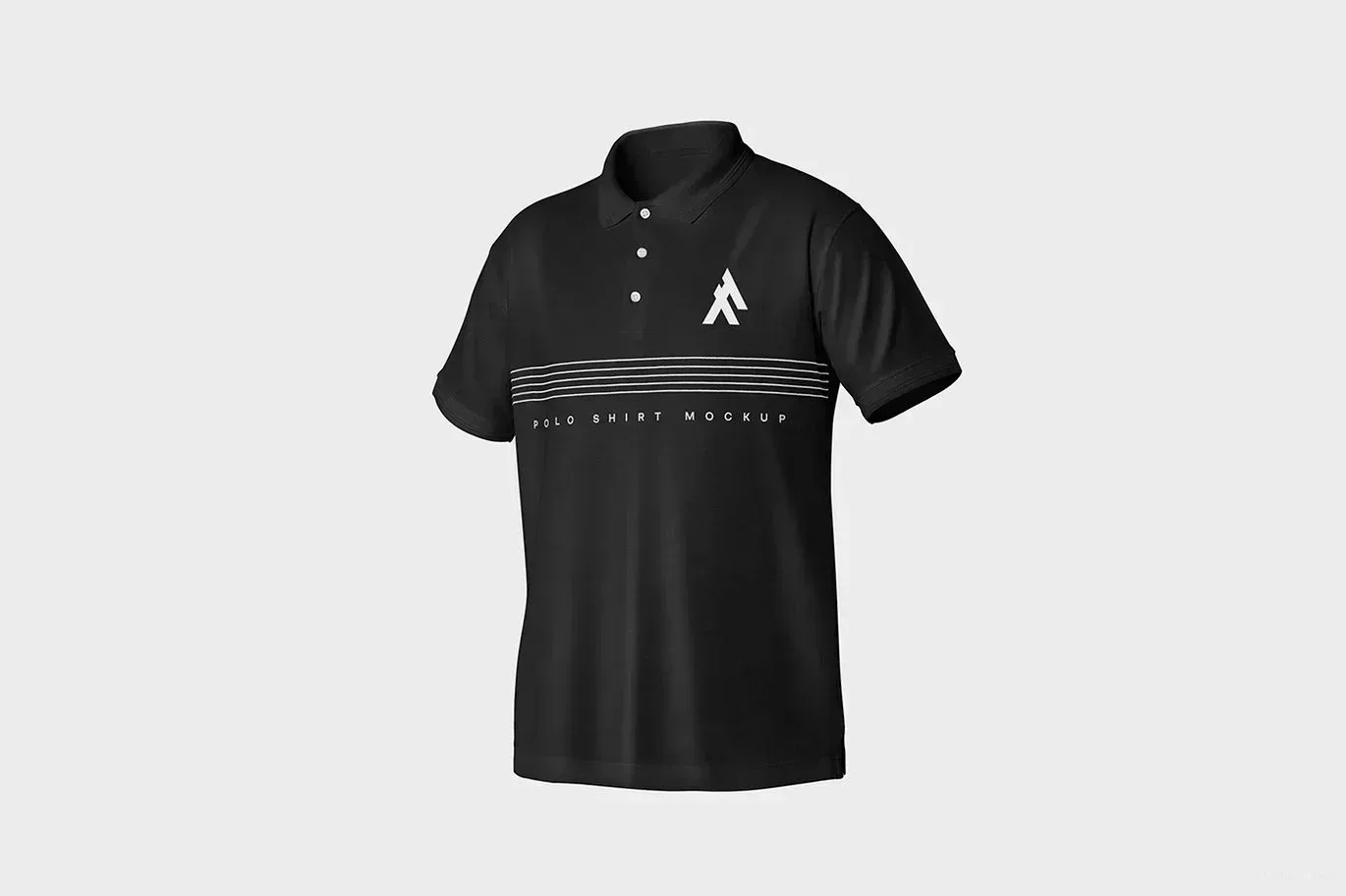
PSD Mockup Polo Shirt is built for presenting corporate apparel, logo placement, and uniform branding in a polished way. The shirt is shown with realistic fabric texture and natural folds, so the result feels like a real garment rather than a flat placeholder. That makes it easier to judge how a mark, badge, or simple clothing concept will look once it is placed on a polo shirt.
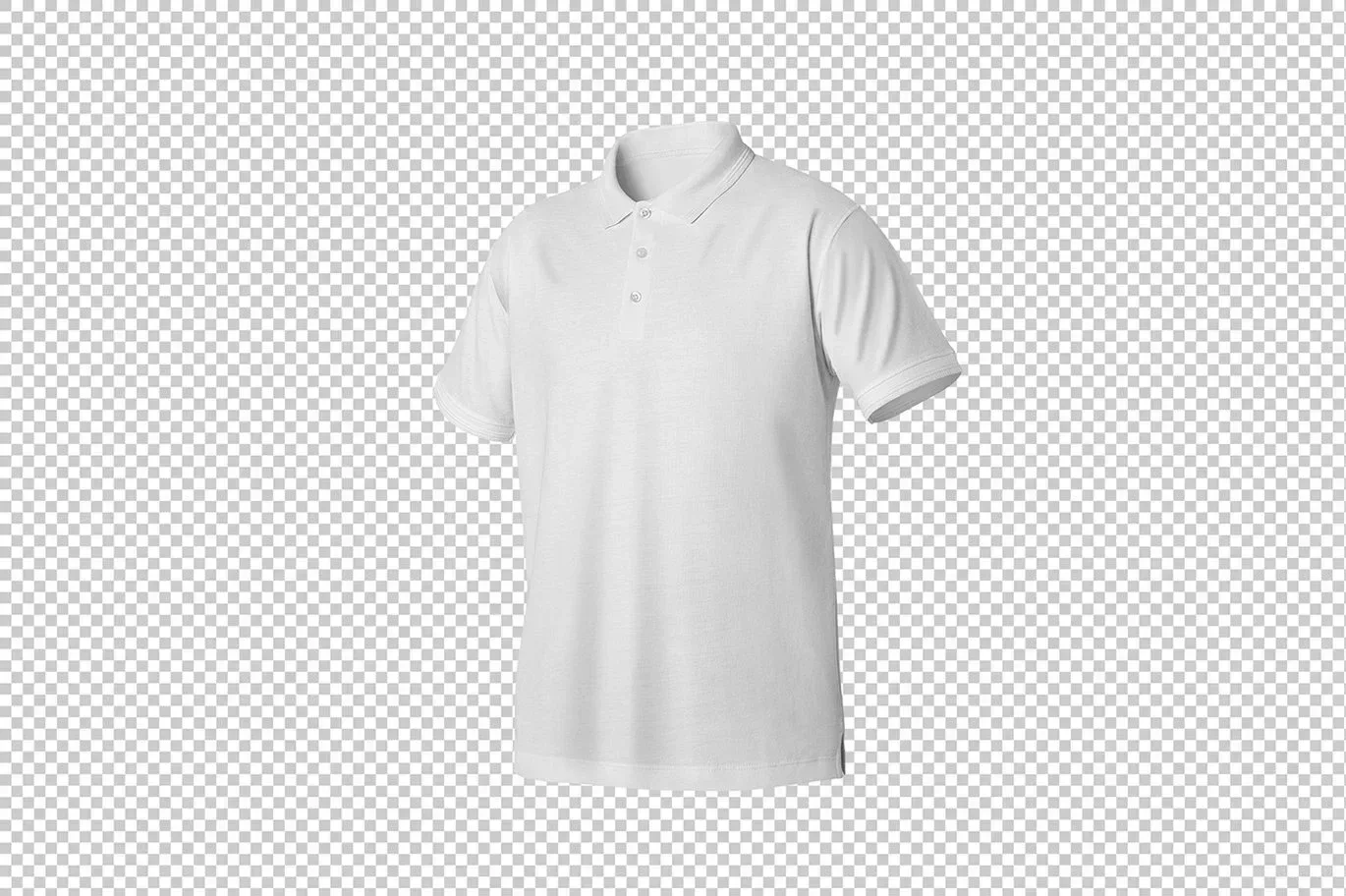
This mockup works well when you need a clear visual for client approvals, internal brand reviews, catalog layouts, or shop previews. The transparent background gives you flexibility in composition, which is helpful when you are arranging the shirt inside a larger presentation or combining it with other branding elements. Because the scene already carries a believable fabric finish, your design is shown with a grounded and professional look. The PSD Mockup Polo Shirt keeps the product’s main visual purpose clear across the described uses.
Working with PSD Mockup Polo Shirt is simple thanks to Smart Object editing. You can place your artwork, refine the presentation, and prepare a final image without rebuilding the scene from scratch. The package includes 3 neatly arranged PSD files, and a text file is provided to guide the customization process step by step. That structure makes the mockup practical for designers who need a fast and organized workflow.
The file is useful for uniform concepts, corporate identity projects, merchandise previews, and apparel presentation boards. It is also a solid choice when you want to show how the design sits on the garment, how the overall branding reads at a glance, and how the shirt feels in a realistic setting. The preview images only show sample designs and fonts for demonstration, and they are not included in the downloadable files.
If your project needs a focused polo shirt presentation with realistic texture, clear placement, and easy editing, this mockup gives you a clean way to present the final apparel idea with confidence.
To edit this project, you must have one of the compatible versions installed on your system.
You may use any of the supported versions listed below to open and edit the project file. The version you choose depends on your system specifications, hardware performance, and personal preference.
All supported versions allow full editing of the project.
Please select the version that best matches your computer’s capabilities for optimal performance.
Cracked and installed
Free Download
Cracked and installed
Free Download
Cracked and installed
Free Download
Cracked and installed
Free Download
By installing After Effects software, you can edit this project as you wish and in any language.
€ 6
54.59Mb
ZIP
Ps/CC
Khalaj.Net
Works out of the box—no extra plugins required.
High-resolution PSD for professional presentations
Step-by-step guide for easy customization
Text, colors, objects,layers with full control.
PSD Mockup Polo Shirt is built for presenting corporate apparel, logo placement, and uniform branding in a polished way. The shirt is shown with realistic fabric texture and natural folds, so the result feels like a real garment rather than a flat placeholder. That makes it easier to judge how a mark, badge, or simple clothing concept will look once it is placed on a polo shirt.
This mockup works well when you need a clear visual for client approvals, internal brand reviews, catalog layouts, or shop previews. The transparent background gives you flexibility in composition, which is helpful when you are arranging the shirt inside a larger presentation or combining it with other branding elements. Because the scene already carries a believable fabric finish, your design is shown with a grounded and professional look. The PSD Mockup Polo Shirt keeps the product’s main visual purpose clear across the described uses.
Working with PSD Mockup Polo Shirt is simple thanks to Smart Object editing. You can place your artwork, refine the presentation, and prepare a final image without rebuilding the scene from scratch. The package includes 3 neatly arranged PSD files, and a text file is provided to guide the customization process step by step. That structure makes the mockup practical for designers who need a fast and organized workflow.
The file is useful for uniform concepts, corporate identity projects, merchandise previews, and apparel presentation boards. It is also a solid choice when you want to show how the design sits on the garment, how the overall branding reads at a glance, and how the shirt feels in a realistic setting. The preview images only show sample designs and fonts for demonstration, and they are not included in the downloadable files.
If your project needs a focused polo shirt presentation with realistic texture, clear placement, and easy editing, this mockup gives you a clean way to present the final apparel idea with confidence.
To edit this project, you must have one of the compatible versions installed on your system.
You may use any of the supported versions listed below to open and edit the project file. The version you choose depends on your system specifications, hardware performance, and personal preference.
All supported versions allow full editing of the project.
Please select the version that best matches your computer’s capabilities for optimal performance.
Cracked and installed
Free Download
Cracked and installed
Free Download
Cracked and installed
Free Download
Cracked and installed
Free Download
By installing After Effects software, you can edit this project as you wish and in any language.
€ 6
54.59Mb
ZIP
Ps/CC
Khalaj.Net
Works out of the box—no extra plugins required.
High-resolution PSD for professional presentations
Step-by-step guide for easy customization
Text, colors, objects,layers with full control.
PSD Mockup Polo Shirt is built for presenting corporate apparel, logo placement, and uniform branding in a polished way. The shirt is shown with realistic fabric texture and natural folds, so the result feels like a real garment rather than a flat placeholder. That makes it easier to judge how a mark, badge, or simple clothing concept will look once it is placed on a polo shirt.
This mockup works well when you need a clear visual for client approvals, internal brand reviews, catalog layouts, or shop previews. The transparent background gives you flexibility in composition, which is helpful when you are arranging the shirt inside a larger presentation or combining it with other branding elements. Because the scene already carries a believable fabric finish, your design is shown with a grounded and professional look. The PSD Mockup Polo Shirt keeps the product’s main visual purpose clear across the described uses.
Working with PSD Mockup Polo Shirt is simple thanks to Smart Object editing. You can place your artwork, refine the presentation, and prepare a final image without rebuilding the scene from scratch. The package includes 3 neatly arranged PSD files, and a text file is provided to guide the customization process step by step. That structure makes the mockup practical for designers who need a fast and organized workflow.
The file is useful for uniform concepts, corporate identity projects, merchandise previews, and apparel presentation boards. It is also a solid choice when you want to show how the design sits on the garment, how the overall branding reads at a glance, and how the shirt feels in a realistic setting. The preview images only show sample designs and fonts for demonstration, and they are not included in the downloadable files.
If your project needs a focused polo shirt presentation with realistic texture, clear placement, and easy editing, this mockup gives you a clean way to present the final apparel idea with confidence.
To edit this project, you must have one of the compatible versions installed on your system.
You may use any of the supported versions listed below to open and edit the project file. The version you choose depends on your system specifications, hardware performance, and personal preference.
All supported versions allow full editing of the project.
Please select the version that best matches your computer’s capabilities for optimal performance.
Cracked and installed
Free Download
Cracked and installed
Free Download
Cracked and installed
Free Download
Cracked and installed
Free Download
