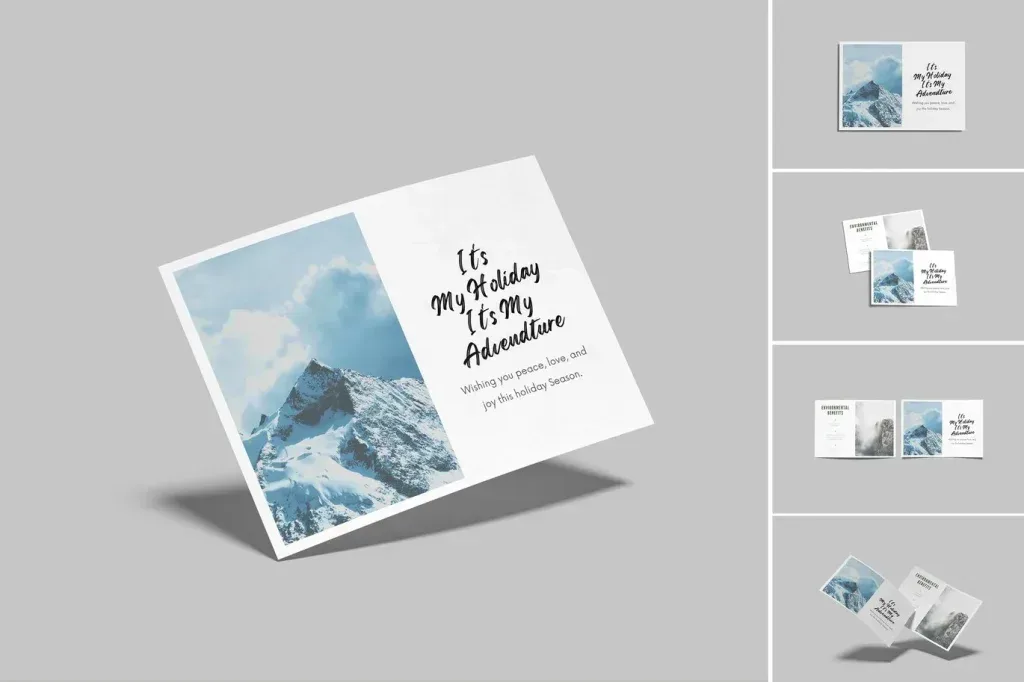
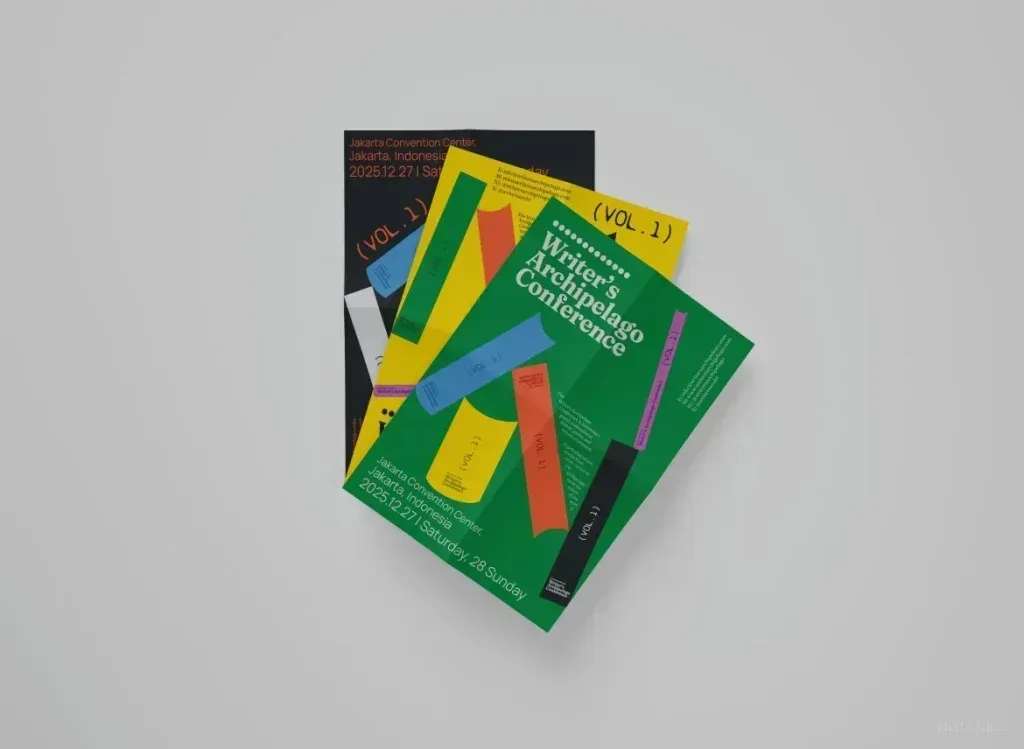
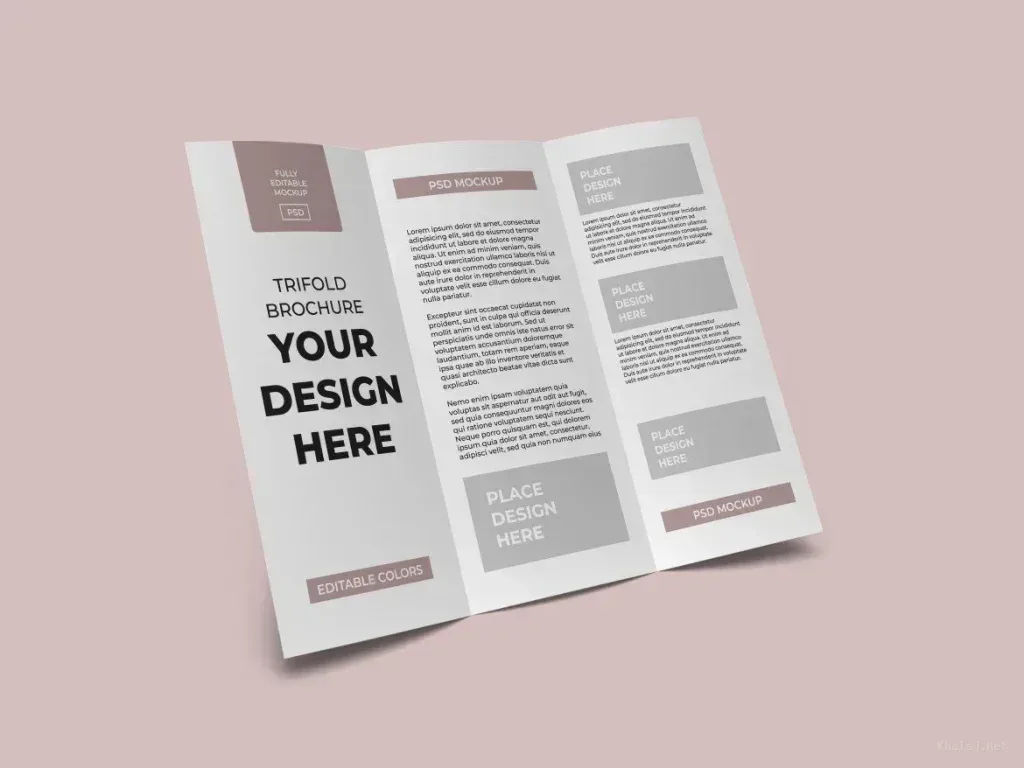
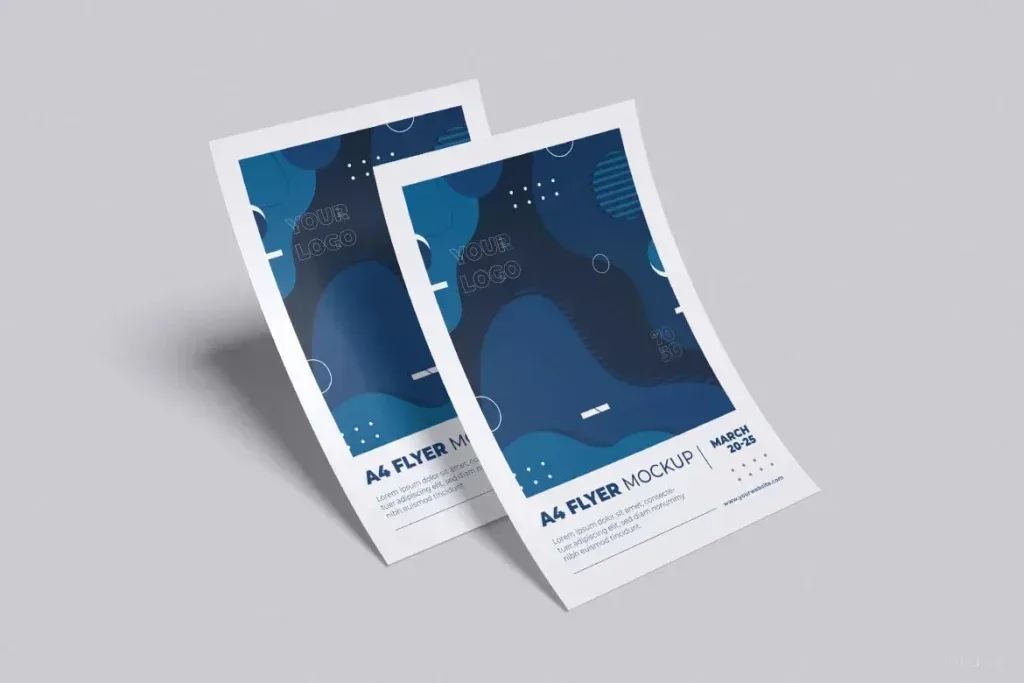
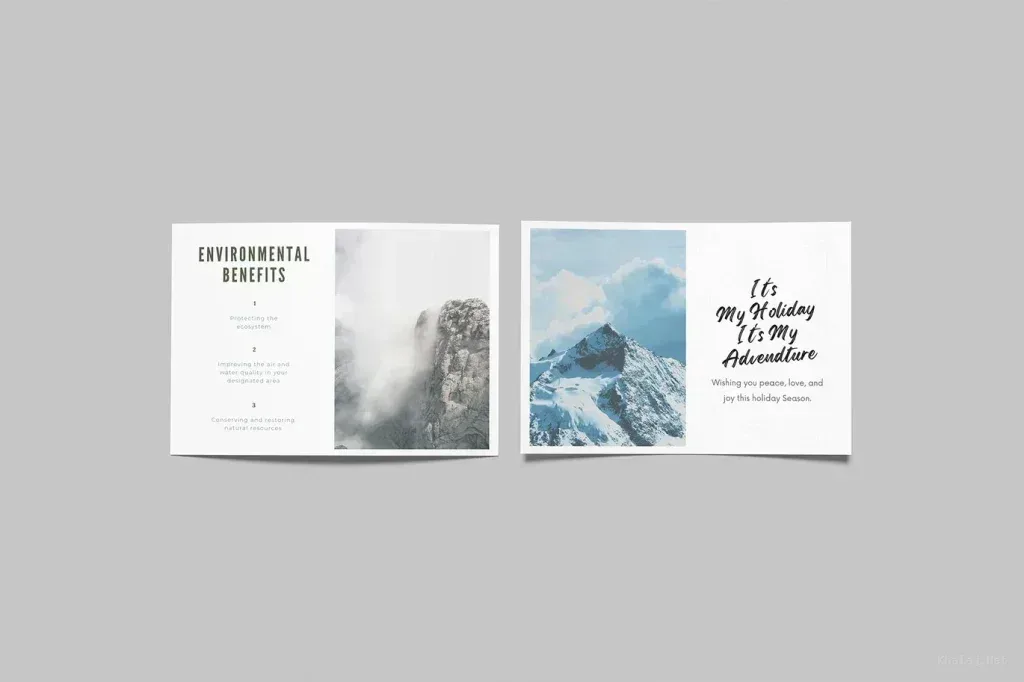
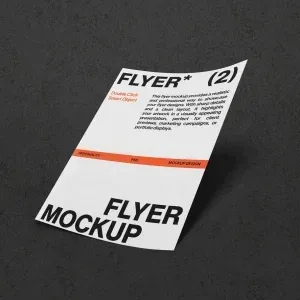
Realistic Flyer Paper PSD Mockup PSD Mockup Flyer Paper Design. This PSD Mockup offers a detailed and editable preview of your flyer paper design. It features a high resolution of 3000×2000 pixels at 300 dpi, ensuring crisp and clear visuals. The mockup uses smart objects, allowing you to easily replace the placeholder with your own design without losing quality or perspective. This makes it ideal for graphic designers who want to present their flyer concepts to clients in a professional and convincing way.
Practical Workflow and Usage To use this mockup, simply open the PSD file in Adobe Photoshop CC, double-click the smart object layer, paste your flyer design, and save. The mockup automatically updates to show your design in a realistic paper format. This workflow saves time and effort while providing a polished presentation. The organized layers help you customize shadows, backgrounds, and other visual elements to suit your project needs. The PSD Mockup Flyer Paper Design keeps the product’s main visual purpose clear across the described uses.
This flyer paper mockup is perfect for marketing campaigns, event promotions, and branding presentations. It helps visualize how your printed flyer will look in real life, enhancing client communication and approval processes. The included help file guides you through the editing steps, making it accessible even for users with basic Photoshop skills.