PSD Mockup Book with Smart Object Cover Views

Ps templates

Required software :

By installing Adobe Photoshop, you can edit this mockup as you wish and customize it in any language.

Size :

416.77Mb

Format :

ZIP

Editing :

Ps/CC

Quality :

300/Dpi

Password :

Khalaj.Net

Instant Download After Payment

 34

No Plugins

Works out of the box—no extra plugins required.

High Resolution

High-resolution PSD for professional presentations

PDF Guide

Step-by-step guide for easy customization

Fully Editable

Text, colors, objects, and layers with full control.

PSD Mockup Book with Smart

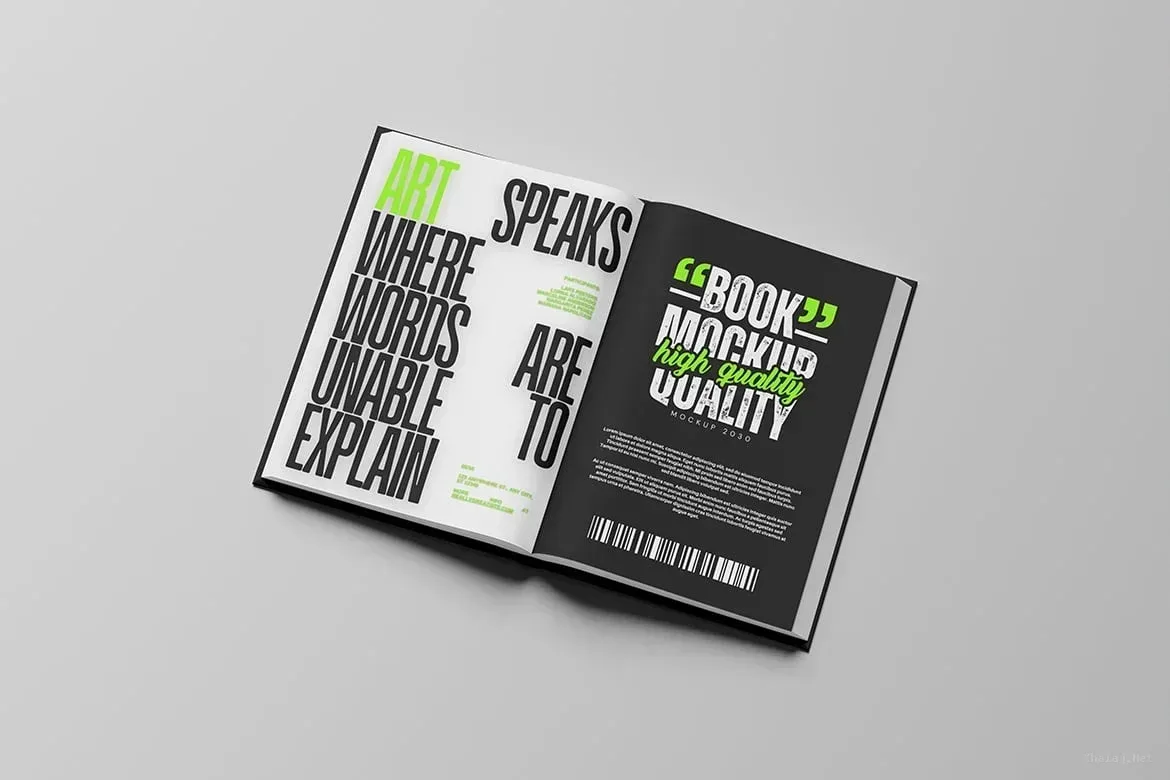
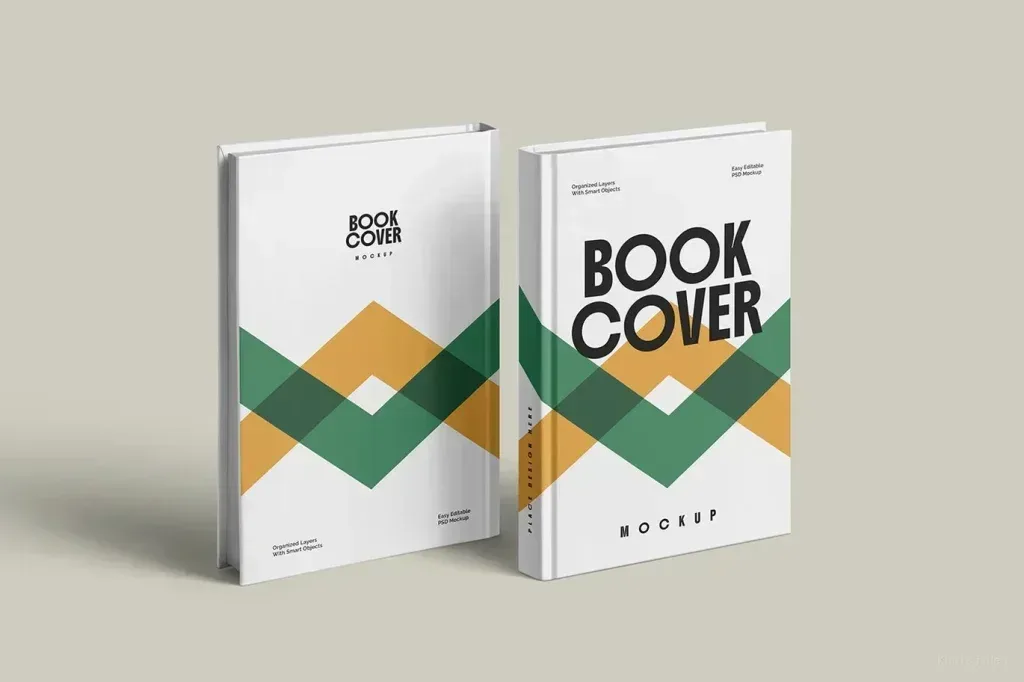
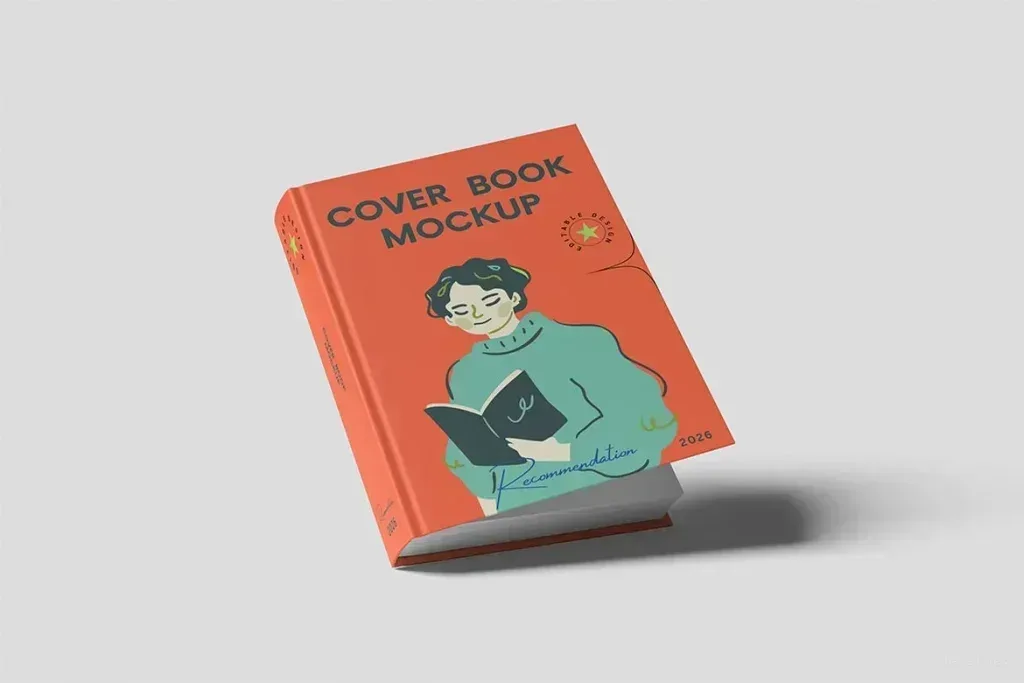
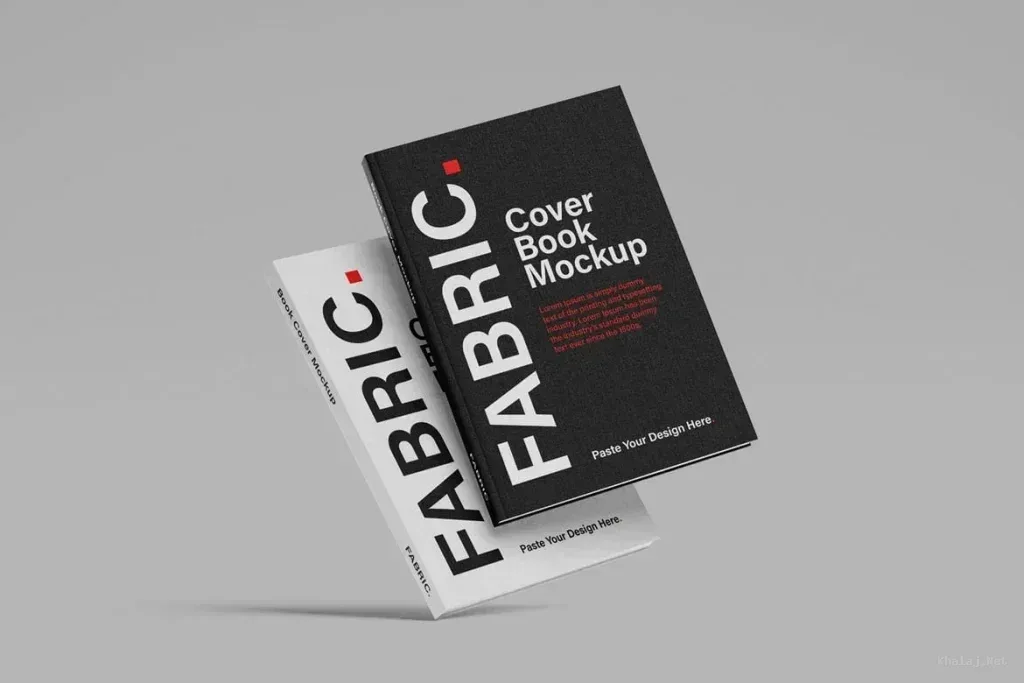
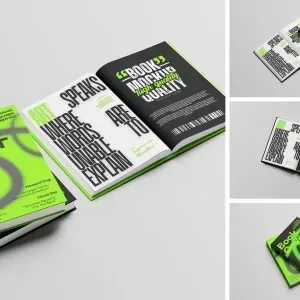
PSD Mockup Book for cover presentation PSD Mockup Book with Smart. PSD Mockup Book gives you four ready-made presentation scenes for showing a book cover in a realistic way. The set is built for designers who need a clean layout to preview a cover concept before publishing, sending to a client, or presenting a brand look. This PSD Mockup Book comes in PSD format and uses smart-object editing, so replacing the sample artwork with your own design is straightforward. PSD Mockup Book with Smart structure is organized with layers and folders, which helps keep the workflow clear while you work on different cover versions. The background color can be adjusted, so you can match bright or dark design directions without rebuilding the scene. The mockup is supplied in landscape orientation with a 300 DPI output and a 4500 x 3000 px canvas, giving the presentation enough detail for close viewing. It is suitable for book cover proposals, publishing concepts, portfolio pages, editorial branding, and any project where the cover needs to be shown as a finished physical item. Because the composition is focused on the cover display, it helps you present typography, color, and image balance in a simple and direct way. The PSD Mockup Book with Smart keeps the product’s main visual purpose clear across the described uses. Use PSD Mockup Book when you want a quick visual check of a book design without creating a scene from scratch. The package includes four PSD files and a PDF guide. Preview images and sample graphics are not included, so the emphasis stays on your own artwork and the final presentation.

Product Description :
Required Software :
Required Software for Editing

To edit this project, you must have one of the compatible versions installed on your system.

You may use any of the supported versions listed below to open and edit the project file. The version you choose depends on your system specifications, hardware performance, and personal preference.

All supported versions allow full editing of the project.
Please select the version that best matches your computer’s capabilities for optimal performance.

Adobe
Photoshop CC2025

Cracked and installed
Free Download

Adobe
Photoshop CC2025

Cracked and installed
Free Download

Adobe
Photoshop CC2025

Cracked and installed
Free Download

Adobe
Photoshop CC2025

Cracked and installed
Free Download

Online chat support :

Similar Products

PSD Mockup Book with Smart Object Cover Views

Ps templates

Required software :

By installing After Effects software, you can edit this project as you wish and in any language.

Instant Download After Payment

 34

Size :

416.77Mb

Format :

ZIP

Editing :

Ps/CC

Password Zip File (Copy)

Khalaj.Net

No Plugins

Works out of the box—no extra plugins required.

High Resolution

High-resolution PSD for professional presentations

PDF Guide

Step-by-step guide for easy customization

Fully Editable

Text, colors, objects,layers with full control.

PSD Mockup Book with Smart

PSD Mockup Book for cover presentation PSD Mockup Book with Smart. PSD Mockup Book gives you four ready-made presentation scenes for showing a book cover in a realistic way. The set is built for designers who need a clean layout to preview a cover concept before publishing, sending to a client, or presenting a brand look. This PSD Mockup Book comes in PSD format and uses smart-object editing, so replacing the sample artwork with your own design is straightforward. PSD Mockup Book with Smart structure is organized with layers and folders, which helps keep the workflow clear while you work on different cover versions. The background color can be adjusted, so you can match bright or dark design directions without rebuilding the scene. The mockup is supplied in landscape orientation with a 300 DPI output and a 4500 x 3000 px canvas, giving the presentation enough detail for close viewing. It is suitable for book cover proposals, publishing concepts, portfolio pages, editorial branding, and any project where the cover needs to be shown as a finished physical item. Because the composition is focused on the cover display, it helps you present typography, color, and image balance in a simple and direct way. The PSD Mockup Book with Smart keeps the product’s main visual purpose clear across the described uses. Use PSD Mockup Book when you want a quick visual check of a book design without creating a scene from scratch. The package includes four PSD files and a PDF guide. Preview images and sample graphics are not included, so the emphasis stays on your own artwork and the final presentation.

Product Description
Required Software
Required Software for Editing

To edit this project, you must have one of the compatible versions installed on your system.

You may use any of the supported versions listed below to open and edit the project file. The version you choose depends on your system specifications, hardware performance, and personal preference.

All supported versions allow full editing of the project.
Please select the version that best matches your computer’s capabilities for optimal performance.

Adobe
Photoshop CC2025

Cracked and installed
Free Download

Adobe
Photoshop CC2025

Cracked and installed
Free Download

Adobe
Photoshop CC2025

Cracked and installed
Free Download

Adobe
Photoshop CC2025

Cracked and installed
Free Download

Online chat support

PSD Mockup Book with Smart Object Cover Views

Ps templates

Required software :

By installing After Effects software, you can edit this project as you wish and in any language.

Instant Download After Payment

 34

Size :

416.77Mb

Format :

ZIP

Editing :

Ps/CC

Password Zip File

Khalaj.Net

No Plugins

Works out of the box—no extra plugins required.

High Resolution

High-resolution PSD for professional presentations

PDF Guide

Step-by-step guide for easy customization

Fully Editable

Text, colors, objects,layers with full control.

PSD Mockup Book with Smart

PSD Mockup Book for cover presentation PSD Mockup Book with Smart. PSD Mockup Book gives you four ready-made presentation scenes for showing a book cover in a realistic way. The set is built for designers who need a clean layout to preview a cover concept before publishing, sending to a client, or presenting a brand look. This PSD Mockup Book comes in PSD format and uses smart-object editing, so replacing the sample artwork with your own design is straightforward. PSD Mockup Book with Smart structure is organized with layers and folders, which helps keep the workflow clear while you work on different cover versions. The background color can be adjusted, so you can match bright or dark design directions without rebuilding the scene. The mockup is supplied in landscape orientation with a 300 DPI output and a 4500 x 3000 px canvas, giving the presentation enough detail for close viewing. It is suitable for book cover proposals, publishing concepts, portfolio pages, editorial branding, and any project where the cover needs to be shown as a finished physical item. Because the composition is focused on the cover display, it helps you present typography, color, and image balance in a simple and direct way. The PSD Mockup Book with Smart keeps the product’s main visual purpose clear across the described uses. Use PSD Mockup Book when you want a quick visual check of a book design without creating a scene from scratch. The package includes four PSD files and a PDF guide. Preview images and sample graphics are not included, so the emphasis stays on your own artwork and the final presentation.

Product Description
Required Software
Required Software for Editing

To edit this project, you must have one of the compatible versions installed on your system.

You may use any of the supported versions listed below to open and edit the project file. The version you choose depends on your system specifications, hardware performance, and personal preference.

All supported versions allow full editing of the project.
Please select the version that best matches your computer’s capabilities for optimal performance.

Adobe
Photoshop CC2025

Cracked and installed
Free Download

Adobe
Photoshop CC2025

Cracked and installed
Free Download

Adobe
Photoshop CC2025

Cracked and installed
Free Download

Adobe
Photoshop CC2025

Cracked and installed
Free Download

Online chat support