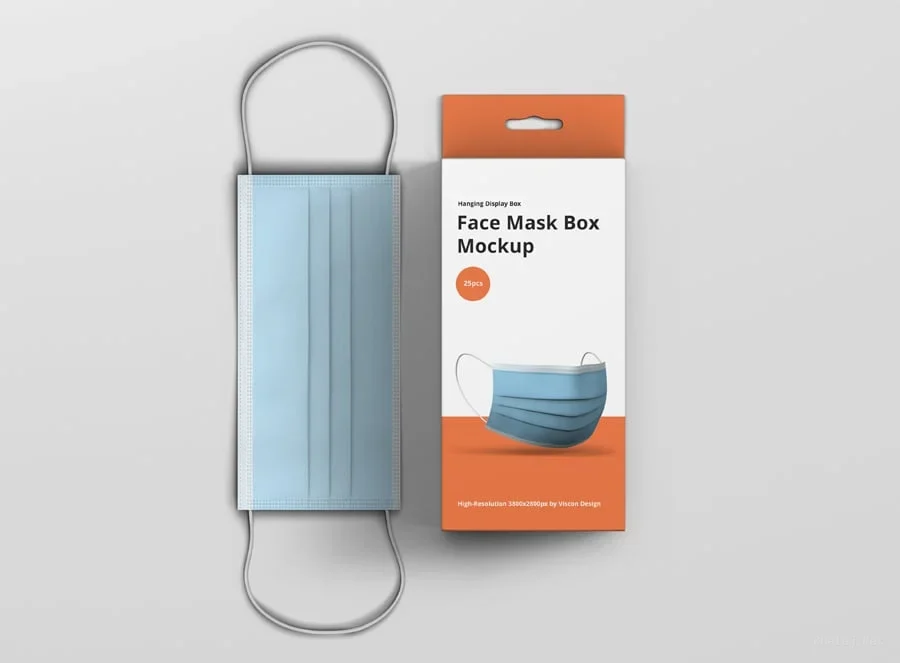
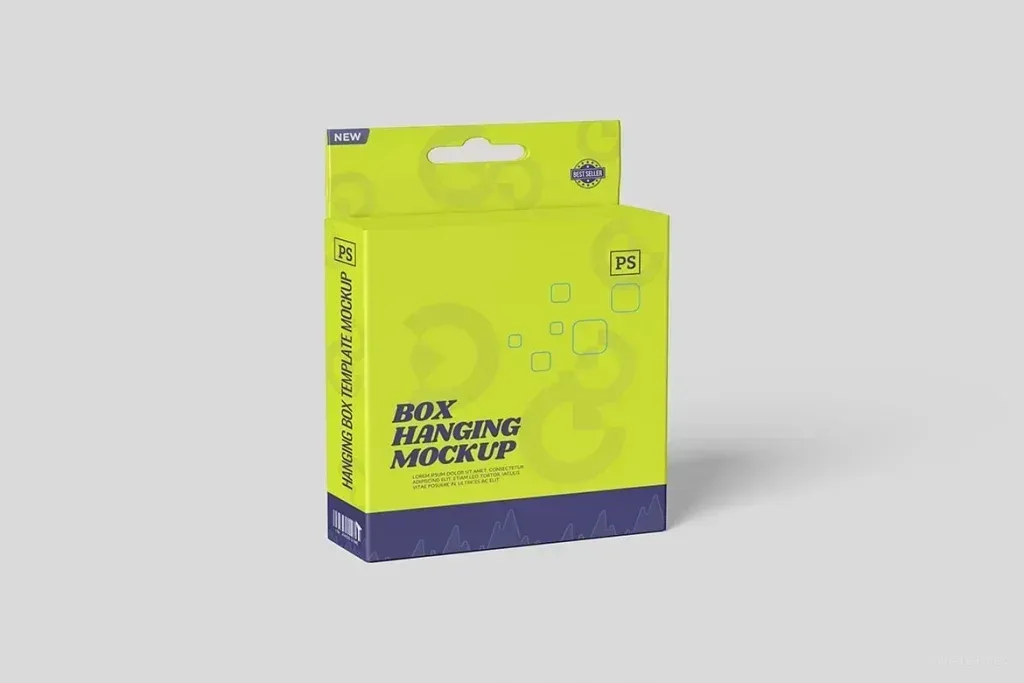
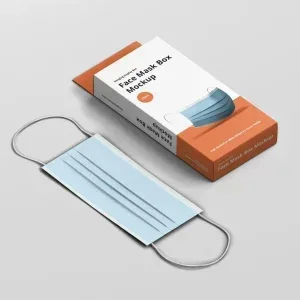
Detailed PSD Mockup for Face Mask Box Presentation PSD Mockup Face Mask Box. This PSD mockup offers a high-resolution 3800x2800px canvas designed specifically for showcasing face mask boxes hung on a display hanger. The file includes smart objects that allow you to easily replace the box design and the face mask graphics, enabling quick customization without altering the original layout. You can also modify the background texture and color to suit light, colorful, or dark themes, providing flexibility for various branding styles. Customizable Elements and Workflow The mockup contains organized and named layers, making it straightforward to navigate and edit.
Shadows are separated for realistic depth, and the face mask itself is a moveable and toggleable element, allowing you to show or hide it as needed. Additionally, the face mask band color can be changed to match your design palette. The package includes eight PSD files with different views, eight background textures, and three layer styles such as embossed, letterpress, and foil stamp with unlimited color options. The PSD Mockup Face Mask Box keeps the product’s main visual purpose clear across the described uses. This mockup is ideal for designers looking to present their face mask packaging in a professional and visually appealing way.
The included Photoshop action focuses on your design by creating a depth of field effect, enhancing the overall presentation. A detailed user guide in PDF format is provided to assist with the editing process. Compatible with Adobe Photoshop CS4 and later versions, this mockup ensures a smooth and efficient workflow for creative projects. The PSD Mockup Face Mask Box presents the key product details in a consistent and readable way.