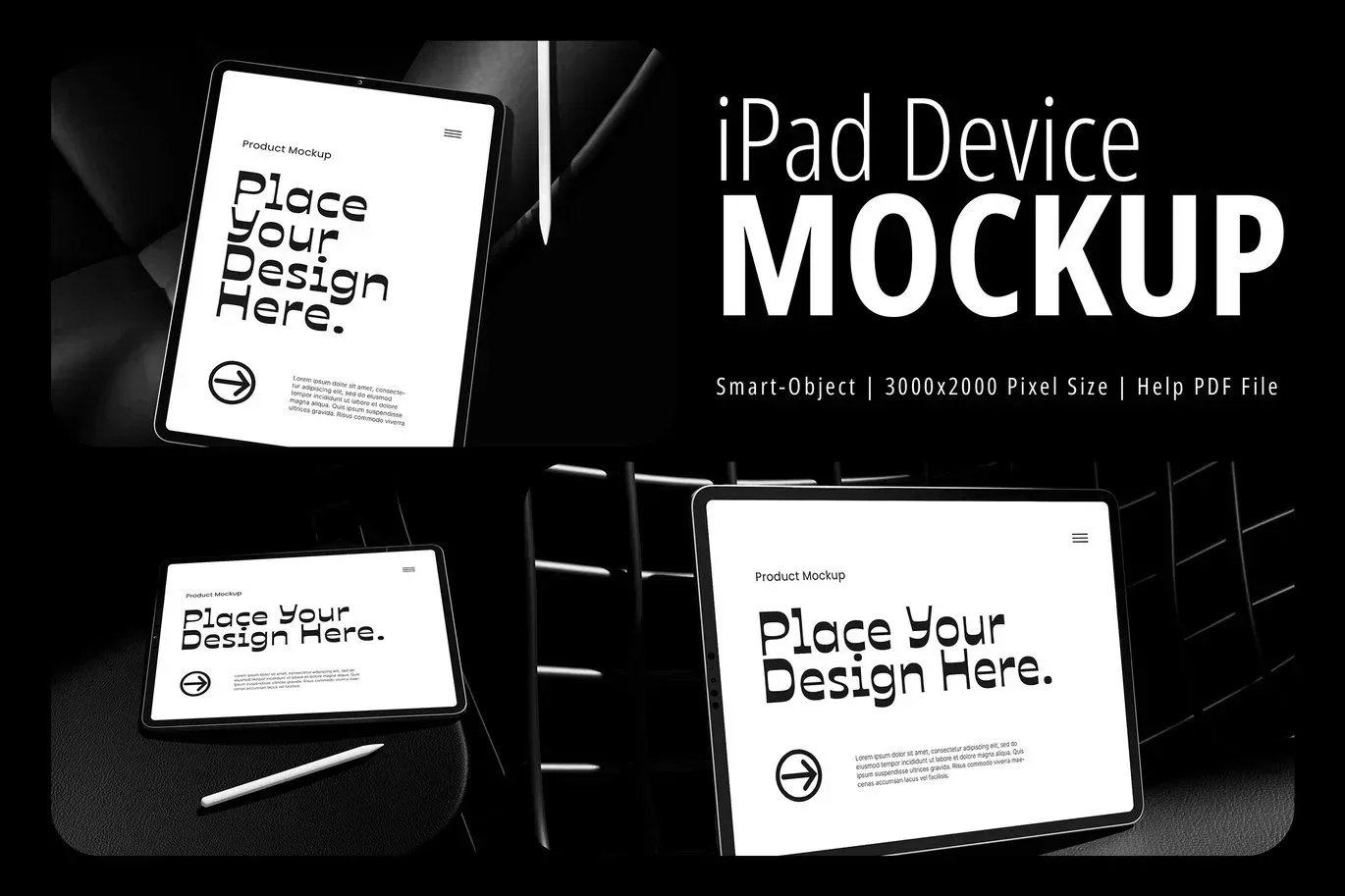
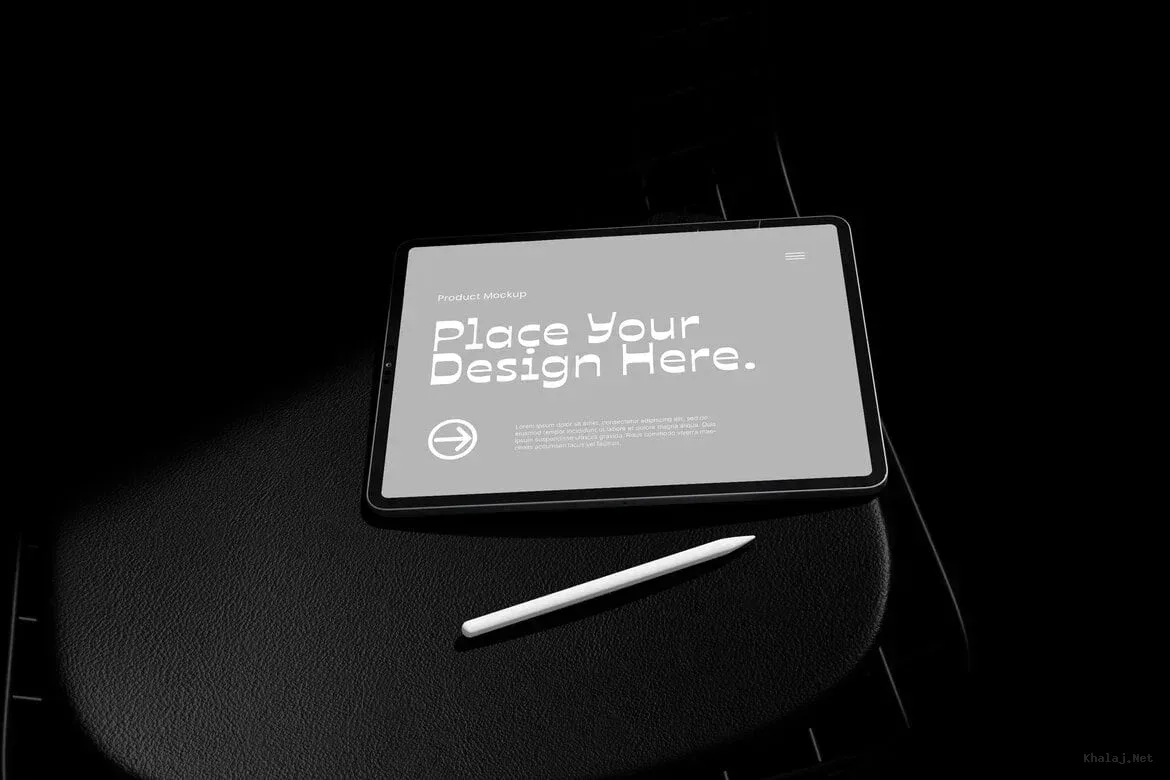
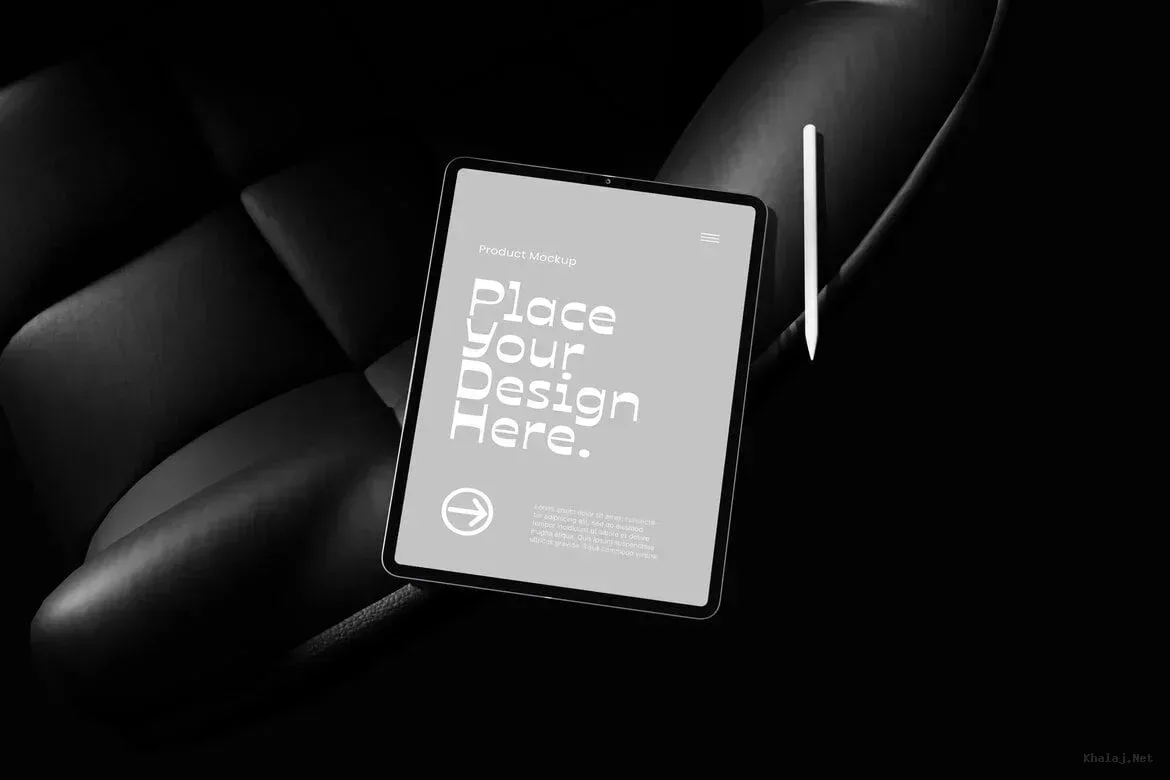
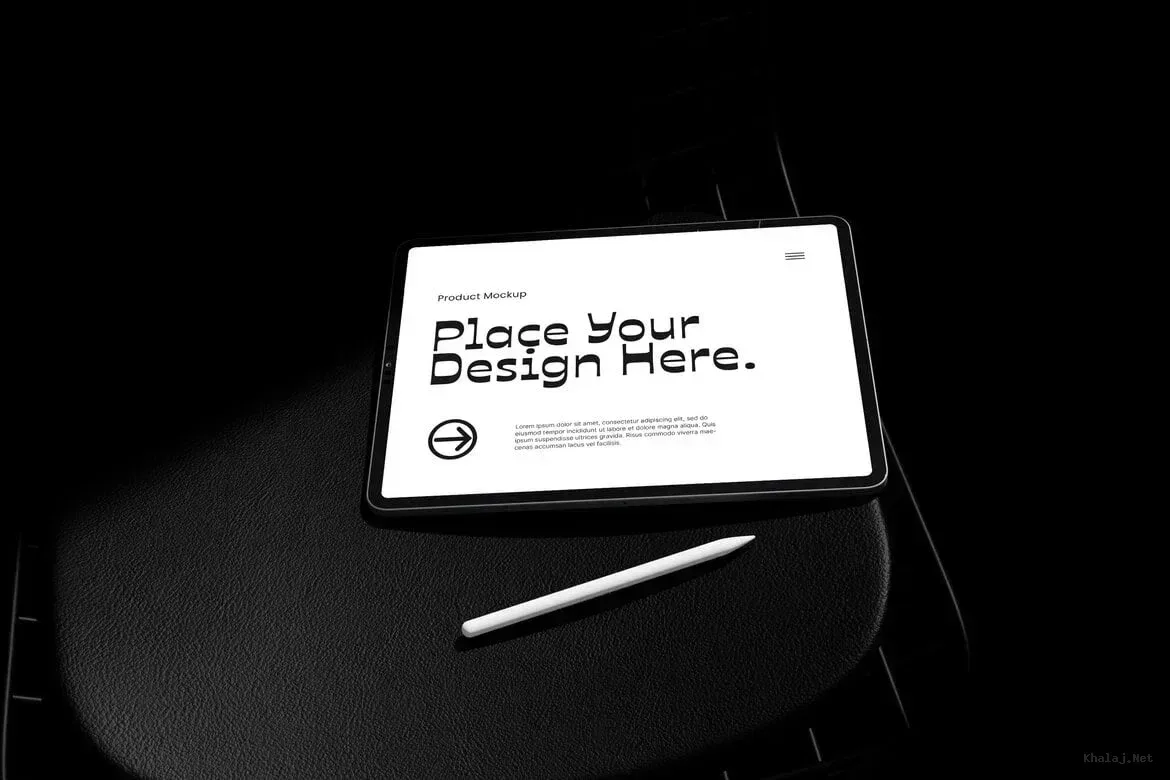
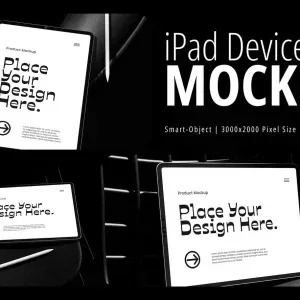
Professional iPad Device Mockup for Creative Presentations PSD Mockup iPad Device Presentation. This PSD Mockup is designed to showcase your designs on an iPad device with exceptional clarity and flexibility. It features a high-resolution canvas of 3000 by 2000 pixels at 300 DPI, ensuring your presentations look crisp and detailed on any screen. The mockup uses smart object layers, allowing you to easily insert your artwork or interface designs without hassle. Customizable Elements and Workflow The mockup separates objects and shadows into distinct layers, giving you full control over each element.
You can adjust shadows independently to match your lighting preferences or background. The background color is fully customizable with infinite options, enabling you to harmonize the mockup with your brand colors or project theme. This flexibility makes it ideal for showcasing app interfaces, website designs, or digital artwork in portfolios and client presentations. The PSD Mockup iPad Device Presentation keeps the product’s main visual purpose clear across the described uses. Whether you are a designer new to Photoshop or an experienced professional, the smart object functionality simplifies the editing process.
Just double-click the smart object layer, replace the content, save, and your design updates automatically on the iPad screen. This efficient workflow saves time and enhances your creative output. Use this iPad device mockup to elevate your design presentations with a modern and polished look. It is perfect for social media profiles, online portfolios, client pitches, and marketing materials where device context adds value and realism.