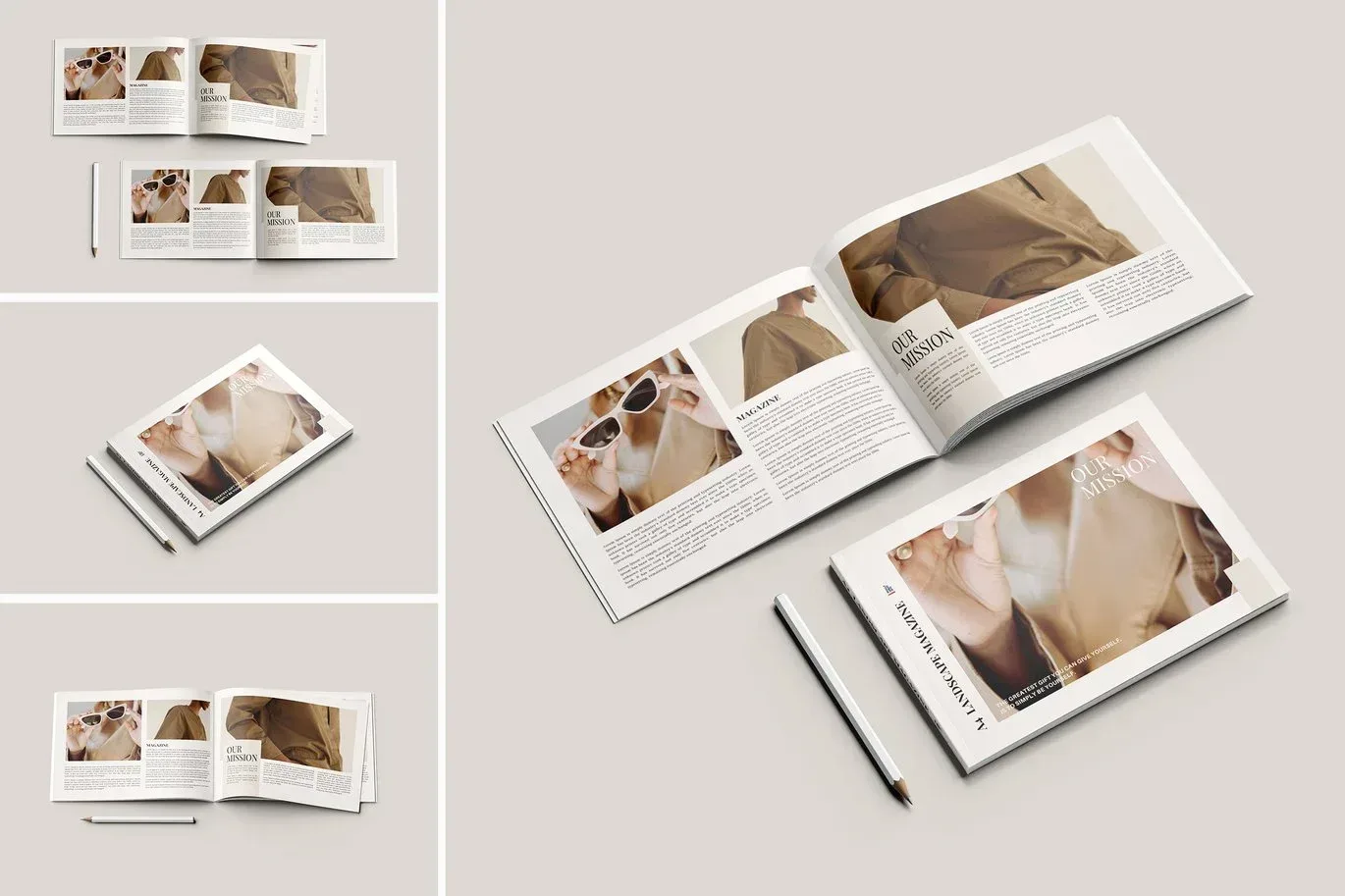
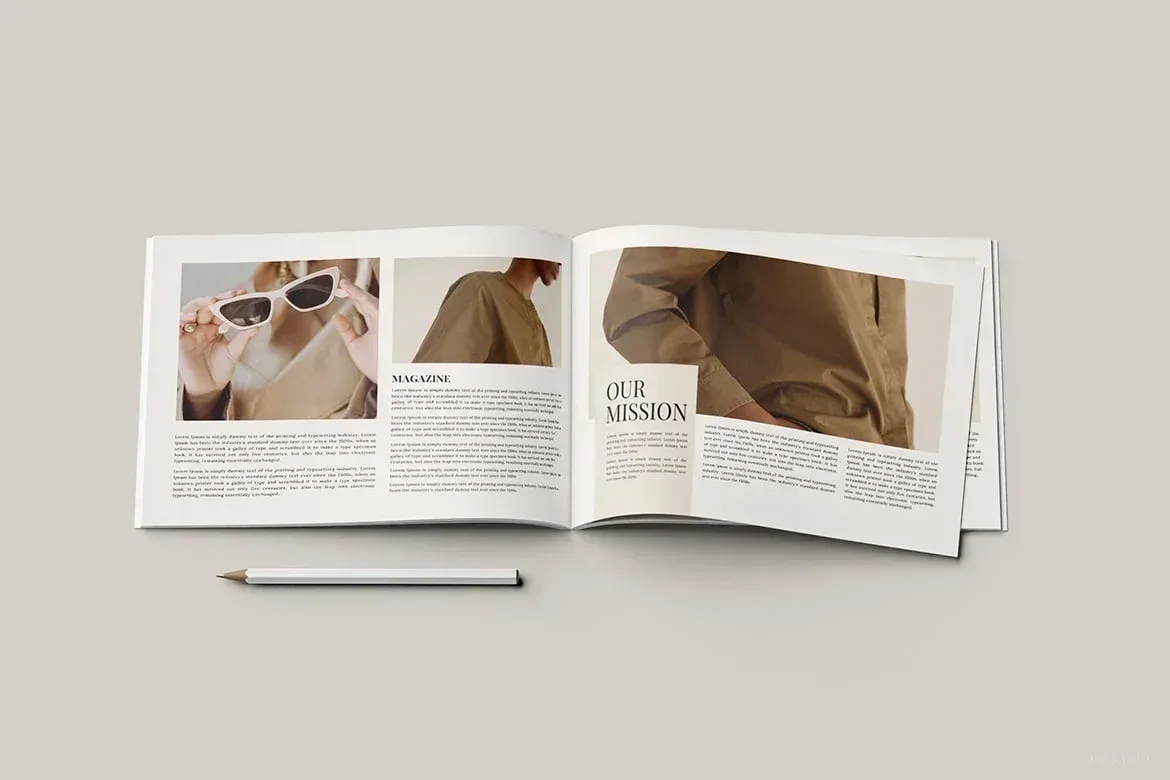
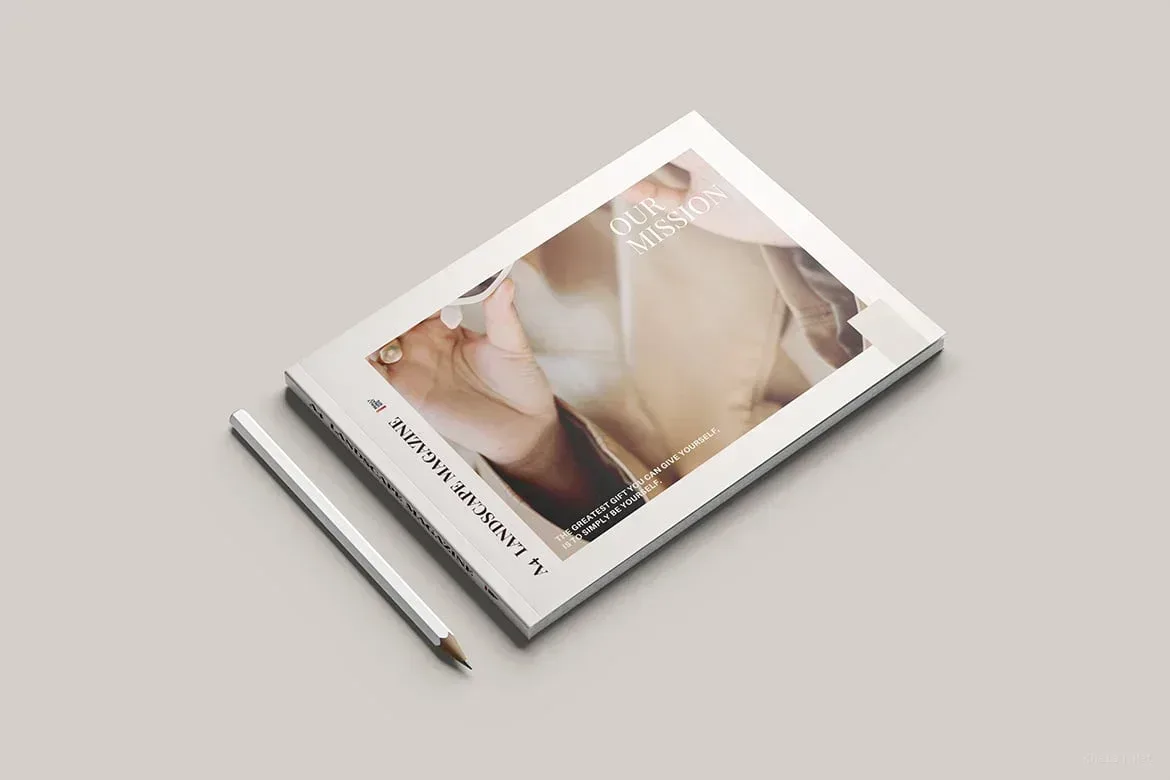
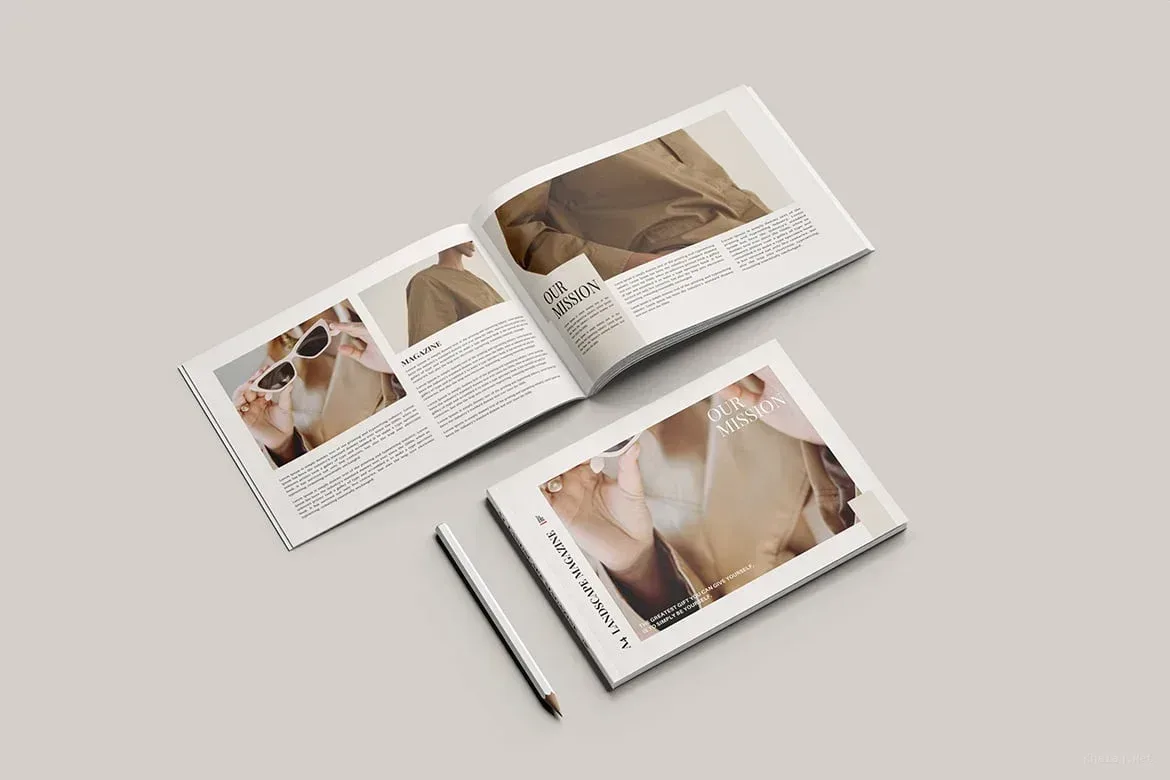
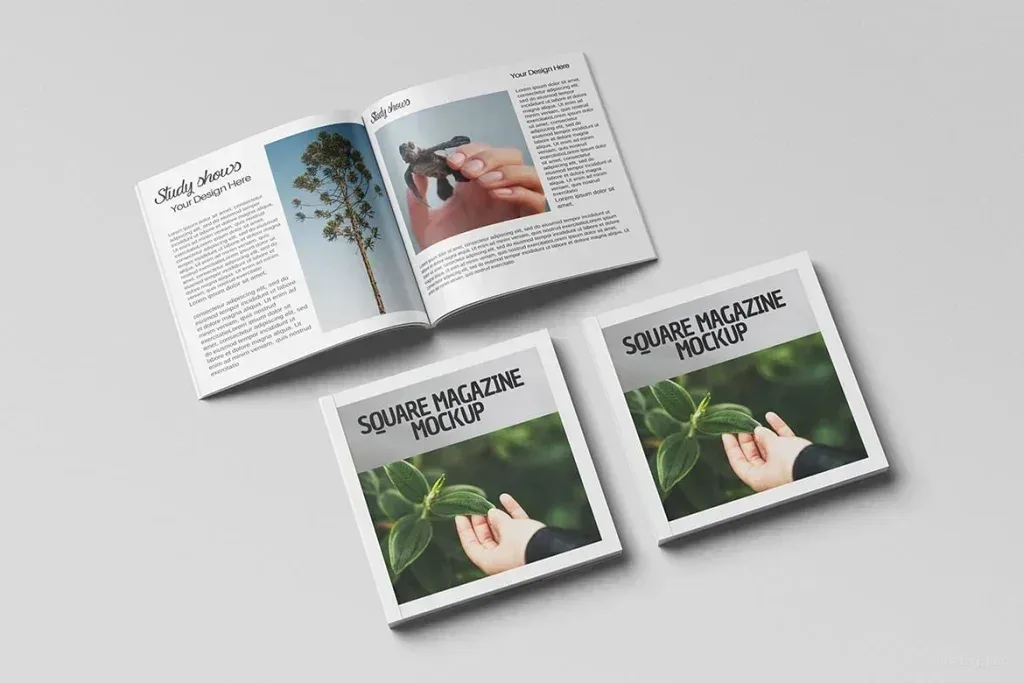
PSD Mockup for a landscape magazine cover
PSD Mockup Realistic Landscape Magazine. This PSD Mockup presents a realistic landscape magazine cover view that helps you show print designs in a polished setting. It is built for designers who need a clean presentation for editorial artwork, cover concepts, and brand-facing mockups without extra visual noise.
The scene focuses on the magazine cover itself, so your artwork stays central and easy to review. The horizontal format is especially useful for editorial layouts, culture magazines, business publications, event promotions, and any project where a wide cover image needs to be presented clearly. The preview is not included, which keeps the attention on the design you place inside the mockup. The PSD Mockup Realistic Landscape Magazine keeps the product’s main visual purpose clear across the described uses.
What you can present with this PSD Mockup
You can use this PSD Mockup for cover proposals, publishing presentations, portfolio displays, and client reviews. It is suitable when you want to show how a magazine design may look before printing or publishing. The realistic styling supports a professional visual check while keeping the layout simple and readable. The PSD Mockup Realistic Landscape Magazine presents the key product details in a consistent and readable way.
The file works well for editorial teams, graphic designers, branding projects, and print concepts that need a believable magazine display. It can also support square publication ideas and other related cover experiments when a landscape presentation is the right fit. With its focused layout, this mockup helps you communicate the final look of a magazine cover in a direct and useful way.