Chocolate Bar Packaging Mockup
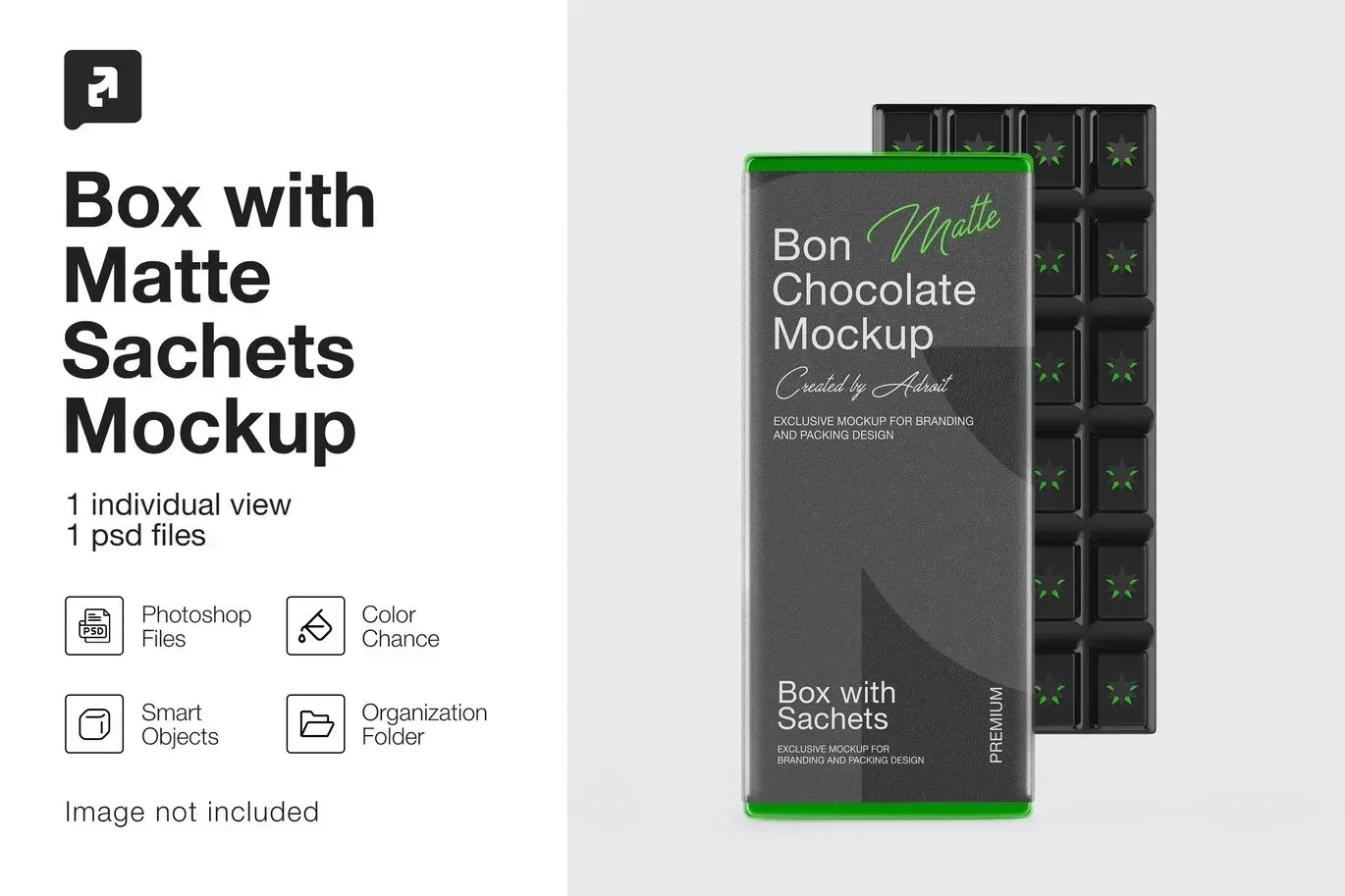
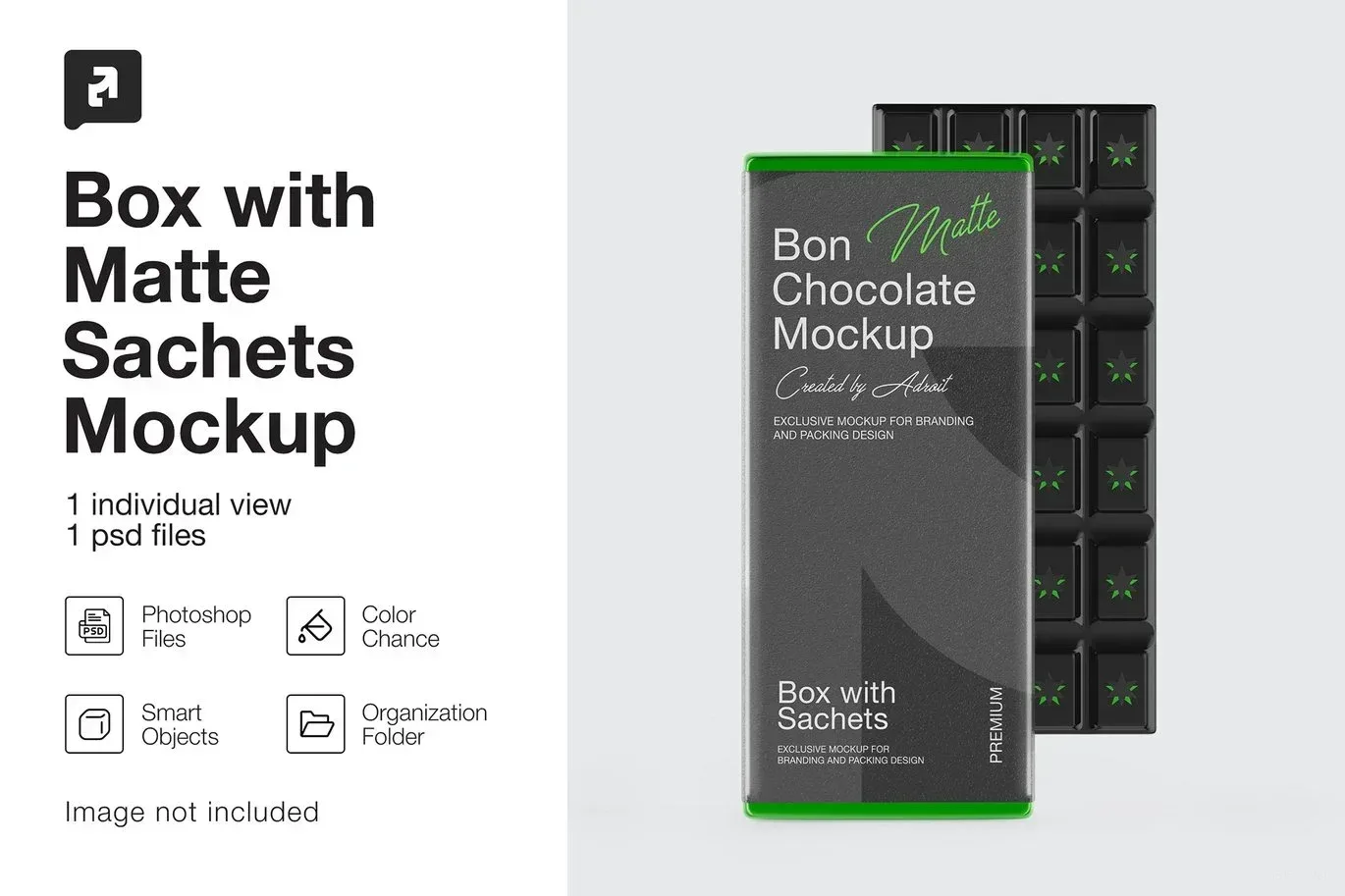
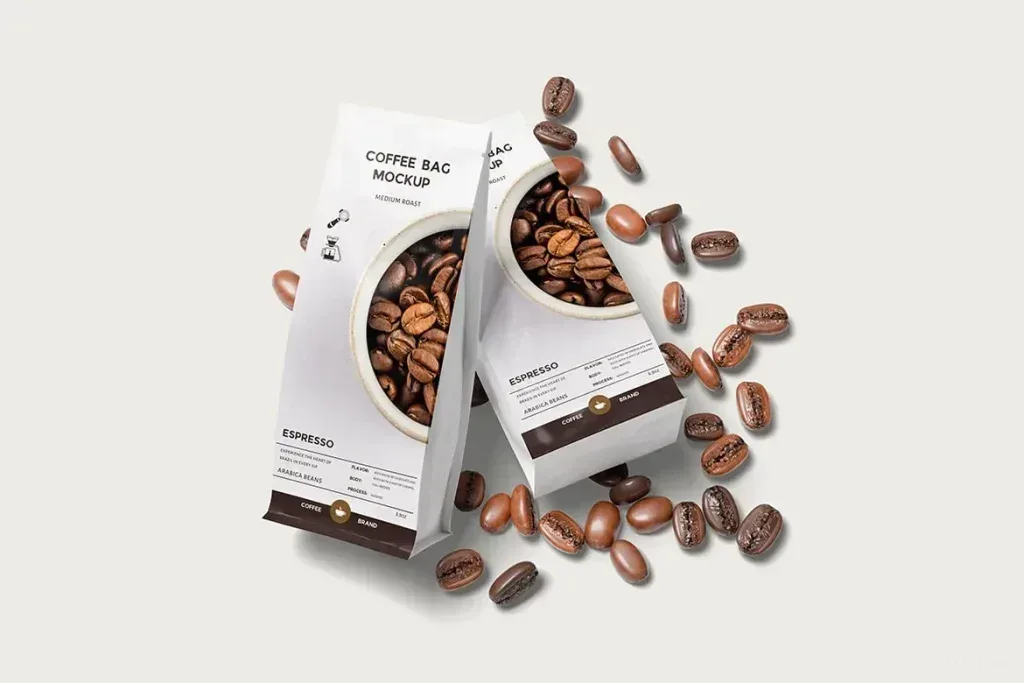
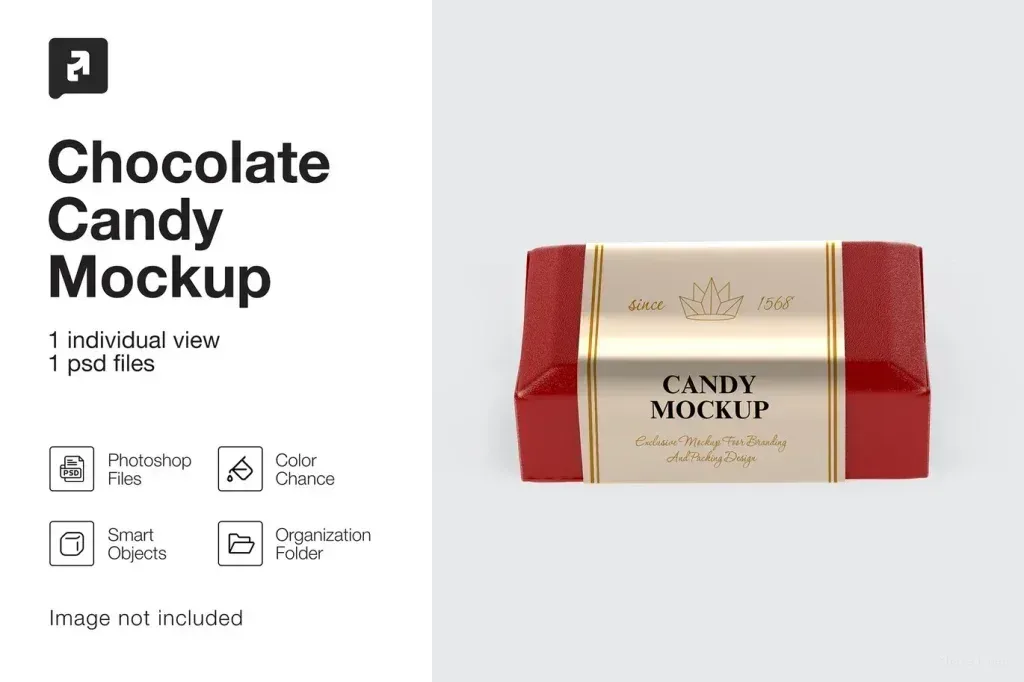
PSD Mockup Chocolate Bar Packaging. Chocolate Bar Packaging Mockup is built for presenting a chocolate bar wrapper design in a realistic way. It focuses on the packaging surface and the label area, so you can show how your artwork looks before production. The scene is useful for branding drafts, client presentations, portfolio samples, and product visuals for online stores.
Editable presentation for packaging design
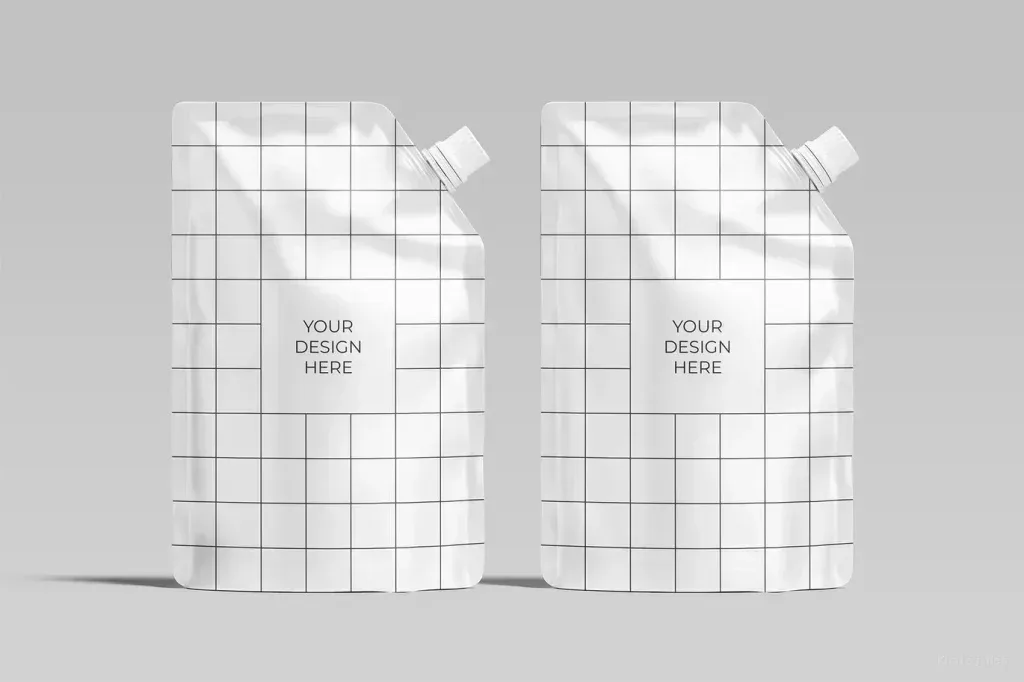
PSD Mockup Chocolate Bar Packaging includes only the Photoshop file. According to the source details, the working file is set to RGB color mode and 300 dpi, and it was prepared with Photoshop version 2023. The mockup uses a Label layer, so the main design can be placed by opening that layer, inserting your artwork, and returning to the primary document. No fonts or symbols are included, and the images shown in the preview are only for demonstration.
This Chocolate Bar Packaging Mockup is a practical choice when you need to present a candy bar package, test a label layout, or prepare a clean mockup for a product pitch. It is especially suitable for packaging concepts, brand identity reviews, food product visuals, and mockup previews where the wrapper surface matters more than extra effects. The square 5000×5000 px document gives enough room for a clear display, while the simple workflow keeps the focus on the design itself. The PSD Mockup Chocolate Bar Packaging keeps the product’s main visual purpose clear across the described uses.
If you work on a chocolate brand, a confectionery presentation, or a packaging concept for retail use, this mockup helps you show the final look in a controlled scene. It is made for designers who want a straightforward way to display a chocolate bar package without adding unrelated visual noise.