PSD Mockup A4 Trifold Brochure
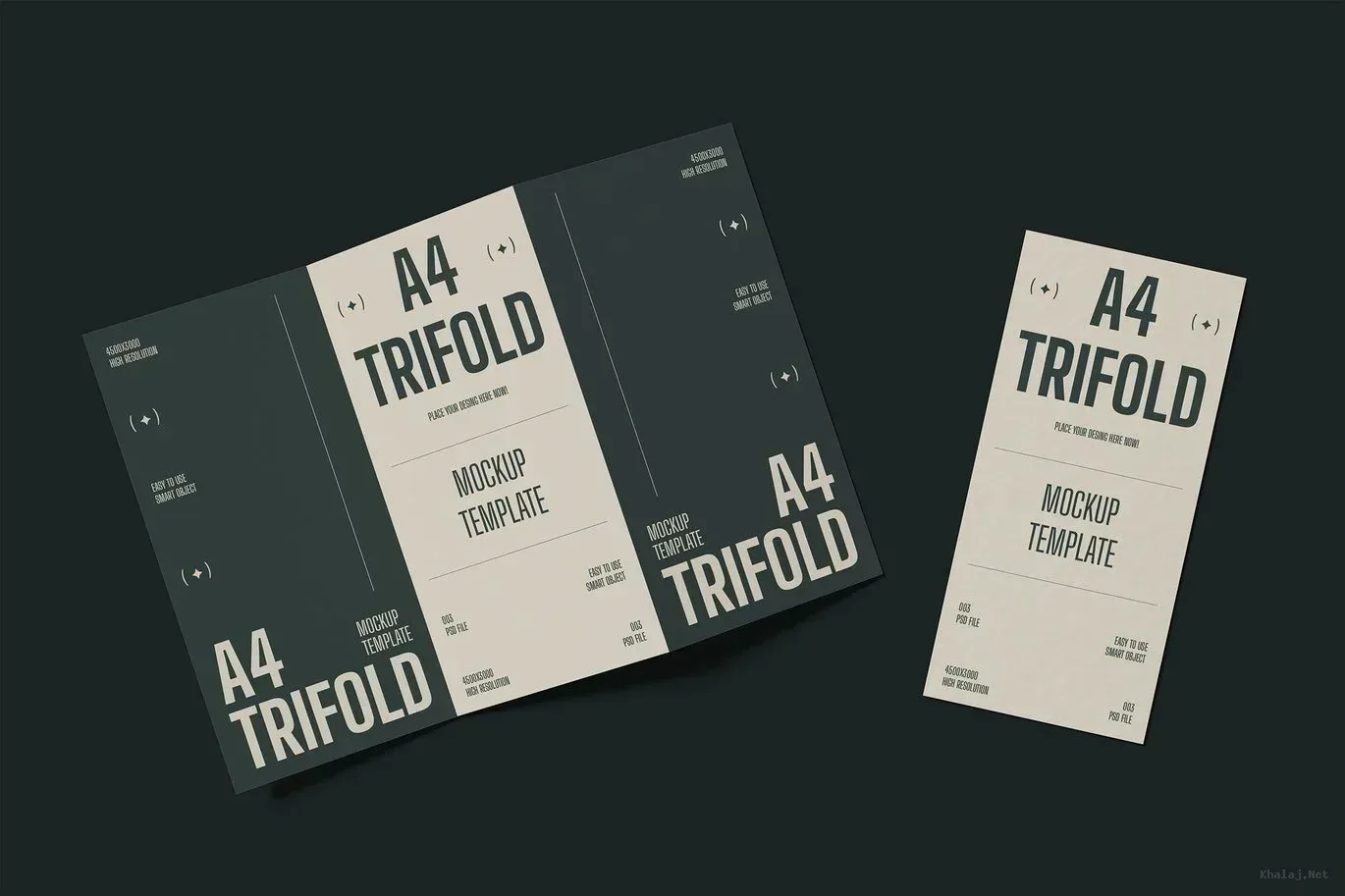
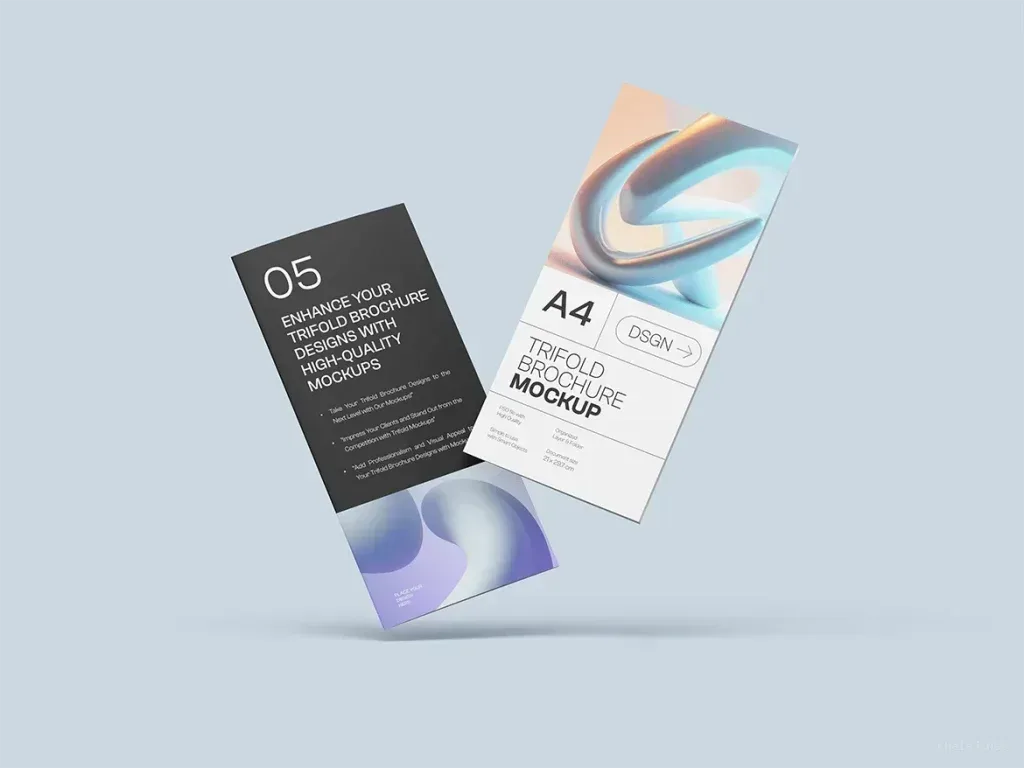
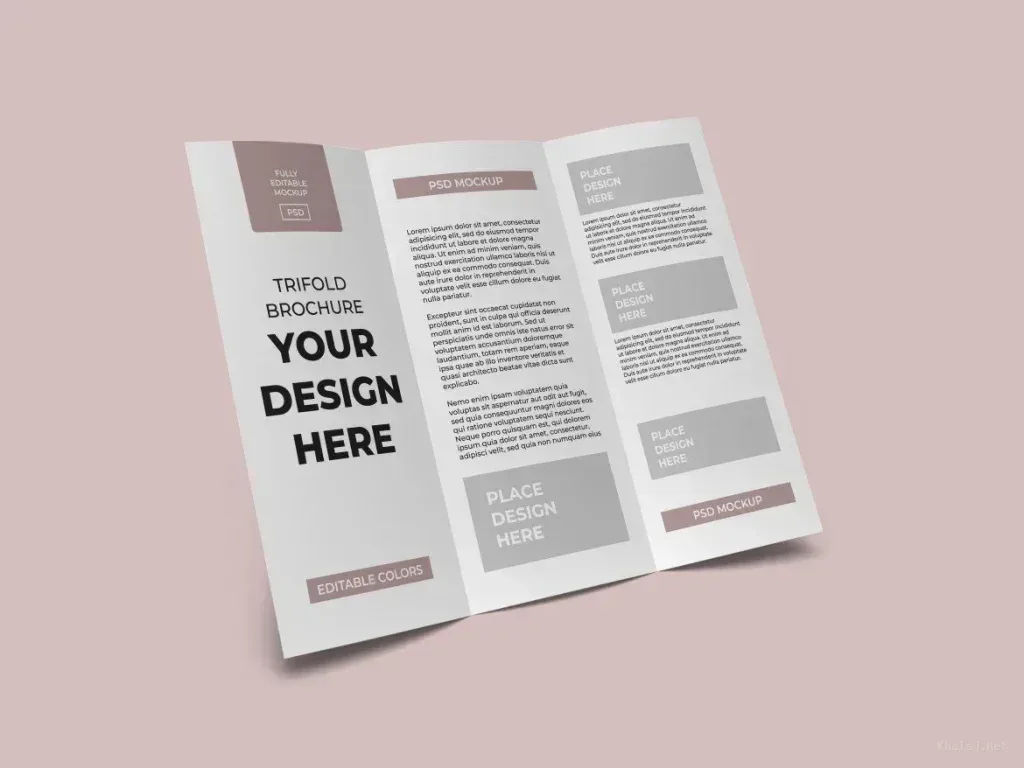
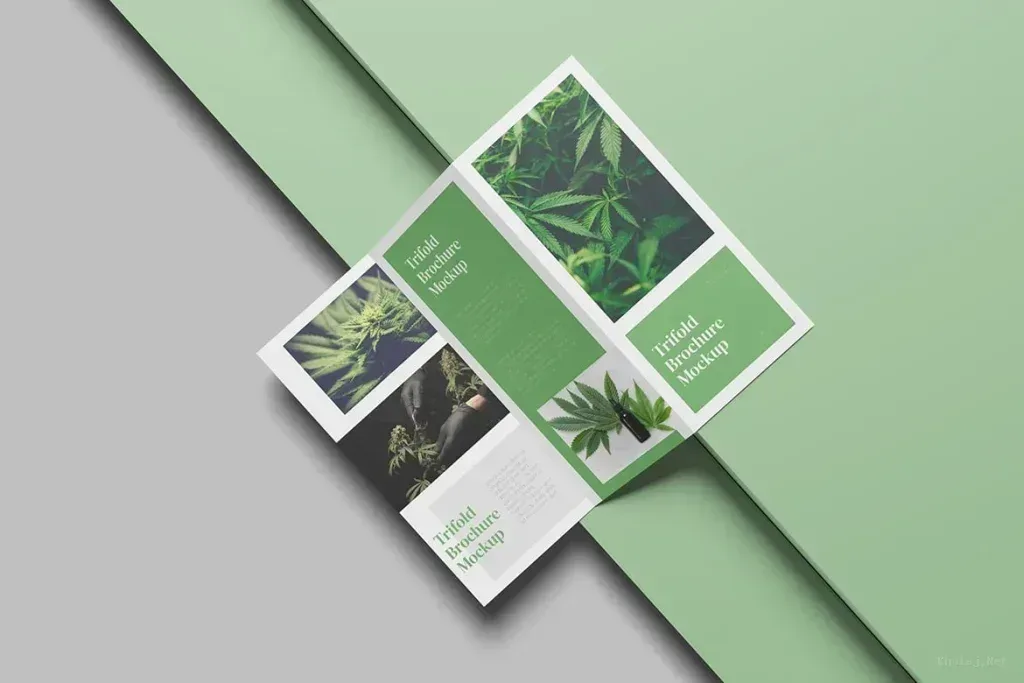
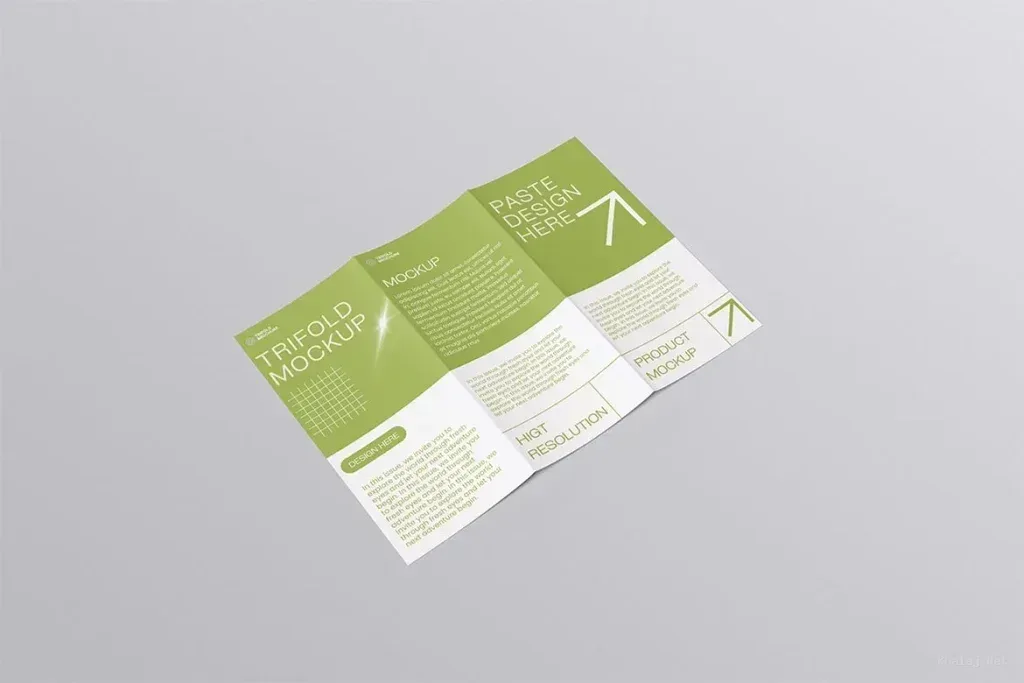
PSD Mockup A4 Trifold Brochure is designed to present folded brochure artwork with a realistic angle and a clean, polished look. It gives your design a believable printed appearance before anything goes to press, which makes it easier to review spacing, fold behavior, cover impact, and the way the content reads across the three panels. The layout keeps attention on the brochure itself, so the artwork remains the main focus.
This package includes 3 PSD files, a PDF manual guide, and a readme file. The files are prepared for Adobe Photoshop CC and use Smart Object replacement, so adding your artwork is quick and practical. The mockup is fully customizable and editable within PSD Mockup A4 Trifold Brochure structure, and the layers are organized to support a smooth workflow. You can replace images, update the visible design, and evaluate how your brochure looks in a realistic presentation setting without rebuilding the scene from scratch.
For client previews and portfolio presentation
PSD Mockup A4 Trifold Brochure is useful when you need to show a brochure concept in a convincing way. It works well for client presentations, portfolio pages, design approvals, and pre print checks where the final folded result matters. The realistic perspective helps communicate the look of brand brochures, event handouts, service information sheets, product leaflets, and promotional print pieces with more clarity than a flat screen view.
Because the files are easy to edit, the mockup supports a fast creative workflow for designers who want to test artwork variations or deliver a refined preview to a customer. You can place your brochure design inside the Smart Object, adjust the content as needed, and use the result to show how the piece may appear in a real setting. The final image feels professional, organized, and ready for presentation, making it a practical asset for print focused projects that need a strong visual impression.