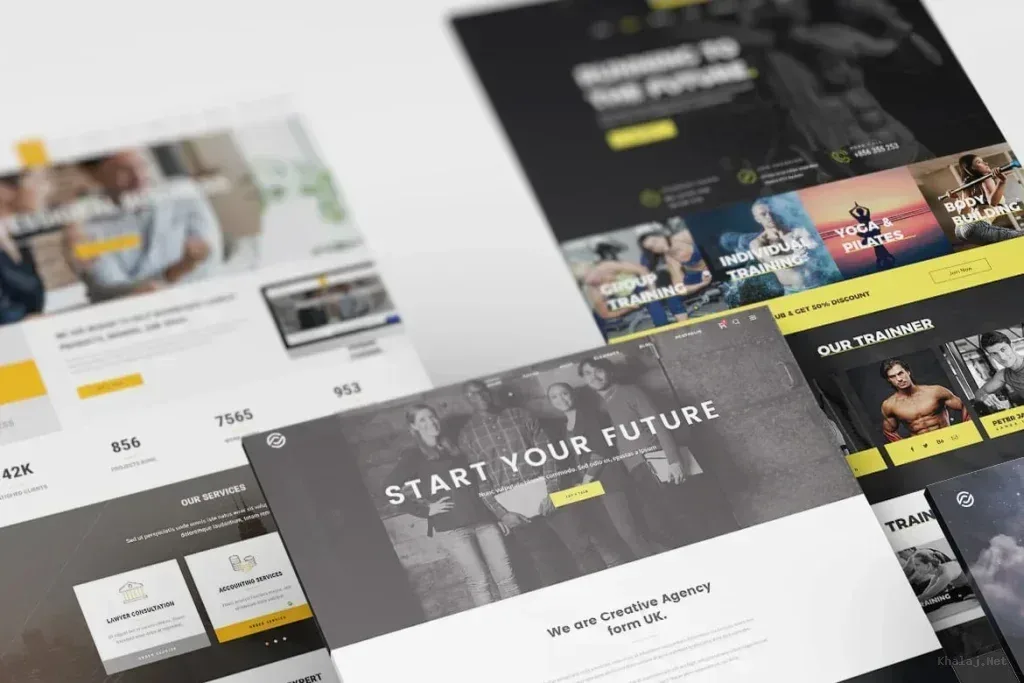
iMac Website PSD Mockup
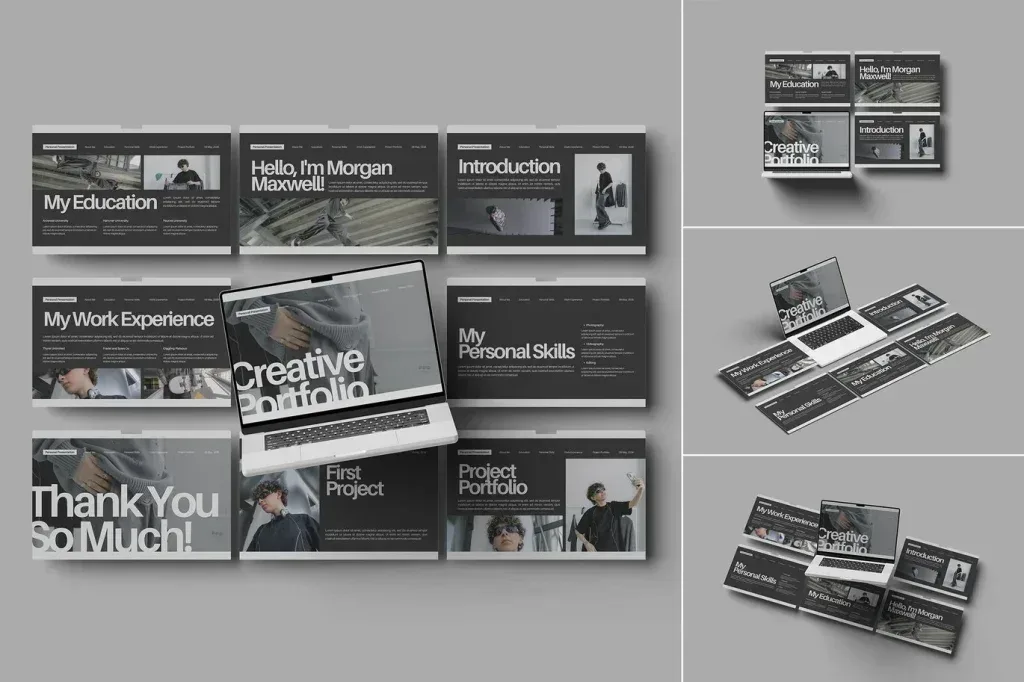
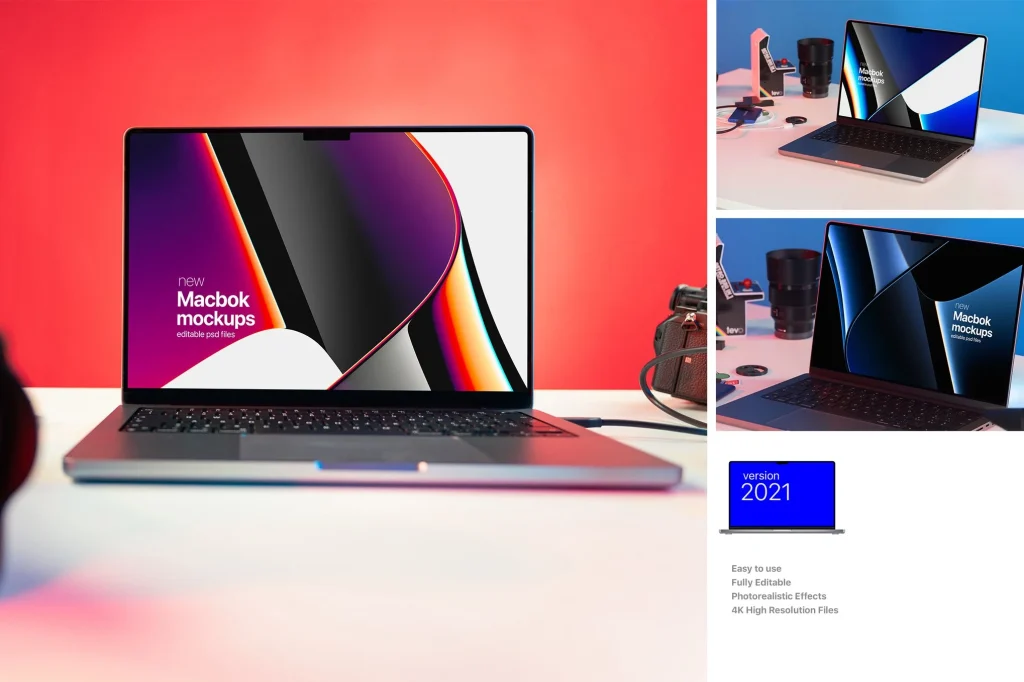
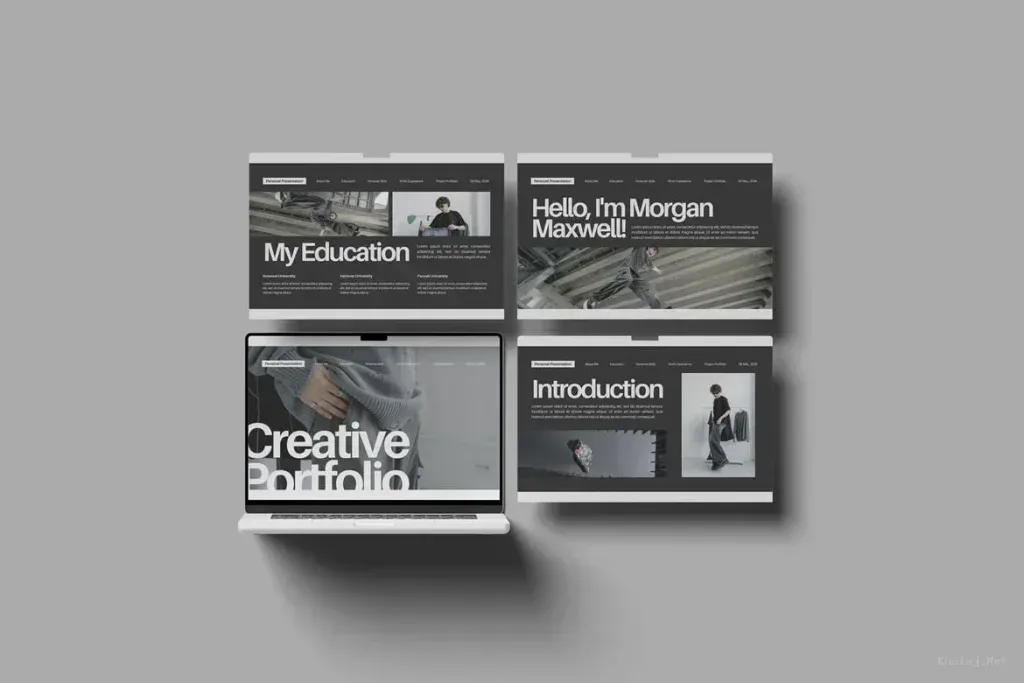
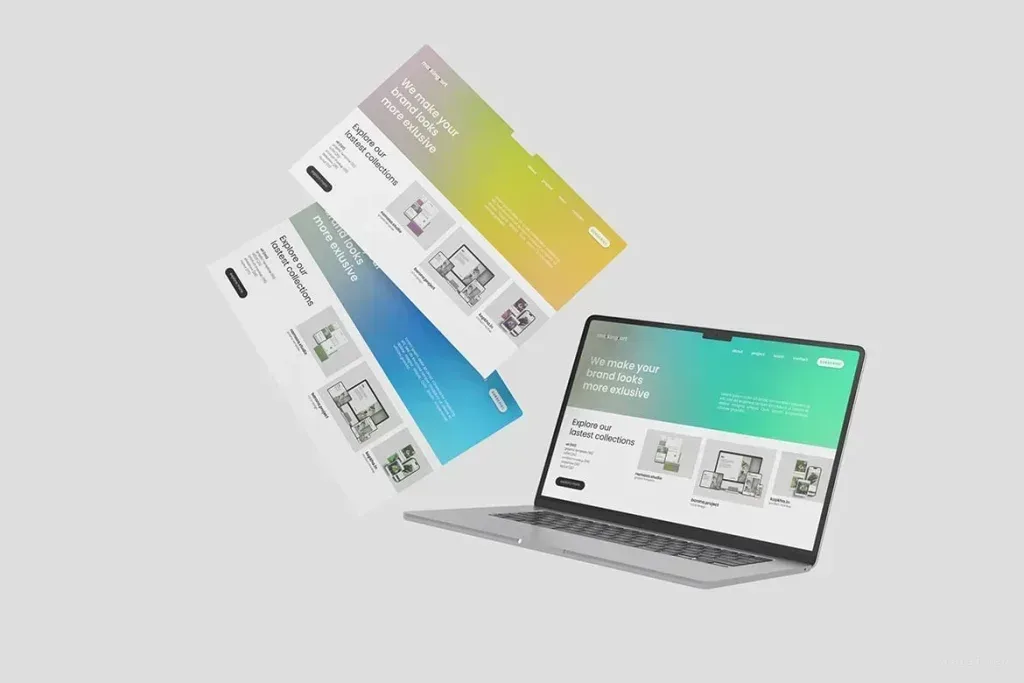
PSD Mockup iMac Website. iMac Website PSD Mockup is made to present your website design inside a realistic desktop scene. It gives your layout a polished screen display that works well for client previews, portfolio showcases, agency presentations, and UI design reviews. The iMac setting helps your work feel grounded in a real device environment instead of looking like a plain screenshot.
The package includes 4 PSD files and a PDF guide. Each file is well layered and organized, so the editing process stays simple and efficient. With the smart object feature, you can place your own website design into the screen area in just a few steps. The background color is changeable, which gives you more control over the final look. Specular and highlight adjustment also helps the scene fit both bright and dark website visuals with better balance. The PSD Mockup iMac Website keeps the product’s main visual purpose clear across the described uses.
Built for flexible web presentation
iMac Website PSD Mockup is a useful choice for homepage concepts, landing pages, dashboard screens, and broader web interface presentations. The high resolution of 4500 x 3000 px at 300 DPI gives you a clean result for detailed display work. That makes it suitable for digital portfolios, product launches, branding decks, and approval stages where presentation quality matters. The PSD Mockup iMac Website presents the key product details in a consistent and readable way.
The mockup is designed for users who want a realistic computer display without extra visual noise. It keeps the focus on the website itself while still adding context and depth through the iMac scene. Because the preview images and designs are not included in the download, you can fully replace them with your own artwork and present the project in a way that matches your brand or client needs.
If you need a straightforward and professional way to show a website on a desktop device, this mockup delivers a clean result with practical editing tools and a presentation style that feels modern and credible.