PSD Mockup Instagram Carousel Post
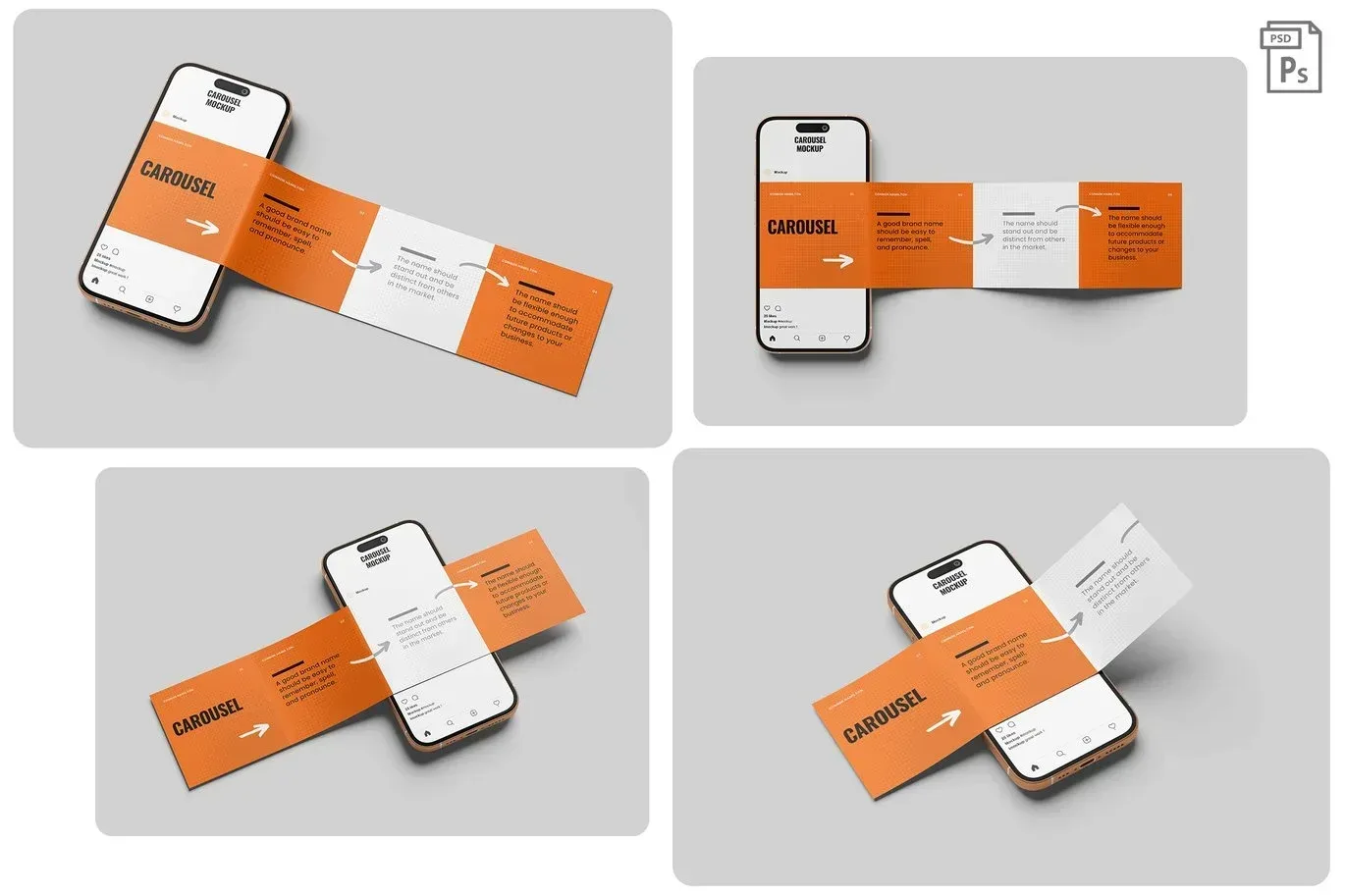
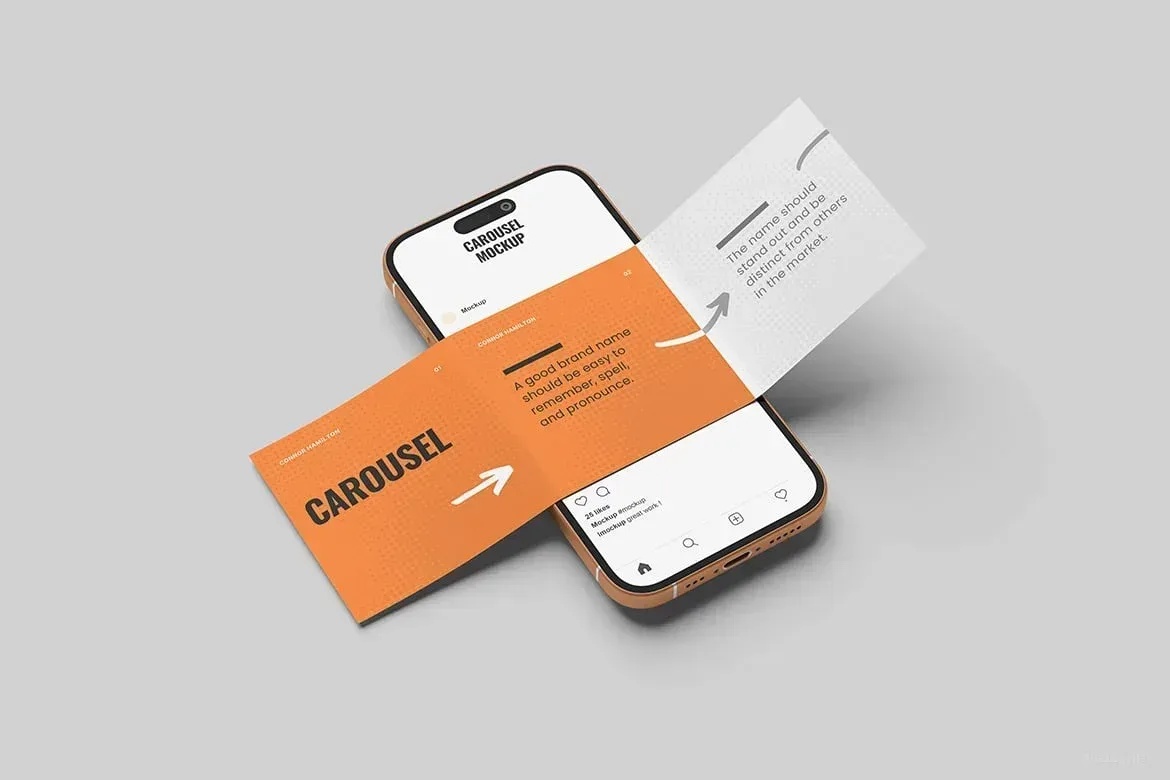
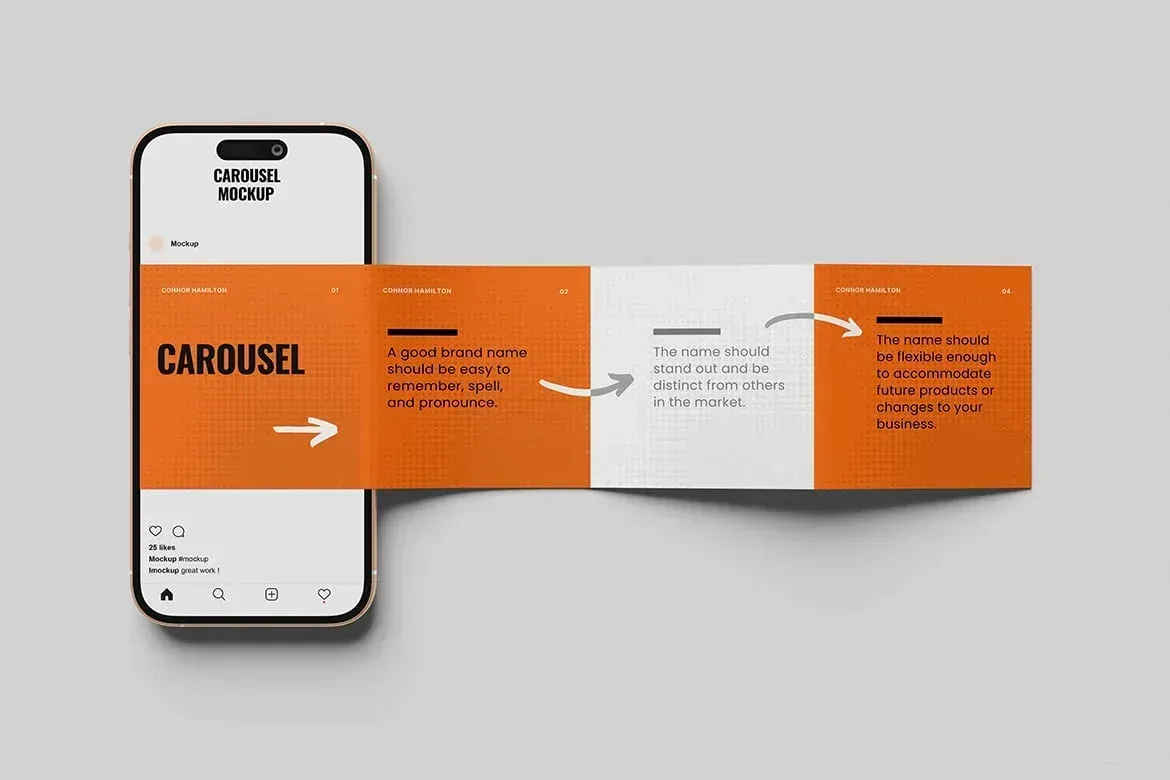
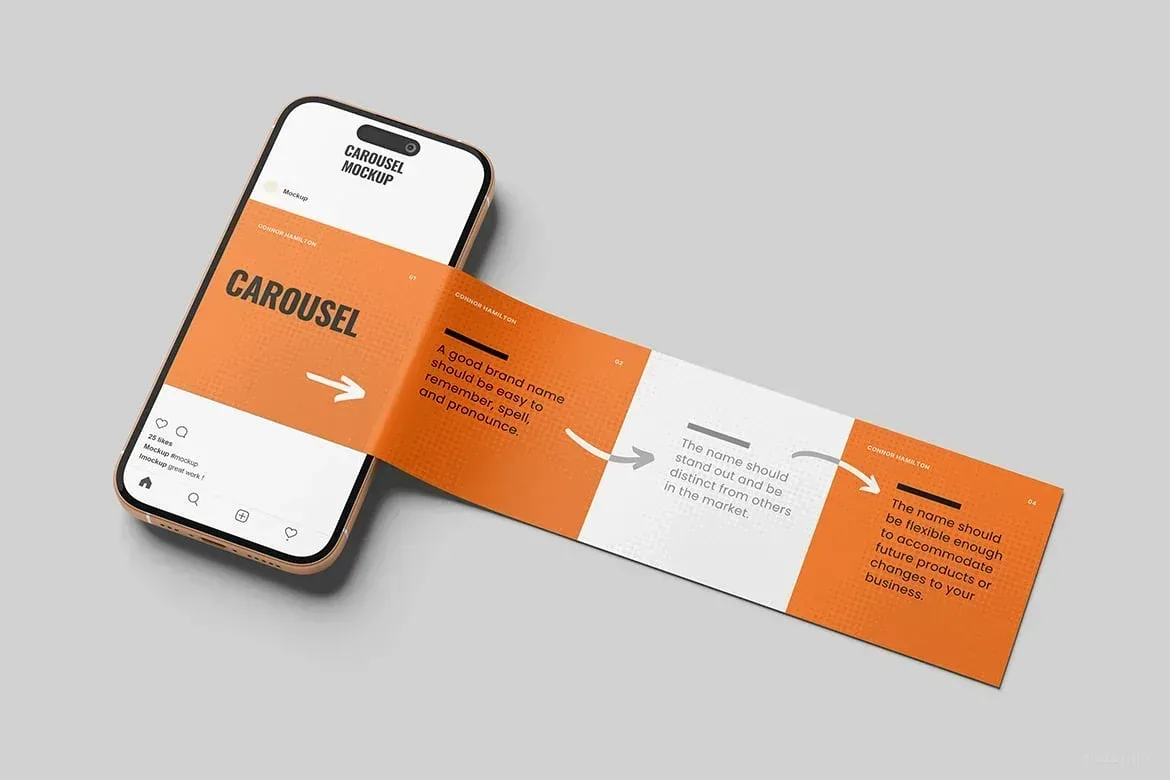
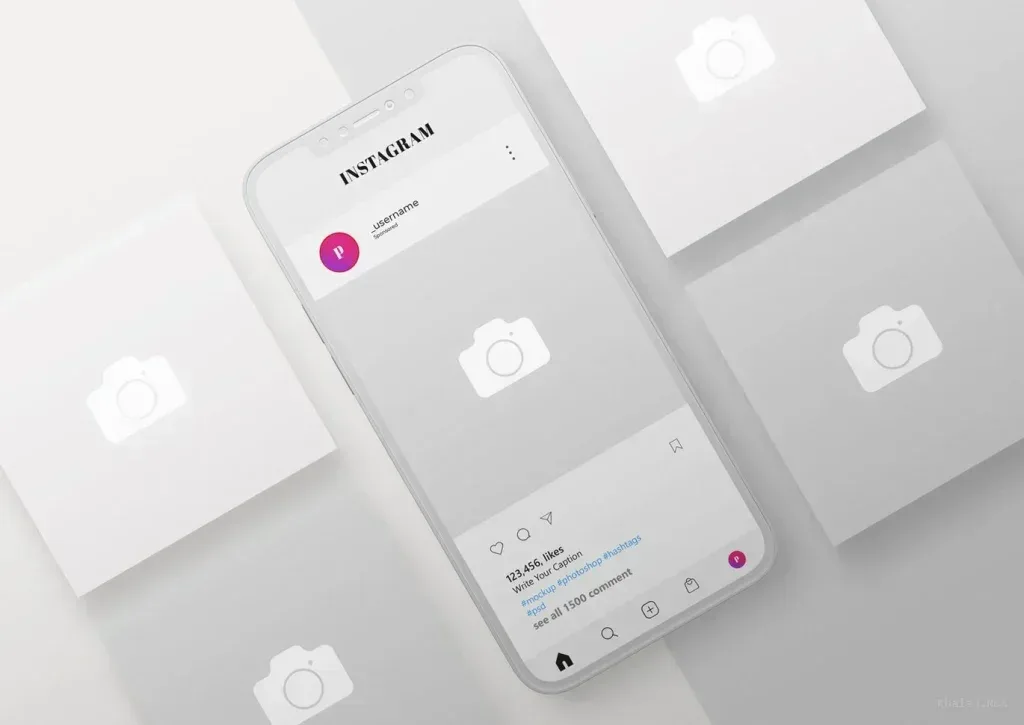
This PSD Mockup Instagram Carousel Post is built to present a multi slide social media idea in a clean, professional way. It lets you show how a sequence of images, graphics, or text based panels will look when arranged as one connected carousel post inside a feed. The result is ideal when you want clients or team members to understand the full flow before anything is published.
Use this mockup for content planning, brand presentations, promotional concepts, portfolio pieces, and approval stages. Because the layout is centered on the carousel format, it helps you present a message across several slides instead of relying on a single static image. That makes it especially useful for storytelling, product launches, announcements, and any post that depends on visual continuity from one slide to the next.
How it fits a design workflow
This PSD Mockup Instagram Carousel Post is a practical presentation asset for Photoshop based workflows. It supports designers who need to preview artwork in a realistic social media context while keeping the focus on structure, spacing, and slide order. If you are preparing campaign visuals or reviewing a feed concept, it gives you a straightforward frame for showing how the carousel reads as a sequence.
The mockup is useful when working on editorial style social content, marketing layouts, and brand communication for online audiences. It helps you explain how the pieces of a post relate to each other and how the message develops across multiple screens. That makes it easier to refine the visual hierarchy before the final export or publication.
If your process includes client review, social media planning, or portfolio presentation, this PSD Mockup Instagram Carousel Post offers a polished way to display the idea clearly. It keeps attention on the layout of the post itself and on the way the slides work together, which is exactly what carousel content needs in a presentation mockup.

 This product has 2 previews