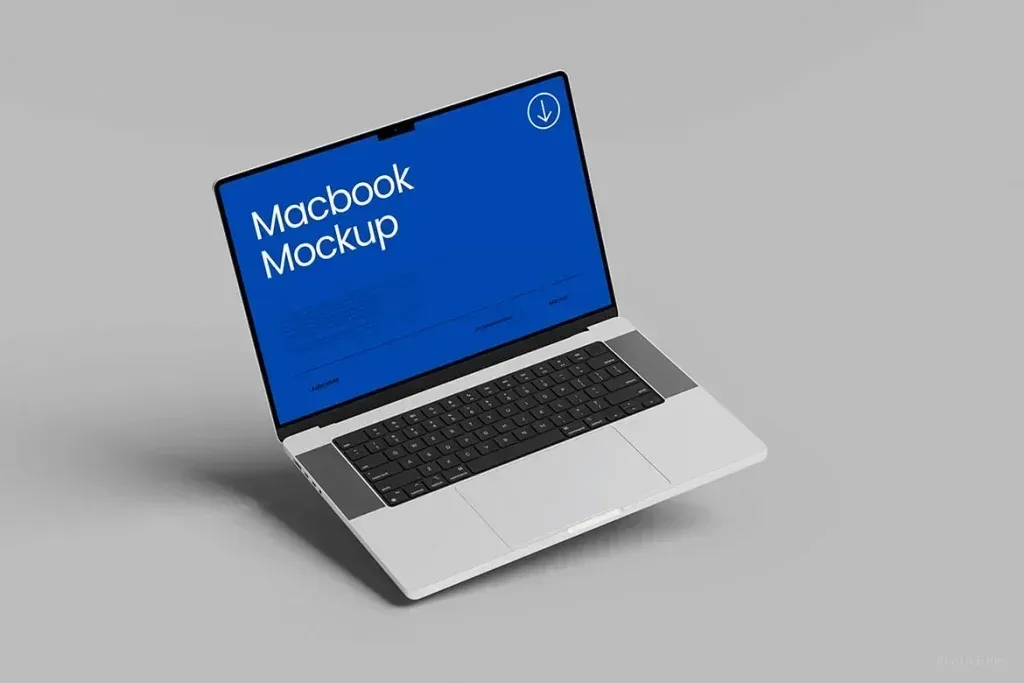
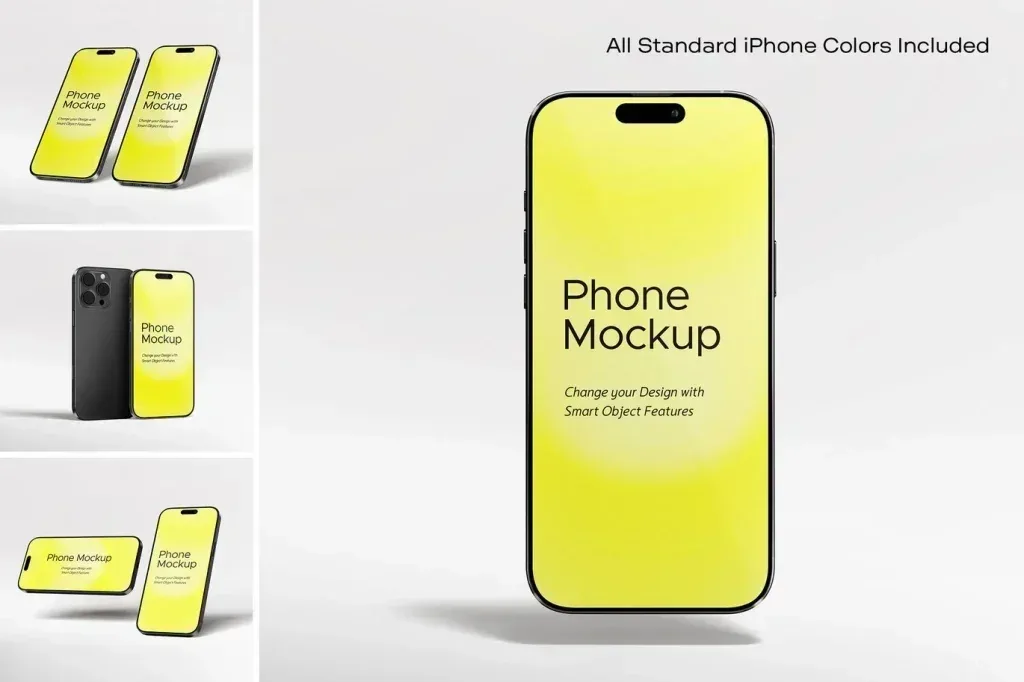
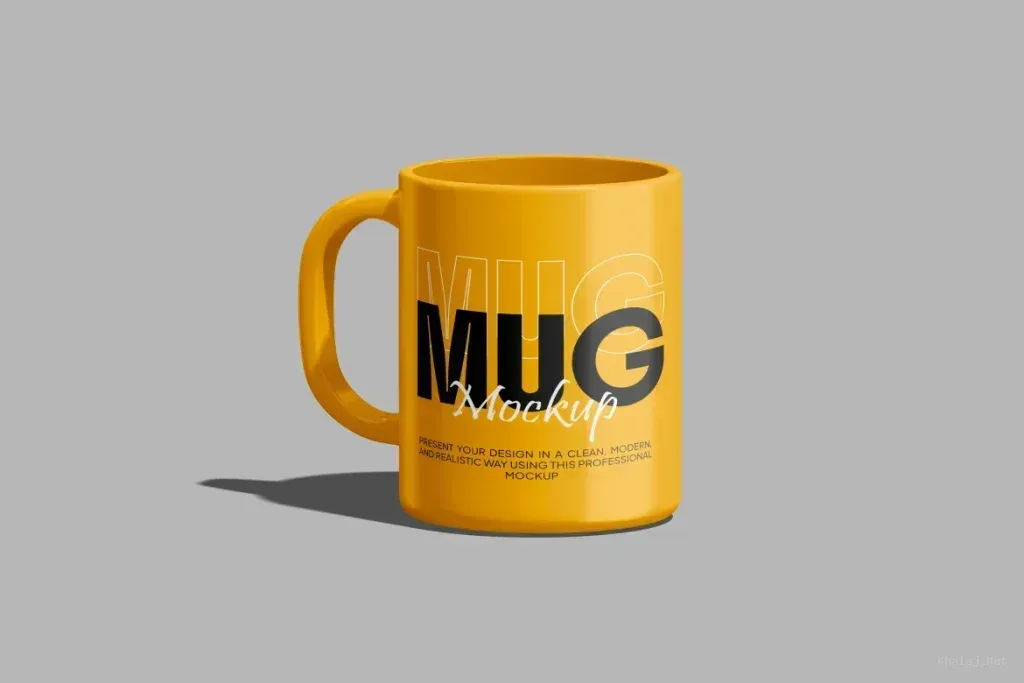
Download Professional Photoshop Mockup Templates: Editable PSDs for Realistic Design Presentations
Explore the Photoshop mockup collection on Khalaj.Net to find editable PSD templates for logos, branding, packaging, business cards, apparel, devices, print projects, and product presentations. This category is built for designers, marketers, online sellers, and creative teams searching for high-resolution Photoshop mockups, efficient Smart Object editing, and realistic scenes that help a flat design look ready for print, production, or publication.
What Is a Photoshop Mockup?
A Photoshop mockup is a prepared visual scene that lets you place a design into a realistic context. Instead of showing a logo, label, poster, website screen, or package as a flat image, a mockup presents it on a physical object or inside a believable environment. A logo may appear embossed on paper, mounted on a storefront, printed on fabric, or engraved into metal. A packaging design can be wrapped around a box, bottle, pouch, can, or cosmetic container before a physical sample is manufactured.
Most Photoshop mockup templates are delivered as layered PSD files. The document may include lighting, shadows, reflections, textures, masks, and perspective adjustments that are already configured. The designer replaces a placeholder with original artwork, and the scene updates to display the result. This efficient workflow explains why searches such as Photoshop mockup, free PSD mockup download, editable mockup template, and Smart Object mockup remain popular among creative professionals.
Why Mockups Matter in a Professional Design Workflow
A realistic preview makes a design easier to understand. Clients may struggle to imagine how a flat dieline, transparent logo, or interface screenshot will look in use. A relevant mockup closes that gap by showing scale, material, placement, lighting, and context. It can reveal practical issues before production, including poor contrast, text that is too small, artwork positioned too close to a fold, or branding that does not fit the product surface.
Mockups can also shorten approval cycles. When stakeholders see a credible representation of the finished result, feedback becomes more specific and decisions can be made with greater confidence. Designers use mockups in client decks, portfolios, case studies, social posts, advertising concepts, and product pages. A strong presentation does not replace a strong design, but it helps the audience evaluate that design in the situation for which it was created.
Features of a High-Quality Photoshop Mockup Template
A polished preview image does not automatically mean that the underlying PSD is easy to use. A high-quality mockup should provide enough resolution for the intended output, clean edges, believable material texture, and lighting that still looks natural after the artwork is replaced. Shadows should make contact with the object rather than float around it, reflections should match the surface, and perspective should remain convincing.
Layer organization is equally important. Clearly named groups, visible placeholders, adjustable backgrounds, and separate controls for shadows or highlights reduce editing time. The best editable PSD mockups often include multiple views, optional objects, color controls, and instructions. Before downloading, check the pixel dimensions, Photoshop version, file size, included formats, required fonts, linked assets, and license terms. These details determine whether a template will fit your workflow as well as your visual style.
How Smart Objects Simplify Mockup Editing
Smart Objects are central to many Photoshop mockup templates. A placeholder layer may be named Place Your Design Here, Replace Me, Edit This, or Your Logo. Double-clicking the Smart Object thumbnail opens its source content in a separate document. You insert your artwork, scale and align it, save the source document, and return to the main mockup. Photoshop then updates the scene while preserving the perspective, effects, and transformations applied to the placeholder.
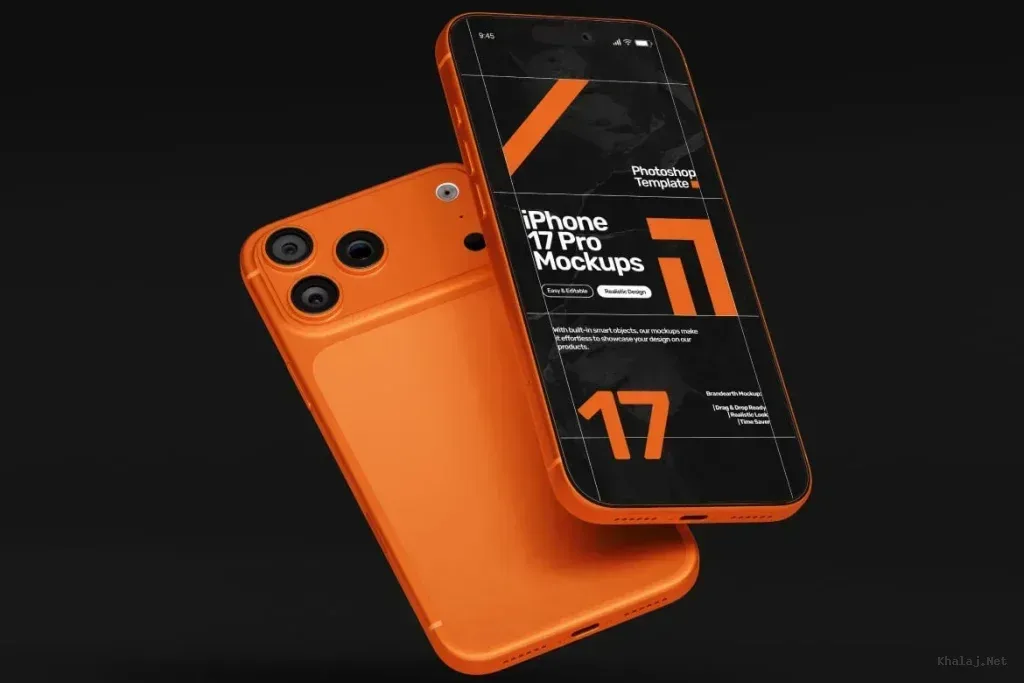
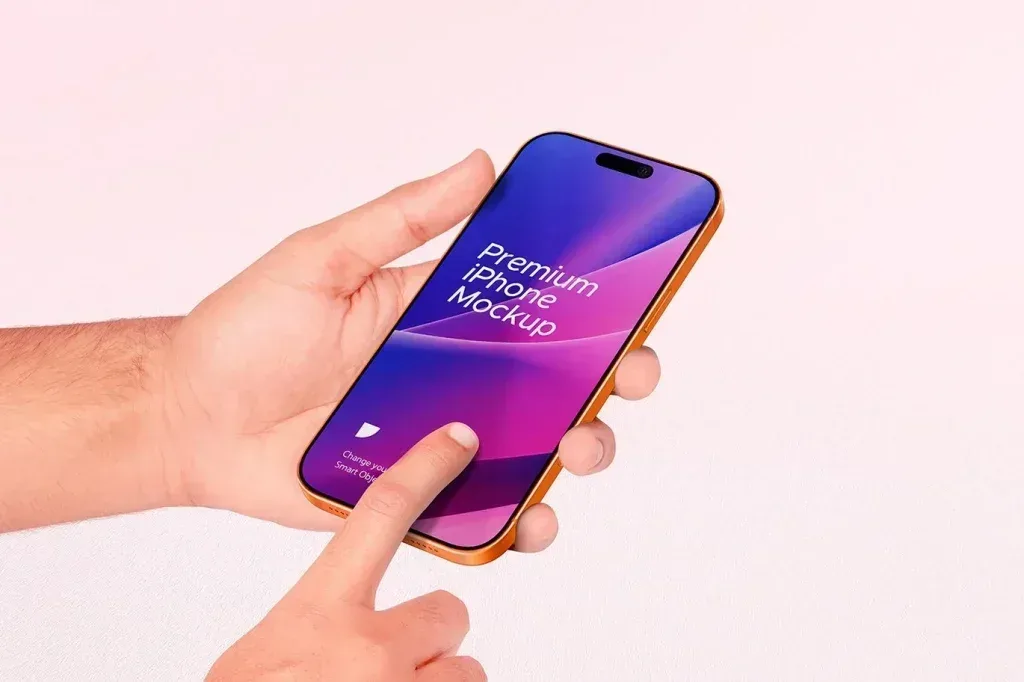
Complex templates may contain several Smart Objects. A box mockup could have separate placeholders for the front, side, top, and label. A book may include the front cover, spine, back cover, and interior pages. A device scene may allow several screen designs to be replaced independently. Use artwork with sufficient resolution, because a small raster image enlarged inside a high-resolution template can appear soft. Vector logos or large source files generally produce cleaner results.
Logo Mockup PSD Templates for Brand Presentations
Logo mockups are among the most requested Photoshop resources because they demonstrate how a visual identity can live beyond a flat artboard. Common options include embossed paper, letterpress, foil stamping, metal signage, illuminated storefronts, glass, wood, fabric, leather, and painted walls. Three-dimensional logo mockups can add depth, while minimal paper or stationery scenes can support a quieter brand presentation.
The scene should match the personality of the brand. A luxury identity may benefit from restrained metallic details and dark materials, while an organic or handmade brand may feel more credible on natural paper, cardboard, or wood. Technology brands often suit clean architectural surfaces and digital displays. Avoid effects that overpower the logo or distort its approved colors. The purpose of a logo mockup is to clarify application, not to disguise weaknesses or suggest a production technique that will never be used.
Packaging Mockups for Boxes, Bottles, Pouches, and Labels
A packaging mockup helps teams evaluate a design before manufacturing a physical package. Designers can preview the logo, product name, claims, ingredients, barcode, legal copy, and decorative elements on a three-dimensional surface. Popular templates cover boxes, jars, bottles, cans, tubes, cups, cosmetic containers, food packaging, coffee bags, and stand-up pouches. These scenes are useful for client reviews, investment presentations, campaign testing, e-commerce listings, and brand guidelines.
Realism depends on how accurately the template handles the product form. A bottle or can needs believable label curvature and reflections. A carton should show folds, edges, and paper thickness. A transparent container requires careful highlights and background interaction. When choosing a packaging mockup, look for the angle that supports your goal. A front view may work best for a product listing, while a three-quarter view often feels more dynamic in advertising. Adjustable background and product colors make it easier to align the scene with a campaign.
Print Mockups for Posters, Books, Magazines, and Brochures
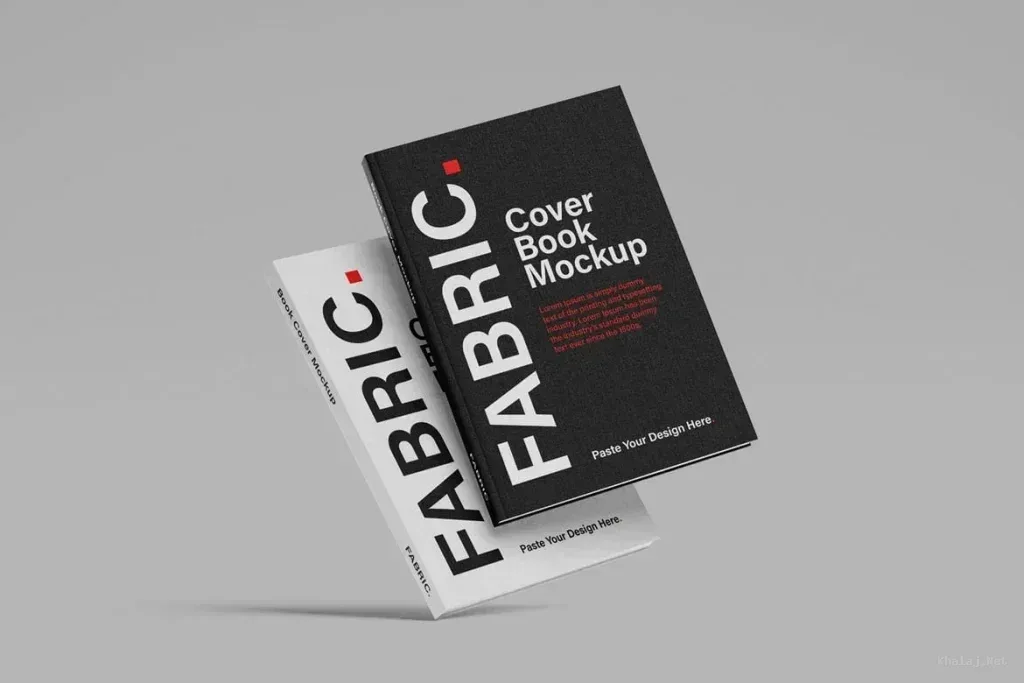
Print designers can use mockups to present posters, flyers, catalogs, magazines, books, menus, and brochures in context. A book mockup may include the front cover, back cover, spine, pages, and dust jacket. Magazine templates can display open spreads or closed covers. Brochure mockups may be bi-fold, tri-fold, or multi-panel, so the template must match the real format and proportions of the artwork.
Poster designs can be shown in a clean interior frame, on a street wall, at a transit stop, or on a large billboard. A minimal scene is often best for a portfolio because it keeps attention on the design. An outdoor placement can be more useful for an advertising concept because it communicates distance and scale. When downloading a print mockup PSD, check whether unwanted props can be hidden and whether the wall, frame, paper, or background colors can be customized.
Free PSD Mockup Downloads Versus Premium Templates
A free PSD mockup download can be an excellent choice for learning, personal projects, early concepts, and limited budgets. Many free templates offer high resolution and Smart Object editing. However, free does not automatically mean unrestricted. Some files are licensed only for personal use, some require attribution, and others limit commercial use or redistribution. Always read the license provided by the creator or marketplace before using the file for a client, product, or paid campaign.
Premium mockups often provide more views, stronger layer organization, higher resolution, advanced color controls, and consistent scene collections. For a commercial project, the cost of a professional template may be small compared with the time required to build a realistic scene from scratch. The best choice depends on the project, not the price label alone. Compare the license, visual relevance, editing speed, output size, and accuracy of the mockup before deciding.
How to Choose the Right Mockup Before Downloading
Start with the communication goal. Do you need a clean product image, a persuasive client presentation, a portfolio scene, or an advertising concept? Then evaluate the camera angle, product visibility, empty space, background, and overall mood. A front-facing template may be ideal for an online store, while an angled scene may add energy to a campaign. The mockup should feel compatible with the brand rather than simply look impressive on its own.
Check technical requirements before downloading. Confirm the PSD dimensions, color mode, file size, Photoshop compatibility, number of Smart Objects, included views, and external assets. Large files can provide excellent detail but may require more memory and processing power. Review every preview image instead of relying on the cover alone. On Khalaj.Net, localized descriptions and clear categorization are intended to help users understand the actual subject and use of each mockup before opening the download.
Quick Guide: How to Edit a Photoshop Mockup
- Extract the downloaded archive and open the main PSD file in Adobe Photoshop.
- Open the Layers panel and locate the design placeholder or Smart Object.
- Double-click the Smart Object thumbnail to open its source document.
- Insert your logo, artwork, label, screenshot, or pattern and align it to the canvas.
- Save the source document and return to the main mockup scene.
- Adjust product color, background, shadow, and lighting when controls are available.
- Export the final image as JPG, PNG, or another format appropriate for the project.
If the preview does not update, confirm that the source document was saved and that you edited the correct placeholder. Some templates use multiple Smart Objects or include sample artwork layers that must be hidden. Keep an untouched copy of the original PSD so you can return to the default settings. For sharp output, avoid enlarging small raster graphics and use high-resolution source artwork whenever possible.
Tips for More Photorealistic Results
The template provides the scene, but the inserted artwork still needs to fit the material and production method. Maintain safe margins around folds and edges. Check whether tiny text remains readable after perspective is applied. Use appropriate contrast for dark, reflective, or transparent surfaces. On apparel, keep artwork inside a believable printable area. On devices, do not stretch interface screens to fit a mismatched ratio.
Review the result at 100 percent zoom and inspect masks, edges, contact shadows, and reflections. If the template includes effect controls, use them with restraint. Excessive embossing, glow, depth, or shadow can make the presentation less credible. For a branding project with several applications, select mockups with related lighting and color temperature. Visual consistency across the set often communicates more professionalism than a large number of dramatic but disconnected scenes.
Why Browse Photoshop Mockups on Khalaj.Net?
Whether you need a free Photoshop mockup for practice or a professional PSD template for paid work, prioritize relevance, editing quality, resolution, and license terms. The right mockup can make an idea easier to evaluate, reduce uncertainty in client communication, and turn a flat design into a persuasive visual presentation. Browse the available subjects, compare previews, and select the scene that represents your design honestly and effectively.
Frequently Asked Questions
Are all Photoshop mockups free to download?
No. A collection may include free and premium resources. Check the price and license displayed for each individual file.
Can I use a free PSD mockup for commercial work?
Only when the license permits commercial use. Some free files require attribution or are limited to personal projects.
What is the best file format for an editable mockup?
PSD is the most common format because it can preserve layers, masks, effects, and Smart Objects.
Why does my artwork look blurry inside the mockup?
The source graphic may be too small or enlarged beyond its resolution. Use a larger image or a vector logo when possible.
Does a mockup replace a physical proof?
No. It is excellent for visualization and approval, but final color, texture, scale, and print behavior should still be tested physically when accuracy is critical.