Showcase Your Corporate Branding with a High Quality Envelope Mockup
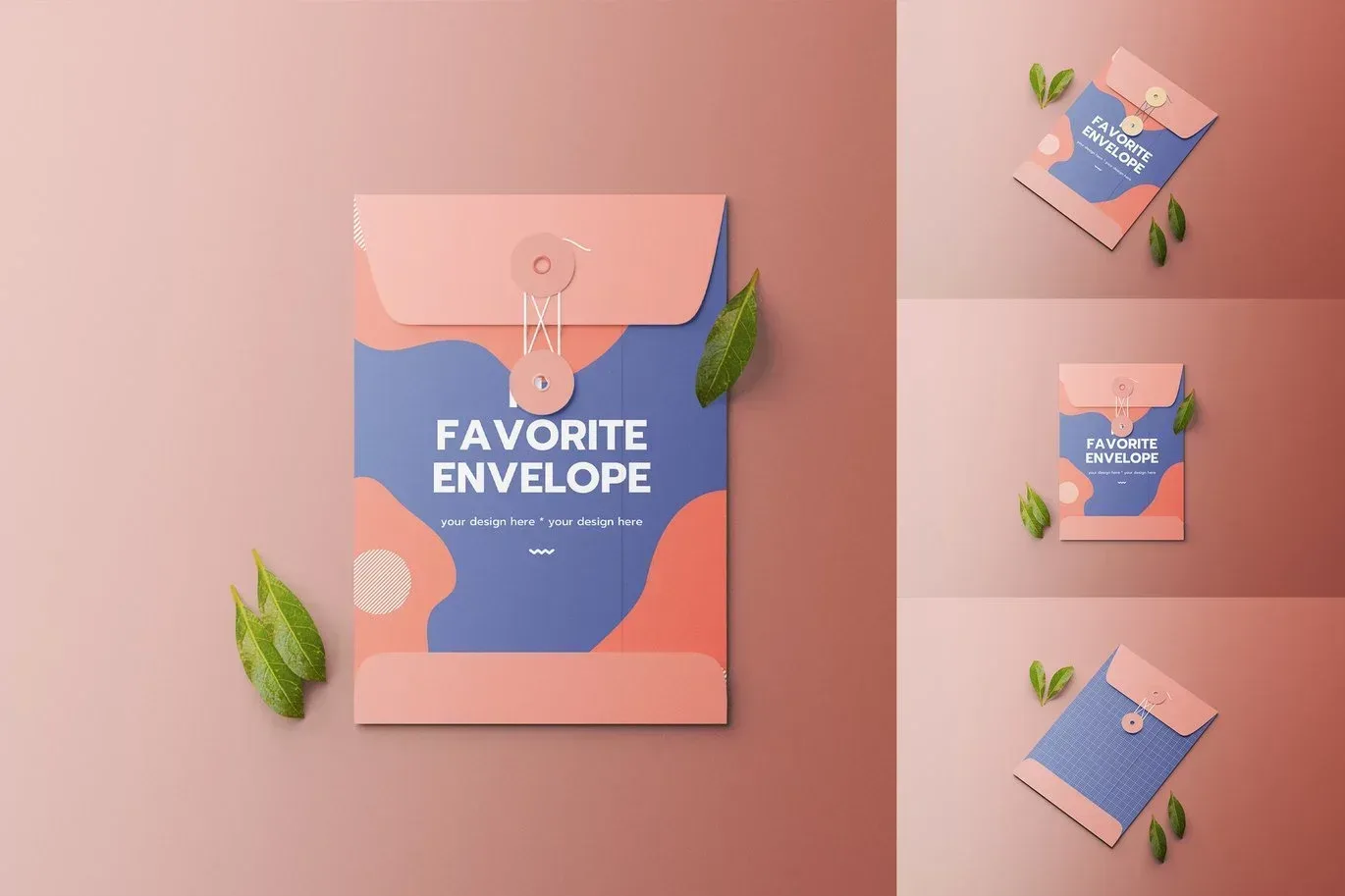
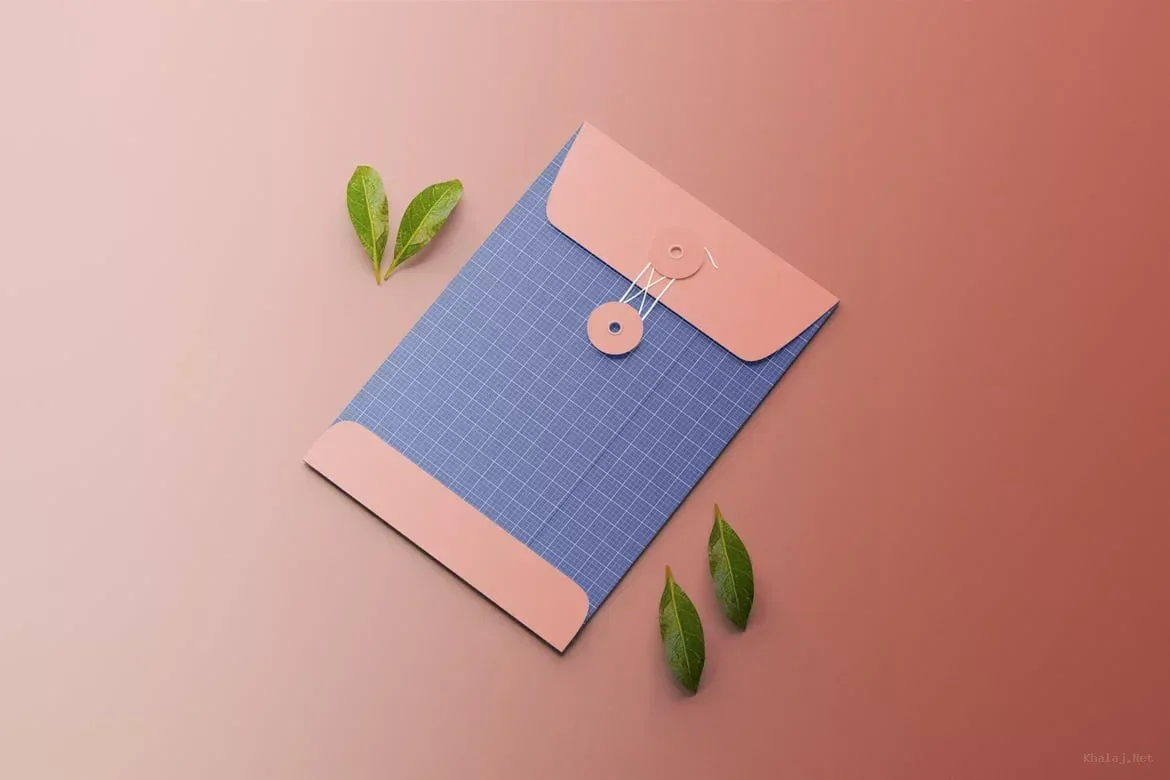
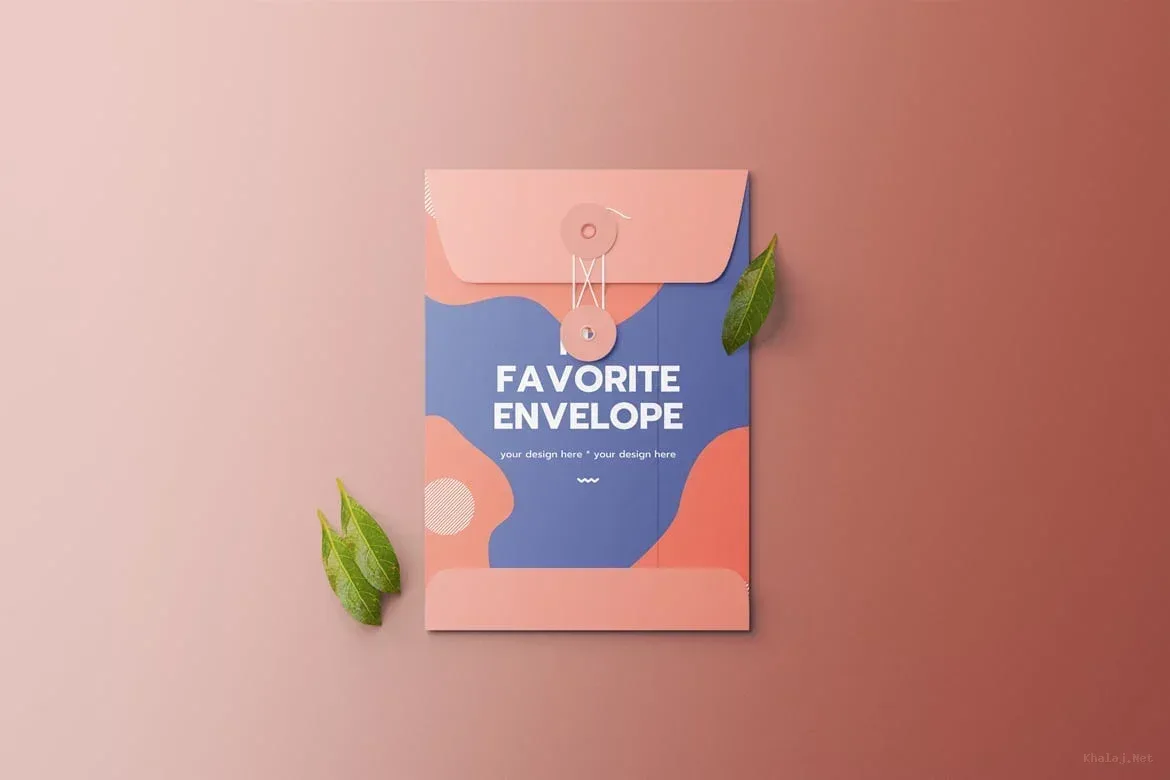
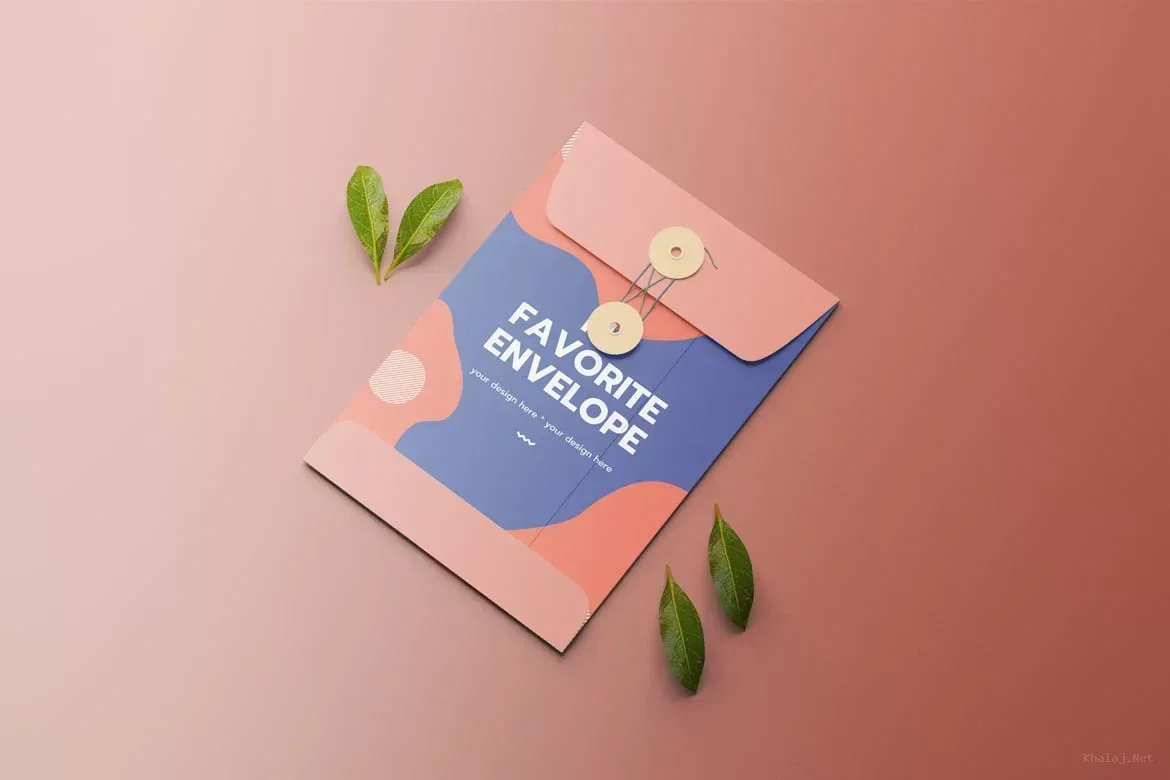
PSD Mockup Envelope corporate branding. This PSD Mockup features a realistic envelope design ideal for graphic designers and branding professionals who want to present their corporate identity in a polished way. The mockup includes editable smart objects that allow you to easily insert your own artwork or logo, ensuring a seamless customization experience even for beginners.
With separated objects and shadows, you can adjust each element independently to achieve the perfect look. The background colors are fully customizable, enabling you to match your brand’s color palette or project theme. The mockup is provided in a high resolution of 4000×2667 pixels at 300 DPI, ensuring crisp and clear visuals suitable for both digital presentations and print previews. The PSD Mockup Envelope corporate branding keeps the product’s main visual purpose clear across the described uses.
Practical Uses and Workflow
This envelope mockup is perfect for showcasing corporate stationery designs, client presentations, or portfolio displays. Its smart object layers streamline the workflow by allowing quick edits without altering the original file structure. Whether you are preparing branding materials for a client or creating promotional visuals, this mockup offers a professional and versatile solution. The PSD Mockup Envelope corporate branding presents the key product details in a consistent and readable way.
Included are two PSD files and a PDF guide to help you get started. The files are compatible with Photoshop CC and later versions, making it accessible for most users. Overall, this mockup is a valuable asset for anyone looking to enhance their branding presentations with a clean and editable envelope design.
Required Software for Editing
To edit this project, you must have a compatible version of Adobe Photoshop installed on your system.
You may use any of the supported Photoshop versions listed below to open and edit the project file. The version you choose depends on your system specifications, hardware performance, and personal preference.
All supported versions allow full editing of the project, including layers, text, colors, images, and other customizable elements.
Please select the Photoshop version that best matches your computer’s capabilities for optimal performance.