SupportFor support, choose one of the methods below.
Direct contact

Support ticket
Product Search
Select a category and enter your search term.
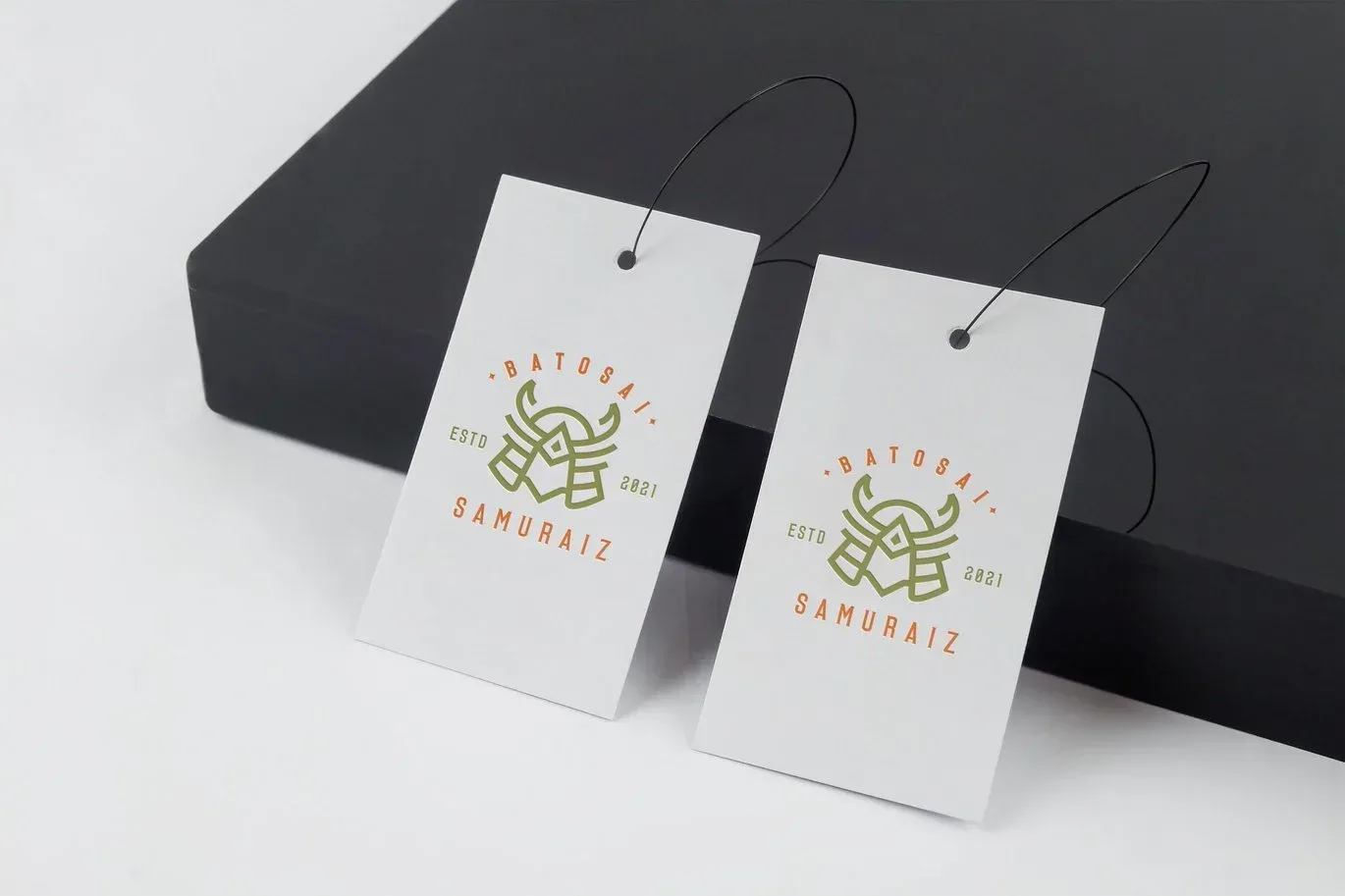
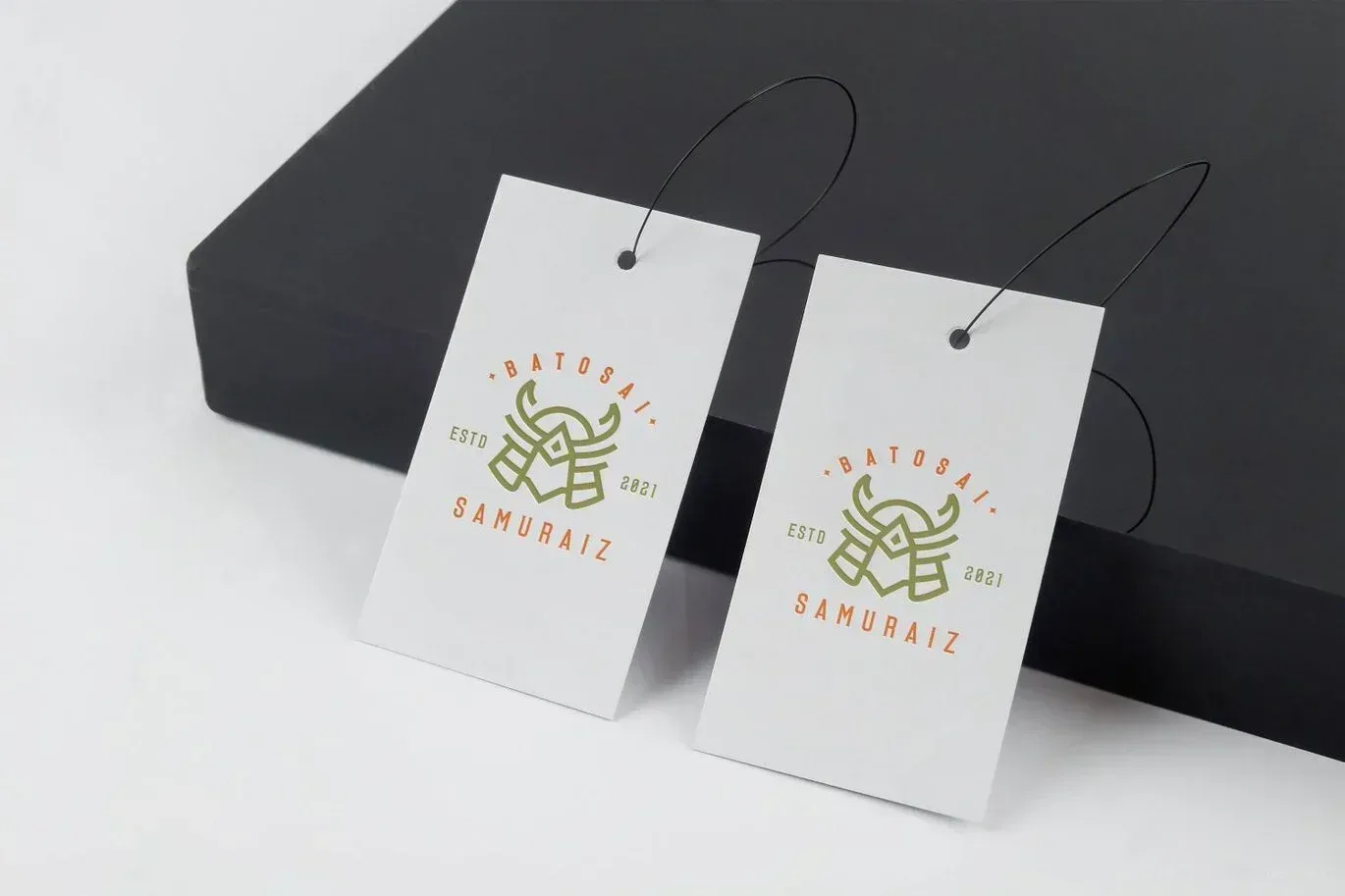
By installing Adobe Photoshop, you can edit this mockup as you wish and customize it in any language.
18.41Mb
ZIP
Ps/CC
300/Dpi
Khalaj.Net
€ 20
Works out of the box—no extra plugins needed
High-resolution PSD for professional presentations
Step-by-step guide to help customize easily.
Text, colors, objects, and layers with full control
PSD Mockup Label Logo on Editable. PSD Label Logo Mockup is built to present a logo on a realistic label or product tag surface in a clean and focused way. It keeps the branding at the center of attention, so you can show how the logo appears on a tagged product or label style surface without unnecessary visual clutter. This makes the file useful when you need a simple presentation that still feels polished and believable.
PSD Mockup Label Logo on Editable is prepared for editing in Ps/CC and uses Smart Objects for a practical replacement workflow. You can place your artwork quickly, then continue with the rest of the adjustments without dealing with a complicated setup. The layers are well organized, which helps when you are editing for a client presentation or testing different branding directions. You can also change the background color, so the final look can match a package concept, a brand palette, or a neutral showcase style. The RGB color setup supports clean digital previews for screen use and online sharing.
This PSD Label Logo Mockup can support identity presentations, packaging concepts, label previews, product branding studies, and portfolio images. It is especially useful when you want a straightforward look at how a logo sits on a label area without adding extra visual noise. The tag like surface gives the presentation a product oriented feel while still keeping the layout controlled and easy to manage. The PSD Mockup Label Logo on Editable keeps the product’s main visual purpose clear across the described uses.
The focus is on fast editing and clear presentation. You replace the artwork through Smart Objects, adjust the background color if needed, and prepare a polished visual without wasting time on manual reconstruction. For branding sets, packaging mockups, or simple product identity visuals, this file gives you a direct way to review logo placement before final production. It is a practical choice when the logo itself is the main story and the presentation needs to stay neat, modern, and easy to revise.
To edit this project, you must have one of the compatible versions installed on your system.
You may use any of the supported versions listed below to open and edit the project file. The version you choose depends on your system specifications, hardware performance, and personal preference.
All supported versions allow full editing of the project.
Please select the version that best matches your computer’s capabilities for optimal performance.
Cracked and installed
Free Download
Cracked and installed
Free Download
Cracked and installed
Free Download
Cracked and installed
Free Download
By installing After Effects software, you can edit this project as you wish and in any language.
18.41Mb
ZIP
Ps/CC
300/Dpi
Khalaj.Net
€ 20
Works out of the box—no extra plugins needed.
Full HD for modern screens and platforms.
Step-by-step guide to help customize easily.
text, media, timing, and layout with full control.
PSD Mockup Label Logo on Editable. PSD Label Logo Mockup is built to present a logo on a realistic label or product tag surface in a clean and focused way. It keeps the branding at the center of attention, so you can show how the logo appears on a tagged product or label style surface without unnecessary visual clutter. This makes the file useful when you need a simple presentation that still feels polished and believable.
PSD Mockup Label Logo on Editable is prepared for editing in Ps/CC and uses Smart Objects for a practical replacement workflow. You can place your artwork quickly, then continue with the rest of the adjustments without dealing with a complicated setup. The layers are well organized, which helps when you are editing for a client presentation or testing different branding directions. You can also change the background color, so the final look can match a package concept, a brand palette, or a neutral showcase style. The RGB color setup supports clean digital previews for screen use and online sharing.
This PSD Label Logo Mockup can support identity presentations, packaging concepts, label previews, product branding studies, and portfolio images. It is especially useful when you want a straightforward look at how a logo sits on a label area without adding extra visual noise. The tag like surface gives the presentation a product oriented feel while still keeping the layout controlled and easy to manage. The PSD Mockup Label Logo on Editable keeps the product’s main visual purpose clear across the described uses.
The focus is on fast editing and clear presentation. You replace the artwork through Smart Objects, adjust the background color if needed, and prepare a polished visual without wasting time on manual reconstruction. For branding sets, packaging mockups, or simple product identity visuals, this file gives you a direct way to review logo placement before final production. It is a practical choice when the logo itself is the main story and the presentation needs to stay neat, modern, and easy to revise.
To edit this project, you must have one of the compatible versions installed on your system.
You may use any of the supported versions listed below to open and edit the project file. The version you choose depends on your system specifications, hardware performance, and personal preference.
All supported versions allow full editing of the project.
Please select the version that best matches your computer’s capabilities for optimal performance.
Cracked and installed
Free Download
Cracked and installed
Free Download
Cracked and installed
Free Download
Cracked and installed
Free Download
By installing After Effects software, you can edit this project as you wish and in any language.
18.41Mb
ZIP
Ps/CC
300/Dpi
Khalaj.Net
€ 20
Works out of the box—no extra plugins needed.
Full HD for modern screens and platforms.
Step-by-step guide to help customize easily.
text, media, timing, and layout with full control.
PSD Mockup Label Logo on Editable. PSD Label Logo Mockup is built to present a logo on a realistic label or product tag surface in a clean and focused way. It keeps the branding at the center of attention, so you can show how the logo appears on a tagged product or label style surface without unnecessary visual clutter. This makes the file useful when you need a simple presentation that still feels polished and believable.
PSD Mockup Label Logo on Editable is prepared for editing in Ps/CC and uses Smart Objects for a practical replacement workflow. You can place your artwork quickly, then continue with the rest of the adjustments without dealing with a complicated setup. The layers are well organized, which helps when you are editing for a client presentation or testing different branding directions. You can also change the background color, so the final look can match a package concept, a brand palette, or a neutral showcase style. The RGB color setup supports clean digital previews for screen use and online sharing.
This PSD Label Logo Mockup can support identity presentations, packaging concepts, label previews, product branding studies, and portfolio images. It is especially useful when you want a straightforward look at how a logo sits on a label area without adding extra visual noise. The tag like surface gives the presentation a product oriented feel while still keeping the layout controlled and easy to manage. The PSD Mockup Label Logo on Editable keeps the product’s main visual purpose clear across the described uses.
The focus is on fast editing and clear presentation. You replace the artwork through Smart Objects, adjust the background color if needed, and prepare a polished visual without wasting time on manual reconstruction. For branding sets, packaging mockups, or simple product identity visuals, this file gives you a direct way to review logo placement before final production. It is a practical choice when the logo itself is the main story and the presentation needs to stay neat, modern, and easy to revise.
To edit this project, you must have one of the compatible versions installed on your system.
You may use any of the supported versions listed below to open and edit the project file. The version you choose depends on your system specifications, hardware performance, and personal preference.
All supported versions allow full editing of the project.
Please select the version that best matches your computer’s capabilities for optimal performance.
Cracked and installed
Free Download
Cracked and installed
Free Download
Cracked and installed
Free Download
Cracked and installed
Free Download
