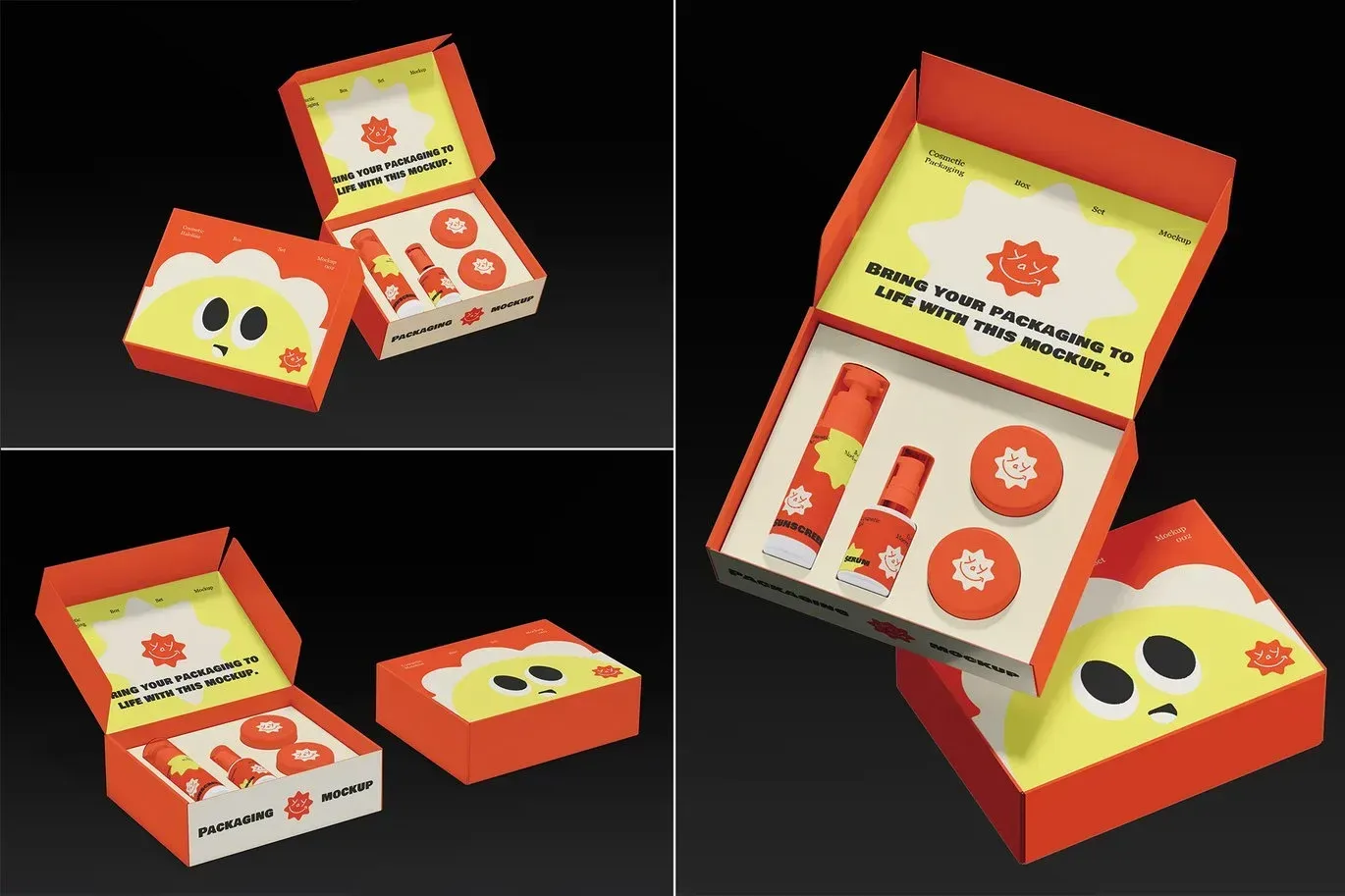
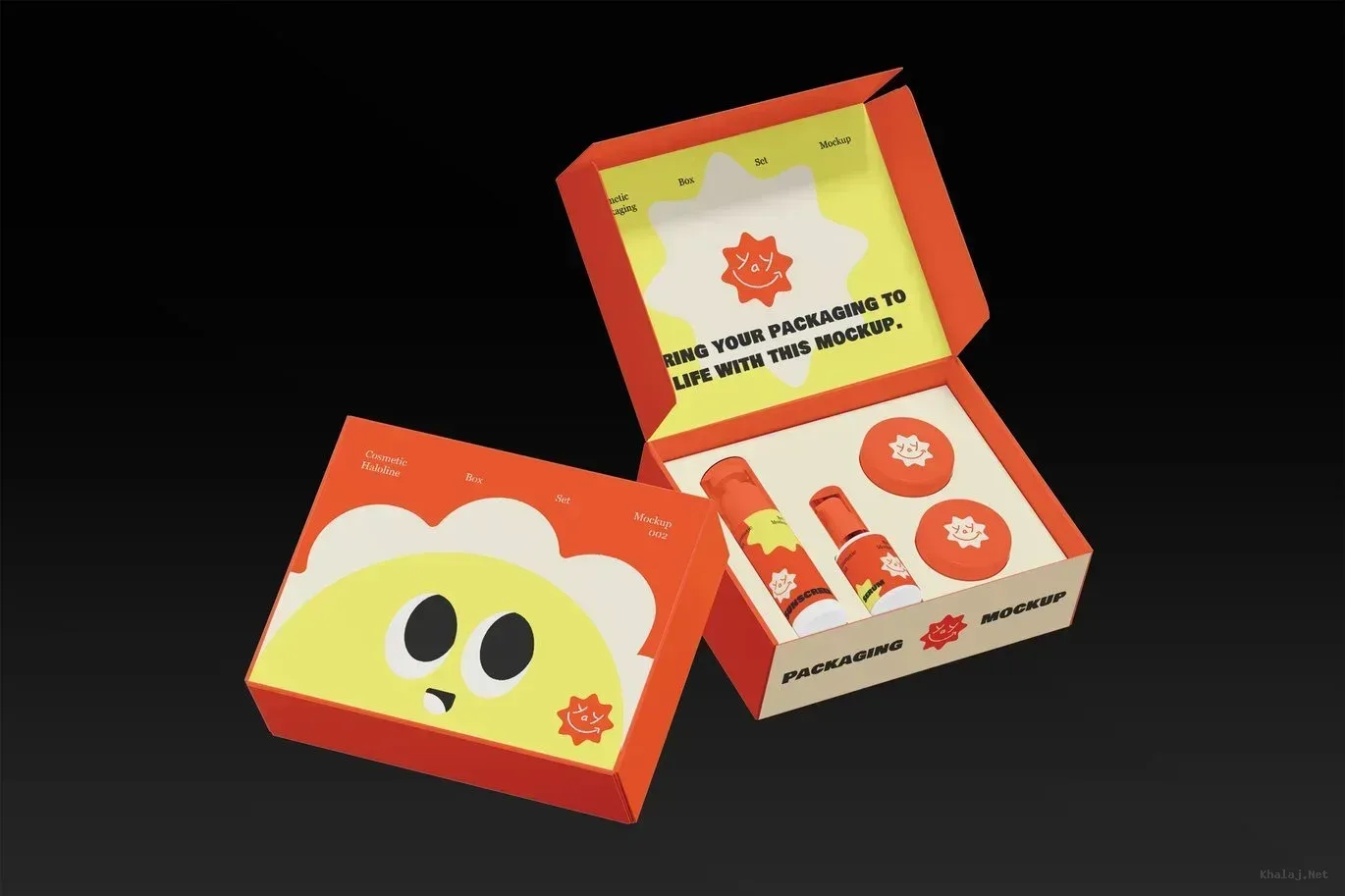
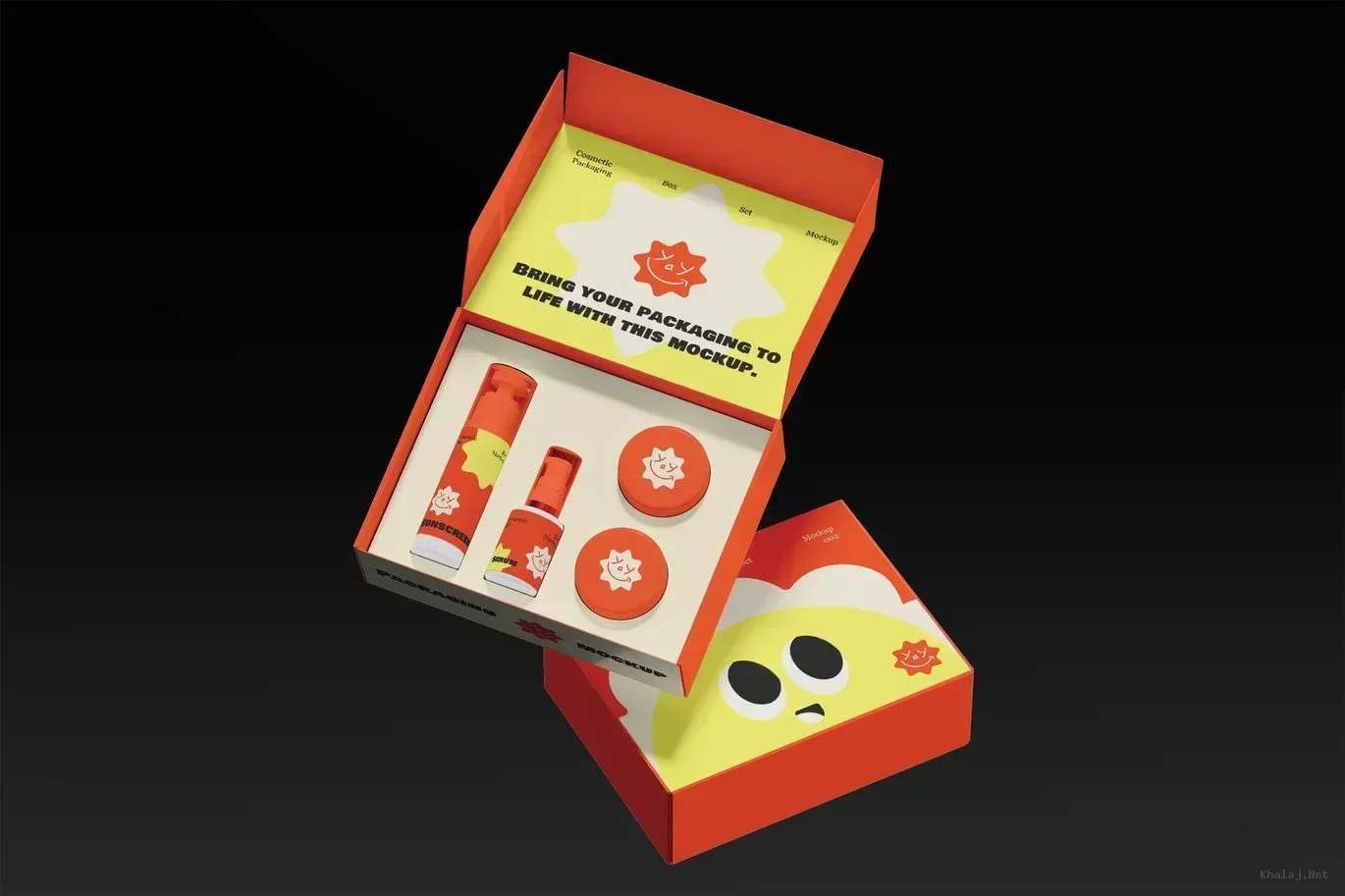
Cosmetic Box Set Packaging Mockup 002
PSD Mockup Cosmetic Box Set. Cosmetic Box Set Packaging Mockup 002 is built for presenting cosmetic packaging in a clean and realistic way. It helps you show a box set scene that feels organized, polished, and ready for review. Whether you want to preview labels, compare packaging directions, or present a brand idea with more confidence, this mockup gives you a clear visual base without forcing you to build a display from scratch.
PSD Mockup Cosmetic Box Set is prepared on a 4500 × 3000 artboard at 300 DPI, so the result stays sharp and detailed for client presentations, portfolio images, and screen display. A help guide is included to make the basic workflow easier to follow. The setup also supports simple image replacement with Smart Objects, which keeps the process practical when you need to place your artwork into the packaging quickly and cleanly.
Flexible packaging presentation
This PSD Mockup is fully editable and color customizable, giving you room to adapt it for different cosmetic directions. You can shape the look to match skincare packaging, beauty launches, or a more premium product mood while keeping the scene consistent and neat. That flexibility is useful when you need to test multiple label ideas or refine a package before moving toward production. The PSD Mockup Cosmetic Box Set keeps the product’s main visual purpose clear across the described uses.
The file focuses on the presentation structure itself. The mockup and photo are not included, so the value is centered on what you can customize and display. This makes it practical for client approvals, online shop visuals, packaging concept reviews, and branding previews. It also works well when you need a clean visual reference for a printed box set before manufacturing begins.
Cosmetic Box Set Packaging Mockup 002 fits naturally into a workflow where packaging has to be shown early, adjusted easily, and presented with a professional editorial feel. It helps designers move from concept to presentation with less setup and more control over the final result.
Required Software for Editing
To edit this project, you must have a compatible version of Adobe Photoshop installed on your system.
You may use any of the supported Photoshop versions listed below to open and edit the project file. The version you choose depends on your system specifications, hardware performance, and personal preference.
All supported versions allow full editing of the project, including layers, text, colors, images, and other customizable elements.
Please select the Photoshop version that best matches your computer’s capabilities for optimal performance.