PSD Mockup Softcover Book for realistic presentation
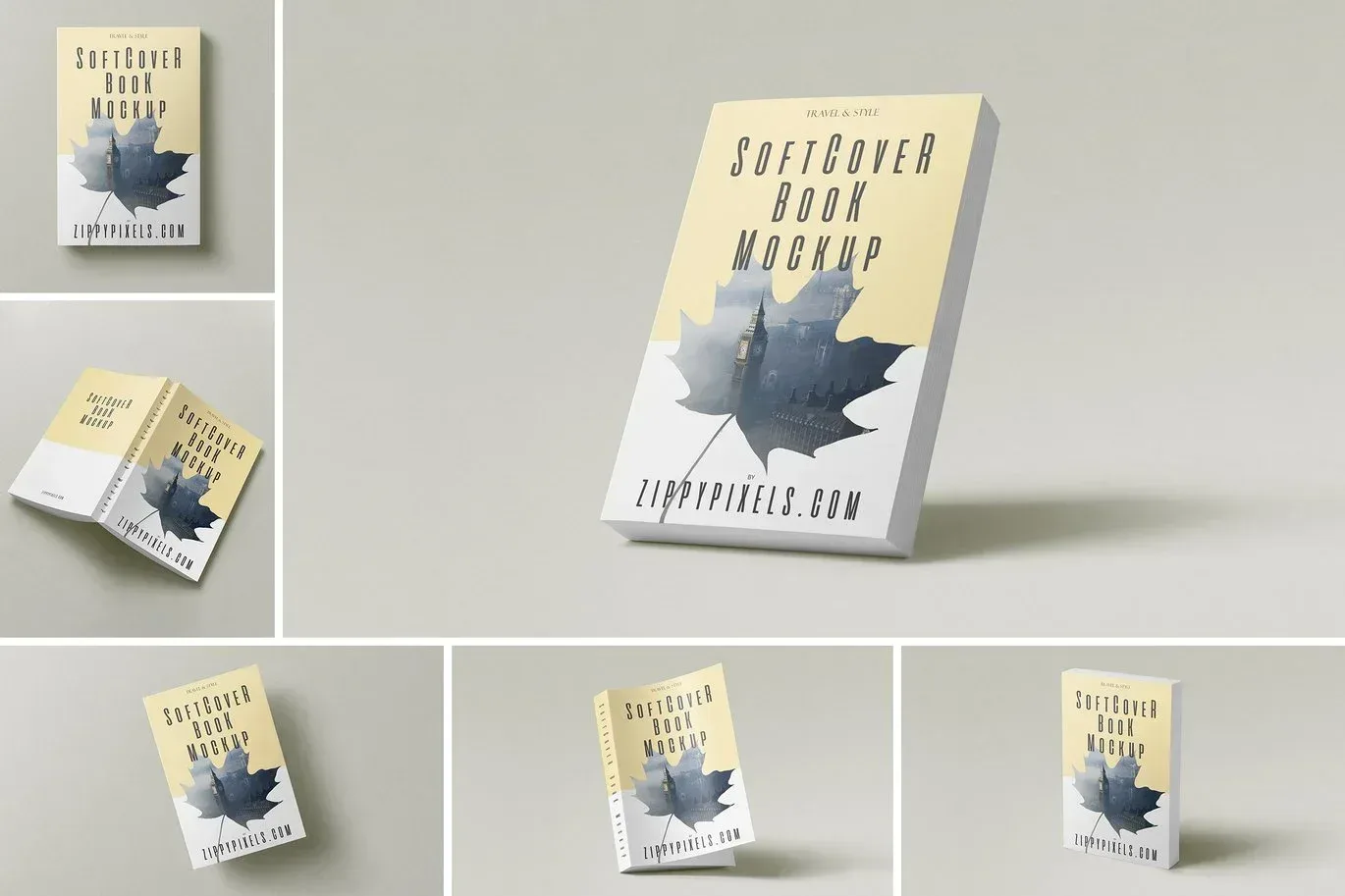
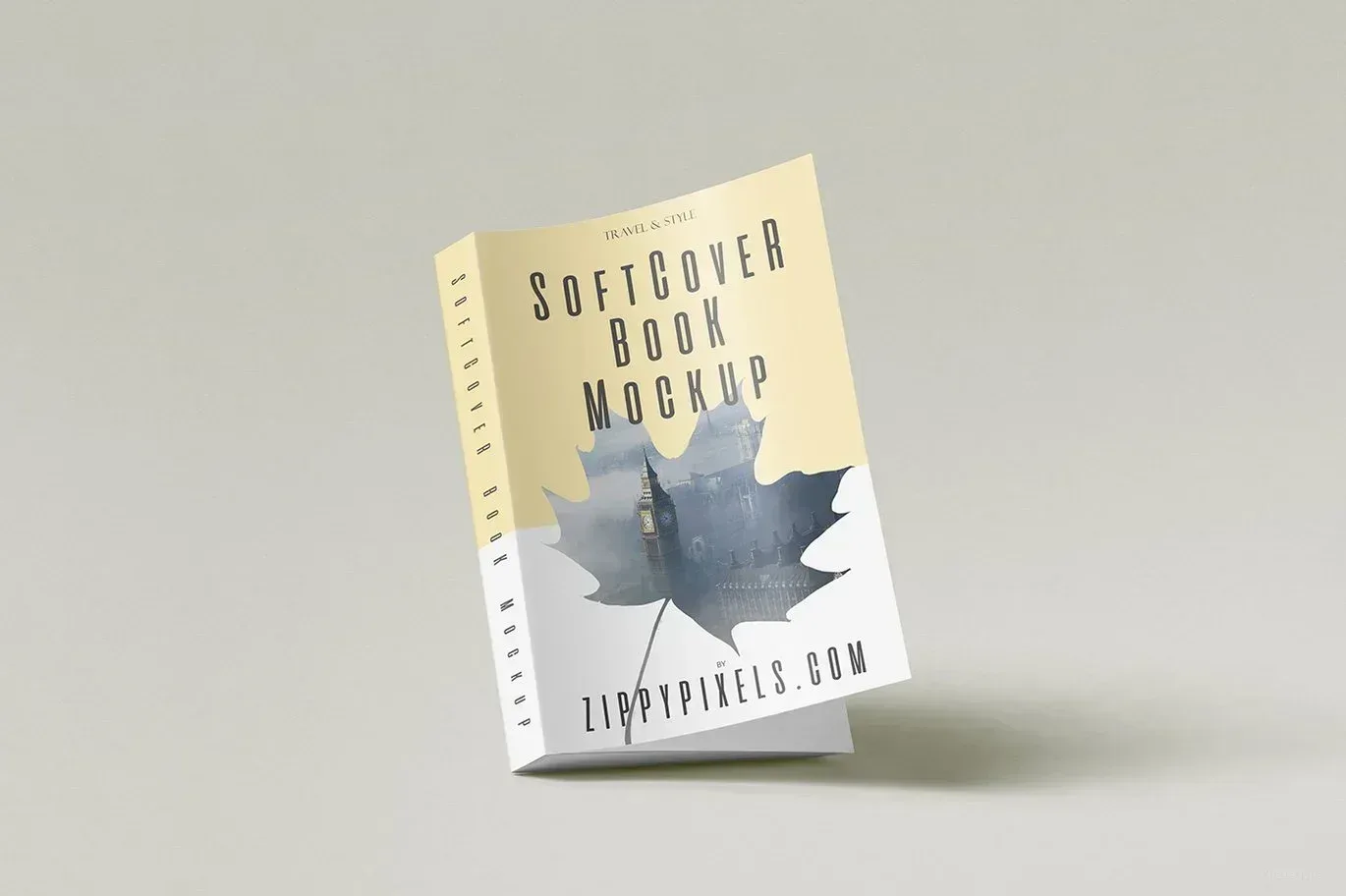
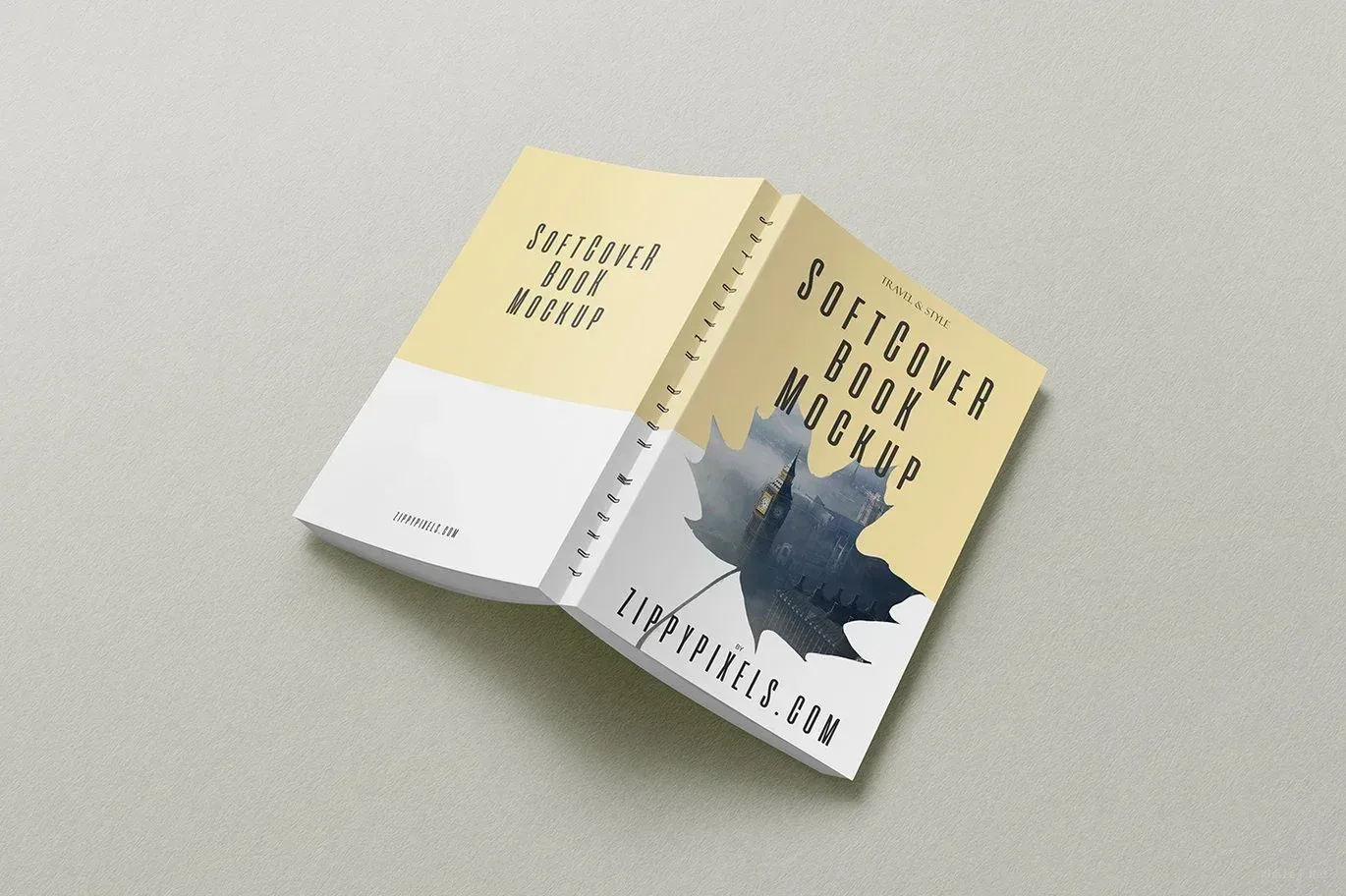
PSD Mockup Softcover Book on Floor. PSD Mockup Softcover Book is built for designers who want to show a cover in a natural setting instead of a flat preview. The scene focuses on a softcover book placed on the floor or on a surface, which helps the artwork feel grounded and easy to evaluate.
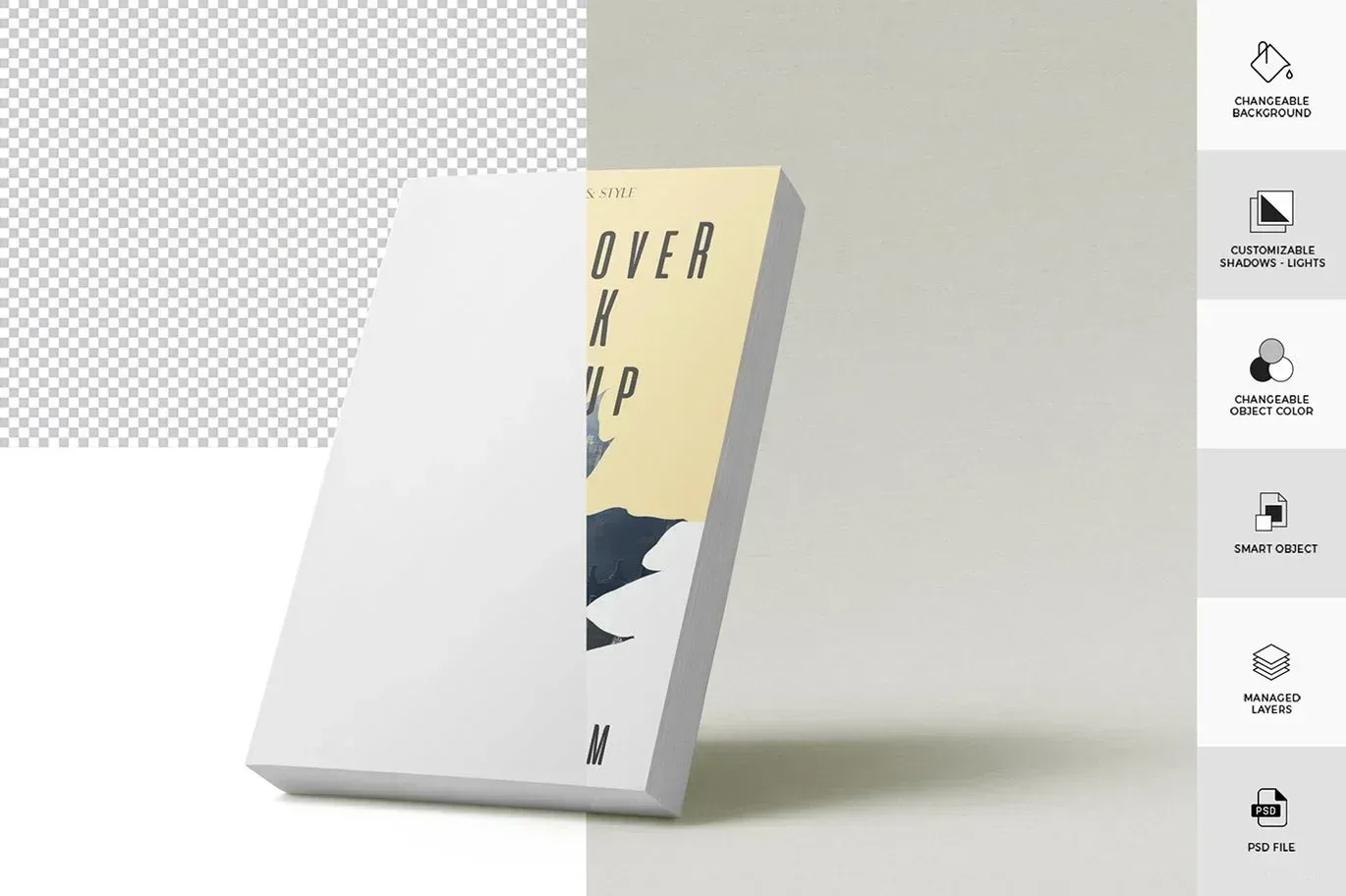
This mockup works well for book cover design, paperback branding, notebook concepts, booklet layouts, and digital publication previews. It also suits a4 book presentations, a4 booklet visuals, and compact formats such as a5 book layouts. Because PSD Mockup Softcover Book on Floor includes organized layers and Smart Object control, the main artwork can be inserted with a simple edit workflow inside the PSD file.
What you can adjust
The background is changeable, so you can match the scene to a brand mood, editorial style, or campaign color palette. Realistic shadows and textured surfaces help the design look believable, while the high resolution supports clear presentation on client decks, portfolio pages, product pages, and social media posts. If your project needs a standing view, a tilted angle, or a floor placement, this PSD Mockup Softcover Book gives you a versatile base without changing the core book presentation. The PSD Mockup Softcover Book on Floor keeps the product’s main visual purpose clear across the described uses.
Use it for cover proposals, publishing identity systems, reading apps, notebook concepts, and promotional visuals for print or digital books. The mockup is especially useful when you need to compare several cover versions, present a paperback direction, or build a polished image for a book launch. It keeps the focus on the design itself and gives your work a clean, realistic context.
Required Software for Editing
To edit this project, you must have a compatible version of Adobe Photoshop installed on your system.
You may use any of the supported Photoshop versions listed below to open and edit the project file. The version you choose depends on your system specifications, hardware performance, and personal preference.
All supported versions allow full editing of the project, including layers, text, colors, images, and other customizable elements.
Please select the Photoshop version that best matches your computer’s capabilities for optimal performance.