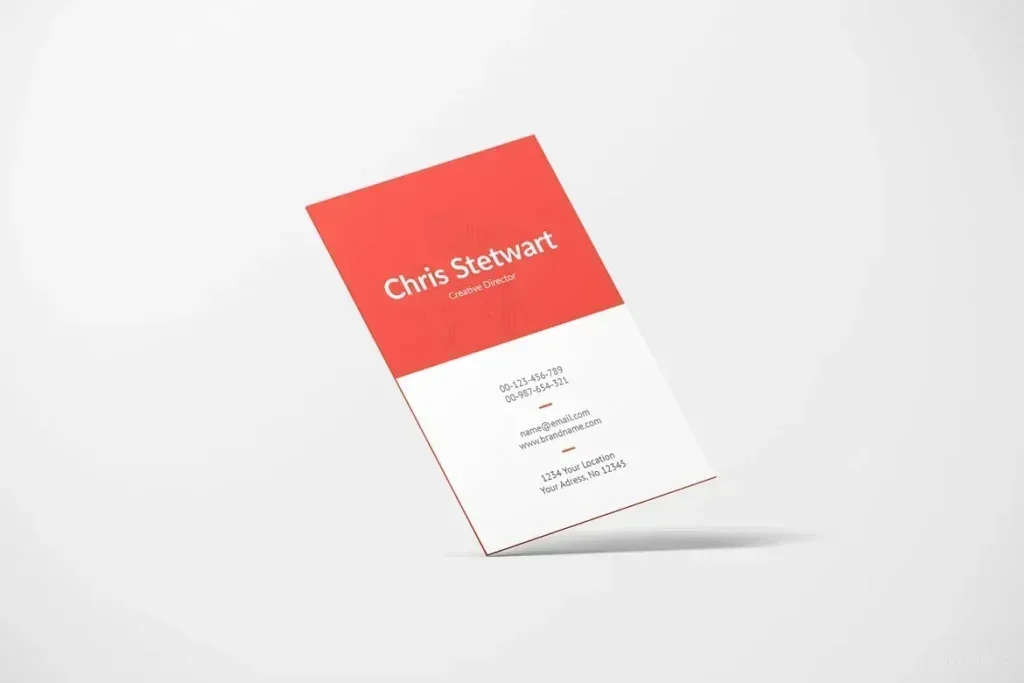
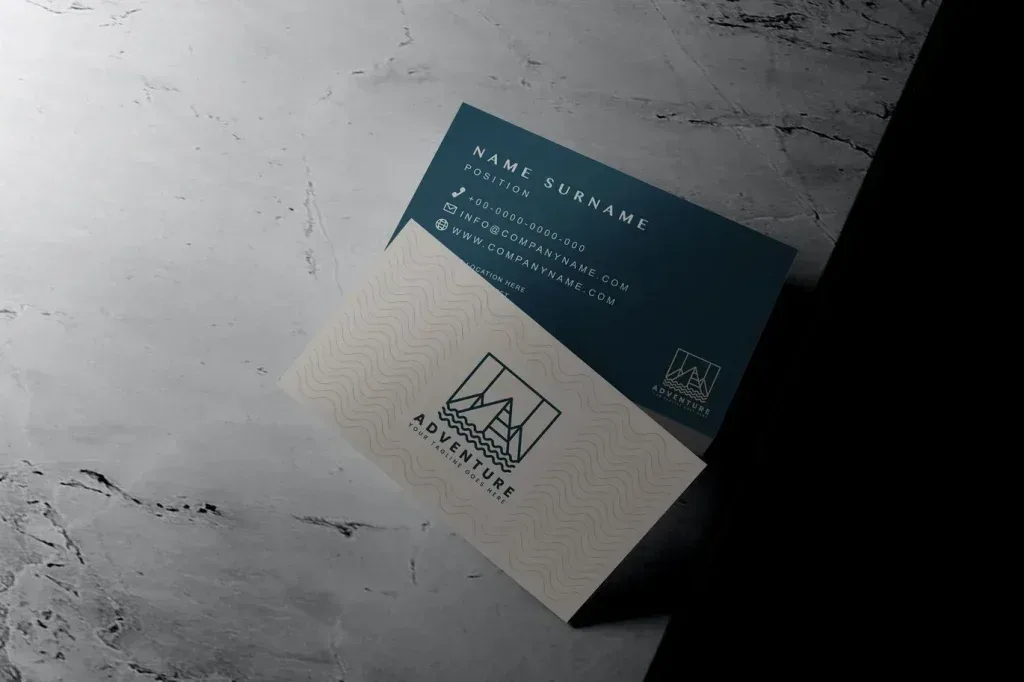
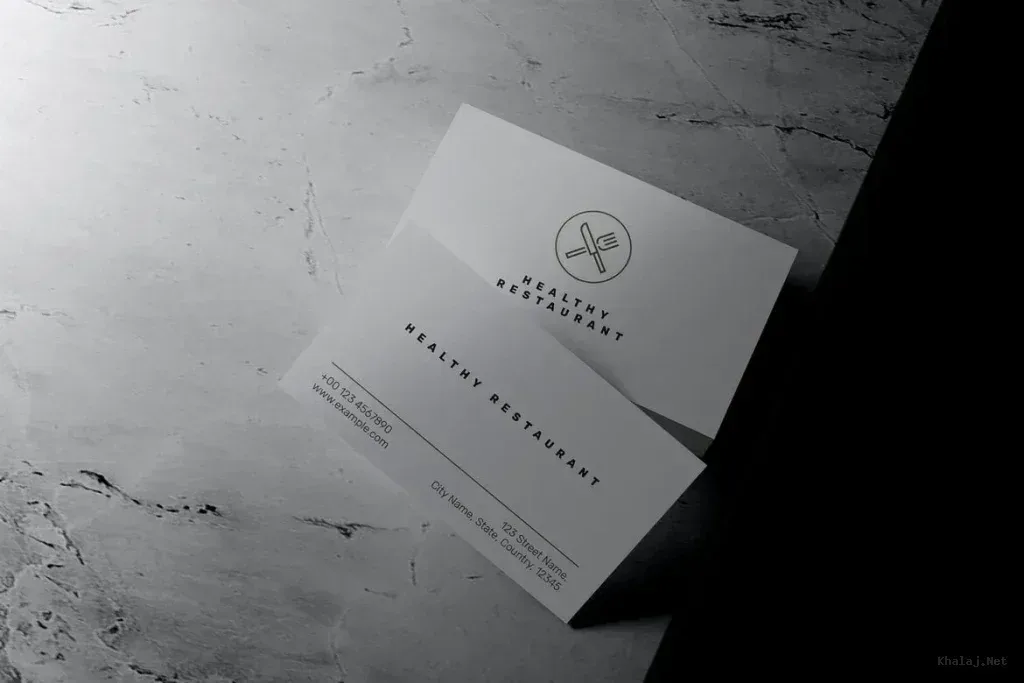
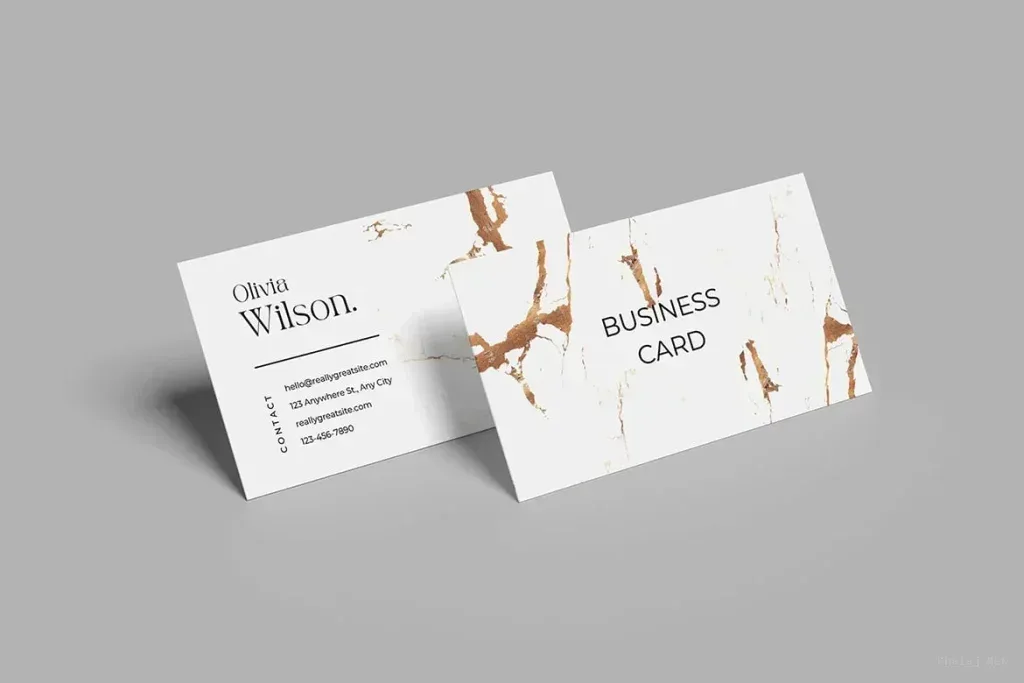
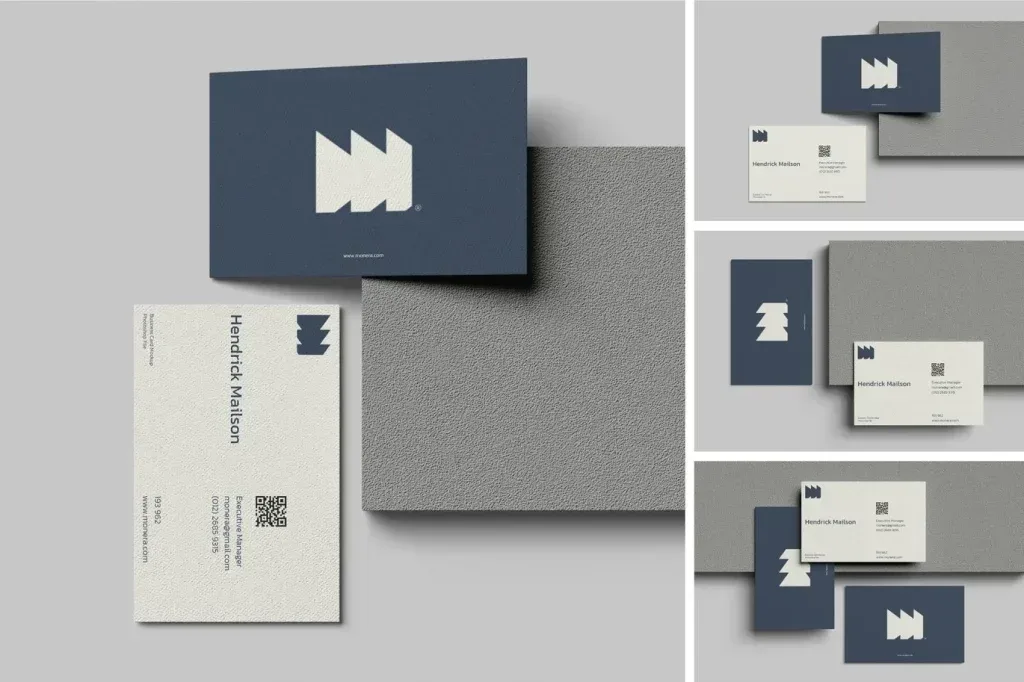
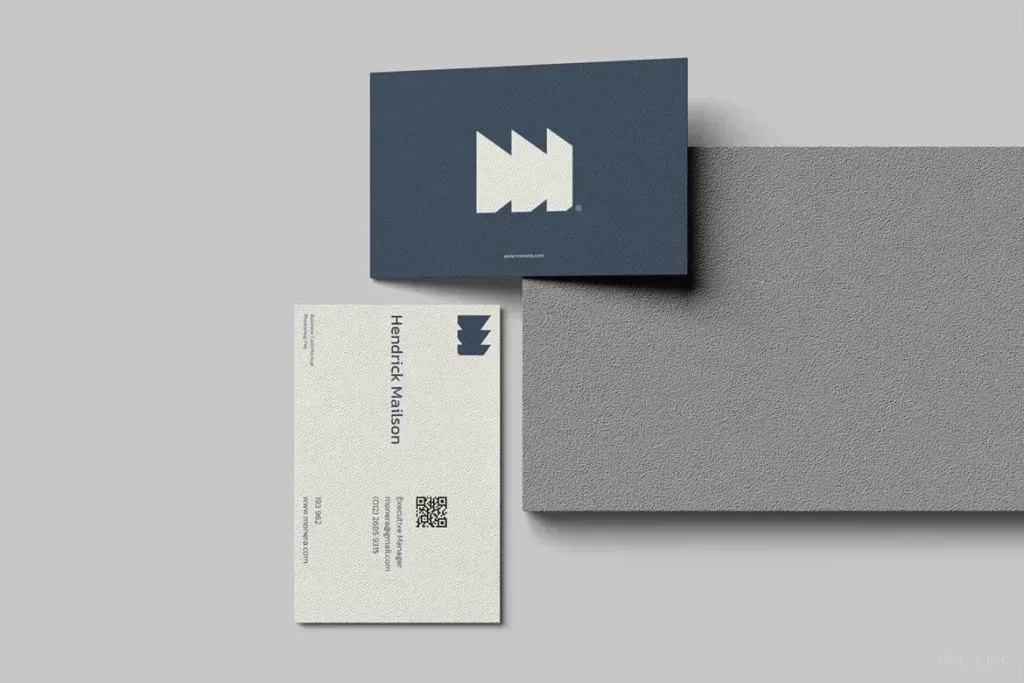
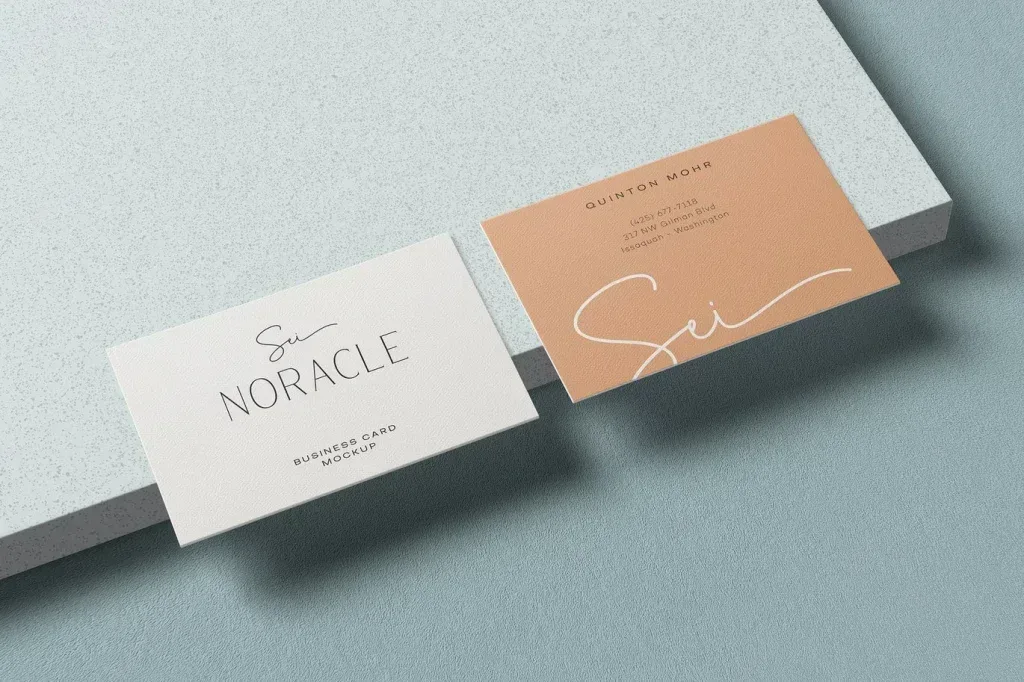
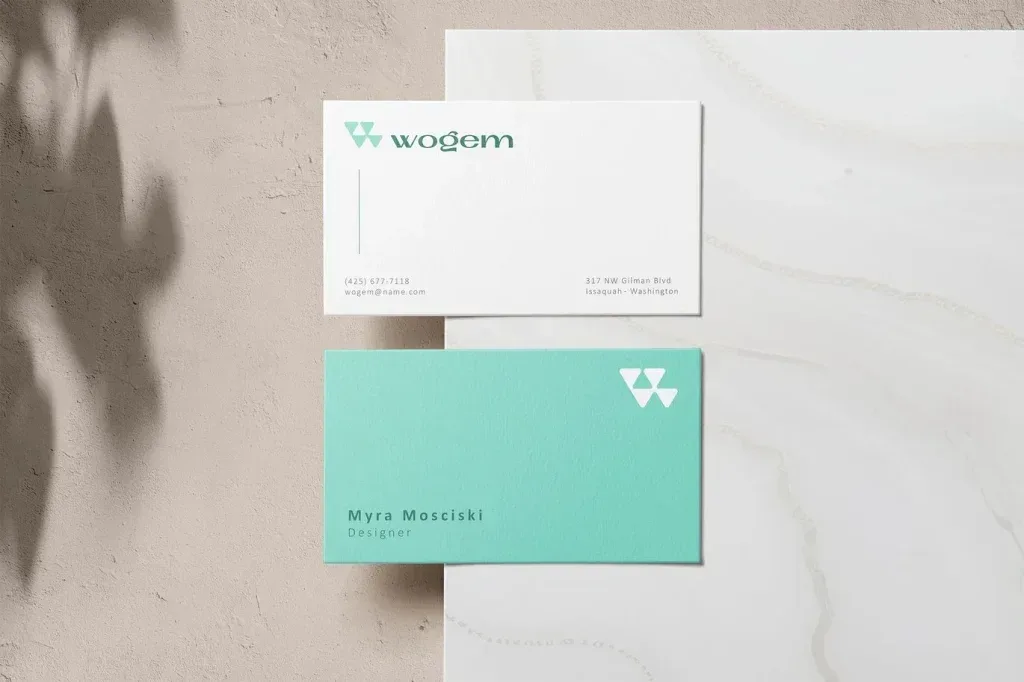
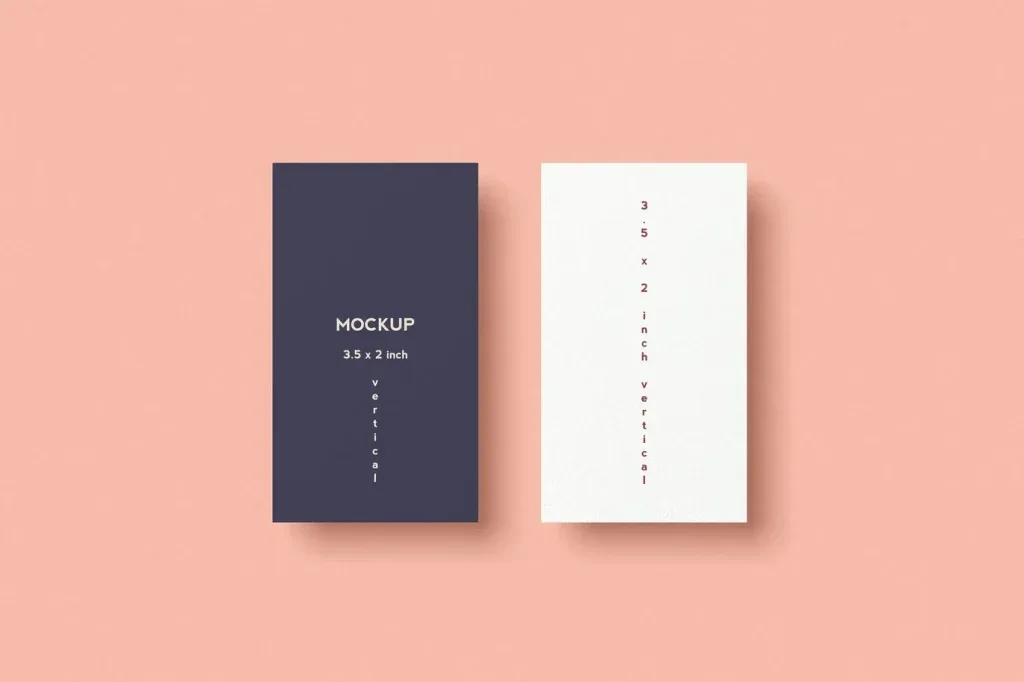
Photoshop Mockups Business Card collections provide versatile, high-resolution PSD files designed for showcasing business card designs with professional presentation and easy customization.
Photoshop Mockups Business Card sets are essential tools for graphic designers, branding agencies, and freelancers who need to present their business card designs in a realistic and appealing format. These mockups, primarily available in PSD format, leverage smart-object layers, enabling straightforward editing and seamless integration of your unique designs.
What Are Photoshop Mockups Business Card?
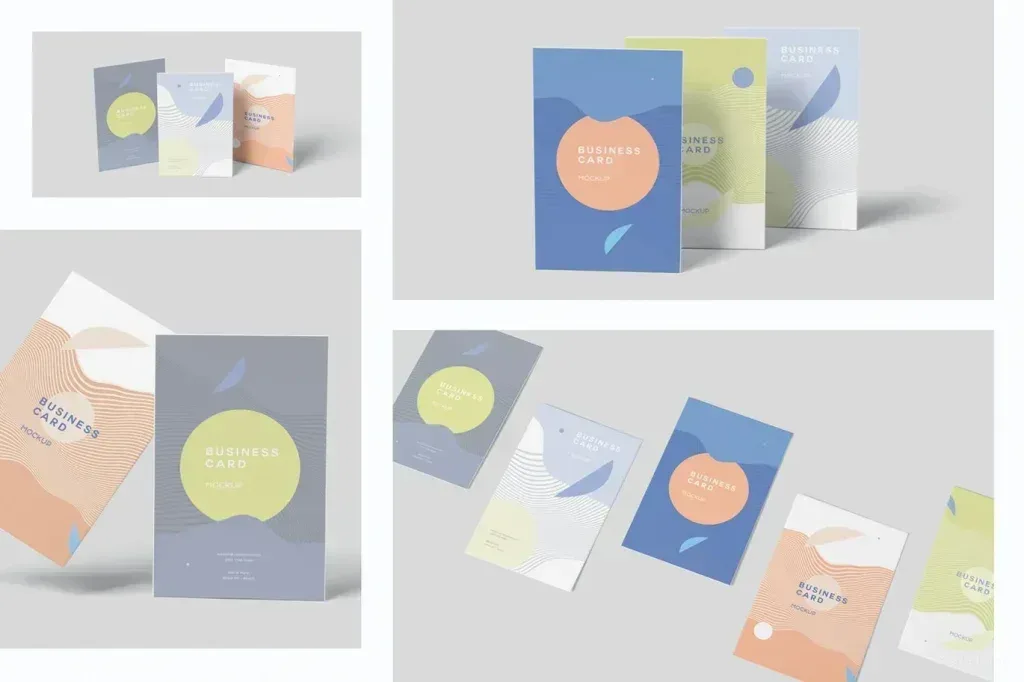
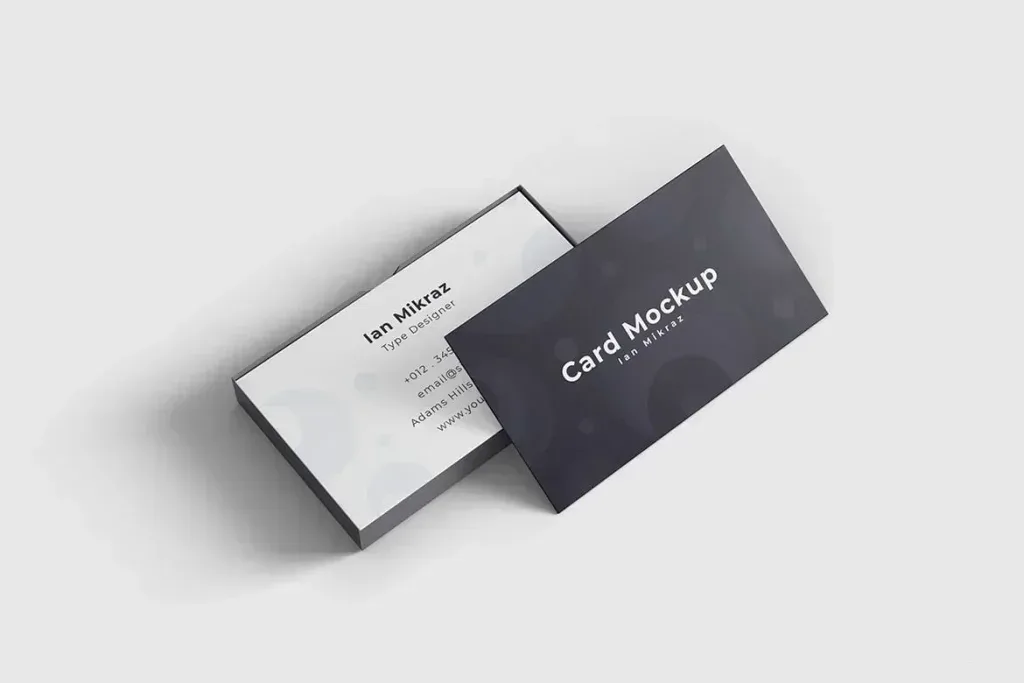
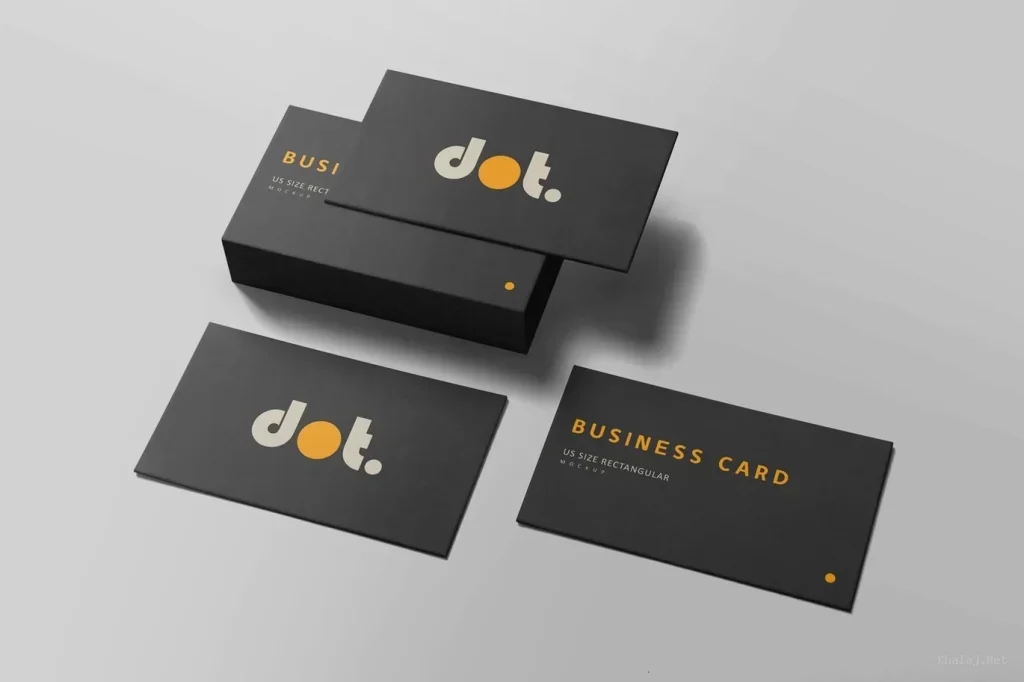
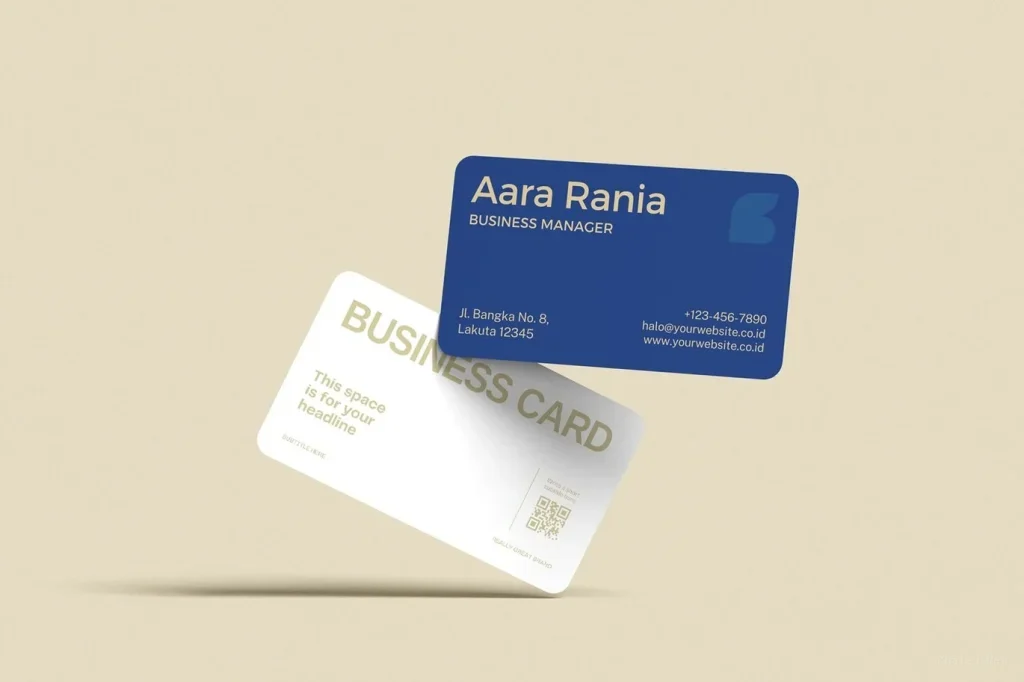
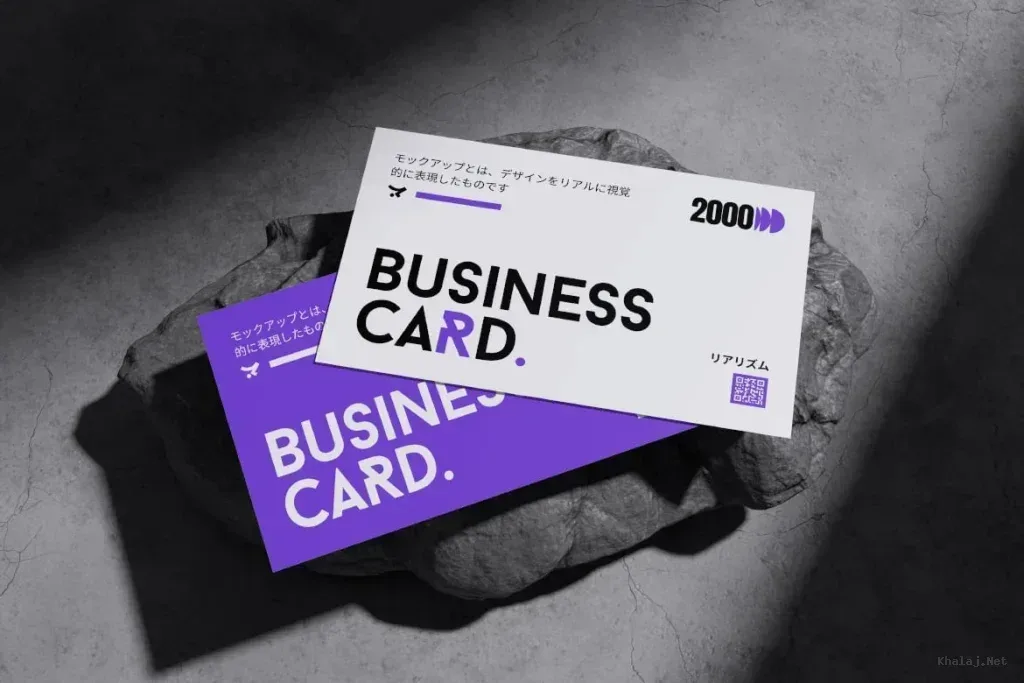
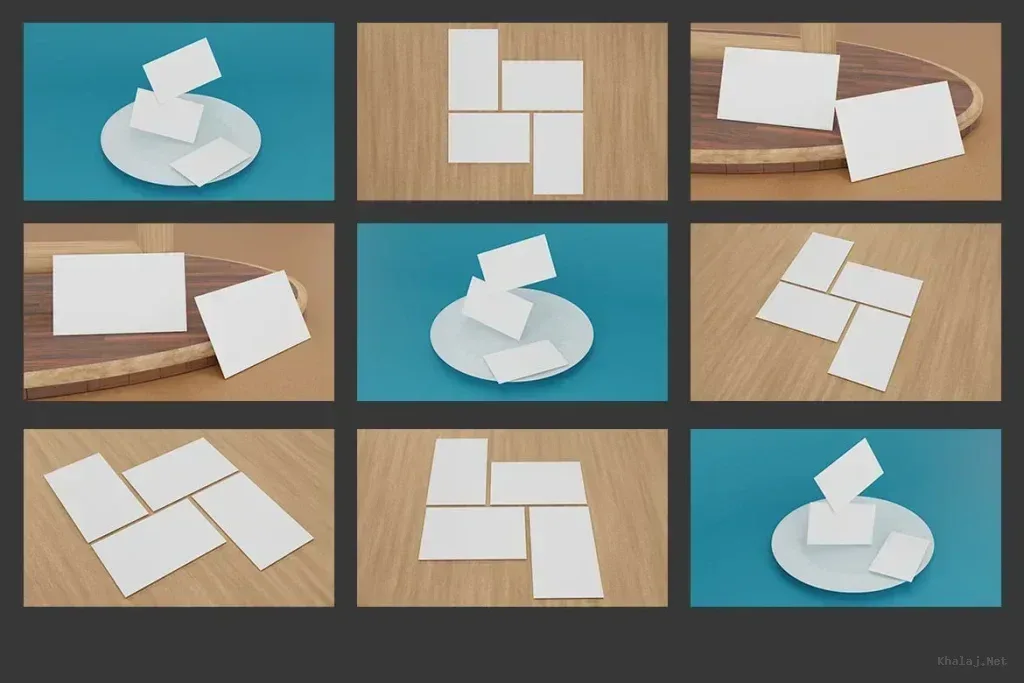
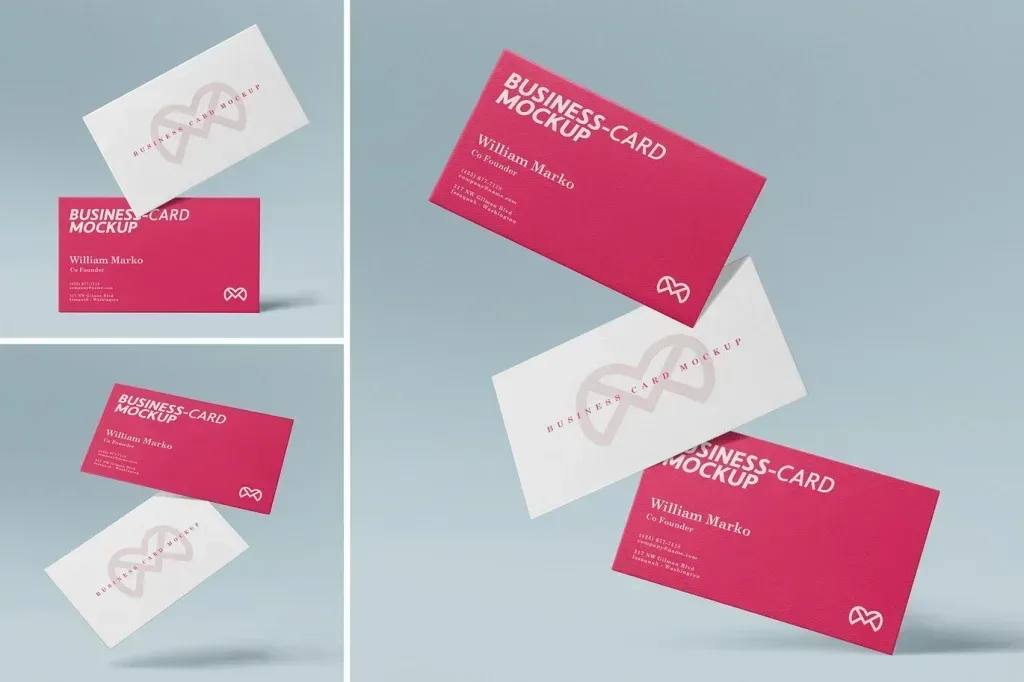
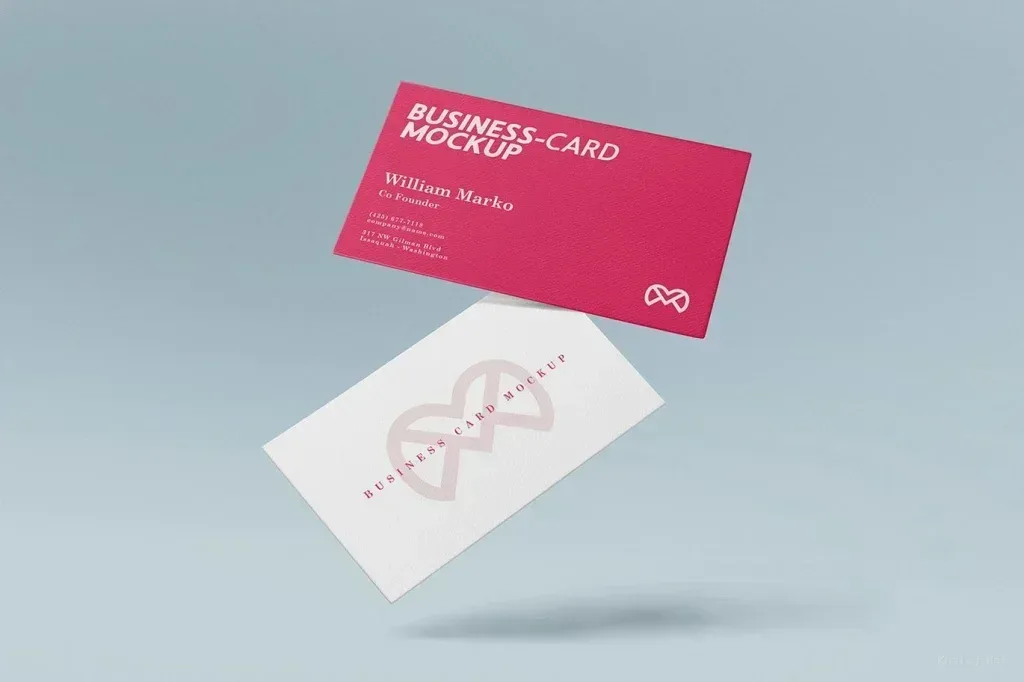
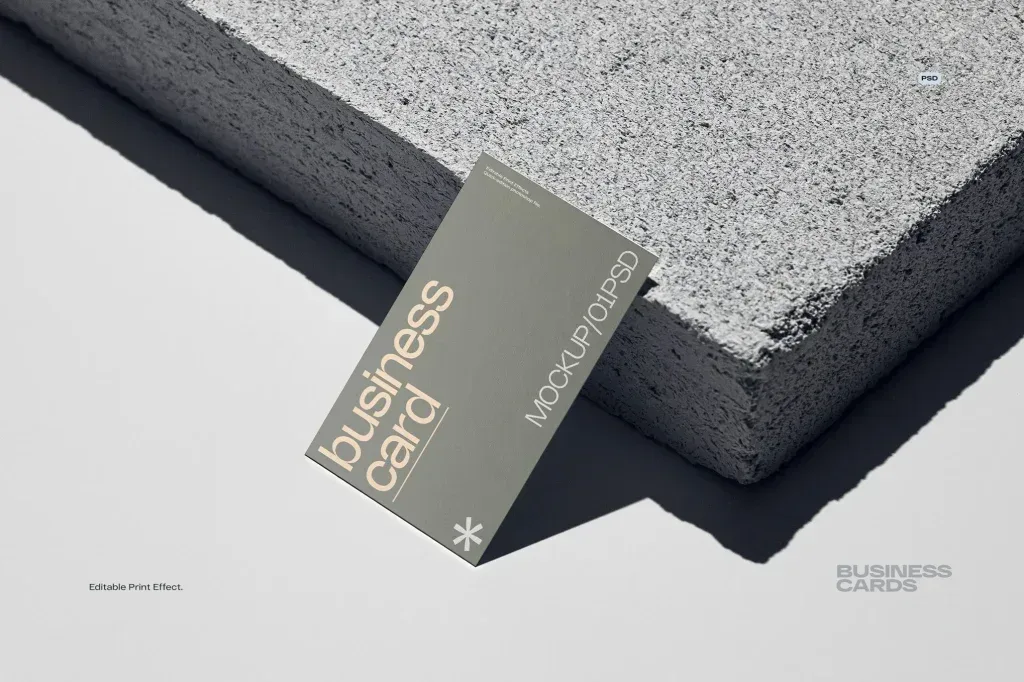
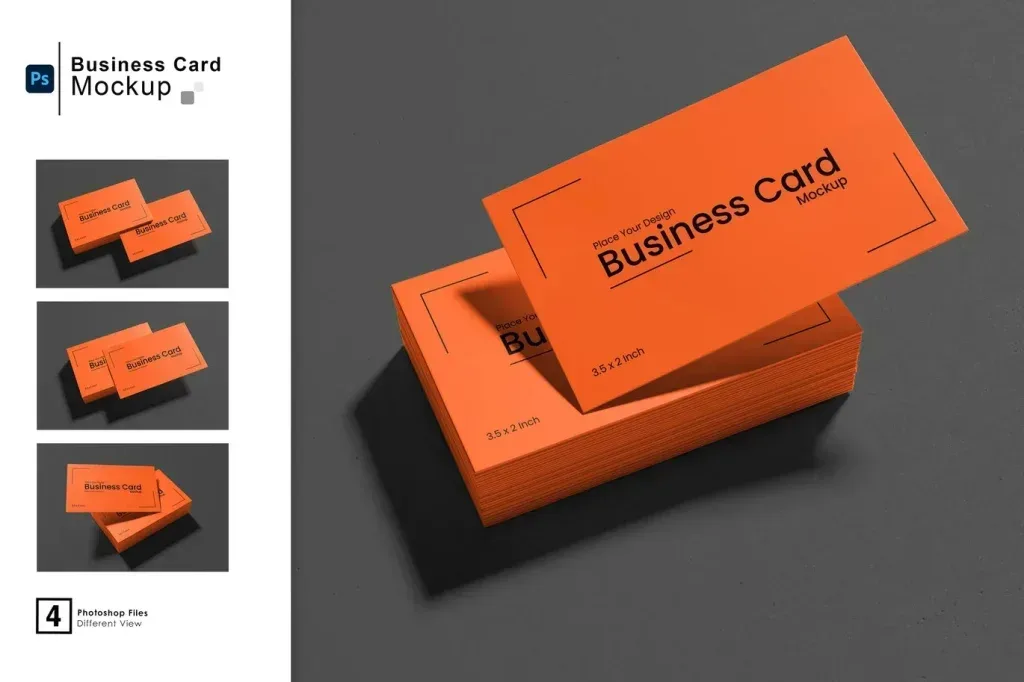
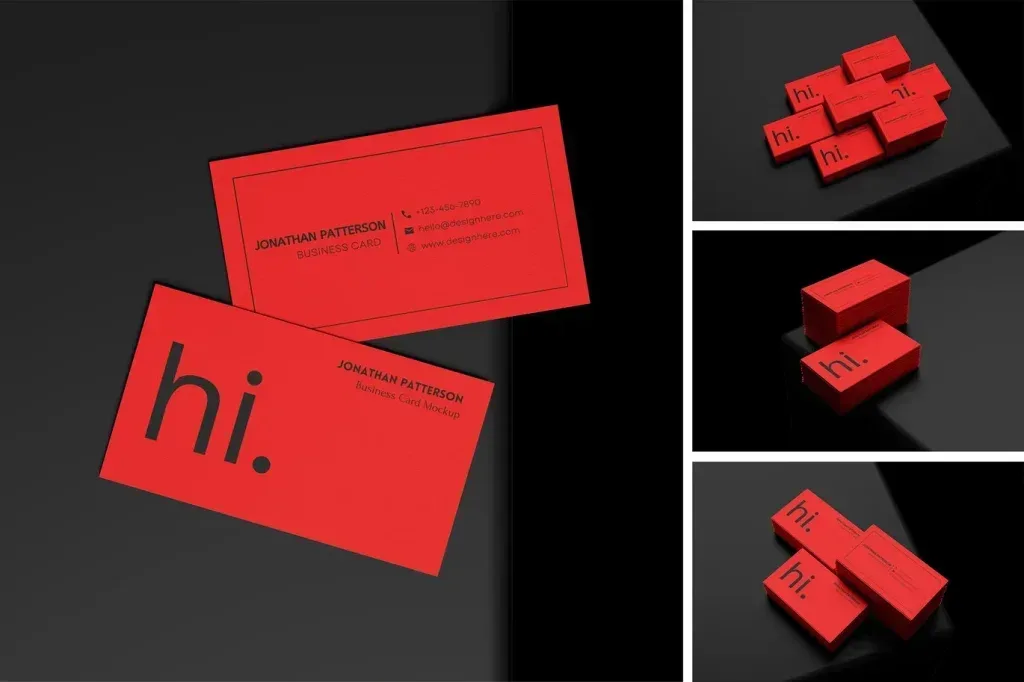
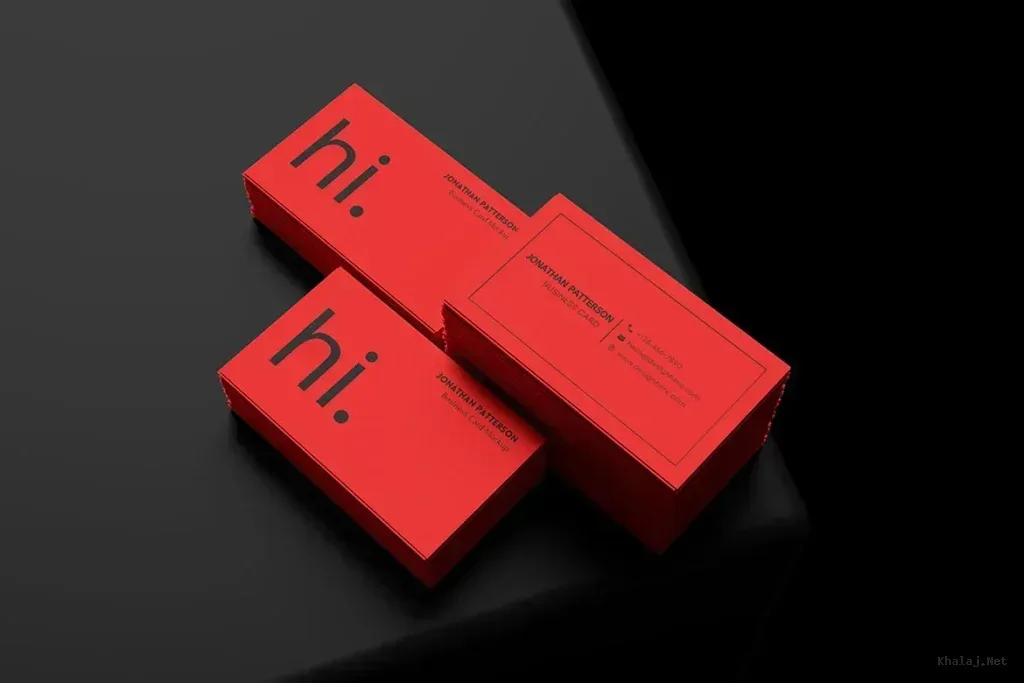
Business card mockups for Photoshop are pre-designed templates that mimic various realistic settings for displaying business cards. They include multiple perspectives such as vertical, portrait, square, and floating arrangements, each crafted to highlight different aspects of a business card’s design. These mockups simulate lighting, shadows, paper texture, and environmental context, enhancing the viewer’s perception of the design quality.
Typical Features and Benefits
- High-Resolution PSD Files: Most business card mockups come with layered, high-resolution PSD files, which maintain crispness and clarity for print and digital presentations.
- Smart-Object Layers: These allow easy insertion or replacement of your artwork without affecting the background or shadows, ensuring a professional and realistic look.
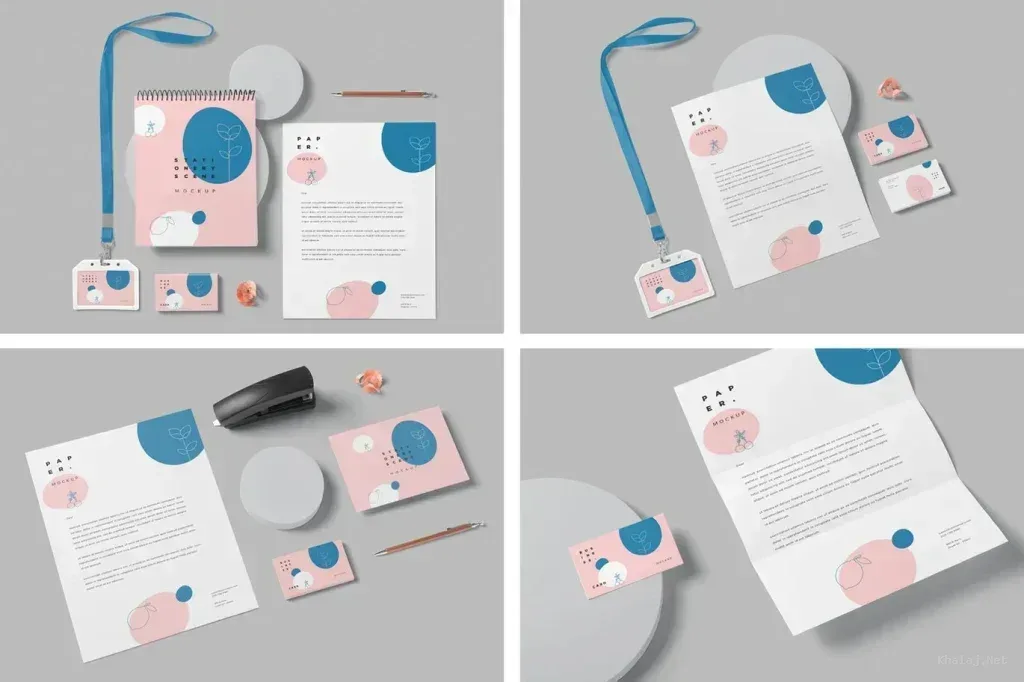
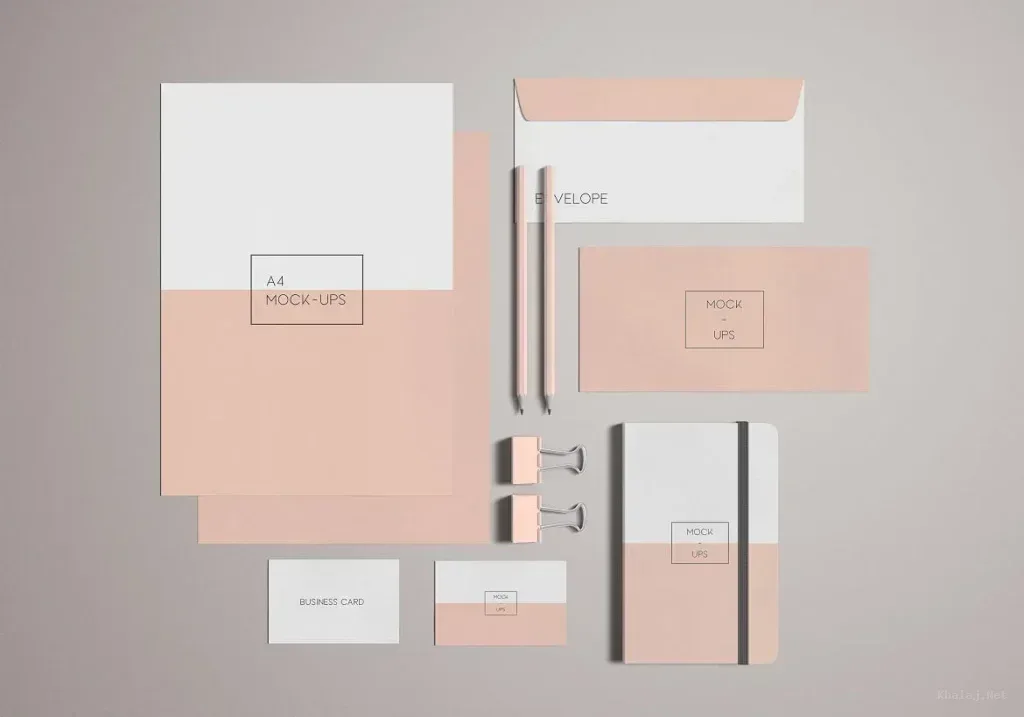
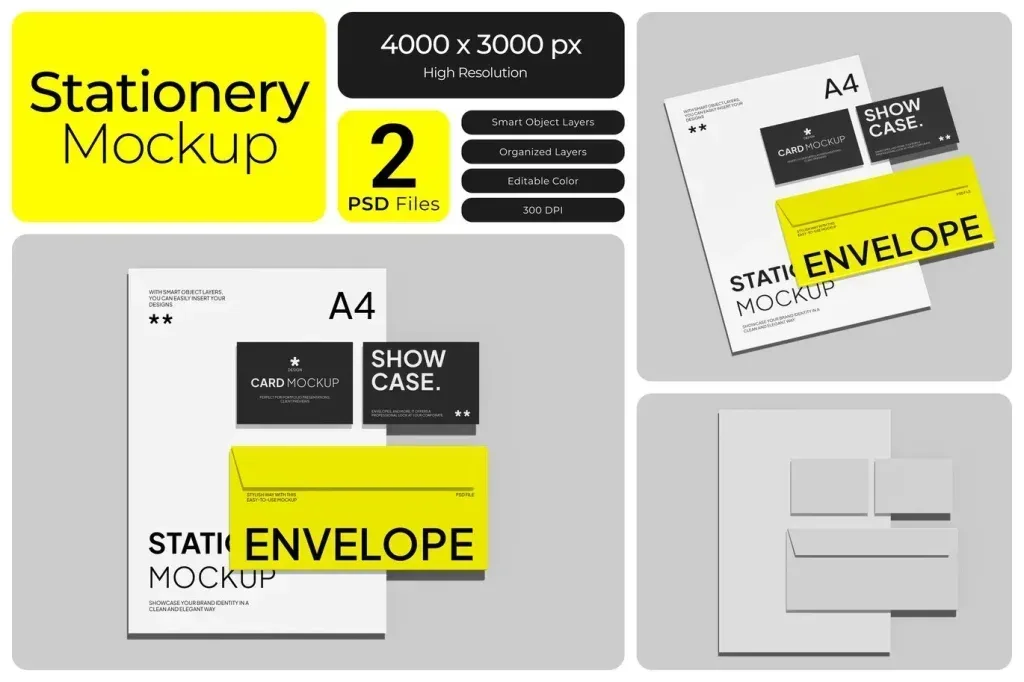
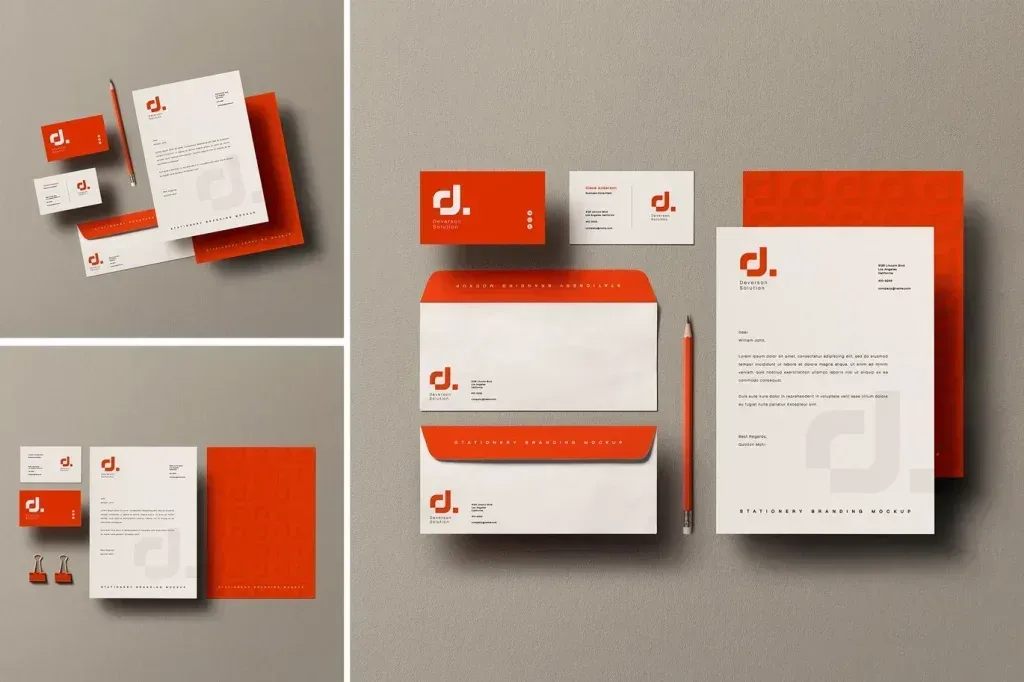
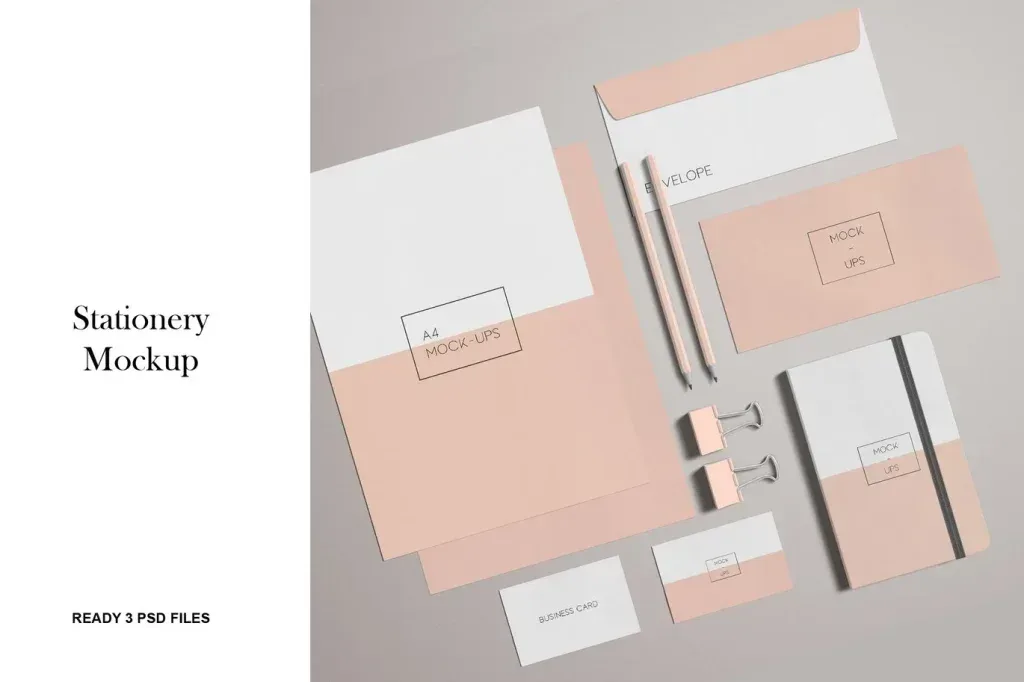
- Varied Presentation Styles: Options include clean desk scenes, branding stationery setups, stone or concrete surfaces, floating cards, and perspective packs to suit various branding themes.
- Organized Layers: Well-structured layers allow designers to customize backgrounds, shadows, and objects individually, giving full control over the mockup appearance.
Use Cases for Photoshop Mockups Business Card
These mockups serve multiple practical purposes in the design workflow:
- Client Presentations: Showcase business card designs to clients in an attractive and convincing way that mimics real-life usage.
- Portfolio Development: Enhance design portfolios by including realistic presentations that demonstrate how business cards appear in physical contexts.
- Marketing Materials: Use mockups for online or print promotional materials, helping potential customers visualize the final product.
- Branding Identity Projects: Combine business cards with stationery mockups like letterheads and envelopes to provide a cohesive brand identity visualization.
Who Can Benefit?
Photoshop Mockups Business Card products are suitable for various users, including:
- Graphic Designers and Illustrators needing professional previews of their card concepts.
- Branding Consultants and Agencies preparing comprehensive identity presentations for clients.
- Freelancers and Small Businesses wanting to visualize and refine print-ready business card designs before production.
Context in the Store
This tag belongs to the dominant product category “Photoshop Mockups” focusing exclusively on mockup assets for business cards. It complements related categories and tags such as “Business Card Mockup,” “Stationery Mockup,” and “Branding Mockup,” allowing users to explore comprehensive branding presentation tools. Each product under this tag is PSD-based and specifically designed for showcasing business cards with realistic effects, ensuring high fidelity in visualizing final outcomes.
How to Choose the Right Business Card Mockup
When selecting a Photoshop mockup for business cards, consider the following:
- Card Orientation: Choose between vertical, horizontal, square, or round formats based on your design.
- Scene Style: Determine if a clean desk, stone surface, floating card, or branding stationery setup best suits your brand and presentation needs.
- Customization Options: Look for well-organized PSD files with adjustable layers for backgrounds, shadows, and objects.
- Resolution Quality: Opt for high-resolution files (e.g., 4500×3000 pixels at 300 dpi) to ensure crisp prints and professional displays.
In summary, Photoshop Mockups Business Card products on Khalaj.Net provide an invaluable resource for presenting business card designs effectively and realistically. They enhance the impact of branding visuals for presentations, portfolios, and marketing projects within the professional design and creative community.