Titles

How to Choose After Effects Projects Titles

After Effects Projects Titles on Khalaj.Net brings together relevant products with practical use cases, file details, and clear selection guidance.

This category collects After Effects Projects focused on Titles: animated text openers, name plates, lower thirds, and short title sequences designed for event promos, invitations, and video intros. Each item is built as an After Effects Project to simplify replacing text, colors, and timing for your specific footage or event.

Category overview

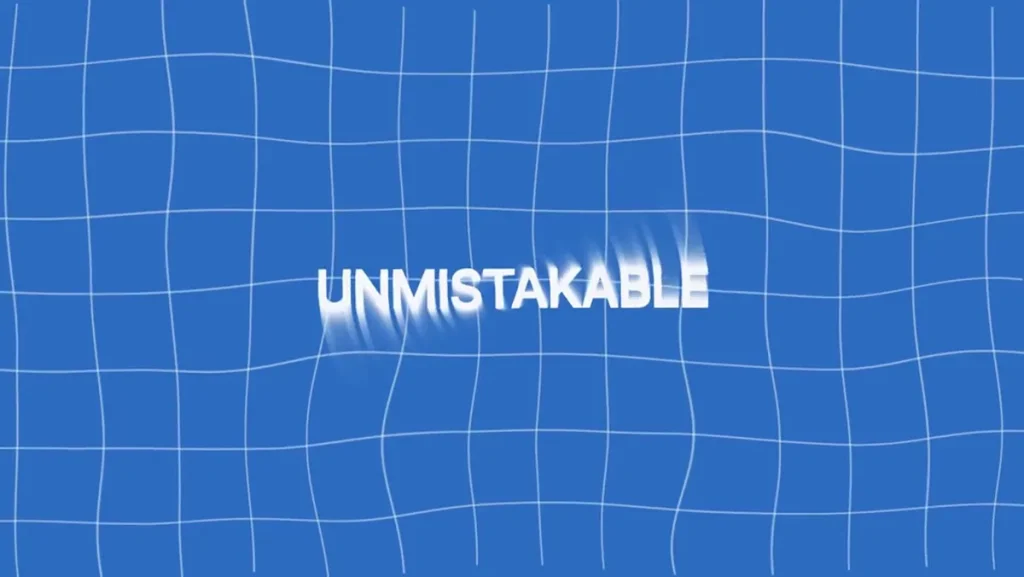
The Titles category contains After Effects Projects that center on animated text and short typographic sequences. Items here include openers for wedding invitations, elegant name and date panels, lower thirds, and short title cards that can be dropped into a timeline inside After Effects. With a focus on layout, motion, and legibility, these projects let you present names, dates, headlines, and short messages with animated styling that matches the visual tone of a video.

What you can use Titles for

The After Effects Projects Titles collection is useful for common production tasks where concise on-screen text is needed:

  • Event announcements and wedding invitations: animated title sequences that introduce names, dates, and venues.
  • Video openers and intros: short typographic animations that establish a mood before footage starts.
  • Lower thirds and captions: concise name-and-role graphics for interviews and presentations.
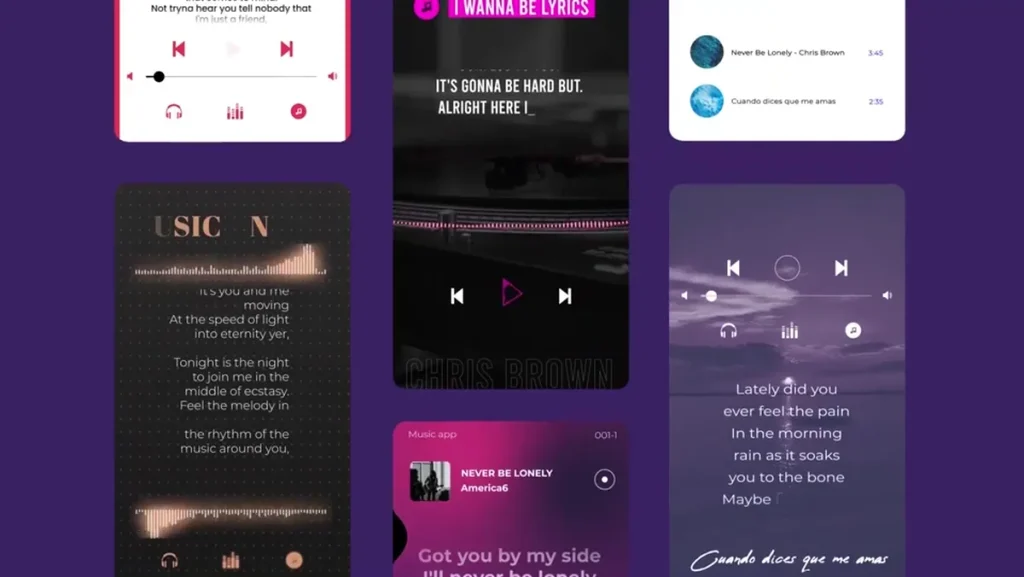
  • Social clips and teasers: short title animations sized for social platforms to highlight a message or call to action.
  • Montage headings: brief headers to separate segments inside a longer edit.

Who should choose these projects

The Titles projects suit a range of users who work in After Effects or integrate its projects into their workflow:

  • Freelance editors and motion designers who need ready-made animated text to speed up delivery.
  • Wedding videographers producing invitation reels or highlight films featuring animated name and date graphics.
  • Content creators and social media managers seeking short, polished title cards for platform-specific clips.
  • In-house video teams that want consistent title treatments across multiple videos without building animations from scratch.

File and software details

Every item in this category is an After Effects Project. Projects are intended to be opened and edited inside Adobe After Effects; they provide text layers, precomposed title animations, and composition controls for timing and color. Where applicable, preview materials such as product video demos illustrate animation timing and visual style—one example preview available is KH-AE-0275.

Because these are After Effects Projects, users will edit text fields, adjust fonts, and change colors directly in the composition panels. Projects may rely on linked assets (such as included images, placeholder videos, or fonts). Always check the project’s item page for a list of included files and any specifics about required plugin effects or optional media placeholders before purchase or download.

Design styles and themes in this category

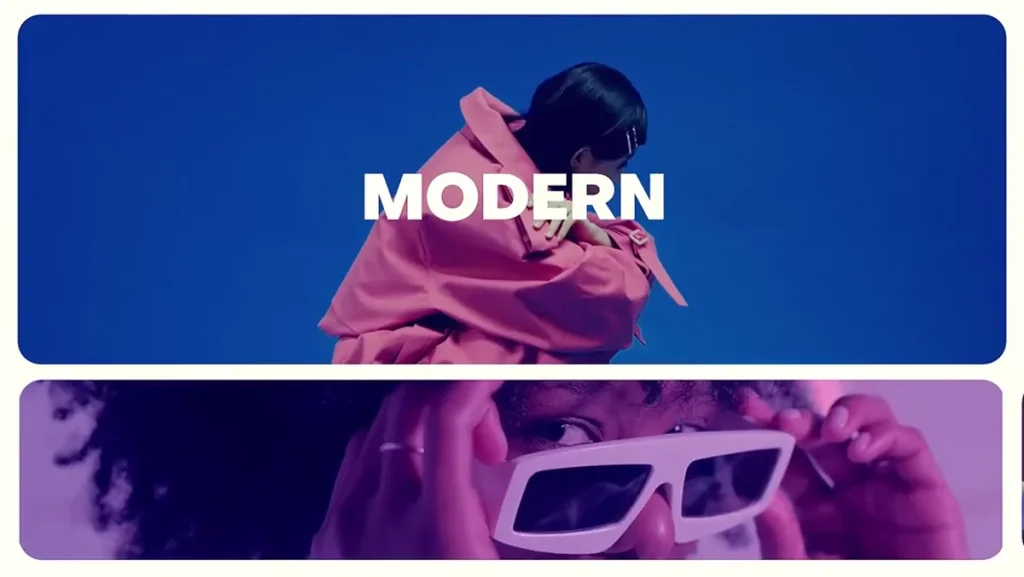
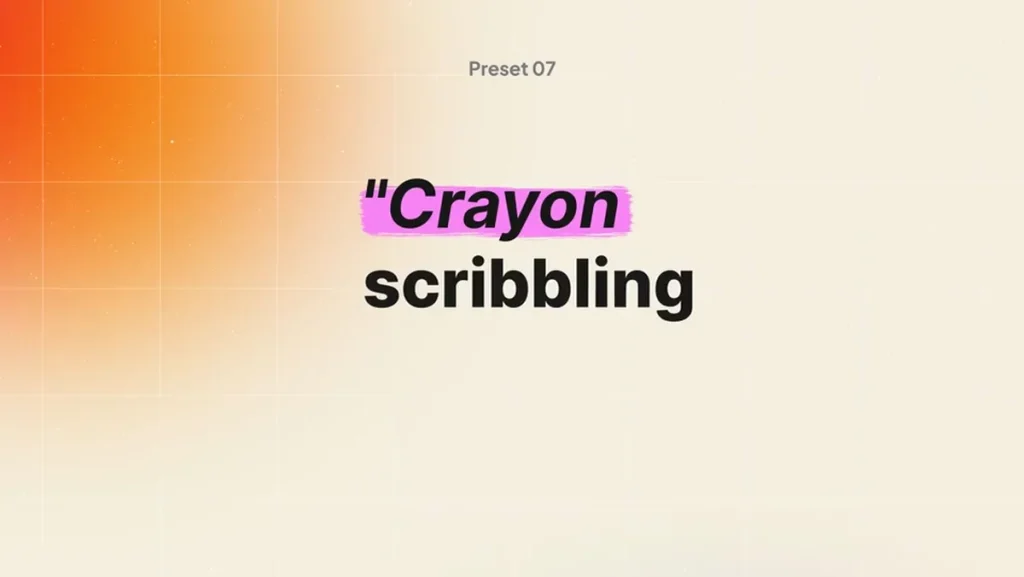
Titles projects range in tone and treatment. In this category you can find delicate, event-oriented title sequences—like those suited for a wedding invitation—often paired with soft visual elements such as watercolor accents and ornamental frames. Other titles emphasize clean geometric animation or kinetic typography for modern promotional content.

How to choose the right Titles project

Consider these practical points when selecting an After Effects Project from the Titles category:

  1. Purpose and runtime: Choose a title whose length and pacing match your intended placement—short lower thirds differ from a multi-line invitation opener.
  2. Visual match: Pick a style that complements your footage. Wedding Invitation–style titles and projects tagged with Watercolor and Wedding will pair best with romantic or formal visual themes.
  3. Editable elements: Verify that the project exposes text layers, color controls, and timing adjustments so you can localize content and adjust animation speed.
  4. Font usage: Check whether fonts are included or need to be installed separately. Matching the project’s typography to your brand or event is essential for a consistent look.
  5. Placeholders and guides: Look for projects that include clear placeholders for images or video, and labeled composition guides to make replacements straightforward.

Practical workflow tips

To integrate a Titles project into a typical After Effects workflow, follow these steps:

  • Open the project and locate the main composition (often labeled Title, Main, or Comp). Preview the animation to note timing and animated properties.
  • Replace placeholder text with your copy. Use global controls or expression-driven text fields if provided to speed up updates across multiple comps.
  • Adjust colors and artwork using the project’s color control layers or directly on shape/text layers to match your footage or brand palette.
  • Replace image or video placeholders with your content and trim or reposition inside the composition as needed.
  • Render a short proof to check legibility at target output sizes (mobile, web, broadcast) before final export.

Why Khalaj.Net for After Effects Titles

Khalaj.Net organizes After Effects Projects under parent categories like After Effects Project and offers curated subcategories such as Titles and Wedding Invitation to help you find the right typographic animations faster. Item previews and clear category signals (for example, projects related to wedding invitations and watercolor styles) make it easier to judge whether a title will match your creative intent before opening the project.

Related category note

Titles are part of the broader After Effects Project collection. If you need other event-specific templates, the Wedding Invitation child category groups titles and openers tailored for wedding-related videos. Tags such as Watercolor and Wedding frequently appear alongside these projects, indicating common stylistic pairings.

Closing guidance

When selecting an After Effects Projects Title, focus on compatibility with your After Effects version, the scope of editable elements, and the visual tone. With careful selection, Titles projects save time and provide polished animated typography suitable for invitations, intros, and short on-screen text needs.

Titles

How to Choose After Effects Projects Titles

After Effects Projects Titles on Khalaj.Net brings together relevant products with practical use cases, file details, and clear selection guidance.

This category collects After Effects Projects focused on Titles: animated text openers, name plates, lower thirds, and short title sequences designed for event promos, invitations, and video intros. Each item is built as an After Effects Project to simplify replacing text, colors, and timing for your specific footage or event.

Category overview

The Titles category contains After Effects Projects that center on animated text and short typographic sequences. Items here include openers for wedding invitations, elegant name and date panels, lower thirds, and short title cards that can be dropped into a timeline inside After Effects. With a focus on layout, motion, and legibility, these projects let you present names, dates, headlines, and short messages with animated styling that matches the visual tone of a video.

What you can use Titles for

The After Effects Projects Titles collection is useful for common production tasks where concise on-screen text is needed:

  • Event announcements and wedding invitations: animated title sequences that introduce names, dates, and venues.
  • Video openers and intros: short typographic animations that establish a mood before footage starts.
  • Lower thirds and captions: concise name-and-role graphics for interviews and presentations.
  • Social clips and teasers: short title animations sized for social platforms to highlight a message or call to action.
  • Montage headings: brief headers to separate segments inside a longer edit.

Who should choose these projects

The Titles projects suit a range of users who work in After Effects or integrate its projects into their workflow:

  • Freelance editors and motion designers who need ready-made animated text to speed up delivery.
  • Wedding videographers producing invitation reels or highlight films featuring animated name and date graphics.
  • Content creators and social media managers seeking short, polished title cards for platform-specific clips.
  • In-house video teams that want consistent title treatments across multiple videos without building animations from scratch.

File and software details

Every item in this category is an After Effects Project. Projects are intended to be opened and edited inside Adobe After Effects; they provide text layers, precomposed title animations, and composition controls for timing and color. Where applicable, preview materials such as product video demos illustrate animation timing and visual style—one example preview available is KH-AE-0275.

Because these are After Effects Projects, users will edit text fields, adjust fonts, and change colors directly in the composition panels. Projects may rely on linked assets (such as included images, placeholder videos, or fonts). Always check the project’s item page for a list of included files and any specifics about required plugin effects or optional media placeholders before purchase or download.

Design styles and themes in this category

Titles projects range in tone and treatment. In this category you can find delicate, event-oriented title sequences—like those suited for a wedding invitation—often paired with soft visual elements such as watercolor accents and ornamental frames. Other titles emphasize clean geometric animation or kinetic typography for modern promotional content.

How to choose the right Titles project

Consider these practical points when selecting an After Effects Project from the Titles category:

  1. Purpose and runtime: Choose a title whose length and pacing match your intended placement—short lower thirds differ from a multi-line invitation opener.
  2. Visual match: Pick a style that complements your footage. Wedding Invitation–style titles and projects tagged with Watercolor and Wedding will pair best with romantic or formal visual themes.
  3. Editable elements: Verify that the project exposes text layers, color controls, and timing adjustments so you can localize content and adjust animation speed.
  4. Font usage: Check whether fonts are included or need to be installed separately. Matching the project’s typography to your brand or event is essential for a consistent look.
  5. Placeholders and guides: Look for projects that include clear placeholders for images or video, and labeled composition guides to make replacements straightforward.

Practical workflow tips

To integrate a Titles project into a typical After Effects workflow, follow these steps:

  • Open the project and locate the main composition (often labeled Title, Main, or Comp). Preview the animation to note timing and animated properties.
  • Replace placeholder text with your copy. Use global controls or expression-driven text fields if provided to speed up updates across multiple comps.
  • Adjust colors and artwork using the project’s color control layers or directly on shape/text layers to match your footage or brand palette.
  • Replace image or video placeholders with your content and trim or reposition inside the composition as needed.
  • Render a short proof to check legibility at target output sizes (mobile, web, broadcast) before final export.

Why Khalaj.Net for After Effects Titles

Khalaj.Net organizes After Effects Projects under parent categories like After Effects Project and offers curated subcategories such as Titles and Wedding Invitation to help you find the right typographic animations faster. Item previews and clear category signals (for example, projects related to wedding invitations and watercolor styles) make it easier to judge whether a title will match your creative intent before opening the project.

Related category note

Titles are part of the broader After Effects Project collection. If you need other event-specific templates, the Wedding Invitation child category groups titles and openers tailored for wedding-related videos. Tags such as Watercolor and Wedding frequently appear alongside these projects, indicating common stylistic pairings.

Closing guidance

When selecting an After Effects Projects Title, focus on compatibility with your After Effects version, the scope of editable elements, and the visual tone. With careful selection, Titles projects save time and provide polished animated typography suitable for invitations, intros, and short on-screen text needs.