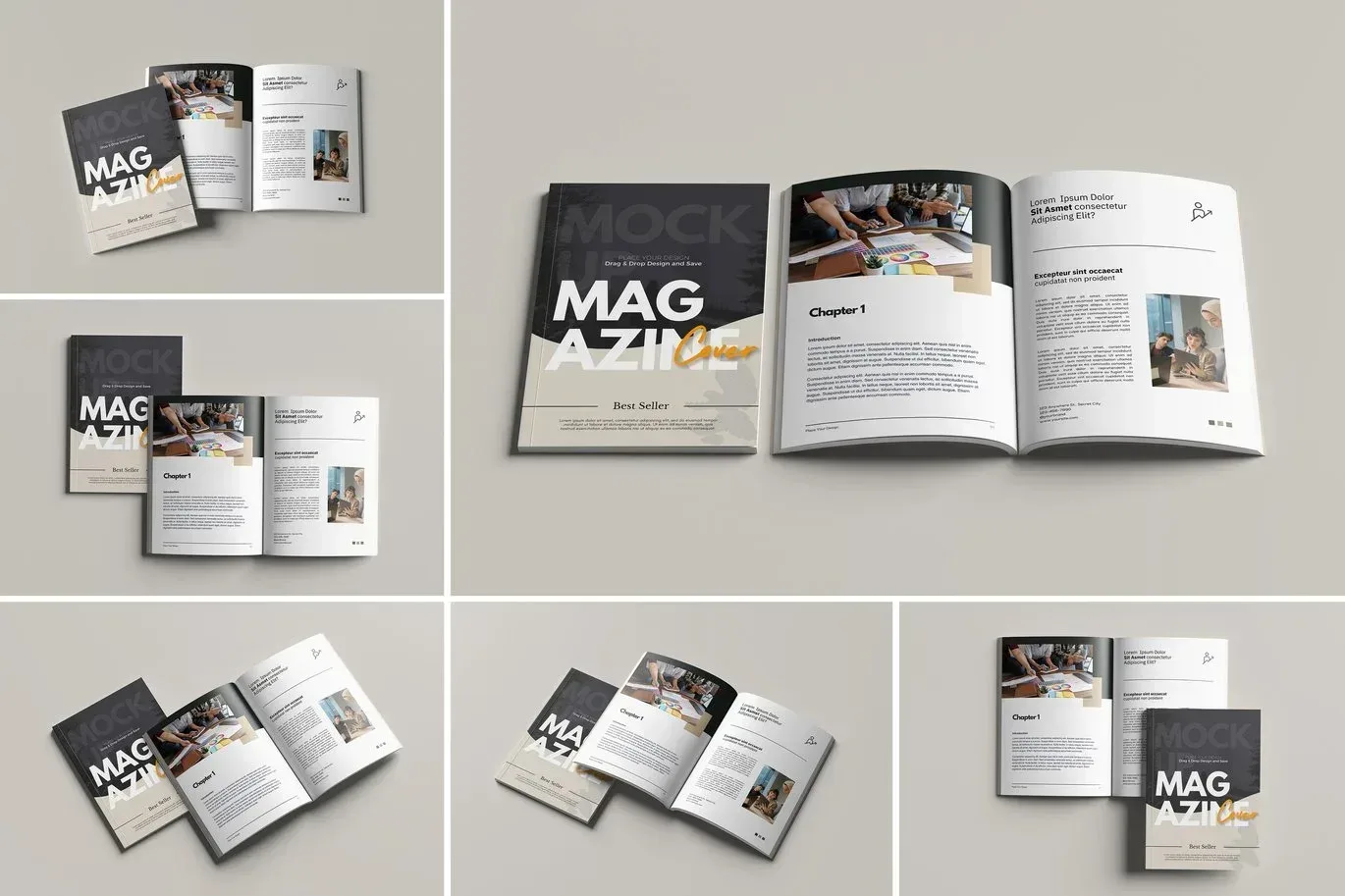
Detailed PSD Magazine Mockup
PSD Mockup Magazine with Smart. This PSD Mockup presents a versatile magazine design with six distinct scenes, each fully editable through smart objects. The high resolution of 4500×4500 pixels at 300 DPI ensures crisp and professional presentation for your creative projects. You can easily replace the existing magazine designs with your own artwork in seconds, thanks to the smart object layers.
Customizable Features and Workflow
The mockup includes organized layers and folders, making navigation and editing straightforward. Background colors are fully customizable, allowing you to adapt the presentation to bright or dark themes. Light adjustments are also available to enhance the visual appeal of your magazine layouts. This mockup is ideal for showcasing magazine covers, editorial spreads, or promotional materials in a realistic and attractive manner. The PSD Mockup Magazine with Smart keeps the product’s main visual purpose clear across the described uses.
Whether you are a graphic designer, marketer, or publisher, this PSD Mockup streamlines your workflow by providing a professional and editable template. The included scenes offer flexibility for various presentation styles, ensuring your designs stand out in portfolios, client presentations, or online showcases.
Required Software for Editing
To edit this project, you must have a compatible version of Adobe Photoshop installed on your system.
You may use any of the supported Photoshop versions listed below to open and edit the project file. The version you choose depends on your system specifications, hardware performance, and personal preference.
All supported versions allow full editing of the project, including layers, text, colors, images, and other customizable elements.
Please select the Photoshop version that best matches your computer’s capabilities for optimal performance.