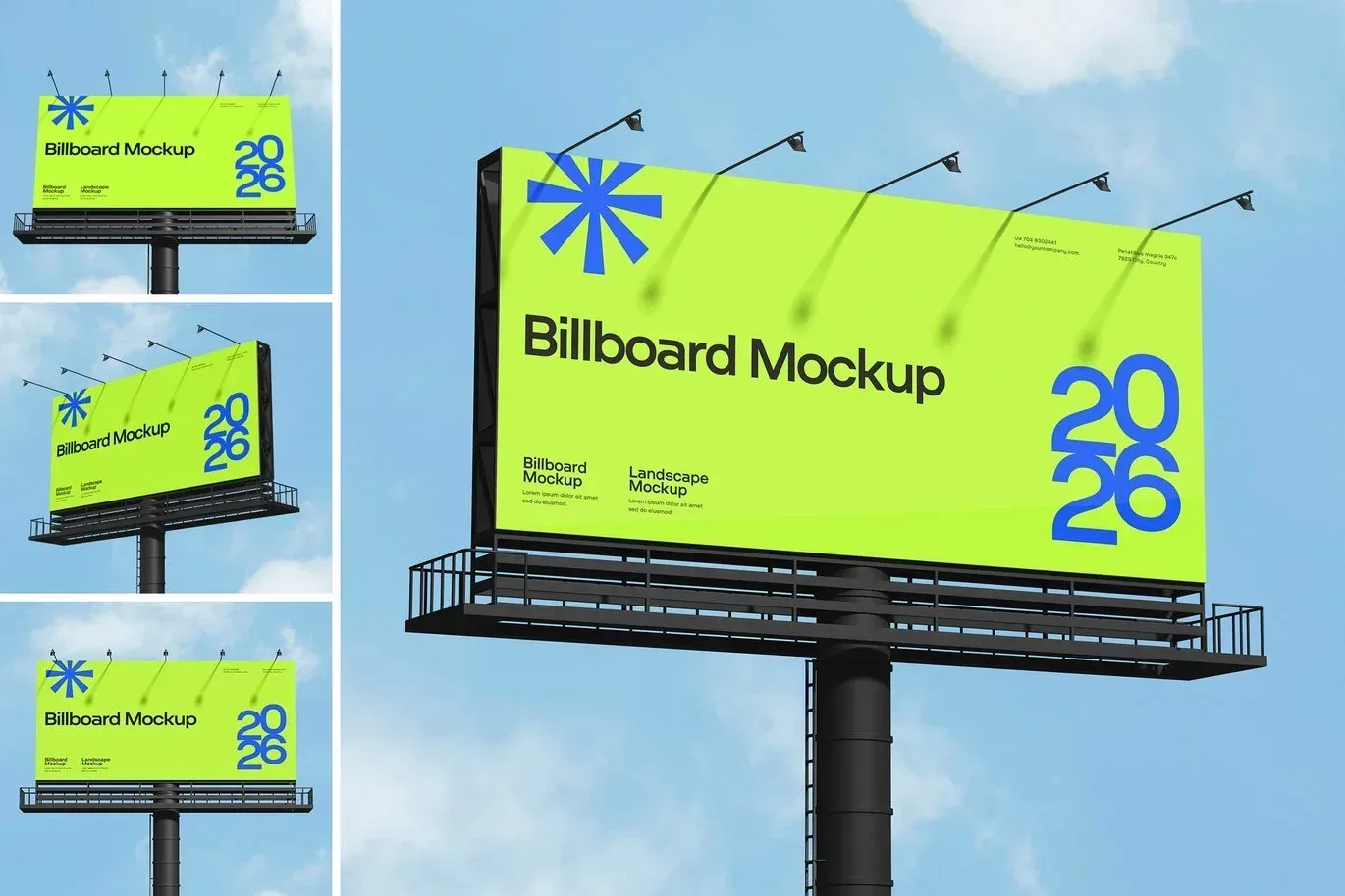
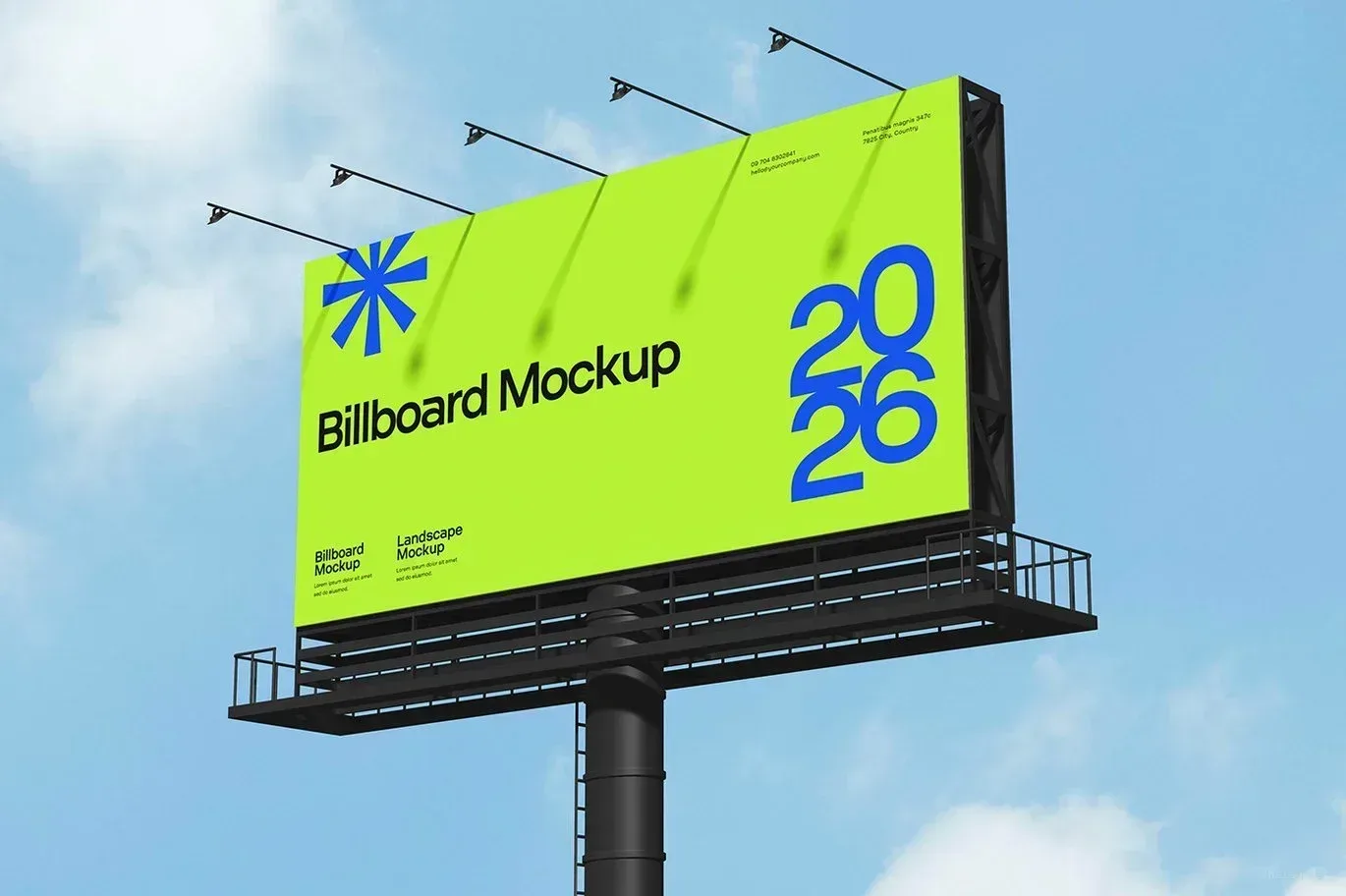
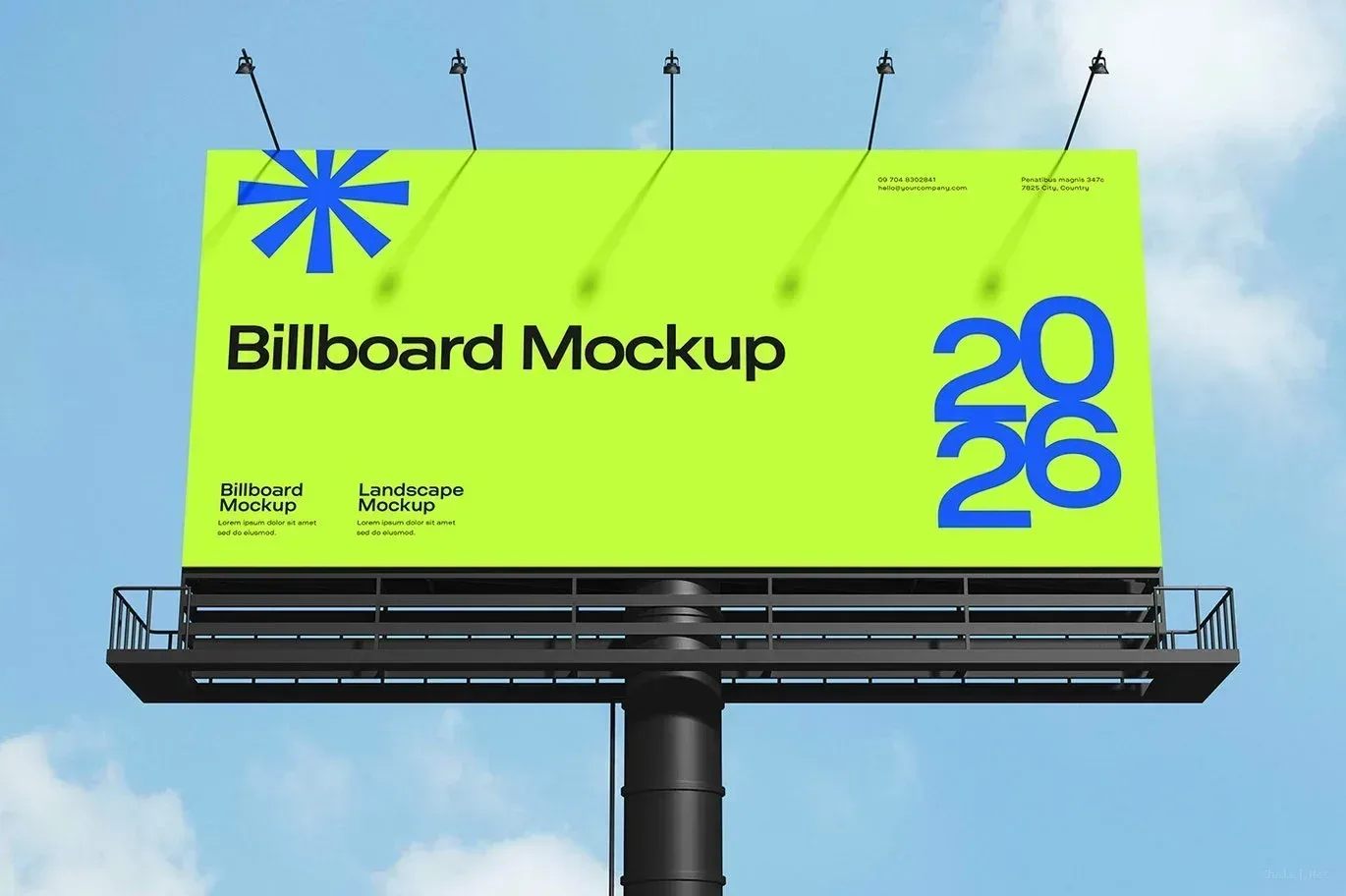
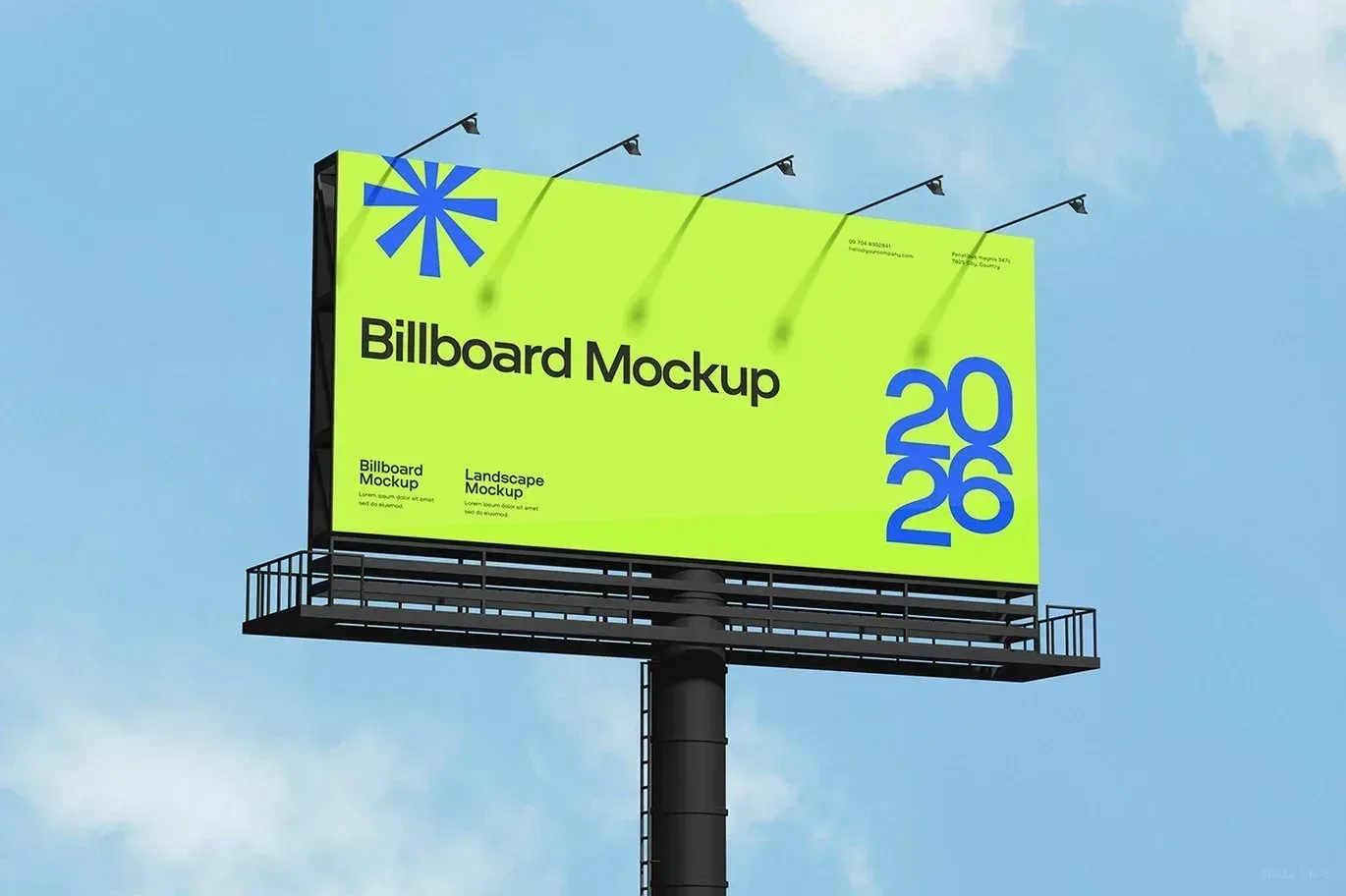
PSD Mockup Billboard for outdoor presentations
PSD Mockup Billboard for City. PSD Mockup Billboard gives you a realistic city billboard scene that helps you present advertising artwork in a clean, believable setting. The visible subject is the billboard itself, so your design can be shown in a public outdoor context instead of a flat screen or plain background. This makes it useful for campaign previews, poster layouts, brand announcements, and large display concepts.
The mockup is built for Photoshop-based editing and is sold as a digital creative asset. It is designed around the billboard presentation, which means the scene already does the visual heavy lifting while you focus on placing your artwork. That workflow is ideal when you want to preview a message, compare layout options, or show a client how a graphic might look at street level. The PSD Mockup Billboard for City keeps the product’s main visual purpose clear across the described uses.
Where this billboard mockup works best
Use this PSD Mockup Billboard for outdoor advertising concepts, identity presentations, event notices, retail promotions, and city branding visuals. The billboard format helps you communicate scale and visibility, especially when PSD Mockup Billboard for City needs to feel anchored in a real urban environment. It also works well for portfolio displays when you want a straightforward mockup with a practical street scene.
The file is centered on the billboard display, so the main value comes from showing artwork in context. If your goal is to present a poster, ad layout, or signage concept, this PSD Mockup Billboard gives you a focused and professional-looking frame for the job. It is a simple choice for designers who need a billboard scene that feels direct, realistic, and ready for presentation.
Required Software for Editing
To edit this project, you must have a compatible version of Adobe Photoshop installed on your system.
You may use any of the supported Photoshop versions listed below to open and edit the project file. The version you choose depends on your system specifications, hardware performance, and personal preference.
All supported versions allow full editing of the project, including layers, text, colors, images, and other customizable elements.
Please select the Photoshop version that best matches your computer’s capabilities for optimal performance.