PSD Mockup Book for a clean cover presentation
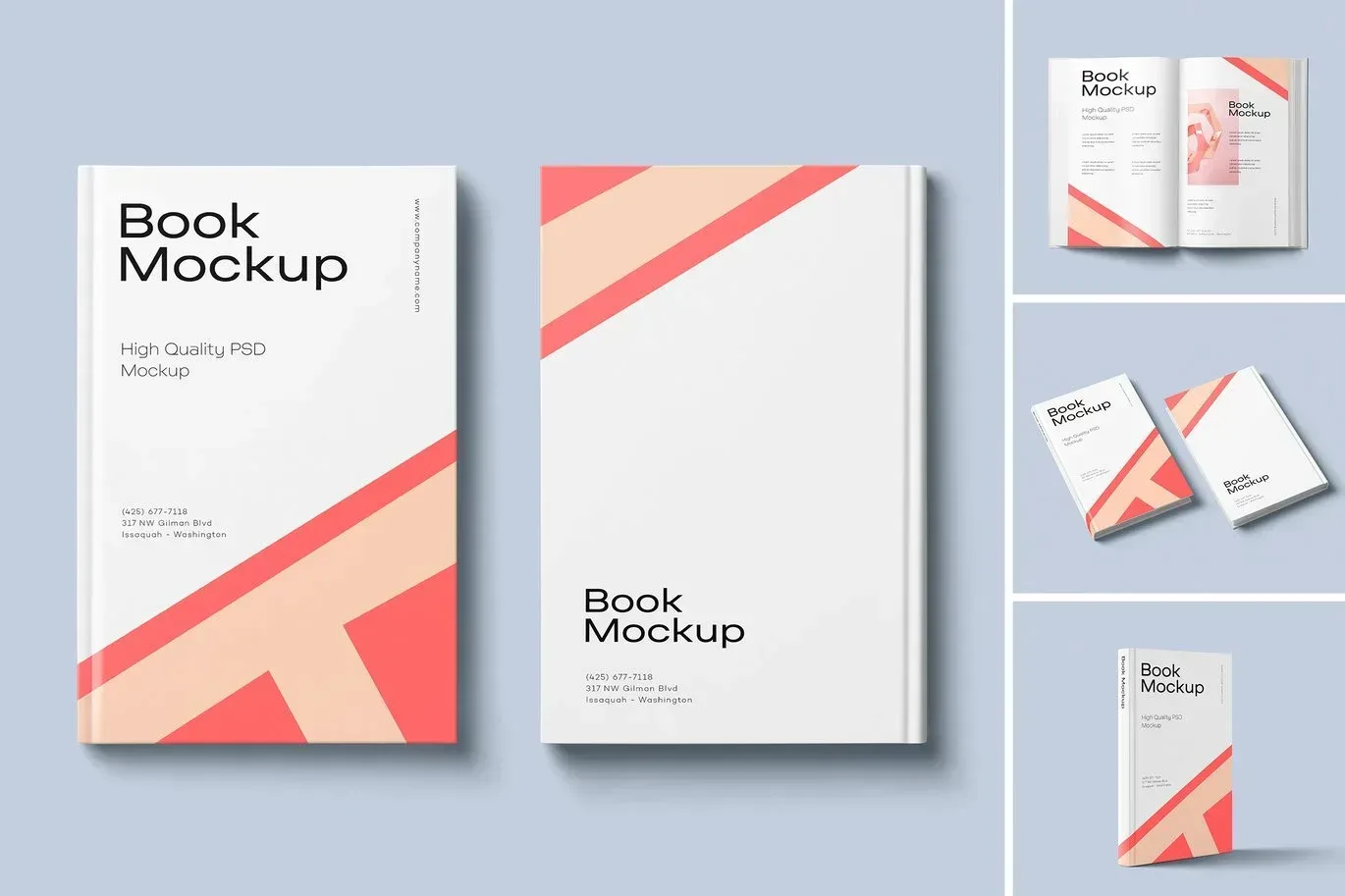
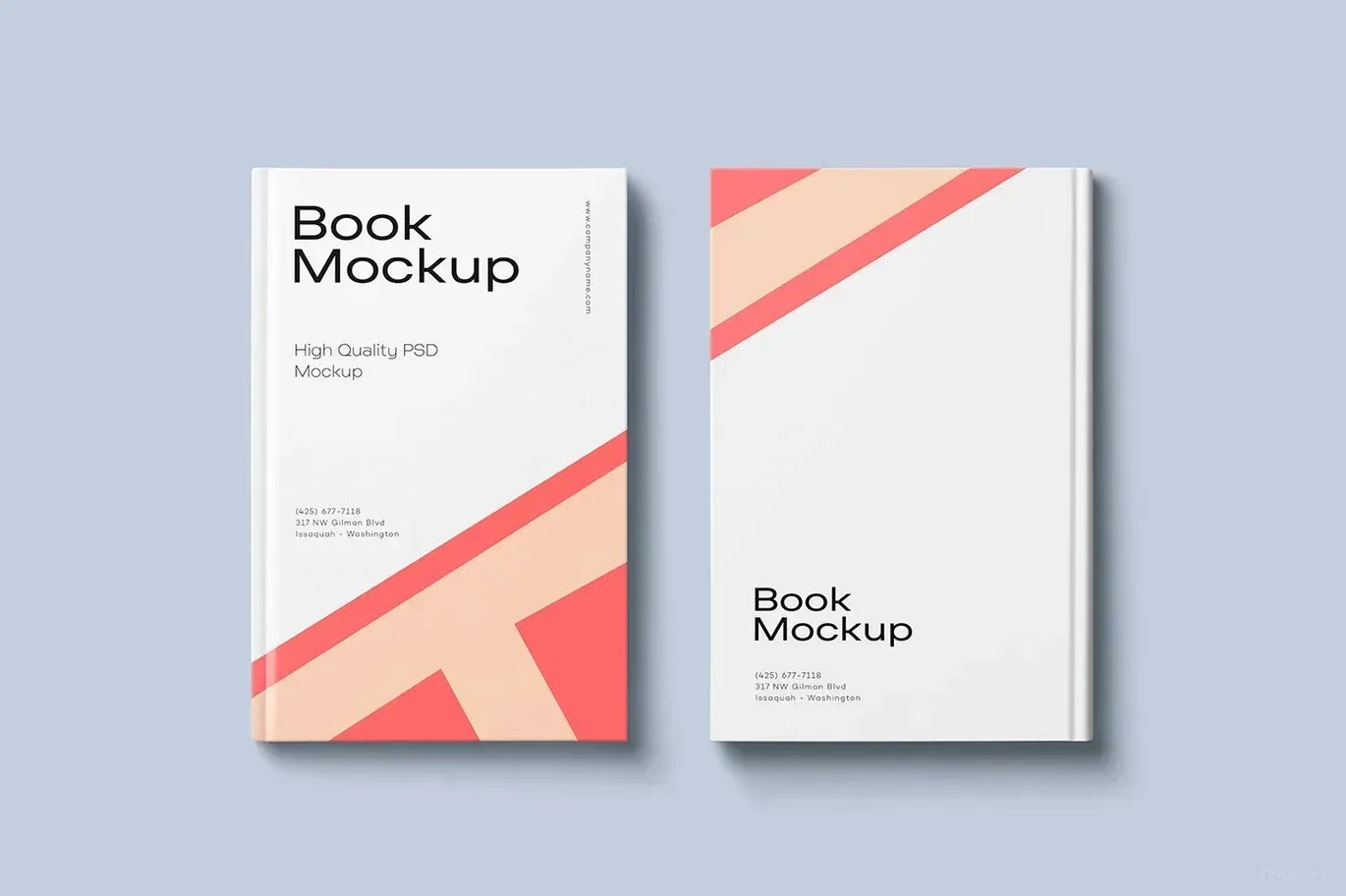
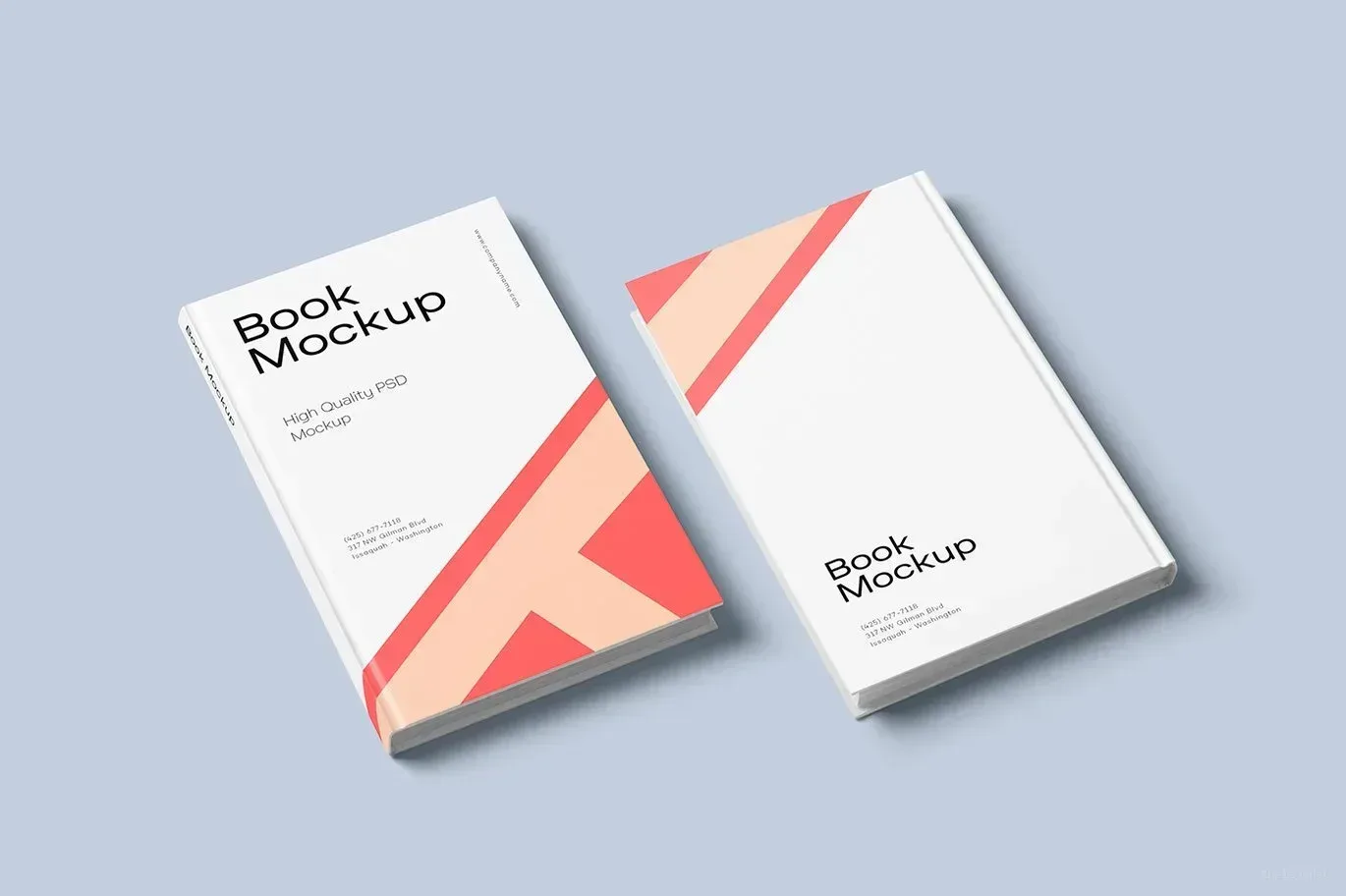
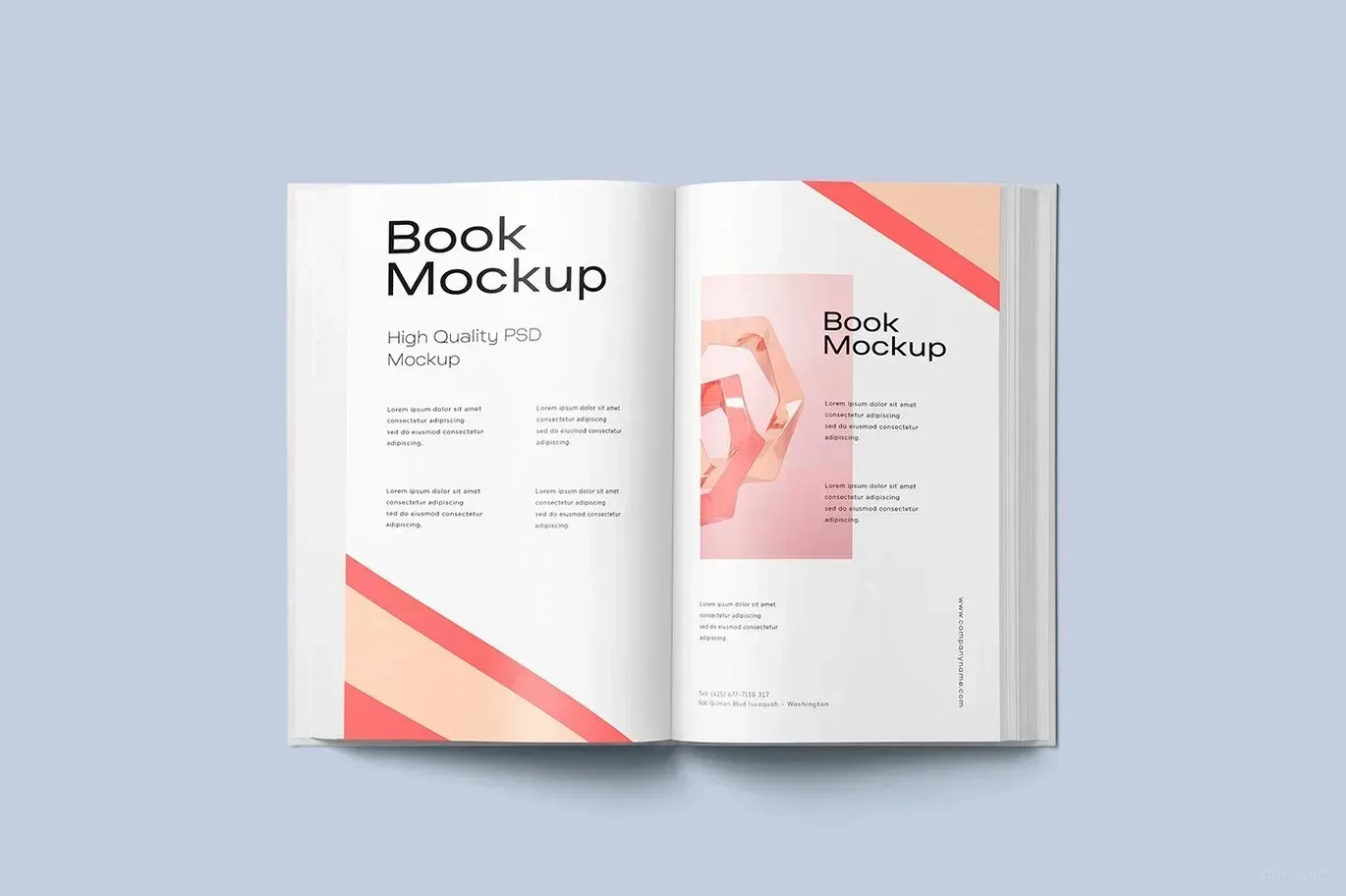
PSD Mockup Book on Minimal. PSD Mockup Book presents a realistic book cover scene in a minimal desk setup, giving your design a calm and polished setting. It is built for showcasing a cover concept before print approval, for sharing a portfolio piece, or for displaying a product image online with a neat and professional look. The simple composition keeps attention on the book itself, so the cover artwork remains the clear focal point.
This mockup is useful when you want to show a reading project, a publishing idea, or a cover study in a way that feels believable and easy to review. Because the scene is based on an everyday desk arrangement, it adds a practical context without distracting from the design. That balance makes it a strong choice for modern cover ideas, minimal branding, and editorial presentations that need a straightforward visual frame. The PSD Mockup Book on Minimal keeps the product’s main visual purpose clear across the described uses.
Where this mockup fits best
Use this PSD Mockup Book for book cover presentations, client previews, catalog visuals, social media posts, and product showcase images. It helps you compare different cover directions in a consistent setting, which is especially useful when you are refining artwork and need a clean way to present revisions. The scene supports a natural presentation style that feels ready for review while still leaving the cover as the main subject. The PSD Mockup Book on Minimal presents the key product details in a consistent and readable way.
For designers, publishers, and content creators, this mockup offers a tidy way to show book related work without adding unnecessary detail. It is also a practical option when you need a visual that communicates order, clarity, and a sense of real use. If your workflow includes multiple cover concepts or client feedback rounds, the minimal desk scene makes it easier to focus on the design decision itself. PSD Mockup Book gives your artwork a simple stage and helps it look prepared, presentable, and easy to understand.
Required Software for Editing
To edit this project, you must have a compatible version of Adobe Photoshop installed on your system.
You may use any of the supported Photoshop versions listed below to open and edit the project file. The version you choose depends on your system specifications, hardware performance, and personal preference.
All supported versions allow full editing of the project, including layers, text, colors, images, and other customizable elements.
Please select the Photoshop version that best matches your computer’s capabilities for optimal performance.